5 Proven Ways AI Employees Save Small Businesses 20+ Hours/Week
Discover how AI-powered employees are helping small businesses automate their daily operations, from email management to social media posting.
Thinking of replacing your virtual assistant with AI? Here's an honest task-by-task breakdown of what AI does better, what still needs a human, and how much you'll save.

You're paying your virtual assistant $2,000 a month. She's great — reliable, friendly, gets the work done. But lately you've noticed something: half the tasks on her plate are copy-paste workflows. Scheduling posts. Triaging emails. Following up with cold leads using the same three templates. And you're wondering — should an AI be doing this instead?
You're not the only one asking. In 2026, 52% of businesses plan to outsource at least one task, and a growing chunk of those are choosing AI over human contractors. Not because AI is smarter — but because for certain jobs, it's faster, cheaper, and never misses a day.
This isn't a "fire your VA" post. It's an honest task-by-task breakdown: where AI genuinely outperforms a human assistant, where a human is still irreplaceable, and where it depends on your business. By the end, you'll know exactly which tasks to hand off — and how to do it without chaos.
Most "AI vs VA" articles pick a side and hammer it. Either AI is magic and VAs are obsolete, or AI is dumb and VAs are irreplaceable. Neither is true. The reality is more useful: some tasks belong to AI, some belong to humans, and some depend on context.
Here's a side-by-side comparison of 10 common VA tasks, with an honest verdict on each.
| Task | AI Employee | Human VA | Verdict |
|---|---|---|---|
| Email triage & drafting | Reads, categorizes, drafts replies 24/7 | 8 hrs/day, slower on volume | AI wins |
| Social media scheduling | Creates & posts daily across platforms | Manual scheduling, limited hours | AI wins |
| SEO blog writing | Researches keywords, writes & publishes | Outsources to writer, manages drafts | AI wins |
| Lead follow-up sequences | Instant follow-up, never forgets | Manual emails, delays, human error | AI wins |
| Appointment booking | Books 24/7, syncs calendars instantly | Available during work hours only | AI wins |
| FAQ customer support | Instant, consistent, multilingual | Empathetic but slower | AI wins |
| Data entry & reporting | Zero errors, processes in seconds | Prone to fatigue errors | AI wins |
| Strategy & planning | Can assist, not lead | Understands your business deeply | Human wins |
| Handling upset clients | Can de-escalate basic complaints | Reads emotions, builds trust | Human wins |
| Creative direction | Generates options, needs guidance | Owns the vision end-to-end | Human wins |
AI wins 7 out of 10 common VA tasks on speed, cost, and consistency.
Let's be specific. These aren't vague claims — these are the tasks where AI employees outperform human VAs on speed, cost, and consistency every single time.
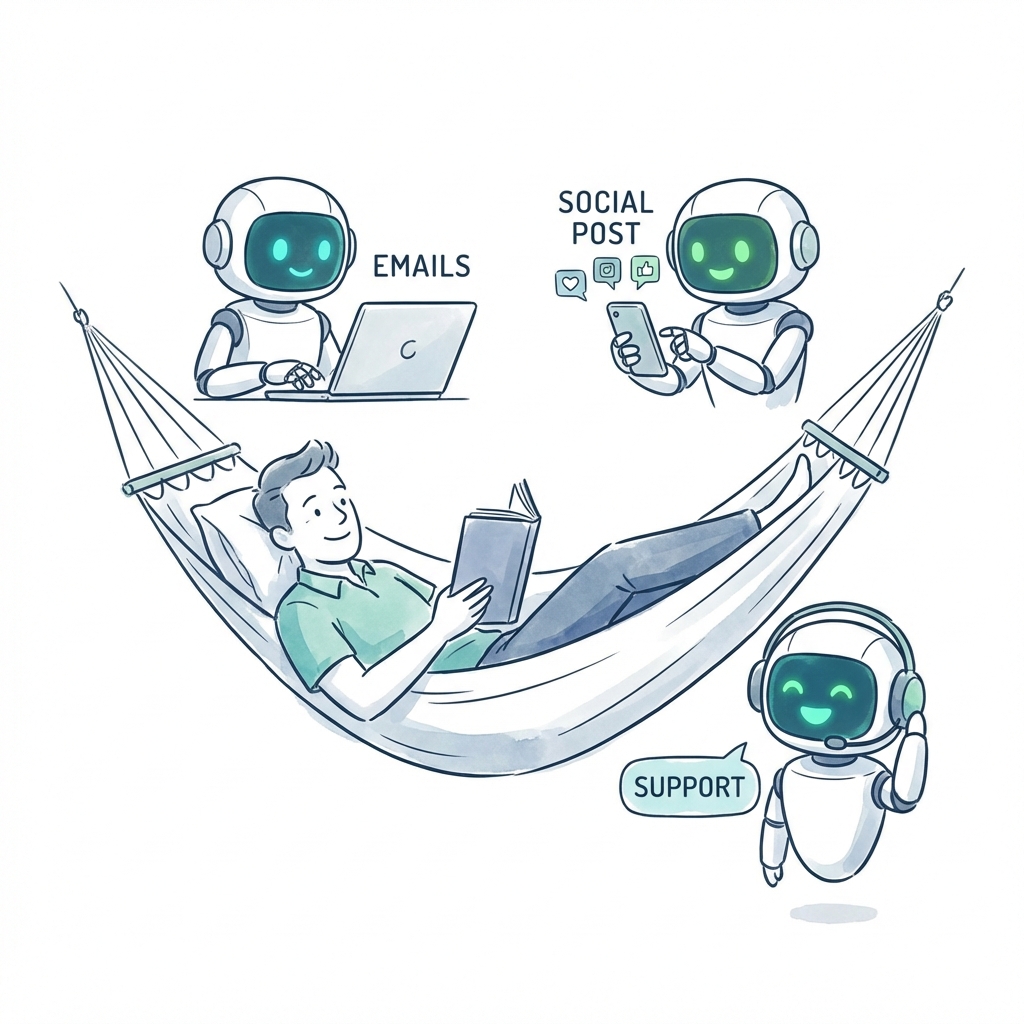
Your VA reads 50 emails a day, categorizes them, drafts replies, flags the urgent ones. She's good at it — but she does it from 9am to 5pm, and she misses things when the volume spikes. An AI email employee like Dooza's Maily reads every email the moment it lands, categorizes it by intent, drafts context-aware responses, and flags only what truly needs you. At 2am on a Sunday. Every single time.
A VA schedules posts using Buffer or Hootsuite, maybe creates some captions from templates. An AI social employee like Somi generates original content matched to your brand voice, optimizes posting times per platform, and publishes daily across LinkedIn, Instagram, X, and Facebook — without you touching it. That's not a tool with a scheduler. That's an employee who owns the channel.
Your VA either writes the blog herself (usually mediocre SEO) or manages a freelancer ($200–$500 per post, 1–2 week turnaround). Ranky — Dooza's SEO employee — does keyword research, writes optimized articles, and publishes them to your blog. Output: 4–8 posts per month, fully optimized, for $49/month total. That's the cost of one freelance blog post.
A lead comes in at 8pm. Your VA sees it at 9am the next day. By then, the lead has already booked a call with your competitor. Stan — Dooza's sales AI employee — follows up instantly, sends a personalized sequence, and books the meeting before your VA finishes her morning coffee. Speed-to-lead is the #1 predictor of conversion. AI wins here by default.
Rachel — Dooza's AI receptionist — answers calls 24/7, books appointments directly into your calendar, and handles common questions without transferring to anyone. Your VA can do this too, but only during business hours. Every missed call after 5pm is a missed opportunity.
"What are your business hours?" "Do you offer refunds?" "How do I reset my password?" Your VA answers these 30 times a week. AI answers them 30 times a minute — in any language, with zero wait time, with perfect consistency.
Your VA spends 3 hours every Friday pulling numbers into a spreadsheet. AI does it in seconds, with no copy-paste errors, and can run the same report every hour if you want. This is the most boring and error-prone VA task — and the easiest AI win.
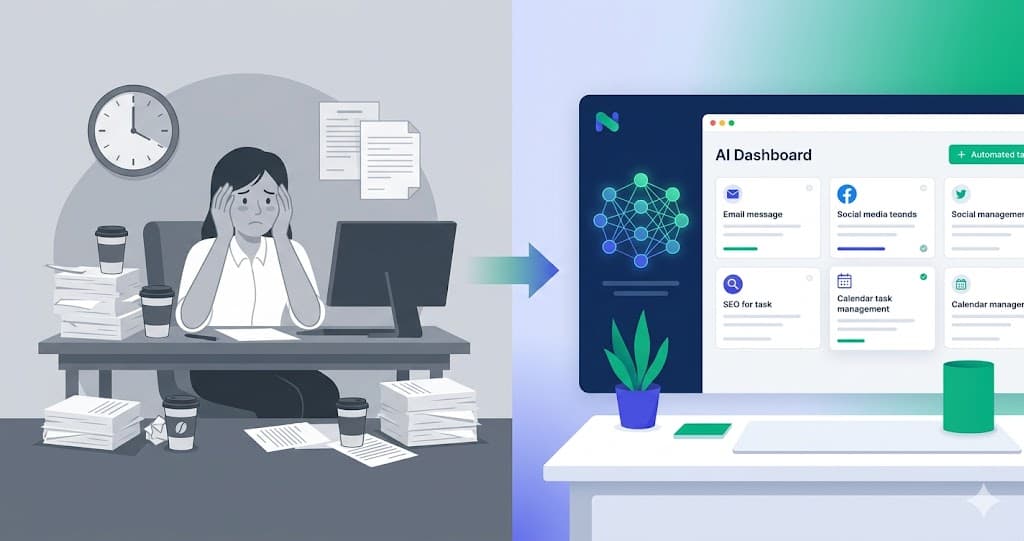
Watch: how Dooza's AI employees handle real business tasks — email, social, SEO, and calls.
Here's where honesty matters. If someone tells you AI can fully replace every VA task in 2026, they're selling you something. These are the jobs where a human is still the better choice — and acknowledging this doesn't weaken the case for AI. It makes it more credible.
AI can research competitors, pull data, and even draft strategy documents. But it can't sit in your context — your cash flow, your team dynamics, your risk tolerance — and make the judgment call that says "we should pull out of that market." Strategy is pattern recognition plus lived experience. AI has the first part. Not the second.
A great VA remembers that your biggest client's daughter just graduated, sends a congratulations note, and follows up on the partnership discussion from last month. That's not a workflow — that's emotional intelligence. AI can remind you to send the note. It can't build the relationship.
When a customer is angry — truly angry — they need to feel heard by a person. AI can de-escalate politely, but it can't read the room, adapt tone mid-conversation, or make the empathy-driven exception that saves a $50,000 account. Keep humans on this. The cost of getting it wrong is too high.
AI generates creative options — dozens of them, fast. But "which direction feels right for our brand?" is a judgment call that requires taste, context, and an understanding of where the brand has been and where it's going. AI is the paintbrush. A human is the artist.
Some tasks don't have a clean winner. The right choice depends on your business size, your volume, and how much context the task requires.
If onboarding is standardized (same welcome email, same setup guide, same check-in at day 7), AI handles it flawlessly. If every client needs a custom kick-off call and a tailored implementation plan, you need a human. Rule of thumb: if you can write the onboarding as a checklist, AI can run it.
AI writes solid SEO content, email newsletters, and social posts. But for long-form thought leadership, case studies with nuanced storytelling, or brand manifestos — a skilled human writer will still outperform. The split? Use AI for volume content (80%), humans for flagship content (20%).
AI can send reminders, update task statuses, and compile progress reports. But managing a cross-functional project — navigating personalities, reprioritizing mid-sprint, making trade-offs under pressure — still needs a human brain and a human voice.
Watch: how AI is reshaping the virtual assistant industry — and what it means for businesses hiring VAs.
This is where most people stop debating and start switching. Let's do the math with real numbers.
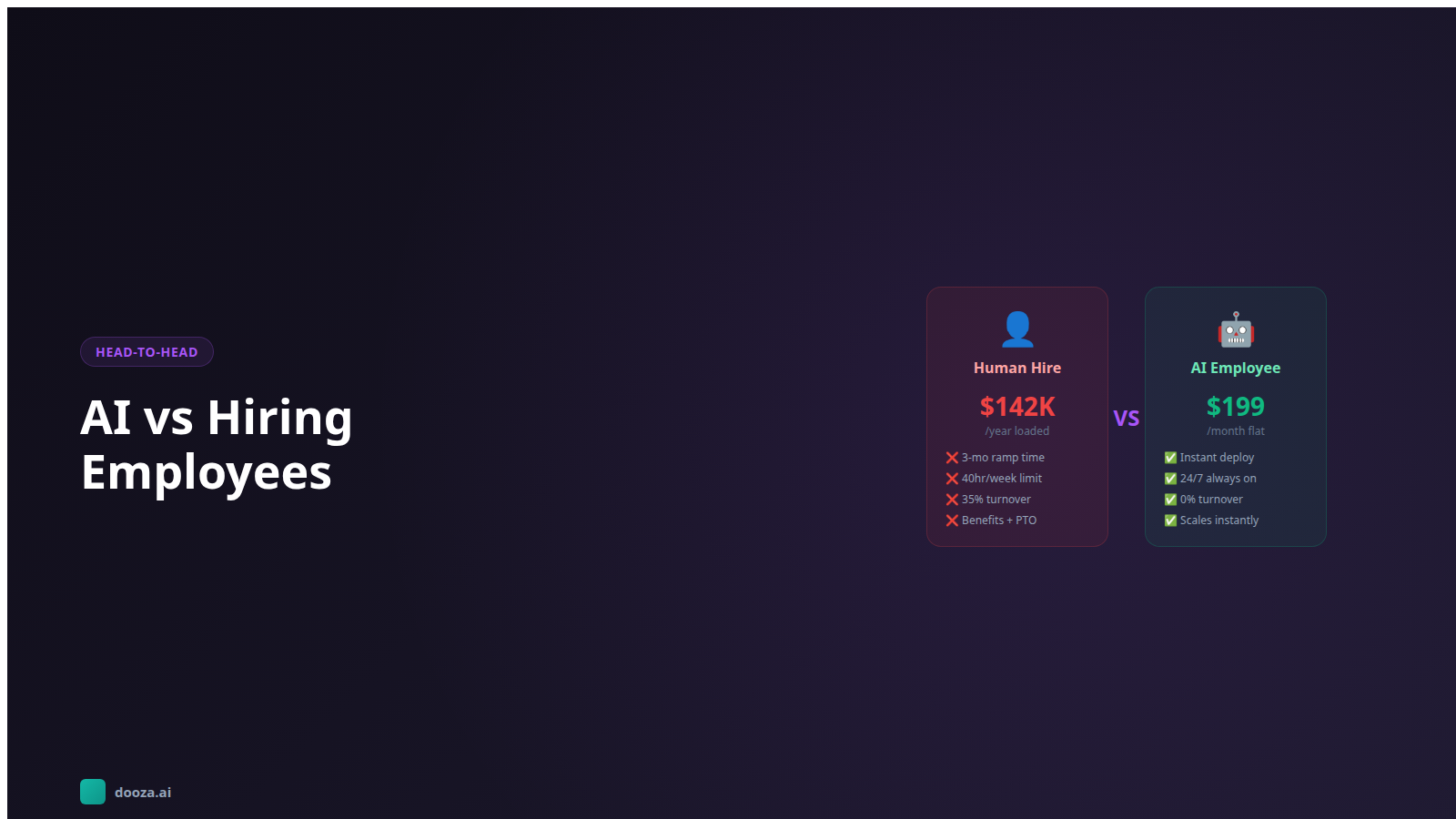
Let's break that down further. A mid-range VA at $2,500/month costs you $30,000/year. Dooza at $49/month costs $588/year. That's a $29,412 difference — and the AI employees work nights, weekends, and holidays.
Even if you keep a part-time human for the strategy and relationship tasks ($1,000/month), your total cost drops from $2,500/month to $1,049/month. That's $17,412 in annual savings redirected toward growth.
Here's the reframe that matters: you're not firing a person — you're reallocating $1,500–$3,000/month from repetitive tasks to growth. That money can fund paid ads, a product hire, or a sales initiative that actually moves the needle.
For a deeper dive into AI employee pricing, see our complete cost guide.
You don't flip a switch. You don't fire your VA on a Friday and hope the AI figures it out by Monday. Here's how to do it properly, based on how businesses actually make the switch.
For a broader automation playbook, see our guide on how to automate your business with AI.
For repetitive, rule-based tasks — yes. AI employees handle email triage, social media scheduling, SEO content, lead follow-ups, appointment booking, and data entry better and cheaper than a human VA. But for tasks requiring genuine judgment, relationship building, or creative strategy, a human still wins. Most businesses find AI covers 70–80% of what their VA did, and the remaining 20–30% either goes to a part-time specialist or gets handled by the founder.
AI outperforms human VAs at email management, social media posting, SEO blog writing, lead follow-up sequences, FAQ-style customer support, appointment scheduling, and data entry/reporting. These are high-volume, repetitive tasks where speed, consistency, and 24/7 availability matter more than judgment. Dooza’s AI employees — Maily, Somi, Ranky, Stan, and Rachel — each handle one of these roles autonomously.
The average virtual assistant costs $1,500–$4,000/month. Dooza’s AI employees cost $49/month and cover the same repetitive tasks — 24/7, with no sick days or timezone gaps. That’s $17,400–$47,400 in annual savings. Even if you keep a part-time human for strategy work ($500–$1,000/month), you still save $12,000–$35,000/year.
Most businesses complete the switch in 2–4 weeks. Week 1: audit your VA’s task list and identify what’s automatable. Week 2: set up AI employees and run them in parallel with your VA. Week 3: shift primary workload to AI and let your VA handle exceptions. Week 4: full cutover with a human check-in once daily. Dooza’s onboarding team walks you through the entire process.
Yes. Each Dooza AI employee specializes in one role — Maily for email, Somi for social media, Ranky for SEO, Stan for sales outreach, and Rachel for phone calls and appointment booking. A single $49/month plan gives you all five, replacing work that would require 2–3 VAs at $1,500–$4,000 each. That’s $3,000–$12,000/month in VA costs replaced by a single subscription.

Discover how AI-powered employees are helping small businesses automate their daily operations, from email management to social media posting.

Comparing AI employees to human virtual assistants? Discover the pros, cons, costs, and when to use each—plus why a hybrid approach might be your best option.
Join thousands of companies using Workforce to automate their work. Get started for free today.
No credit card required · 7-day money-back guarantee · Cancel anytime