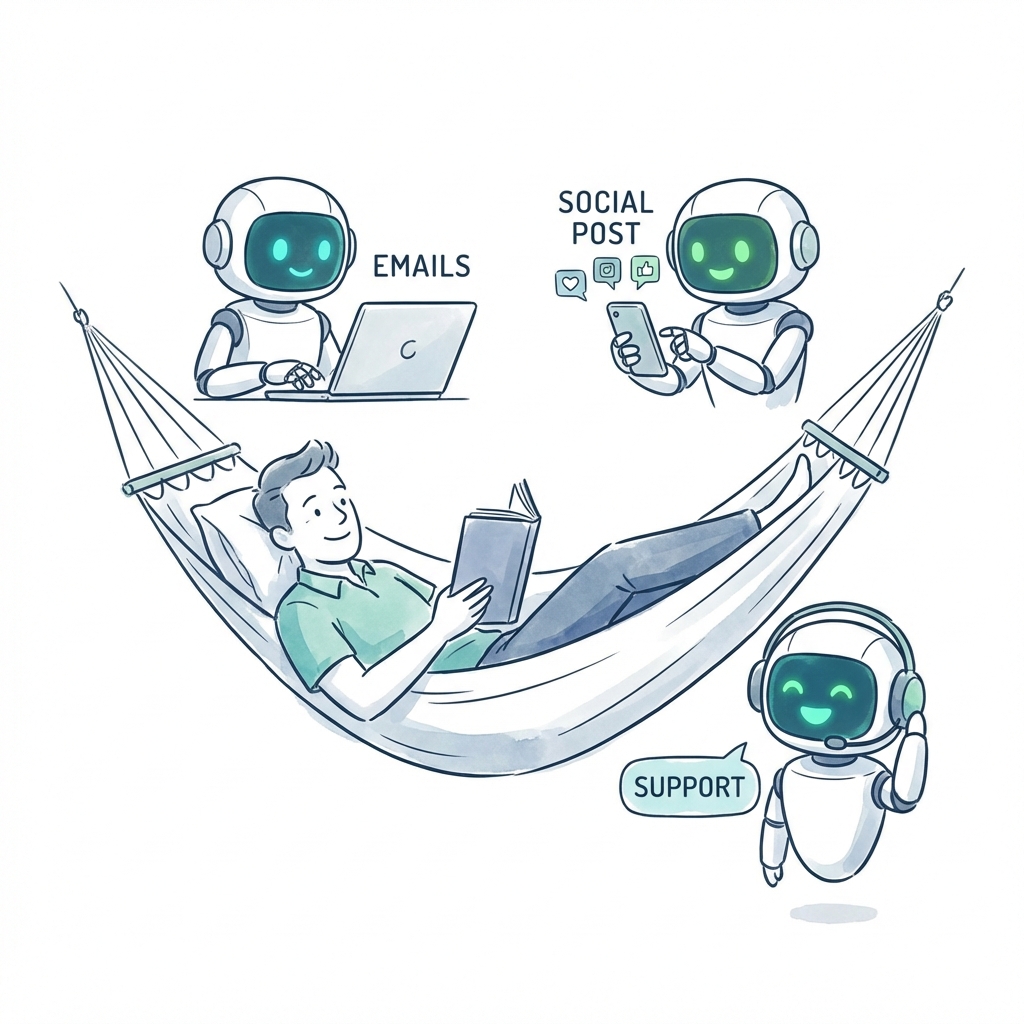
AI Automation
5 Proven Ways AI Employees Save Small Businesses 20+ Hours/Week
Discover how AI-powered employees are helping small businesses automate their daily operations, from email management to social media posting.
7 min read
ReadUnlock peak productivity with these 10 team collaboration best practices. Automate tasks with AI and free up your time for strategic growth. Learn more!
Imagine a world where your business runs on autopilot. Tedious tasks like SEO analysis, social media scheduling, and customer support triage are handled seamlessly 24/7, freeing your team to focus on high-impact strategy, creativity, and growth. This isn't a futuristic dream; it's the accessible reality of a modern, hybrid workforce where AI employees and human talent work in perfect sync. The key to unlocking this powerful efficiency isn't just about adopting new tools, it's about fundamentally rethinking how your team works together. True collaboration transforms individual efforts into a unified, intelligent system that multiplies output without burning out your people.
This guide provides 10 essential team collaboration best practices designed for today's fast-paced environment. We'll move beyond generic advice to give you actionable, specific strategies to integrate intelligent automation, streamline communication, and build a collaborative engine that powers unprecedented growth. You'll learn how to implement shared-context workflows and deploy agentic AI employees, turning your team into a lean, highly productive force. These aren't just tips; they are foundational principles for building a scalable, efficient, and forward-thinking organization.
Inside, we will cover practical steps for implementing:
Get ready to reclaim your time and let your new AI-powered team handle the heavy lifting.
Asynchronous communication is one of the most powerful team collaboration best practices for modern, distributed teams. It frees your team from the constraints of matching schedules and time zones by prioritizing documentation over real-time meetings. Instead of relying on instant responses, all decisions, updates, and context are recorded in a centralized system, creating a shared source of truth accessible to everyone, including AI employees. Imagine the dream of waking up to completed tasks and progress reports, all because your team and AI agents could work effectively while you were offline.
For example, your AI SEO agent, Seomi, can autonomously optimize your blog content based on a marketing strategy discussion that was documented while you were asleep. This is only possible when conversations are recorded and accessible. By building a shared context, you empower both human and AI teammates to make informed, independent decisions, drastically accelerating project timelines and freeing your team from mundane coordination tasks.
[ProjectName]_[DocumentType]_[Date] makes it easy for anyone, human or AI, to find information quickly without asking for help.One of the most critical team collaboration best practices for hybrid teams is defining explicit roles and responsibilities for both human and AI employees. This clarity prevents task duplication, eliminates confusion, and ensures every resource is allocated for maximum impact. Instead of viewing AI as just a tool, this approach treats it as an integral part of the workforce, with specific duties that complement human strengths. This model creates a powerful synergy where AI handles repetitive, data-driven tasks, freeing humans to focus on strategy, creativity, and client relationships.
Imagine the dream of your AI social media manager, Socia, not just scheduling but also creating and publishing a week's worth of content across all platforms based on your approved content calendar. While Socia handles the tedious execution, your human marketing lead is free to brainstorm the next high-level campaign, analyze performance trends, and build strategic partnerships. This clear division of labor turns your team into a highly efficient engine, freeing up countless hours and letting automation accelerate execution while human talent drives innovation.
Socia (AI): Post daily content and Marketing Manager (Human): Approve weekly content themes. This clarity is the first step to true automation.Managing a patchwork of disconnected software is a major drain on productivity, forcing your team to constantly switch contexts and manually transfer data. Adopting an integrated tool ecosystem is a cornerstone of modern team collaboration best practices, creating a single, unified workspace where information flows seamlessly. This approach, championed by platforms like Dooza, Zapier, and HubSpot, eliminates data silos and ensures all team members, human and AI, operate from a single source of truth.
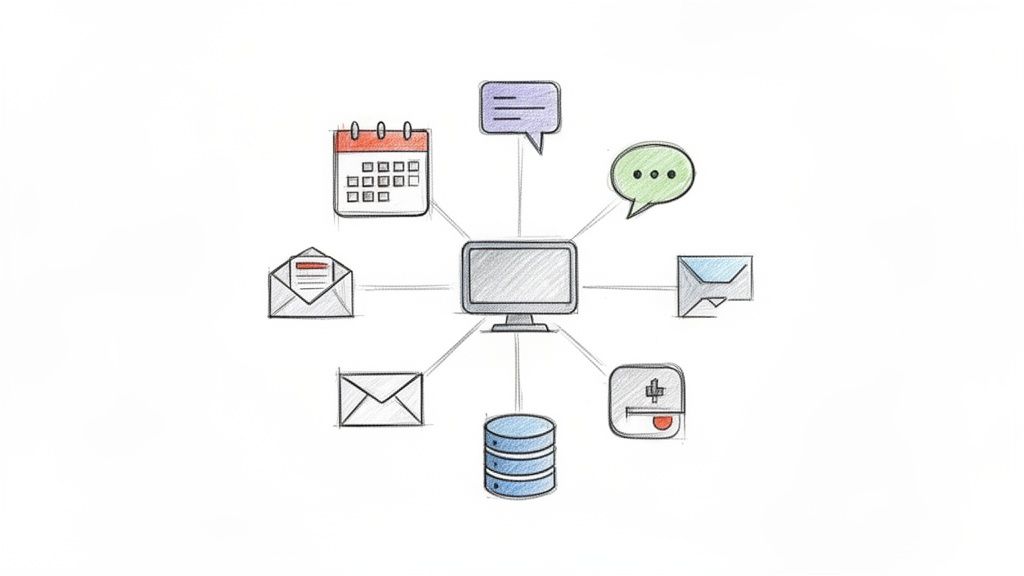
Imagine the dream of your AI social media manager instantly creating a new post based on a high-performing keyword identified by your SEO agent, all within the same platform and without any human intervention. This vision of automated, collaborative efficiency becomes reality when your tools are deeply connected. An integrated workspace empowers AI employees to access cross-functional data, understand the full context of a project, and execute complex workflows autonomously, freeing your human team to focus on high-impact strategic initiatives.
Transparent communication is a foundational pillar of high-performing teams, creating an environment where project progress, decisions, and activities are visible to everyone. This is a core team collaboration best practice that fosters accountability and trust by eliminating information silos. When everyone can see who is working on what in real-time, it prevents duplicated effort, surfaces roadblocks faster, and keeps the entire team aligned on strategic goals. This clarity is not just for humans; it’s essential for integrating AI employees into the workflow seamlessly.
Imagine the dream of your AI social media manager, Socia, proactively pausing a campaign because it detected a negative sentiment spike discussed in a public marketing channel, preventing a potential PR issue before it happens. This proactive intervention is only possible when communication is open and accessible. By creating a transparent workspace, you empower both human and AI teammates to understand the broader context, enabling them to work in concert and anticipate needs instead of just reacting to commands. This transforms your team into a cohesive, self-correcting unit that moves faster and with greater purpose, freeing you from constant crisis management.
Building a structured system for knowledge management is one of the most critical team collaboration best practices for long-term success. It involves creating an "institutional memory" by capturing, organizing, and retrieving crucial information, ensuring that valuable insights aren't lost when team members leave or projects end. For small teams, this practice is transformative, moving essential knowledge from one person's head into a shared, accessible system for everyone, including AI employees.
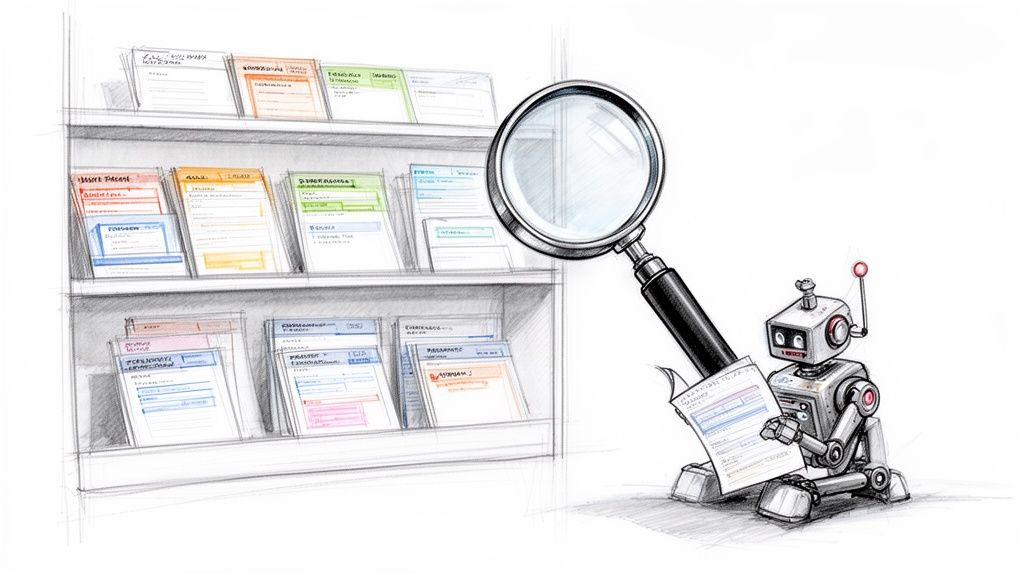
Imagine the dream of hiring a new marketing AI through Dooza and having it instantly understand your brand voice, content strategy, and past campaign performance by reviewing a centralized wiki. This is the power of institutional memory. It empowers both human and AI teammates to learn from past decisions, avoid repeating mistakes, and operate with full context, freeing you from endlessly repeating the same instructions and allowing you to focus on high-impact strategic work.
While asynchronous work forms the backbone of modern efficiency, scheduled synchronization is one of the most crucial team collaboration best practices for maintaining alignment and momentum. Regular, structured meetings act as vital checkpoints, ensuring that both human and AI team members are aligned on goals, and providing a dedicated space for real-time feedback and strategic course correction. This hybrid approach prevents silos from forming and keeps the entire team moving in a cohesive direction.
Imagine the dream of starting your week with a brief sync where you review your AI marketing assistant's performance metrics from last week's campaign. You instantly identify a high-performing ad creative, and in the same meeting, task the AI to reallocate the budget and scale that specific ad set. This immediate feedback loop, applied to both human and AI efforts, turns your team into a highly responsive unit, capable of capitalizing on opportunities without delay and freeing you from endless email chains.
True alignment happens when every team member, human or AI, is working toward the same definition of success. This is why collaborative goal setting is a cornerstone of high-performing teams. It moves beyond assigning individual tasks to creating a shared mission, where success is measured by collective outcomes. By implementing frameworks like OKRs (Objectives and Key Results), you can create transparent, measurable targets that guide both human efforts and AI employee contributions, ensuring everyone is pulling in the same direction.
Imagine the dream of your growth marketing team setting a quarterly objective to increase lead generation by 40%. With a shared metrics dashboard, your content specialist focuses on creating high-quality articles while your AI employee, Seomi, is assigned the key result of increasing organic blog traffic by 30%. This clarity allows each team member to understand their specific contribution to the bigger picture, transforming siloed efforts into a unified, goal-crushing machine and freeing your team from micromanagement to focus on strategy.
A static workflow is a stagnant one. Embracing team collaboration best practices means building a culture of continuous learning and process improvement, where every team member, human or AI, is empowered to find better ways of working. This principle treats your operations not as a fixed set of rules but as a living system that can always be optimized. It involves regularly reviewing workflows, experimenting with new configurations, and actively seeking out bottlenecks to eliminate.
Imagine the dream of your AI sales assistant, not only sending follow-up emails but also analyzing open rates and suggesting template adjustments to improve engagement. This self-optimizing loop is the ultimate form of modern collaboration. By creating a system where both humans and AI are encouraged to suggest and test improvements, you build a resilient, competitive team that consistently refines its efficiency and output, freeing up valuable time for strategic, high-impact work.
Building trust and psychological safety is among the most critical team collaboration best practices for teams integrating both human and AI employees. This principle involves creating an environment where people feel safe to take risks, admit mistakes, and offer candid feedback without fear of negative consequences. When teams trust both each other and their AI colleagues' capabilities, delegation flows smoothly, innovation thrives, and collaboration becomes truly seamless.
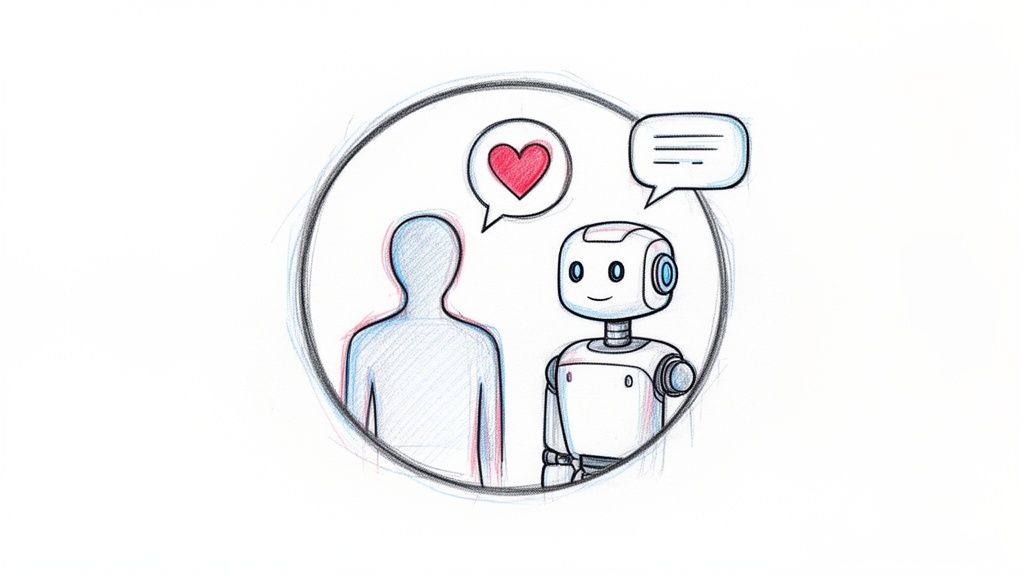
Imagine a workplace where your AI marketing agent misinterprets a campaign brief. Instead of assigning blame, the team openly discusses the error in a dedicated Slack channel, learns from the mistake, and refines the AI’s instructions. This culture of safety allows you to transparently address AI limitations, turning potential failures into valuable learning opportunities. When your team trusts that they can experiment and even fail with new AI workflows, they are more likely to delegate meaningful tasks, freeing up their own time for high-level strategy and creative problem-solving.
Effective onboarding is one of the most crucial team collaboration best practices for scaling teams, yet it's often an afterthought. A scalable onboarding system relies on comprehensive documentation to get new hires, whether human or AI, productive from day one. Instead of ad-hoc training sessions, all processes, tool guides, and team workflows are meticulously documented in a central knowledge base.
Imagine the dream of hiring a new marketing specialist and having them fully operational in their first week, already collaborating with your AI SEO agent, Seomi, on a new campaign. This becomes your reality when their onboarding checklist includes a step-by-step guide to configuring and delegating tasks within Dooza. By documenting everything, you drastically reduce ramp-up time, minimize repetitive questions, and empower your team to scale headcount without sacrificing momentum or consistency, freeing you from endless training loops.
| Item | Implementation complexity 🔄 | Resource requirements ⚡ | Expected outcomes 📊 | Ideal use cases 💡 | Key advantages ⭐ |
|---|---|---|---|---|---|
| Asynchronous Communication & Shared Context | 🔄 Medium — central workspace, templates, governance | ⚡ Low–Medium — documentation tools and contributor time | 📊 Improved continuity; fewer meetings; clear audit trail | 💡 Distributed teams; AI agents needing historical context | ⭐ Better AI context; reduced meeting overhead |
| Clear Role Definition & AI-Human Task Allocation | 🔄 Low–Medium — RACI and role docs creation | ⚡ Low — planning and periodic updates | 📊 Reduced duplication; clearer ownership; faster decisions | 💡 Hybrid teams; agencies automating routine tasks | ⭐ Clear ownership; humans focus on strategic work |
| Integrated Tool Ecosystem & Unified Workspace | 🔄 High — integrations, API mapping, data flows | ⚡ Medium–High — engineering, subscriptions, governance | 📊 Seamless data flow; less context switching; realtime actions | 💡 Teams using many SaaS tools; realtime automation needs | ⭐ Single source of truth; faster onboarding |
| Transparent Communication & Real-time Visibility | 🔄 Medium — dashboards, logs, transparency norms | ⚡ Medium — monitoring tools, dashboarding, notif tuning | 📊 Increased accountability; quicker issue detection | 💡 High‑stake projects; distributed teams needing visibility | ⭐ Better coordination; faster problem resolution |
| Structured Knowledge Management & Institutional Memory | 🔄 Medium — taxonomy, templates, version control | ⚡ Medium — documentation platform and maintenance time | 📊 Faster onboarding; consistent processes; fewer repeat errors | 💡 Solopreneurs; small teams scaling operations | ⭐ Preserves institutional knowledge; consistent execution |
| Regular Synchronization & Feedback Loops | 🔄 Low — scheduled syncs, retrospectives, feedback channels | ⚡ Low–Medium — meeting time, facilitation, summaries | 📊 Improved alignment; timely course corrections; morale boost | 💡 Agile teams; projects with changing priorities | ⭐ Real‑time alignment; stronger team cohesion |
| Collaborative Goal Setting & Shared Metrics | 🔄 Medium — OKRs/KPIs setup and cascading | ⚡ Medium — analytics, dashboards, review cadence | 📊 Aligned priorities; measurable AI contributions and ROI | 💡 Growth/marketing teams; performance‑driven orgs | ⭐ Clear success metrics; measurable outcomes |
| Continuous Learning & Process Improvement | 🔄 Medium — experiment framework and audit cadence | ⚡ Medium — time for experiments, analytics, training | 📊 Incremental efficiency gains; optimized AI configurations | 💡 Teams iterating on workflows; product improvement cycles | ⭐ Compounding productivity improvements; adaptability |
| Trust & Psychological Safety in Hybrid Teams | 🔄 Low–Medium — culture work, leadership modeling | ⚡ Low — training, forums, regular feedback | 📊 Higher adoption of AI; honest feedback; better delegation | 💡 Teams adopting AI; collaboration‑heavy organizations | ⭐ Increased delegation to AI; resilient team dynamics |
| Scalable Onboarding & Documentation for Growing Teams | 🔄 Medium — create role‑specific guides, sandboxes | ⚡ Medium — content creation, videos, mentorship time | 📊 Faster ramp‑up; consistent onboarding experience | 💡 Rapidly hiring teams; agencies onboarding clients/AI | ⭐ Reduced ramp time; repeatable onboarding processes |
We've explored ten foundational pillars of modern work, from establishing asynchronous communication to building scalable onboarding processes. Each of these team collaboration best practices is a powerful lever on its own. However, when combined, they don't just add to each other; they multiply their impact, transforming your team from a group of individual contributors into a cohesive, intelligent, and highly automated operational system.
The core takeaway is this: true collaboration isn't about more meetings or endless Slack threads. It's about designing a system where clarity, context, and accountability are built into the very fabric of your workflows. It’s about creating a single source of truth that powers both your human talent and your emerging AI workforce. When roles are clearly defined, knowledge is managed systematically, and goals are shared transparently, the friction that bogs down most teams simply evaporates.
Imagine the dream of a marketing team where a new campaign request automatically triggers a project brief, assigns tasks to both a human designer and an AI copywriter like Seomi, and updates the project timeline in real-time for all stakeholders to see. This isn't a futuristic fantasy; it's the direct result of implementing the practices we've discussed.
By mastering these concepts, you shift your role from a hands-on task manager to a strategic systems architect. You stop spending your days chasing updates and putting out fires. Instead, you invest your time in refining the processes, setting the vision, and focusing on the high-impact strategic work that only you can do.
The ultimate benefit of optimizing your team collaboration best practices is the reclamation of your most valuable asset: your time. By building a reliable, self-sustaining system, you free yourself and your team from the mundane, repetitive tasks that drain energy and stifle creativity. You create the space for innovation, deep work, and strategic growth. This is how you build a business that scales beyond your personal input.
This integrated approach, where humans and AI agents work side-by-side in a unified workspace, is the competitive edge for modern startups, agencies, and small businesses. It's how you can achieve the output of a much larger organization without the overhead. You are no longer just managing a team; you are orchestrating a powerful, hybrid workforce. The dream of an autopilot business is here. It’s time to start building.
Ready to build your own automated workforce? Dooza.co provides the unified workspace where you can implement these best practices, manage projects, and hire AI employees to collaborate seamlessly with your team. Activate your high-performance team today at Dooza.co.
Automate your business with AI employees that work 24/7.
Discover how AI-powered employees are helping small businesses automate their daily operations, from email management to social media posting.
![AI Agents vs Agentic AI — What Nobody Tells You [2026]](/blog/ai-agents-vs-agentic-ai.png)
Confused by the jargon? We break down the differences between Generative AI, AI Agents, and Agentic AI in simple terms.
Join thousands of companies using Workforce to automate their work. Get started for free today.
No credit card required · 7-day money-back guarantee · Cancel anytime