Auto-Pilot Your Inbox: How to Use AI Agents for LinkedIn Lead Gen (Without Getting Banned)
LinkedIn is the #1 B2B lead generation platform — but manual outreach doesn't scale and automation tools get you banned. Learn how AI agents personalize outreach at scale while staying compliant.
Here's the LinkedIn paradox every B2B seller faces: you can send 100 generic connection requests today and get 5 awkward responses. Or you can spend 2 hours researching 10 perfect prospects and craft personalized messages that actually land — but then you've only talked to 10 people.
Neither scales. The spray-and-pray approach burns your reputation (and your account). The surgical approach burns your time. And somewhere between "Dear First Name" and "I noticed you liked a post about supply chain logistics on Tuesday" is the sweet spot that closes deals.
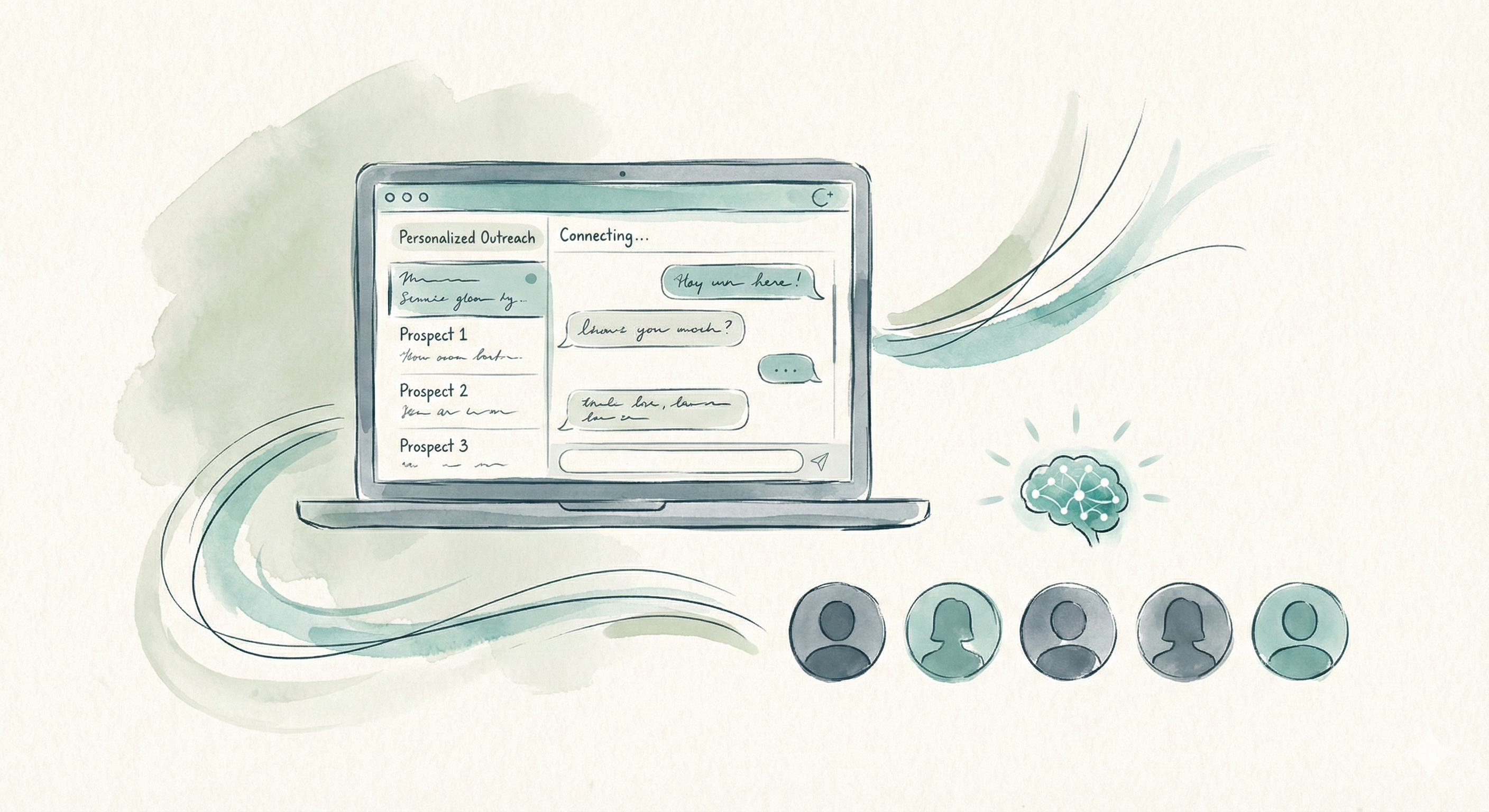
That sweet spot is exactly where AI agents operate. Not the clunky browser-extension "automation" tools that got your colleague's account restricted last quarter. Real AI agents that read profiles, understand context, craft messages that sound like a thoughtful human wrote them — and do it hundreds of times a day without triggering LinkedIn's detection algorithms.
LinkedIn generates 80% of B2B social media leads, according to the platform's own data. And yet, according to HubSpot, only 13% of salespeople feel confident that their LinkedIn outreach is effective. That gap — between opportunity and execution — is where AI agents deliver the most value.
You're spending hours on LinkedIn outreach but can't scale past 10-15 quality messages per day
You've tried automation tools and got restricted or banned
Your connection acceptance rate has dropped below 30%
You want to fill your pipeline with qualified B2B leads without hiring an SDR team
You sell high-value services ($5K+) and need to reach decision-makers
LinkedIn's Rules & What Triggers Bans
Before you automate anything, you need to understand what LinkedIn watches for. The platform has invested heavily in anti-automation since 2021, and their detection systems are sophisticated. Getting this wrong doesn't mean a slap on the wrist — it means a permanent account restriction that kills your entire professional network.
LinkedIn's Terms of Service explicitly prohibit automated software that "scrapes, crawls, or otherwise accesses the Services" without permission. But the enforcement is nuanced. Here's what actually triggers their systems:
What Gets You Banned on LinkedIn
Browser automation tools:Selenium, Puppeteer, or Chrome extensions that simulate clicks. LinkedIn detects browser fingerprints and automated DOM interactions.
Identical or near-identical messages:Sending the same connection note to 50 people triggers pattern detection. Even swapping first names isn't enough — LinkedIn compares message bodies.
Rapid-fire activity:Sending 50 requests in 10 minutes when your normal pattern is 5/hour. Sudden spikes in any activity type (views, requests, messages) raise flags.
Exceeding connection limits:More than 100 connection requests per week (LinkedIn's stated limit) or more than 25-30 per day consistently. New accounts have even lower thresholds.
Excessive profile viewing:Visiting 200+ profiles in an hour. LinkedIn monitors viewing velocity and patterns that look non-human.
Third-party login sharing:Giving your credentials to automation tools that log in from different IPs, devices, or geolocations. Multiple simultaneous sessions trigger security alerts.
20-25
Connection requests per day
Safe zone for established accounts
100
Requests per week
LinkedIn's stated weekly cap
150
Messages per day
InMail + regular messages combined
LinkedIn's enforcement follows a three-strike pattern: first, you get a warning and temporary restriction (usually 24-72 hours). Second, your connection request ability gets limited for weeks. Third, your account is permanently restricted, and you lose access to your entire network. There's no appeals process that reliably works.
The good news? AI agents are built to work within these constraints, not around them. The goal isn't to hack LinkedIn's limits — it's to make every single interaction within those limits count.
How AI Agents Automate Outreach (Without Being Dumb About It)
The term "LinkedIn automation" has become poisoned by tools that are, frankly, stupid. They take a template, swap in a first name and company, fire it off to hundreds of people, and call it "personalization." That's not automation — it's spam with extra steps.
AI agents are fundamentally different. They don't just execute a sequence — they think about each prospect. Here's the distinction:
Old-School Automation
Uses browser extensions to simulate human clicks
Sends templated messages with basic variable swaps (Hi {firstName})
Same message to every prospect regardless of role or industry
Fires requests on a fixed schedule (10 per hour, every hour)
No awareness of what the prospect actually does or cares about
Stops after 3 follow-ups or when the sequence ends
Gets flagged because identical patterns are easy to detect
AI Agent Approach
Operates through APIs or human-supervised workflows
Reads full profiles, posts, and company pages before crafting messages
Every message is unique — references specific projects, roles, or content
Varies timing to mimic natural human behavior patterns
Understands context: a CTO gets a different message than a VP of Sales
Adapts follow-up strategy based on response (or non-response) signals
Stays under radar because each interaction looks genuinely human
The technical architecture matters here. Old-school tools inject JavaScript into your browser tab and simulate mouse movements and keystrokes. LinkedIn's engineering team has gotten very good at detecting this — they measure scroll velocity, click patterns, and timing distributions that no bot perfectly replicates.
AI agents work differently. The best ones operate at the strategy layer rather than the execution layer. They decide who to contact, what to say, and when to follow up. The actual sending can happen through the platform's native interface, email, or official integrations — keeping your account safe.
Watch: How AI agents handle LinkedIn outreach without getting banned
The Key Insight
The goal of an AI agent isn't to send more messages. It's to send better messages at the right frequency. A human SDR sending 20 perfectly researched messages per day will always outperform a bot sending 200 templates. An AI agent gives you the quality of human research at the consistency of automation — and that's a combination no human or bot alone can match.
Personalization at Scale: How AI Reads Your Prospects
True personalization on LinkedIn isn't mentioning someone's name and company. That's the bare minimum. Real personalization means referencing something specific enough that the recipient thinks: "This person actually looked at my profile. This isn't mass outreach."
AI agents achieve this by ingesting multiple data points before crafting a single message. Here's what a good AI agent reads and processes:
Profile Analysis
Current role, tenure, career trajectory, skills, endorsements, and education background
Recent Activity
Posts, comments, shares, and articles published in the last 30 days
Company Intelligence
Company size, industry, recent news, funding rounds, and hiring signals
Mutual Connections
Shared connections, groups, and schools that create trust bridges
Growth Signals
Job changes, promotions, company expansions, and team growth indicators
Content Themes
Topics they engage with, pain points they discuss, and opinions they share
The difference this makes is dramatic. Let's look at a real before-and-after comparison for a SaaS company selling project management software to construction firms:
Template Message (5-10% response rate)
"Hi Sarah, I noticed we're both in the construction industry. I'd love to connect and share how our project management tool helps companies like yours save time. Would you be open to a quick chat?"
Generic. No specific reference. Reads like every other sales pitch in her inbox.
AI-Personalized Message
"Hi Sarah — saw your post about the subcontractor scheduling nightmare on that Austin mixed-use project. We actually solved a similar problem for Meridian Builders (4 concurrent sites, 30+ subs) by replacing their spreadsheet tracking with automated crew scheduling. Saved their PMs about 12 hrs/week. Happy to share what worked if you're interested."
References her specific post, a relevant pain point, a comparable company, and a concrete result.
The AI-generated message took seconds to create — but it reads like someone spent 10 minutes researching Sarah's profile. That's the magic of AI personalization: 10 minutes of research quality, delivered in 10 seconds, repeated 50 times per day.
Here's another example for a recruiter reaching out to a passive candidate:
Template Approach
"Hi Marcus, I have an exciting opportunity at a fast-growing company that I think would be perfect for you. Are you open to new roles?"
AI-Personalized Approach
"Marcus — congrats on the 3 years at Datadog. I saw your talk at DevOpsDays on observability at scale. A Series C infrastructure company (just closed $85M) is building out their platform engineering team and specifically wants someone who's done what you presented. Not sure if you're looking, but the technical scope is unusual. Happy to share details if curious."
The Anti-Ban Playbook: 12 Rules for Safe AI Outreach
Using AI for LinkedIn outreach is only valuable if your account stays alive. These are the specific practices that keep your account safe while maximizing outreach effectiveness. Follow every single one.
Warm up new accounts gradually
Start with 5-10 connection requests per day for the first 2 weeks. Increase by 5/day each week until you reach 20-25/day. Sudden volume on a quiet account is the #1 ban trigger.
Never send identical messages
Every connection note and message should be unique. AI agents generate fresh copy for each prospect. Near-identical messages sent at volume look automated, to recipients and to LinkedIn.
Vary your activity timing
Don't send requests at perfectly regular intervals. A human doesn't send a request every 6 minutes for 3 hours. AI agents should randomize timing with natural gaps — sometimes 2 minutes apart, sometimes 20.
Keep connection request notes under 300 characters
LinkedIn limits connection notes to 300 characters. AI should craft punchy, relevant notes — not essays. Shorter messages with specific references outperform long pitches.
Use API-compliant methods when possible
LinkedIn's official API and Sales Navigator integrations are always safer than browser automation. AI agents should route through approved channels wherever available.
Move conversations off LinkedIn quickly
Once someone responds positively, transition to email or a call within 2-3 messages. This reduces your LinkedIn messaging volume and puts the conversation in a channel with no send limits.
Maintain an active organic presence
Accounts that only send outreach without posting, commenting, or engaging look suspicious. AI can help you maintain organic activity (posting insights, commenting on industry content) alongside outreach.
Respect withdraw-and-resend limits
Don't withdraw pending connection requests and resend them. LinkedIn tracks this behavior. If someone doesn't accept within 3 weeks, move on to email outreach instead.
Stay under the weekly pending request cap
LinkedIn limits total pending (unaccepted) requests. Keep it under 500. If your acceptance rate drops, slow down outreach and improve targeting before resuming.
Never use LinkedIn from multiple IPs simultaneously
If your AI agent accesses your account, it should use a consistent IP. Simultaneous access from your phone, laptop, and an automation server raises security flags.
Monitor your Social Selling Index (SSI)
LinkedIn's SSI score (found at linkedin.com/sales/ssi) reflects your account health. A declining SSI often precedes restrictions. AI agents should track this and adjust strategy accordingly.
Have a human review queue for edge cases
AI shouldn't handle every conversation autonomously. High-value prospects, negative responses, and complex questions should route to a human. This keeps interactions authentic and prevents AI from making costly mistakes.
The Multi-Channel Safety Net
The smartest AI outreach strategies don't rely solely on LinkedIn. Use LinkedIn for the initial connection and warm-up, then transition to email for the sales conversation. This keeps your LinkedIn activity light (connections + brief messages) while your email handles the heavier follow-up sequences. If LinkedIn ever restricts your account temporarily, your pipeline doesn't stop — email keeps running.
The Numbers: A Pipeline Model to Run With Your Own Rates
Here is a simple model you can run with your own numbers. The rates below are illustrative assumptions, not measured results: replace them with your real acceptance, reply and close rates.
Pipeline Math (Illustrative): What 20 Personalized Requests/Day Could Get You
Connection requests per day(Within LinkedIn's safe zone)
20
Monthly requests sent(22 business days)
~440
Connections accepted (45% rate)(New prospects in your network)
~198
Positive responses (20% of accepted)(Engaged conversations)
~40
Meetings booked (10% of accepted)(Qualified sales calls)
~20
Deals closed (25% close rate)(New customers per month)
5
With these assumptions, that is five new customers a month from LinkedIn. If your average deal size is $5,000, that would be $25,000 in new revenue per month. Your real rates will differ, so run the model with your own numbers.
Compare that with hiring an SDR: a full salary plus benefits, and a ramp-up period before they book meetings at full pace. An AI agent can start prospecting as soon as it is set up.
Stan is the member of your AI workforce who owns lead generation. He identifies ideal prospects, crafts personalized outreach, manages follow-up sequences across channels, qualifies interested leads, and hands off warm conversations to your human sales team — all while respecting platform limits.
Prospect Identification
Stan finds prospects matching your ICP — filtering by role, industry, company size, location, and engagement signals. No more manual Sales Navigator searches.
Profile Deep Dive
Before any outreach, Stan reads the prospect's full profile, recent posts, company news, and mutual connections. Every message is informed.
Personalized Outreach
Stan crafts unique messages for each prospect — referencing specific content, projects, or achievements. Nothing templated, nothing generic.
Multi-Channel Follow-Up
If a LinkedIn message doesn't get a response, Stan follows up via email with fresh value. 5+ touches across channels without being pushy.
Lead Qualification
When prospects respond, Stan asks your custom qualification questions — budget, timeline, decision-making authority — before routing to your team.
Meeting Handoff
Qualified prospects get booked directly onto your calendar. Your closers walk into meetings with context, qualification notes, and conversation history.
Stan doesn't work alone. He's part of your full AI workforce — working alongside Rachel (AI receptionist for inbound calls), Maily (email management), Somi (social media), Ranky (SEO), and Linda (legal compliance). When Stan generates a lead, the rest of the team supports the relationship — answering calls, sending emails, nurturing on social.
Pricing depends on the product (see pricing), and every Dooza product starts with a refundable pilot: 100% refund within 14 days — with AI employees working 24/7.
Built-In Compliance
Stan is designed with LinkedIn's limits baked into his architecture. Rate limiting, warm-up periods, message uniqueness checks, and timing randomization are all automatic. You don't have to configure safety rules — they're non-negotiable defaults. Your account stays safe because Stan can't exceed safe thresholds, even if you wanted him to.
Getting Started in 30 Minutes
You don't need to spend weeks setting up complex workflows. Here's how to go from zero to AI-powered LinkedIn outreach in a single sitting:
1
Book a Free Pilot Call
Book a free 30-minute call where a Dooza engineer scopes your pilot and configures Stan to match your business, target market, and sales process. Tell us who your ideal customers are, what you sell, and how you qualify leads.
2
Define Your Ideal Customer Profile (ICP)
During onboarding, we'll configure Stan's targeting: industry, company size, job titles, geographic focus, and qualifying criteria. Stan uses this to find and prioritize the right prospects — not just anyone with a LinkedIn profile.
3
Launch & Watch Your Pipeline Fill
Stan starts identifying prospects and crafting personalized outreach immediately. Within 1-2 weeks, you'll see your first qualified conversations. Your calendar fills with meetings. Your closers close.
Every day without AI-powered outreach is 20 personalized messages you didn't send, connections you didn't make, and deals your competitors closed instead. Stan can start working the same day, and your pilot is 100% refundable within 14 days.
Will using an AI agent get my LinkedIn account banned?
Not if done correctly. AI agents that operate through official APIs, respect rate limits, and mimic human behavior patterns stay compliant. The key is personalization over volume — quality outreach, not spam. Agents that use browser automation, send identical messages, or blast 100+ requests per day are the ones that get flagged.
How is an AI agent different from LinkedIn automation tools?
Traditional automation tools send templated messages at scale using browser automation, which LinkedIn detects and bans. AI agents use intelligent personalization, respect platform limits, and can operate through API-compliant channels like email follow-ups after initial LinkedIn connections. They read profiles, craft unique messages, and adapt timing.
What response rates can I expect from AI-powered LinkedIn outreach?
It depends on your audience, offer and list quality, so measure your own baseline first. Personalized messages tend to beat templates because the AI reads each prospect's profile, recent posts and company news to write something relevant, not just a first name swapped into a template.
How many connection requests can I safely send per day?
LinkedIn's safe zone is 20-25 connection requests per day for established accounts. New or low-SSI accounts should start at 10-15 per day and ramp up over 2-3 weeks. AI agents work within these limits while maximizing quality — making each request count rather than blasting volume.
Can AI agents handle the entire LinkedIn sales process?
AI agents handle prospecting, initial outreach, and follow-up conversations. When a prospect shows buying intent, the AI hands off to your human sales team for relationship building and closing. Think of the AI as your tireless SDR — it fills the top of the funnel so your closers stay busy.
How does Dooza handle LinkedIn lead generation?
Dooza's Stan (AI Lead Generator) identifies ideal prospects based on your ICP, crafts personalized outreach messages, manages follow-up sequences across channels, and qualifies leads before handing them to your sales team — all while staying within LinkedIn's guidelines and rate limits.
How long does it take to see results from AI LinkedIn outreach?
Most businesses see their first qualified leads within 1-2 weeks. Pipeline impact becomes significant within 30-60 days as the AI optimizes messaging based on response patterns. By month two, the goal is a steady stream of qualified conversations entering your pipeline.
Automate Lead Generation Without Hiring a Sales Team (2026 Guide)
Build a fully automated lead generation machine that finds, qualifies, and books meetings — without a single sales hire. Complete setup guide with cost comparisons and ROI proof.
Start with a refundable pilot — 100% refund within 14 days. A Dooza engineer scopes it with you on a free 30-minute call. Pricing depends on the product; see pricing.