Automation
Automate Business Processes: Save 25 Hours/Week (No Code)
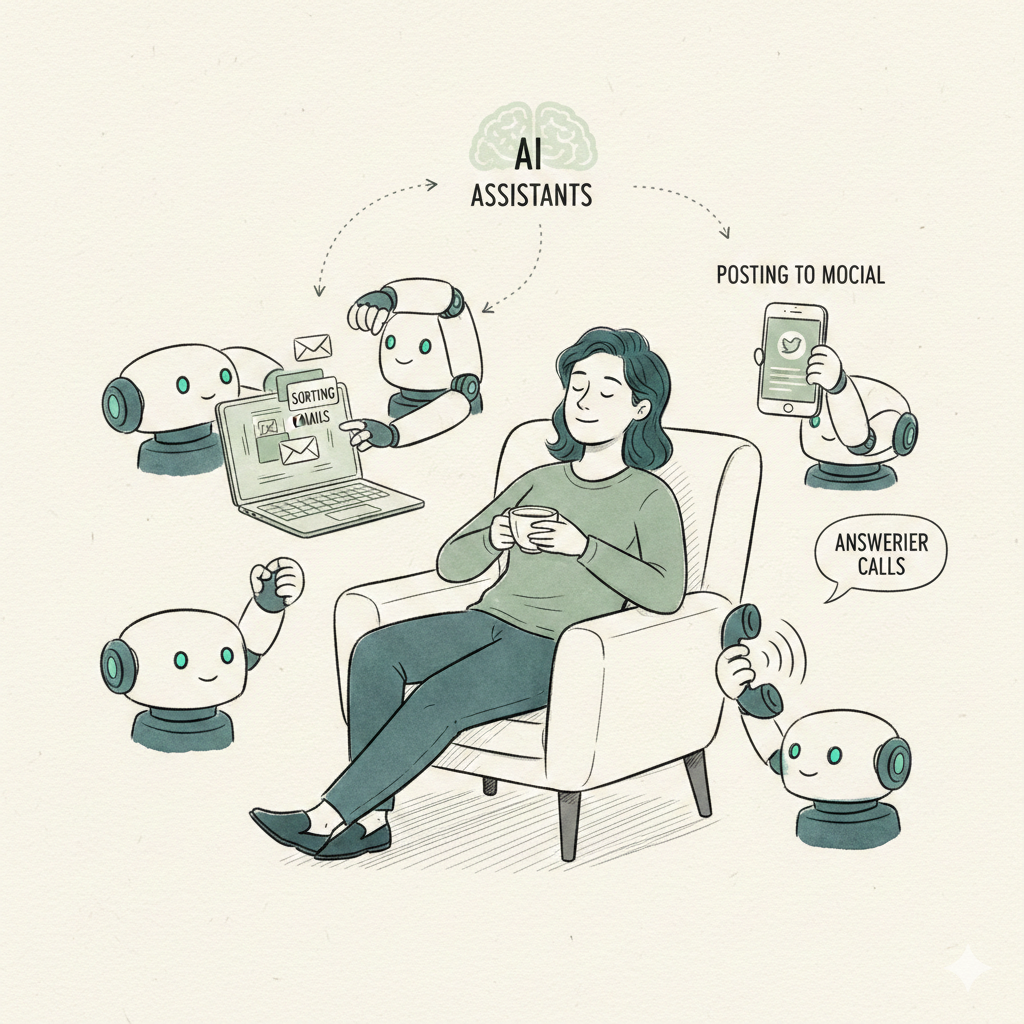
McKinsey says 60% of tasks are automatable. Learn how to automate email, social media, inbound calls, and lead follow-up without coding.
14 min read
Read76% of businesses use marketing automation—but most SMBs are stuck with tools built for enterprises. Learn which automation actually makes sense for small businesses and how AI is changing the game.
Here's the dirty secret about marketing automation: most tools are designed for companies with dedicated marketing teams and six-figure budgets.
According to inBeat Agency research, 76% of businesses now use marketing automation. But there's a massive gap between enterprise tools like HubSpot ($3,600+/month) and what small businesses actually need.
The result? Small businesses either overpay for features they'll never use, or they cobble together multiple tools that don't talk to each other. Meanwhile, the promise of "automation" becomes hours spent setting up workflows that still require constant babysitting.
This guide cuts through the complexity. We'll show you what marketing automation actually is, compare the major tools honestly, and explain why AI-powered automation is changing the game for small businesses.
Watch: How marketing automation can transform your business
According to research published on Medium, businesses investing in workflow automation see an average 340% ROI within 18 months. The question isn't whether to automate—it's choosing the right approach.
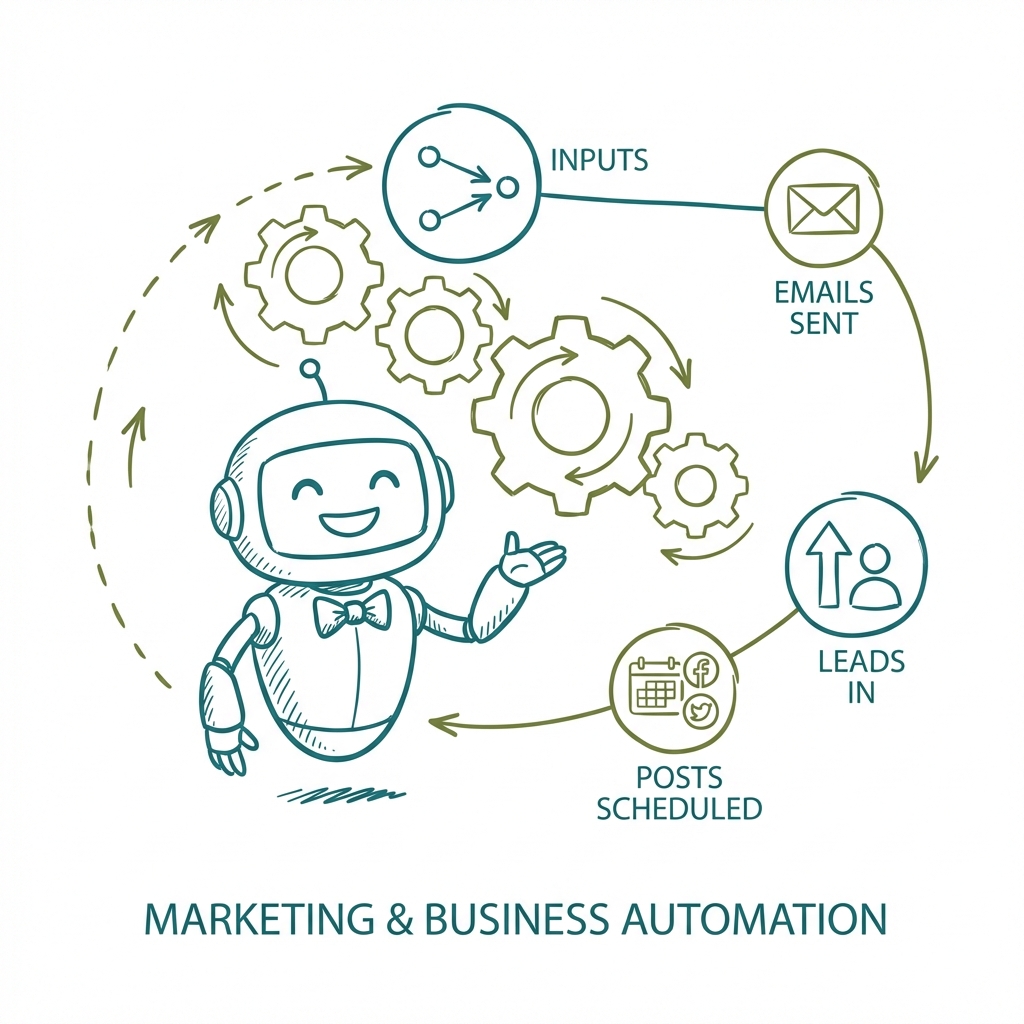
Marketing automation uses software to handle repetitive marketing tasks automatically. Instead of manually doing these things, automation handles them based on triggers, schedules, and rules:
Welcome series, follow-ups, abandoned cart reminders
Scheduled posts across multiple platforms
Moving prospects through your funnel automatically
Identifying which leads are ready to buy
Never forget to follow up with a prospect
Automatic performance tracking and alerts
Data from DemandSage, Vena Solutions, and Backlinko:
According to Vena Solutions research, employees estimate saving 240 hours per year through automation, while business leaders estimate 360 hours. The average worker already saves 1 hour per day using AI automation—with projections suggesting 12 hours per week within five years.
Here's an honest breakdown of the major automation platforms, based on Marketing Automation Insider and Email Vendor Selection:
All-in-one platform • Best for: Mid-market to enterprise
Limitation: Expensive as you scale, complex setup, steep learning curve
Email + automation • Best for: Email-focused SMBs
Limitation: Limited beyond email, requires manual setup, no AI content creation
Email marketing • Best for: Basic email automation
Limitation: Limited automation features, pricing increases with contacts
Integration platform • Best for: Connecting apps
Limitation: Just connects tools, doesn't do the work itself
Enterprise automation • Best for: Large enterprises
Limitation: Way too expensive and complex for SMBs
According to Email Vendor Selection, the top barriers to marketing automation are: lack of internal expertise (33%), poor/insufficient data (24%), and lack of company prioritization (24%). The tools are complex enough that most small businesses never fully implement them.
Traditional automation tools are like giving you a kitchen—you still have to cook. AI automation is like having a chef who cooks for you. You tell them your preferences, approve the menu, and they handle everything else.
Instead of spending weeks building email sequences and social media workflows, Dooza gives you AI employees who handle entire functions:
HubSpot Marketing Hub
ActiveCampaign Plus
Dooza (AI employees)
What marketing task takes the most time? Email follow-ups? Social posting? Lead response? Start there—you'll see the fastest ROI.
Traditional automation (you build workflows) vs AI automation (AI does the work). For most small businesses, AI automation delivers better results with less effort.
Don't try to automate everything at once. Start with one function, see results, then add more. With Dooza, each AI employee handles one function—turn them on as you're ready.
Track what's working. Good automation should show clear ROI within 30-90 days. If it doesn't, something's wrong with the setup or the tool.
Skip the complex workflows and expensive platforms. Get AI employees that actually do the work for less than most basic automation tools cost.
Marketing automation uses software to automate repetitive marketing tasks: email sequences, social media posting, lead nurturing, ad campaigns, and more. Instead of manually sending follow-up emails or posting to social media, automation handles these tasks based on triggers and schedules you set up.
Yes—small businesses using marketing automation see 25% higher ROI and 451% more qualified leads according to industry research. The key is choosing the right tool. Enterprise platforms like HubSpot or Marketo are overkill (and overpriced) for most SMBs. AI-powered automation like Dooza provides similar benefits at SMB-friendly prices.
Traditional marketing automation follows rules you set: 'If lead opens email, then send follow-up after 2 days.' AI automation is more intelligent: it decides WHAT to send, WHEN to send it, and can create content dynamically. AI automation is essentially marketing automation that thinks for itself.
Start with the tasks that: (1) you do repeatedly, (2) take significant time, and (3) don't require creative judgment. Email follow-ups, social media posting, lead response, and appointment reminders are ideal starting points. These have the highest ROI and lowest risk.
Traditional automation platforms like HubSpot or ActiveCampaign can take weeks or months to set up properly—building workflows, writing email sequences, creating triggers. AI automation like Dooza sets up in a single 30-minute onboarding call because the AI handles the complexity.
Bad automation feels robotic. Good automation feels personal because it responds quickly, remembers context, and delivers relevant content. AI automation is particularly good at personalization because it can adapt messaging dynamically rather than sending the same canned responses to everyone.
McKinsey says 60% of tasks are automatable. Learn how to automate email, social media, inbound calls, and lead follow-up without coding.
Learn how to choose AI workflow tools that move beyond prompts and actually run business processes with approvals, integrations, and reports.
Join thousands of companies using Workforce to automate their work. Get started for free today.
No credit card required · 7-day money-back guarantee · Cancel anytime