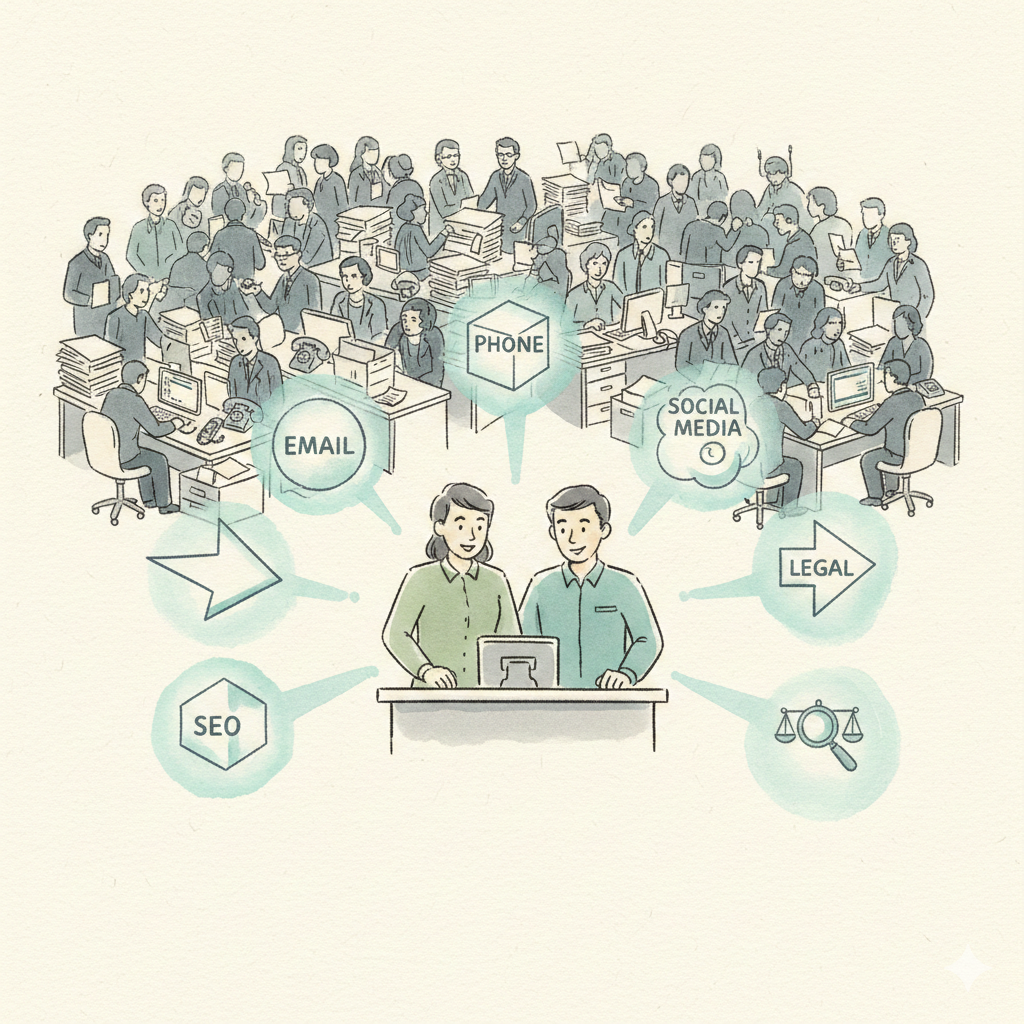
What is ClawdBot? The Viral AI Assistant Explained (2026 Guide)
ClawdBot is the open-source AI assistant taking over Silicon Valley. Learn what it does, how it works, and the security risks you need to know before using it for business.
Everything you need to know about OpenClaw (formerly ClawdBot), including setup, costs, security risks, and whether it's right for your business.

The AI community is buzzing about a tool that promises something none of the big players have delivered: a 24/7 AI assistant that runs directly on your computer, remembers everything, and can do anything a human can do on a machine.
It's called OpenClaw. You might also know it as ClawdBot or MoltBot - same project, same developer, just a new name. And unlike ChatGPT, Claude, or Gemini that live in browser tabs, OpenClaw is a self-hosted AI agent that controls your entire computer through simple text messages on Telegram, WhatsApp, or Discord.
Sounds incredible, right? It is - but there are important things you need to know before diving in. In this guide, we'll cover exactly what OpenClaw is, how to set it up, what it costs, and the risks that most tutorials don't mention.
OpenClaw is a free, open-source AI assistant created by Peter Steinberger, the Austrian developer behind PSPDFKit. It gained over 60,000 GitHub stars in just days after launch, making it one of the fastest-growing open-source projects of 2026.
Most AI tools today live in a browser. You open a tab, ask a question, get an answer, and once you close that tab, everything disappears. They're useful, but they don't feel like real assistants. They feel more like tools that need to be reopened over and over.
OpenClaw solves this by running directly on your own computer. Instead of living inside a web interface, it connects to AI models like Claude or ChatGPT for intelligence while the agent itself lives locally on your PC. It can then be controlled through messaging apps like Telegram, WhatsApp, iMessage, Discord, and over 20 others.
Unlike ChatGPT or Claude which can only talk about tasks, OpenClaw can actually do them. It can open browsers, write documents, send emails, manage files, execute code, and even purchase products online - all through simple text messages.
If you've been following this project, you might be confused by the different names floating around. Here's the quick timeline:
Peter Steinberger releases ClawdBot as an open-source project. It goes viral on tech Twitter and GitHub, gaining tens of thousands of stars almost overnight.
Anthropic (makers of Claude) sends a trademark request because 'ClawdBot' is too similar to 'Claude.' Peter agrees to rebrand.
Within 10 seconds of the rebrand, crypto scammers hijacked the old ClawdBot social accounts and promoted a fake $CLAWD token that reached $16 million market cap before crashing.
The project settles on 'OpenClaw' as its official, permanent name. Same software, same developer, same capabilities - just a cleaner identity.
Watch out: If you see anyone promoting a "ClawdBot token" or "$CLAWD cryptocurrency," it's a scam. The project has no official token. Read our full breakdown in What is MoltBot?
OpenClaw's architecture has three core components that make it fundamentally different from browser-based AI tools:
The agent runs directly on your Mac, Windows, or Linux machine. It maintains persistent connections and can operate 24/7 if the computer stays on.
OpenClaw connects to cloud AI models like Claude, ChatGPT, or Gemini for intelligence. It doesn't run models locally - it uses API keys to access them.
Control the bot through Telegram, WhatsApp, iMessage, Discord, Slack, Signal, and 20+ other messaging platforms.
A marketplace of plugins that extend functionality - control Apple Notes, Notion, Things 3, Google Docs, PowerPoint, and more.
The system uses a "Gateway" process that maintains connections to messaging platforms, while "Skills" extend functionality similar to plugins. Everything flows through the AI model which processes requests and generates actions. Because everything runs locally, conversations, files, and context stay on the machine rather than sitting on third-party servers.
Three features separate OpenClaw from every other AI tool available right now:
OpenClaw can control everything on the computer it's running on. Open browsers, work in Google Docs, access Apple Notes, write Notion documents, read emails, send emails, respond to emails. Anything that can be done on a computer, OpenClaw can do. There are no guardrails.
OpenClaw has a complex memory system where everything said and done is constantly saved. After every chat session, it takes what was discussed and saves the important details to memory files (MEMORY.md, SOUL.md). It learns preferences, style, and how things should be done over time.
The entire experience happens through messaging apps. Give the bot a name, give it a logo. Control it through Telegram, iMessage, WhatsApp, Discord - over 20 messaging apps are supported. From anywhere in the world, open your messaging app and assign tasks.
Set up cron jobs to have OpenClaw check email, monitor social media, or send daily briefings automatically - without being asked.
Native connections to Google Workspace, Twitter/X, Spotify, Obsidian, Home Assistant, and dozens more. A full marketplace lets you add any functionality you need.
Tell OpenClaw to build an entire application - a to-do list app, a project management board, a website. It uses Claude Code to vibe code working applications with interfaces, buttons, and functionality. No coding knowledge needed.
Setting up OpenClaw is simpler than most people think. The basic installation is literally one line of code. Here's the complete walkthrough:
Open your terminal (Command + Space, type "Terminal" on Mac; search for PowerShell on Windows) and paste the installation command from the OpenClaw website. One line, hit enter, done.
npx open-claw@latestThe first screen confirms you understand this is powerful software. Hit yes. Then select "Quick Start" for the fastest setup. It gets everything running without needing to configure dozens of settings.
Choose which AI model will power OpenClaw's intelligence. Options include:
Anthropic (Claude)
Best personality, $200/mo for Max plan
OpenAI (ChatGPT)
Very intelligent, $100-200/mo
Minimax
Budget friendly, ~$10/mo
Claude API
Pay per use, $500+/mo for heavy use
You'll need an API key from your chosen provider. For OpenAI, go to platform.openai.com and create one. For Anthropic, visit console.anthropic.com. Copy the key and paste it into OpenClaw when prompted.
Select which apps OpenClaw should connect to: Apple Notes, Notion, Things 3, PowerPoint, Google Workspace, and more. Start with 3-5 core skills and expand later. More can always be added from the skills marketplace.
Choose how you'll communicate with the bot. Telegram is the most popular choice - create a bot via @BotFather on Telegram, get a token, and paste it in. Options include:
Think of this like a new employee's first day. Once connected:
While the installation is a single command, getting everything configured properly - API keys, messaging tokens, skills, and security settings - typically takes 30-60 minutes for someone comfortable with terminals. Non-technical users may spend significantly longer troubleshooting. There may be bugs and rough edges, especially around API key and gateway token setup.
The core philosophy is simple: if a human can do it on a computer, OpenClaw can do it. Here are six practical use cases:
Forward emails to the bot and say 'respond to this,' 'schedule an event,' or 'remind me about this later.' It functions as a full email assistant.
Open browsers, work in Google Docs, write Notion documents, create Apple Notes, build presentations - any document workflow you can think of.
Have OpenClaw build a Kanban board, add tasks to a backlog, track progress, and work through items systematically.
Describe what you want and OpenClaw vibe codes working applications with buttons, interfaces, and functionality. No coding knowledge required.
Text ideas, and OpenClaw organizes them into folders. Tweet ideas, app concepts, research notes - everything gets filed appropriately.
Tell it to go on Amazon and buy a product, or give it any task that can be done on a computer with full system access.
One of the biggest misconceptions is that OpenClaw is free. The software is free. But it needs an AI brain to power it, and that's where costs add up.
| AI Provider | Monthly Cost | Best For | Personality |
|---|---|---|---|
| Minimax | ~$10/mo | Budget users | Less natural |
| ChatGPT Pro | $100-200/mo | Intelligence | Robotic |
| Claude Max | $200/mo | Best experience | Most human |
| Claude API | $500-1,000+/mo | Heavy use | Most human |
These are just the AI model costs for a single service. Advanced OpenClaw features rely on additional third-party APIs (search, image generation, etc.), which means extra keys and extra costs. Users on Hacker News report spending $100-300+ per day for active use with API pricing. One user burned through $300 in just 2 days doing basic tasks.
OpenClaw is powerful. But power without guardrails comes with serious risks. Here's what the hype videos don't mention:
Security researchers at Bitdefender found over 1,009 OpenClaw gateways publicly accessible on the internet. Many had no authentication, exposing API keys, conversation histories, and OAuth credentials to anyone who found them.
Source: Bitdefender Security ResearchSecurity researchers demonstrated obtaining private keys 'in five minutes' using prompt injection. A malicious email or website could manipulate OpenClaw into exfiltrating your data, passwords, or financial information.
Source: InfoStealers ReportOpenClaw stores sensitive data - your memories, personal preferences, and authentication tokens - in plaintext Markdown and JSON files. If your machine is compromised, attackers gain a complete psychological profile and access to all connected accounts.
Source: TrendingTopics EUWithout strict spending limits, OpenClaw can burn through hundreds of dollars in API credits per day. The AI tends to default to expensive models like Claude Opus for every request, and there's no built-in cost control.
Source: Hacker News DiscussionOpenClaw has unrestricted access to your file system, terminal, and browser. While this enables powerful automation, it also means any vulnerability or prompt injection could lead to data deletion, unauthorized purchases, or worse.
Source: OpenClaw FAQ"Running an AI agent with shell access on your machine is... spicy. There is no 'perfectly secure' setup."
- From the official OpenClaw FAQ
Despite the risks, there are legitimate reasons OpenClaw has generated so much excitement. For the right user, it offers genuinely transformative capabilities:
Unlike chatbots that only give advice, OpenClaw actually executes tasks. It's the difference between an assistant who says 'you should send that email' and one who actually sends it.
Control your computer from anywhere through your phone's messaging app. On vacation but need something done at the office? Text your bot.
Open-source means you can modify anything. Developers can build custom skills, change the personality, and integrate with any tool or service.
The memory system means OpenClaw gets better over time. It learns your preferences, communication style, and workflows - unlike browser-based tools that reset every session.
The economics are compelling too. At $10-200/month for a 24/7 AI assistant versus $3,000-5,000/month for a human assistant, the cost savings are undeniable. This technology is genuinely disruptive, and early adopters who learn to use these tools effectively will have a significant advantage.
OpenClaw isn't for everyone. Here's an honest assessment:
| User Type | Verdict | Why |
|---|---|---|
| Experienced Developers | Go for it | Can secure, customize, and troubleshoot |
| DevOps / Security Engineers | Go for it | Can properly isolate and harden the setup |
| Tech-Savvy Power Users | Proceed carefully | Start simple, understand the risks first |
| Small Business Owners | Consider alternatives | Security and cost risks outweigh benefits |
| Non-Technical Users | Not recommended | Too many risks, too much complexity |
OpenClaw's vision is right: AI should do things, not just talk about them. The problem is the execution - self-hosting an AI agent with full system access puts the entire burden of security, maintenance, and cost control on you.
That's exactly the gap that managed AI platforms are filling. Instead of building and securing everything yourself, you get pre-built AI employees that take action on real business tasks - with enterprise-grade security already handled for you.
| Feature | OpenClaw | Dooza |
|---|---|---|
| Setup Time | 30-60 minutes | 5 minutes |
| Technical Expertise | Required (terminal, APIs, JSON) | None needed |
| Security | You manage everything | Enterprise-grade, managed |
| Monthly Cost | $10-1,000+/mo (unpredictable) | $29/mo (flat rate) |
| Takes Real Actions | Yes | Yes |
| Pre-Built AI Employees | No - build from scratch | 6 ready-to-use employees |
| Ongoing Maintenance | Manual updates, debugging | Fully managed |
| Support | Community only (GitHub, Discord) | Dedicated support team |
Dooza gives you 6 pre-built AI employees for email, social media, SEO, content, sales, and customer support. Enterprise security. Predictable pricing. No terminal required.
OpenClaw represents something genuinely exciting - an AI assistant that can actually do things, not just talk about them. It's a real glimpse into the future of how we'll work with AI. The concept of texting your assistant from anywhere and having it execute real tasks on your computer is powerful.
For developers and technical users, OpenClaw is worth experimenting with. If you can secure your setup properly, manage the costs, and accept the risks, it's an impressive piece of engineering that can genuinely boost productivity.
For business owners and non-technical users, the risks currently outweigh the benefits. The combination of security vulnerabilities, unpredictable costs ($100-300+/day for heavy use), required technical expertise, and zero support makes it a poor fit for most business applications.
The good news? You don't have to choose between "powerful but dangerous" and "safe but useless." Managed AI platforms now offer the same core value - AI that takes action on real tasks - with the security, simplicity, and predictable pricing that businesses need.
One thing is clear: AI assistants that actually do work are here to stay. The only question is whether you build and maintain one yourself, or use a platform that handles the complexity for you.
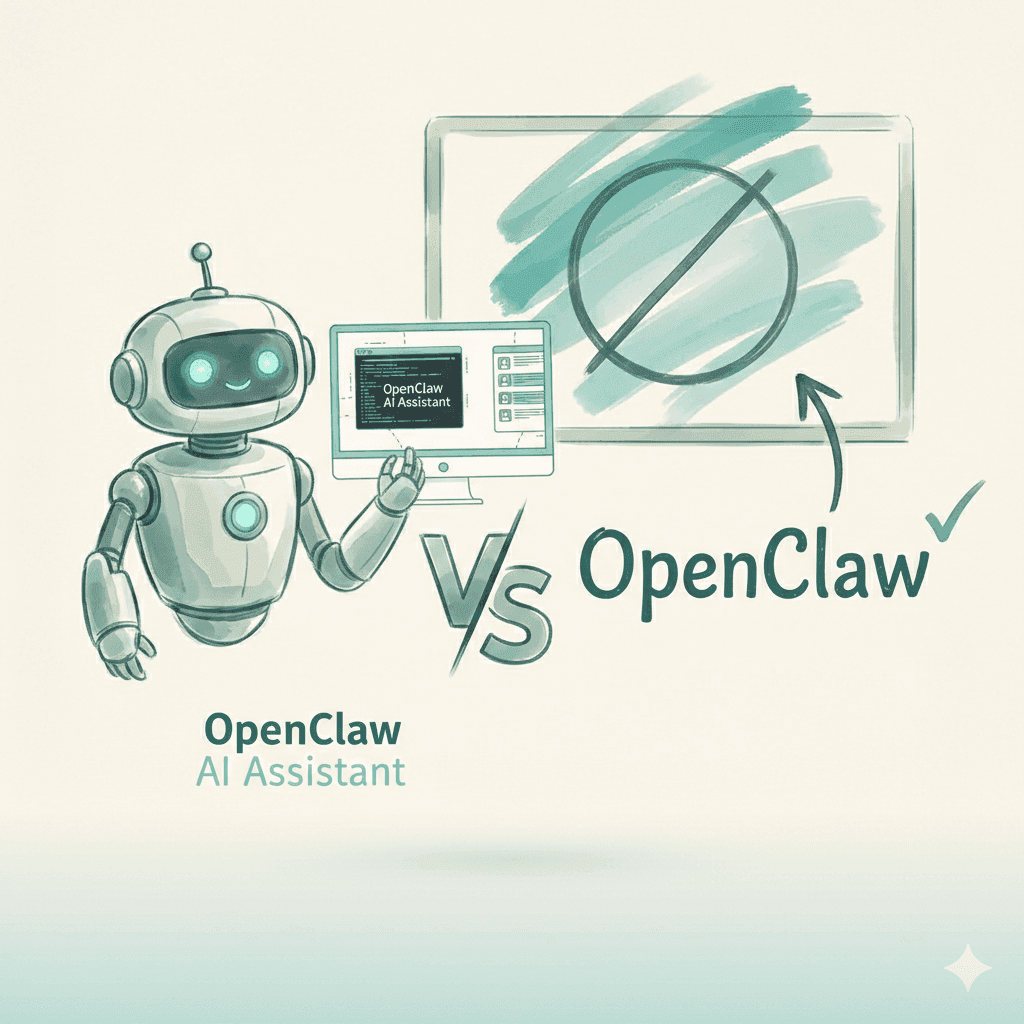
OpenClaw is a free, open-source AI assistant that runs locally on your computer. Previously known as ClawdBot and briefly as MoltBot, it connects to AI models like Claude or ChatGPT and integrates with messaging apps like Telegram, WhatsApp, and Discord to automate tasks, write code, manage files, and control your computer.
OpenClaw itself is completely free and open-source. However, it requires API access to AI models like Claude or GPT, which can cost anywhere from $10 to $500+ per month depending on the model chosen and usage intensity. Heavy users report spending $100-300+ per day in API costs.
The basic installation takes about 5-10 minutes with a single terminal command. However, full configuration including API keys, messaging platform setup, and skills installation typically takes 30-60 minutes. Non-technical users may need significantly more time to troubleshoot issues.
OpenClaw carries significant security risks including exposed control panels, prompt injection vulnerabilities, and plaintext credential storage. Security researchers have found over 1,000 instances publicly accessible without authentication. It's recommended only for experienced developers who can properly secure their installation.
For non-technical users and businesses, managed AI platforms like Dooza offer similar automation capabilities (email, social media, SEO, content creation) without the security risks, technical complexity, or unpredictable costs. Dooza provides pre-built AI employees starting at $29/month with enterprise-grade security.
The project was originally called ClawdBot, then rebranded to MoltBot in January 2026 after Anthropic issued a trademark request due to the name's similarity to 'Claude.' During that rebrand, crypto scammers hijacked the old accounts causing a $16M scam. The project eventually settled on OpenClaw as its official name.
No. OpenClaw runs on any modern Mac, Windows, or Linux machine. It doesn't run AI models locally - it connects to cloud-based AI providers. Some users choose to run it on a dedicated device like an old laptop or Mac Mini for 24/7 operation, but this is optional.

ClawdBot is the open-source AI assistant taking over Silicon Valley. Learn what it does, how it works, and the security risks you need to know before using it for business.

MoltBot is ClawdBot rebranded. Discover why the viral AI assistant changed names, the crypto scam that followed, and what security risks remain in 2026.
Join thousands of companies using Workforce to automate their work. Get started for free today.
No credit card required · 14-day free trial · Cancel anytime