Comparison

OpenClaw vs Dooza: Why Building From Scratch Costs More Than You Think

OpenClaw is a powerful open-source framework. But between API costs, infrastructure, and months of development, "free" software can cost you $50,000+ before your first customer. Here's the honest comparison.

13 min read
February 23, 2026

We love OpenClaw. We built Dooza on it. But we also spent months solving problems that OpenClaw was never designed to solve.

If you're a developer or technical founder evaluating whether to build your AI agent business on OpenClaw from scratch, this article will save you months of pain. We've been there. We've solved every problem listed here. The hard way.

The short version: OpenClaw is an incredible agent runtime. But an agent runtime is not a business. The gap between "agent that works on my laptop" and "platform that serves paying customers" is wider than most people expect.

If you want to understand OpenClaw first, read our complete OpenClaw guide. If you want to understand the business layer, read our guide to building AI employees on OpenClaw.

This article is the honest comparison. No fluff.
What Is OpenClaw? (Quick Recap)

OpenClaw (formerly ClawdBot, then MoltBot) is an open-source AI assistant that runs locally on your machine. It connects to LLMs like Claude or GPT, integrates with messaging apps, and can execute tasks autonomously.

It's powerful. It's free. And it's attracted a massive developer community.

Open Source

Free framework, MIT licensed

Local Runtime

Runs on your machine or server

Multi-Model

Works with Claude, GPT, and more

Extensible

Custom skills and tools

So What's the Problem?

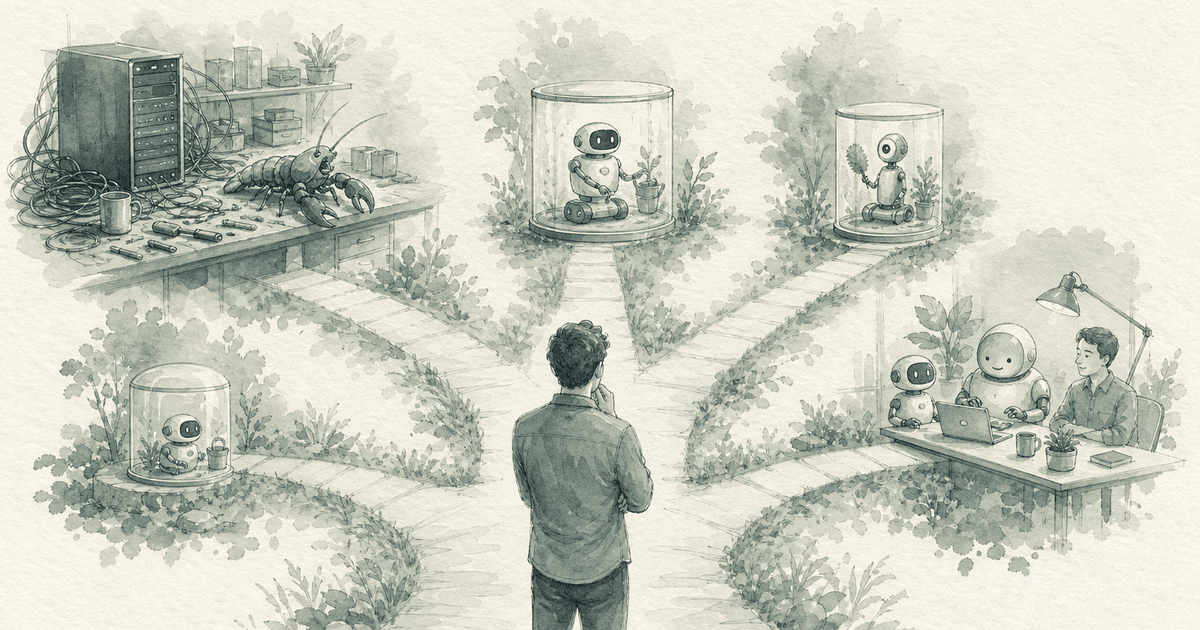
OpenClaw gives you the engine. But an engine isn't a car. You still need the chassis, the steering wheel, the brakes, the doors, and the road to drive on. That's the gap this article is about.

The DIY Trap: What "Free" Actually Costs

Every developer has the same thought when they first see OpenClaw:

"This is incredible. I can build anything with this. Why would I pay for a platform?"

We thought the same thing. Then we actually tried to ship a product. Here's the timeline of what really happens:

Week 1-2

The Honeymoon

You get a demo working on your laptop. The agent can chat, use tools, and complete tasks. You feel unstoppable. You tweet about it.

Week 3-4

The First Wall

You try to add a second user. Realize there's no multi-tenancy. Customer A can see Customer B's data. You spend 2 weeks building data isolation from scratch.

Month 2

The Infrastructure Rabbit Hole

Authentication. Real-time chat. WebSocket management. A UI that doesn't look like a terminal. Each problem takes a week to solve properly.

Month 3

The Cron Problem

Your agent only works when someone talks to it. That's ChatGPT, not an employee. You need cron scheduling so the agent works autonomously. Another 2 weeks.

Month 4+

The Security Audit

First business customer asks about security. You realize your agent can execute arbitrary commands. Prompt injection could leak data across tenants. You need three security layers. Minimum.

The punchline:

You started with a free framework. Four months later, you've spent $50,000+ in developer time and you still don't have a product you'd show to a paying customer. The agent is 10% of the work. The platform is the other 90%.

The 7 Hidden Costs of Building on OpenClaw

We documented every infrastructure problem we solved while building our AI employee business on OpenClaw. Here's the summary:

1

Multi-Tenancy

OpenClaw runs one agent per directory. Serving multiple customers requires database-level isolation, filesystem sandboxing, and runtime identity tracking.

Dev Time: 2-3 weeks
Cost: $7,500-11,250
2

Workstation UIs

Headless agents feel like ChatGPT. Business buyers need dashboards — content calendars, analytics, ticket queues. Each agent type needs a different workspace.

Dev Time: 3-4 weeks
Cost: $11,250-15,000
3

Real-Time Chat

Business users expect Slack-like messaging. That means Server-Sent Events, WebSocket bridging, auto-reconnect, multi-tab sync, and sub-200ms first token.

Dev Time: 1-2 weeks
Cost: $3,750-7,500
4

Cron Scheduling

Without cron, your agent only works when talked to. With cron, it wakes up autonomously, generates content, monitors metrics, and sends reports. This is what makes it an employee.

Dev Time: 1-2 weeks
Cost: $3,750-7,500
5

Prebuilt Skills

Every new capability (save post, send email, generate image) needs a custom tool definition, error handling, and testing. And non-technical users need a way to add them without code.

Dev Time: 2-3 weeks
Cost: $7,500-11,250
6

Memory Management

Push an update, lose the agent's memory. Customers notice immediately. You need a safe update pipeline that preserves everything the agent has learned.

Dev Time: 1 week
Cost: $3,750
7

Security Layers

One prompt injection could leak data across tenants. You need agent-level whitelists, global blacklists, and filesystem sandboxing. All active by default.

Dev Time: 2-3 weeks
Cost: $7,500-11,250

Total DIY Cost

Development Time

12-18 weeks

At $150/hr developer rate

$45,000 - $67,500

Plus ongoing maintenance, bug fixes, and security updates. Every month. Forever.

What Dooza Gives You Out of the Box

Dooza is built on OpenClaw. Same powerful framework underneath. But we've already solved every problem listed above — and wrapped it in a platform that's ready for paying customers on day one.

6 Pre-Built AI Employees

Eva (Email), Somi (Social Media), Seomi (SEO), Rachel (Receptionist), Stan (Sales), Linda (Legal). All configured and working from day one.

Autonomous Cron Jobs

AI employees wake up on schedule, do their work, and report back. Social posts at 9am. Review monitoring at noon. Weekly reports on Monday.

Enterprise Security

Three-layer security: agent whitelists, global blacklists, and sandbox isolation. All active by default. Zero configuration.

Multi-Tenancy Built In

Row-level database security, filesystem sandboxing, runtime identity tracking. Each customer's data is completely isolated.

Dashboard & Workstations

Each AI employee gets a purpose-built workspace. Content calendars, analytics, conversation history. Not a blank chat window.

Free Concierge Onboarding

Our team configures your AI employees in a 30-minute call. Your brand voice, your workflows, your tools. You don't lift a finger.

Setup Time: 30 Minutes

Sign up. Book your free onboarding call. Our team configures everything. Your AI employees start working the same day. Compare that to 3-4 months of building infrastructure from scratch.

OpenClaw DIY vs Dooza: Side-by-Side

FeatureOpenClaw DIYDooza
Setup Time3-4 months30 minutes
Upfront Cost$45,000-67,500 (dev time)$0 (free trial)
Monthly Cost$100-300+/day in API + hosting$29/month flat
Multi-TenancyBuild from scratchBuilt in
Security LayersBuild from scratch3 layers, active by default
Cron SchedulingBuild from scratchBuilt in
Dashboard UIBuild from scratchPer-agent workstations
Real-Time ChatBuild from scratchSlack-like, built in
AI EmployeesBuild each one6 pre-built, ready to go
Memory ManagementManual, fragileAuto-preserved on updates
Onboarding HelpGitHub docs + DiscordFree concierge team
Technical Skill RequiredSenior developerNone
Ongoing MaintenanceYou maintain everythingWe handle it
Time to First Customer3-6 monthsSame day

The Real Cost Math

Let's be brutally honest about what each path actually costs over the first year.

OpenClaw DIY (Year 1)

Infrastructure development$45,000-67,500
API costs (avg $150/day)$54,750/year
Server hosting$840/year
Ongoing maintenance (10hrs/wk)$78,000/year
Security audits$5,000-15,000
Total Year 1$183,590-216,090

Dooza (Year 1)

Infrastructure development$0
Subscription ($29/mo)$348/year
API costsIncluded
Server hostingIncluded
Maintenance & updatesIncluded
SecurityIncluded
Concierge onboardingFree
Total Year 1$348

The difference

527x - 621x more expensive

to build it yourself. And that's assuming everything goes right on the first try.

Who Should Use What

We're not going to pretend Dooza is right for everyone. Here's the honest breakdown:

Choose OpenClaw DIY If...

  • You're a developer building a deeply custom agent product
  • You need full control over every layer of the stack
  • You're building for a niche with unique infrastructure needs
  • You have 3-6 months and $50K+ budget for infrastructure
  • You enjoy solving hard systems problems

Choose Dooza If...

  • You want AI employees working for your business today
  • You're a business owner, not a developer
  • You need email, social media, SEO, calls, sales, and legal handled
  • You want predictable $29/month pricing, no surprises
  • You'd rather spend time on your business than building infrastructure

For Builders: The Best of Both Worlds

If you're a developer who wants to build AI employees but doesn't want to build the platform, Dooza's upcoming marketplace is the answer. Define the agent's personality in SOUL.md, write instructions in AGENTS.md, add YAML tools. We handle tenancy, auth, billing, and deployment. You build the brain. We run the body.

Read our full guide to building AI employees on OpenClaw →

The Question That Matters

Ask yourself: "Is building AI infrastructure my competitive advantage?" If no, you're better off using a platform and focusing on what actually differentiates your business. Most businesses compete on their product, their service, their relationships — not on their server architecture.

Get AI Employees Working in 30 Minutes

1

Sign Up for Dooza

Start your free trial. No credit card required. No commitment.

2

Book Your Free Onboarding Call

Our concierge team configures your 6 AI employees — Eva (email), Somi (social), Seomi (SEO), Rachel (receptionist), Stan (sales), and Linda (legal) — to match your business, brand voice, and workflows.

3

Your AI Team Starts Working

AI employees begin handling email, posting content, answering calls, generating leads, optimizing SEO, and managing compliance. Autonomously. 24/7.

Stop Building Infrastructure. Start Building Your Business.

Every week you spend building platform infrastructure is a week your competitors are serving customers. Dooza gives you the same OpenClaw power — without the months of development.

Frequently Asked Questions

What is OpenClaw?

OpenClaw (formerly ClawdBot/MoltBot) is a free, open-source AI assistant framework that runs locally on your computer. It connects to AI models like Claude or GPT and can automate tasks through messaging apps. It's powerful but requires significant technical expertise to set up and maintain.

Is OpenClaw free?

The framework is free and open-source. However, running it requires API costs ($100-300+/day for heavy use), a dedicated server, and significant developer time for setup and maintenance. The 'free' software often costs more than a managed platform.

Why is Dooza better than building on OpenClaw?

Dooza solves the 7 infrastructure problems that OpenClaw doesn't: multi-tenancy, workstation UIs, real-time chat, cron scheduling, prebuilt skills, memory management, and security. You get all of this for $29/month instead of spending weeks building it yourself.

Can I use OpenClaw for business?

You can, but OpenClaw is an agent runtime, not a business platform. You'll need to build multi-tenancy, security layers, user management, billing, and a UI from scratch. Most businesses are better served by a managed platform like Dooza.

How much developer time does OpenClaw require?

Based on real-world builds: 2-4 weeks for basic setup, 2-3 months for production infrastructure (multi-tenancy, security, cron), and ongoing maintenance. At $150/hour developer rates, that's $50,000-100,000+ before your first customer.

Does Dooza use OpenClaw?

Yes. Dooza is built on OpenClaw's open-source framework and adds all the managed infrastructure businesses need — multi-tenancy, security, cron scheduling, billing, and a dashboard UI. You get the power of OpenClaw without the complexity.

What if I want to customize my AI employees?

Dooza offers full customization through free concierge onboarding. Our team configures AI employees to match your business, brand voice, and workflows. For builders, Dooza's upcoming marketplace lets you create custom AI employees using SOUL.md and AGENTS.md files.

Related Articles

MoltBot Alternatives: 5 Safer AI Assistants for Business in 2026
Comparison

MoltBot Alternatives: 5 Safer AI Assistants for Business in 2026

Looking for MoltBot alternatives? Compare the best AI assistants for business including Dooza, ChatGPT, and more. Find secure, affordable options that don't require coding.

13 min read
Read
Sintra AI Alternative: Why Businesses Switch to Dooza
Comparison

Sintra AI Alternative: Why Businesses Switch to Dooza

Looking for a Sintra AI alternative? Discover why Dooza offers better AI employees with simpler setup, transparent pricing, and superior automation.

9 min read
Read

Ready to scale your business?

Join thousands of companies using Workforce to automate their work. Get started for free today.

No credit card required · 14-day free trial · Cancel anytime