
AI Automation
5 Proven Ways AI Employees Save Small Businesses 20+ Hours/Week
Discover how AI-powered employees are helping small businesses automate their daily operations, from email management to social media posting.
7 min read
ReadDiscover the best AI tools for content creation in 2026. This guide covers writing, video, and social media tools to automate work and save you time.
Picture this: It's Tuesday morning. Instead of staring at a blank page, you’re reviewing a week's worth of high-quality blog posts, social media updates, and even video scripts. Everything is drafted, optimized for SEO, and waiting for your final approval. This isn't a fantasy; it's the new reality for teams actively using the best AI tools for content creation.
The right AI doesn't just accelerate your workflow; it fundamentally transforms it. Imagine reclaiming hours every single week—time you can reinvest in high-level strategy, creative direction, or simply building genuine connections with your customers. This is the dream of automation: an intelligent system handling the tedious, repetitive tasks that drain your energy, freeing you to build a content engine that scales far beyond what was ever possible manually. This guide is your roadmap to achieving that freedom.
We've compiled a comprehensive list of the top platforms for every content need, from AI-powered writing and image generation to video production and multi-tool workflow automation. Each entry includes practical examples, pros and cons, direct links, and screenshots to help you visualize its real-world application. Our goal is straightforward: to help you identify the perfect tools to automate your creative process, eliminate bottlenecks, and build a system where your content practically creates itself. Let's find the solution that will give you your time back.
Dooza.co reimagines the modern workspace by allowing you to "hire" specialized AI employees who automate entire functions across your company. Instead of giving you another tool to manage, Dooza delivers a team of AI agents who run complex workflows, from content strategy to customer support, freeing your human team to focus on what they do best: thinking strategically. For example, imagine hiring 'Seomi,' your AI SEO specialist. While you sleep, Seomi performs keyword research, generates a content brief, and assigns an article to an AI writer. By morning, a fully optimized draft is waiting in your queue for approval. This isn't just automation; it's true operational freedom.
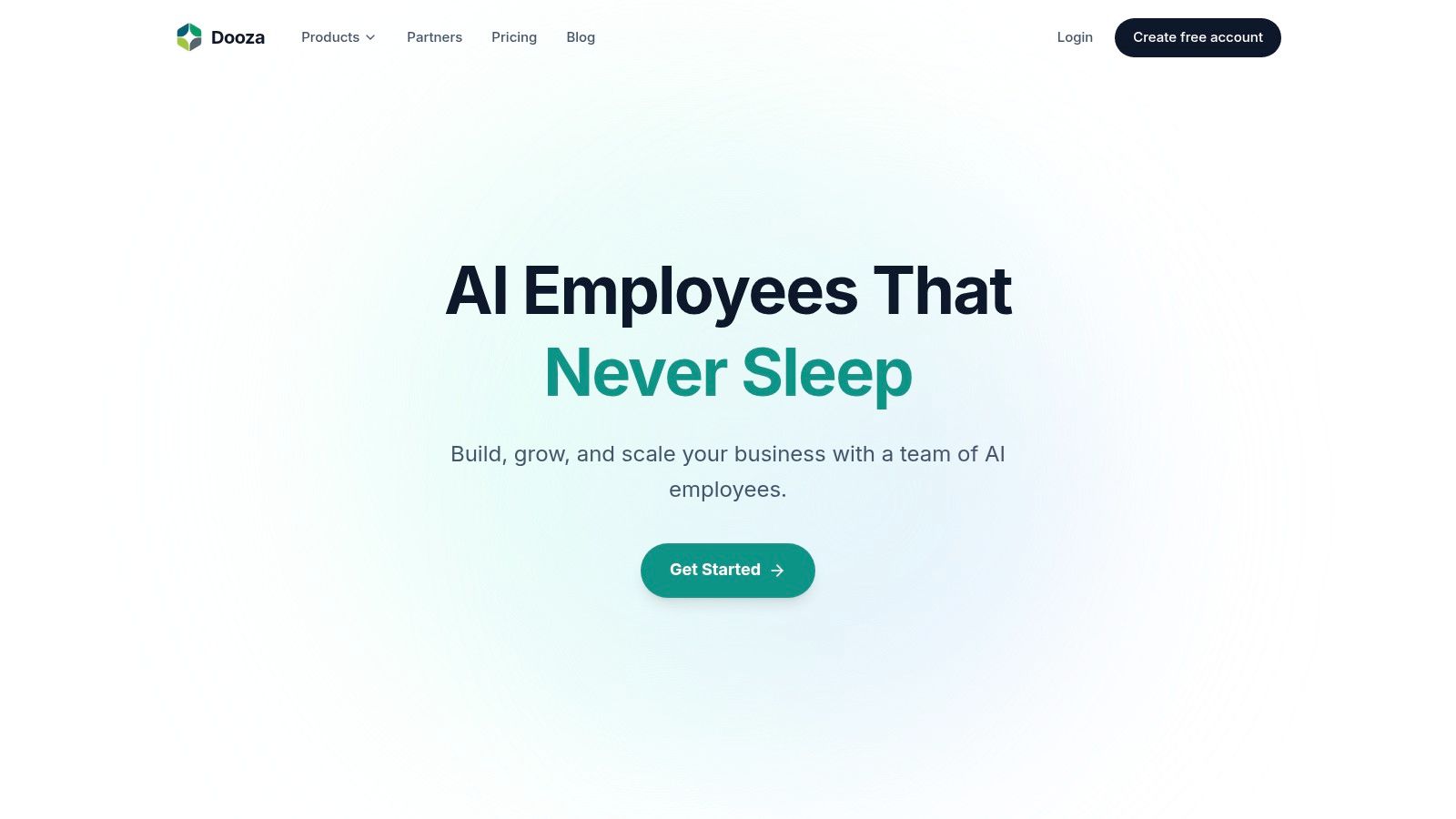
What truly sets Dooza apart is its unified, agent-first architecture. It combines a task management Desk, no-code Tables for lightweight databases, and Forms for data intake into a single hub. AI and human employees collaborate within this shared context, passing tasks and information seamlessly. This makes Dooza one of the best AI tools for content creation because it connects disparate functions into a cohesive, intelligent system. For example, a customer testimonial submitted via a Form can trigger an AI agent to draft a social media post, add it to your content calendar in a Table, and create a task for your human social media manager to review it.
Dooza is an excellent fit for teams aiming to automate operations-heavy workflows, from marketing agencies seeking continuous SEO automation to customer success teams managing support tickets. Because the platform operates on an agent-based model, an initial setup and validation period is necessary to tune the AI employees and configure integrations to your specific needs. Public information on pricing, testimonials, and compliance certifications is not available on the website; you will need to contact their team for details.
While not a content creation tool itself, Product Hunt is an indispensable discovery platform and the daily pulse of the tech world. Think of it as your strategic listening post for finding the next big thing in AI-powered content generation. Every day, new startups launch their products here, seeking feedback and early adopters. This makes it one of the best places to find groundbreaking and often niche best AI tools for content creation before they become mainstream.
Imagine finding a specialized AI video generator that perfectly matches your brand’s quirky style or a writing assistant trained on your specific industry's jargon, all on the day it launches. That's the power of Product Hunt. It frees you from endless Google searches by curating the bleeding edge of innovation and presenting it in a digestible, community-vetted format, saving you priceless research time.
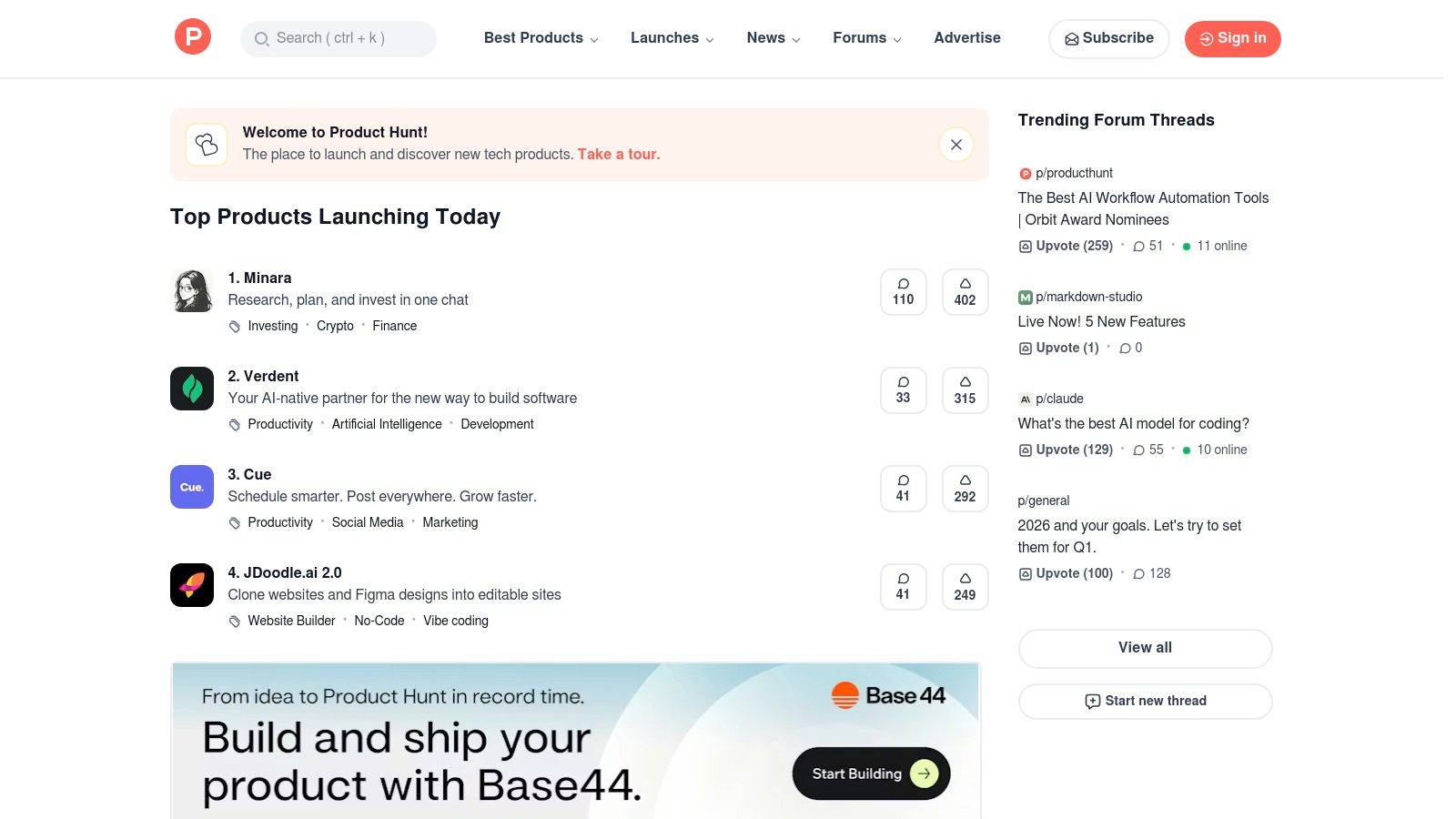
Product Hunt serves as a dynamic leaderboard for new tech. Its community of enthusiasts upvotes, reviews, and discusses new launches, providing invaluable social proof and real-world insights that you won't find in a marketing brochure.
Website: https://www.producthunt.com
| Feature Analysis | Assessment |
|---|---|
| Pricing | Free to browse and participate. |
| Discovery Value | Excellent. Unmatched for finding brand-new or niche tools. |
| Ease of Use | The interface is intuitive and gamified, making discovery engaging. |
| Community Feedback | High-quality. Direct access to founder insights and user experiences. |
| Signal-to-Noise Ratio | Can be challenging. Many products are early-stage or simple wrappers. |
While Product Hunt is about discovering the new, G2 is about vetting the established. It’s a B2B software marketplace and review platform where real users share their in-depth experiences. For anyone serious about investing in a content solution, G2’s AI Writing Assistants category is an essential research hub, cutting through marketing hype with verified peer reviews and detailed comparison grids.
Imagine shortlisting three powerful AI writers and instantly comparing them on features, user satisfaction, and pricing, all backed by candid feedback from teams just like yours. This is how you avoid buyer's remorse and find the best AI tools for content creation that truly fit your workflow and scale with your business. G2 transforms the daunting task of software selection into a clear, data-driven process, freeing you to focus on strategy instead of endless demos.
G2 aggregates user reviews and presents them in structured formats like its Grid Report, which plots tools based on market presence and user satisfaction. This allows for quick identification of category leaders, high-performers, and niche contenders.
Website: https://www.g2.com/categories/ai-writing-assistant
| Feature Analysis | Assessment |
|---|---|
| Pricing | Free to browse and research. |
| Discovery Value | Excellent. Ideal for vetting and comparing established tools. |
| Ease of Use | Intuitive interface with powerful filtering and comparison features. |
| Community Feedback | High-quality. Deep, verified reviews provide invaluable insights. |
| Signal-to-Noise Ratio | Very strong, but be mindful that vendors sometimes run review campaigns. |
While Product Hunt excels at finding the newest tech, Capterra is your strategic directory for vetting established, business-ready solutions. It’s less about discovery and more about due diligence. Capterra’s curated Shortlists for AI Writing Assistants are invaluable for teams needing to compare mature platforms that come with reliable support, clear pricing, and proven track records.
Think of it as the ultimate buyer’s guide. Instead of spending days tracking down pricing and feature sets from dozens of vendor sites, Capterra consolidates it all. For example, in just ten minutes, you can build a side-by-side comparison of three top-rated AI writers, seeing exactly which ones offer API access and multi-language support. This frees you up from tedious research, allowing you to quickly shortlist the three or four best AI tools for content creation that truly fit your team’s budget and technical needs, moving you from evaluation to implementation in a fraction of the time.
Capterra functions as a comprehensive business software directory with powerful comparison tools. Its AI-specific category pages and Shortlists provide aggregated reviews, pros and cons, and direct links to vendor profiles, making it a one-stop-shop for serious buyers.
Website: https://www.capterra.com/ai-writing-assistant-software/shortlist/
| Feature Analysis | Assessment |
|---|---|
| Pricing | Free to use. Provides pricing details and links to vendor sites. |
| Discovery Value | Good. Excellent for established tools, but not for brand-new entrants. |
| Ease of Use | The interface is straightforward, with clear filters and comparison tools. |
| Community Feedback | High-quality. Reviews are typically from verified business users. |
| Signal-to-Noise Ratio | Very strong. Focuses on vetted, commercially viable software. |
AppSumo is the ultimate digital marketplace for entrepreneurs and marketers hunting for deals on cutting-edge software. It's a goldmine for discovering and acquiring some of the best AI tools for content creation at a fraction of their retail price, often through lifetime deals (LTDs). This platform lets you experiment with multiple innovative tools without the commitment of a full-priced monthly subscription.
Imagine building a complete AI-powered content arsenal—a sophisticated SEO writer, a dynamic video generator, and a social media scheduler—for a single, one-time payment. That's the dream AppSumo offers. For example, you could snag a lifetime deal on an AI image generator for the price of two months of a competitor's subscription. This democratizes access to powerful technology, freeing up your budget and time to focus on creative strategy rather than worrying about recurring expenses.
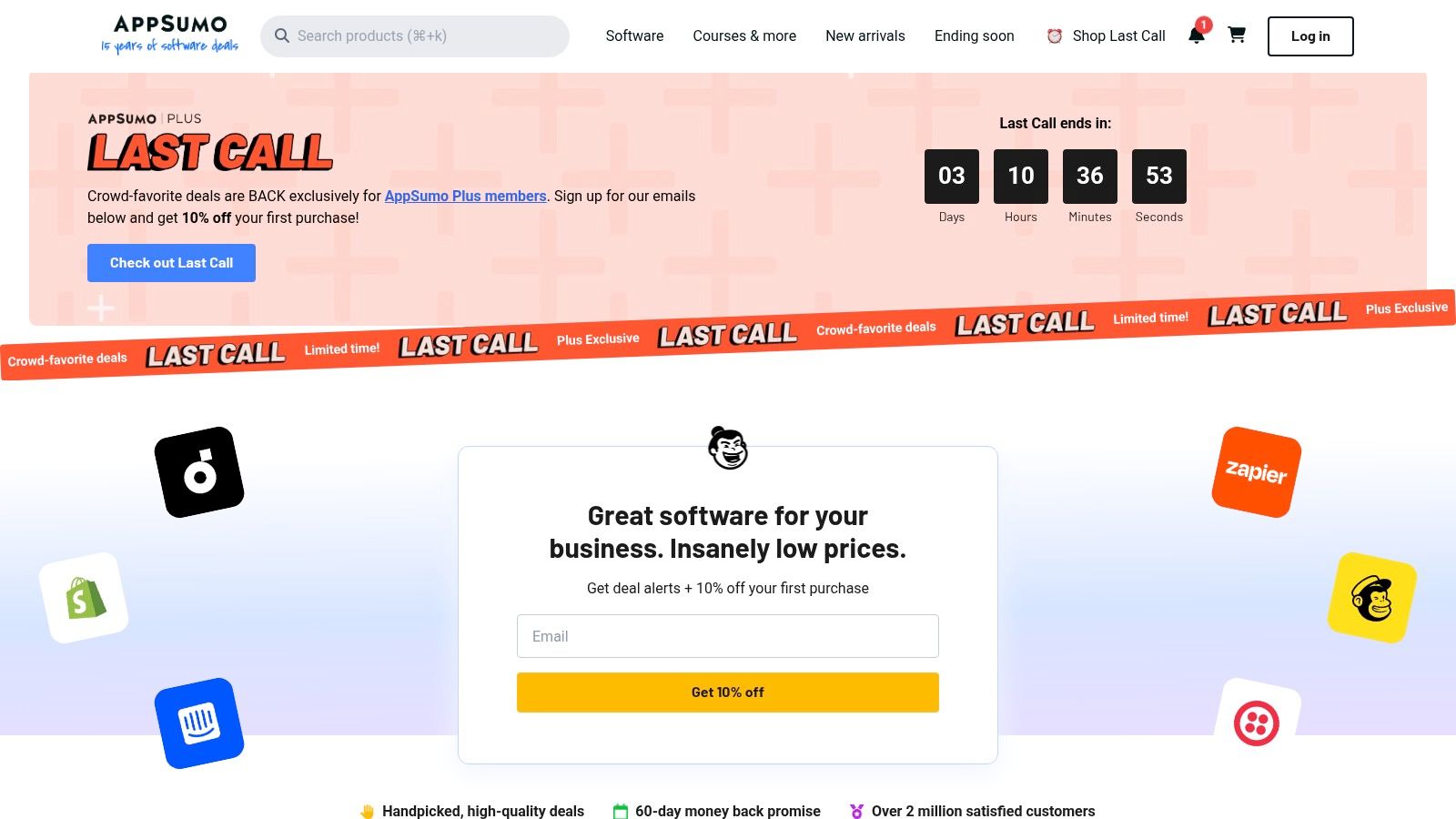
AppSumo curates and negotiates limited-time offers on a wide range of software, with a heavy emphasis on AI, marketing, and productivity tools. Each deal page includes detailed descriptions, user reviews, and Q&A with the founders, providing a transparent look at what you’re buying.
Website: https://appsumo.com
| Feature Analysis | Assessment |
|---|---|
| Pricing | Excellent. Offers significant one-time savings over recurring subscriptions. |
| Tool Discovery | Very Good. A great way to find new and promising AI tools. |
| Risk Factor | Can be moderate. LTDs depend on the long-term survival of the vendor. |
| User Feedback | High-quality. The community is active and provides candid feedback. |
| Value for Money | Unbeatable for early-stage tool adoption and experimentation. |
Adobe, the long-standing king of creative software, has entered the generative AI space with a suite built for professional and commercial use. Adobe Firefly isn't just a standalone image generator; it's an ecosystem deeply integrated into the Creative Cloud apps you already use, like Photoshop and Premiere Pro. This makes it one of the best AI tools for content creation for established creative teams who prioritize workflow efficiency and brand safety.
Imagine seamlessly extending a photo’s background in Photoshop with a single text prompt using Generative Fill, a task that used to require a skilled designer an hour to complete. Or picture yourself creating custom video b-roll without ever leaving your editing timeline in Premiere Pro. Firefly is designed to be a commercially safe co-pilot, trained on Adobe Stock, giving businesses the confidence to deploy AI-generated assets without worrying about complex IP issues. It automates tedious tasks, freeing you to focus purely on high-level creative direction.
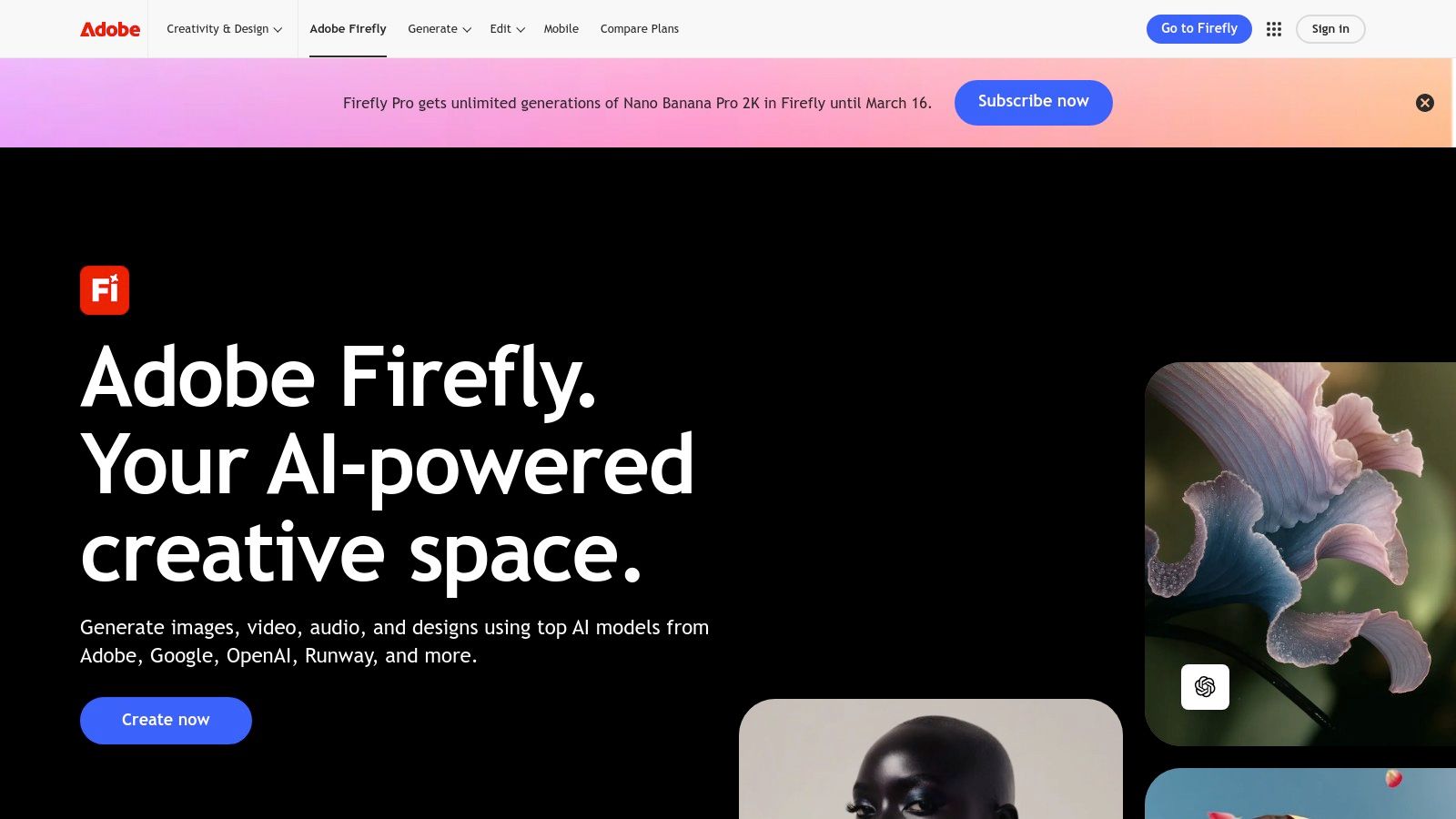
Adobe Firefly supercharges existing creative workflows with powerful, integrated generative AI features. Its key differentiator is the direct pipeline from AI generation to professional-grade editing and production within a single, trusted environment.
Website: https://www.adobe.com/products/firefly
| Feature Analysis | Assessment |
|---|---|
| Pricing | Credit-based system included in Creative Cloud plans; can be expensive for high-volume generation. |
| Integration | Excellent. Unmatched, native integration within the Adobe ecosystem. |
| Ease of Use | Very intuitive, especially for those already familiar with Adobe products. |
| Commercial Safety | High-quality. Designed from the ground up to be safe for commercial projects. |
| Output Quality | Consistently high, with a photorealistic and professional aesthetic. |
Canva Magic Studio integrates a powerful suite of AI features directly into the familiar Canva editor, making it one of the most accessible and practical best AI tools for content creation. It’s designed to eliminate creative friction, especially for non-designers, by automating tedious tasks. Imagine drafting a presentation and instantly generating all the copy with Magic Write, creating custom images from a text prompt with Magic Media, and then transforming the entire deck into a social media campaign with a single click using Magic Switch.
This integrated approach means you're not juggling multiple tools or subscriptions. Magic Studio turns Canva from a simple design platform into an all-in-one content engine. It streamlines the entire creation process, freeing up your time to focus on strategy rather than repetitive design work. A task like repurposing a webinar presentation into ten social media graphics, which used to take half a day, can now be done in minutes.
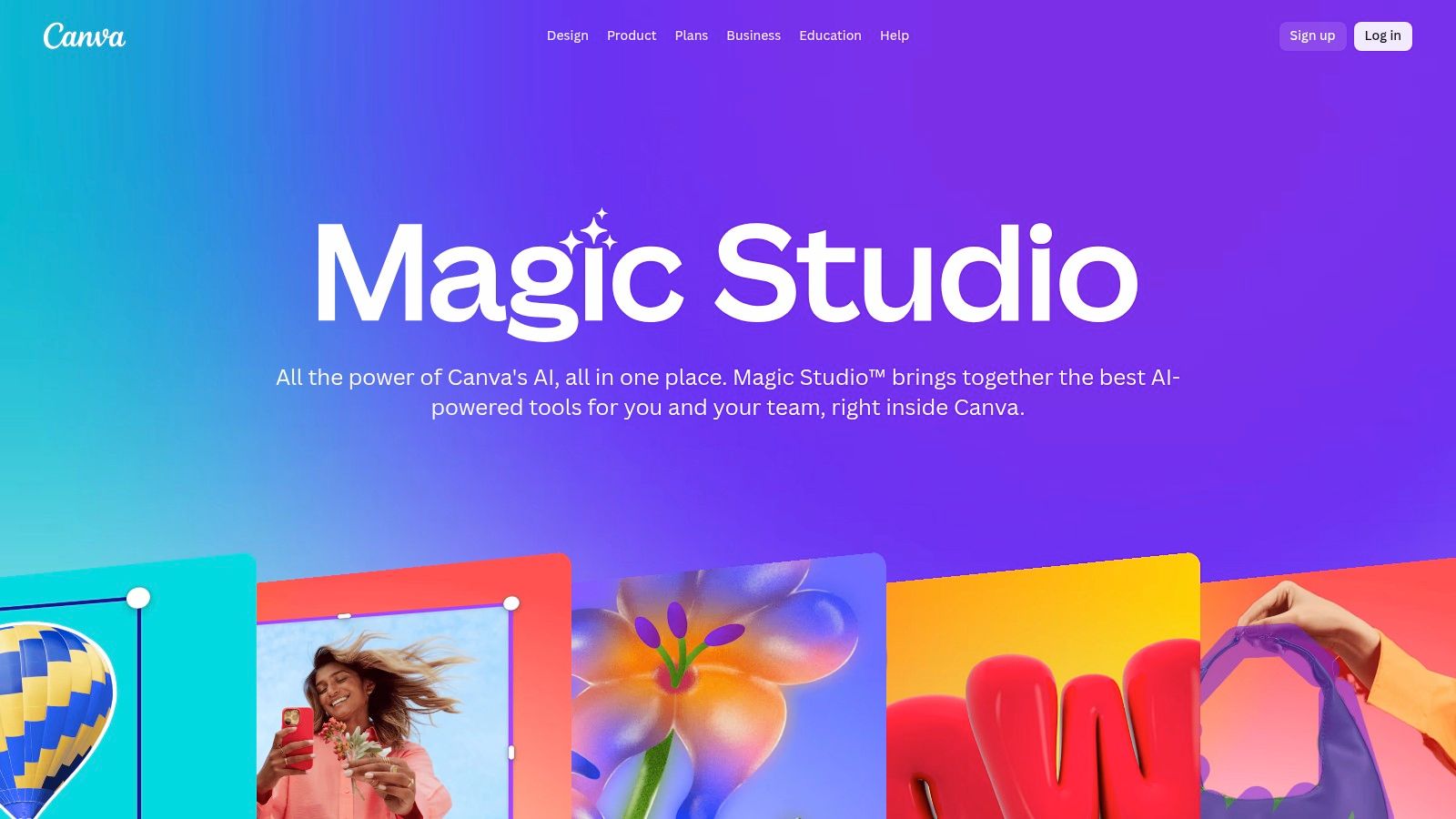
Canva Magic Studio serves as an AI-powered co-pilot for visual communication. It embeds text, image, and video generation, along with format-switching capabilities, directly into your design workflow, making AI feel like a natural extension of your creative process.
Website: https://www.canva.com/magic/
| Feature Analysis | Assessment |
|---|---|
| Pricing | Free tier with limited credits; full access in Canva Pro and Teams plans. |
| Ease of Use | Excellent. The learning curve is almost non-existent for existing Canva users. |
| Integration Quality | Seamlessly integrated into the core Canva editor and workflows. |
| Output Versatility | High. Generates text, images, and short videos, and transforms formats. |
| Reliability | Generally stable, though some newer AI features can experience occasional hiccups. |
Jasper has evolved from a simple writing assistant into a comprehensive marketing brain designed for teams. It excels at creating on-brand content at scale, moving beyond one-off articles to orchestrate entire marketing campaigns. This platform is built for businesses that need to maintain a consistent voice and message across every blog post, social update, and ad campaign.
Imagine your entire marketing team, from copywriters to social media managers, all creating content that sounds perfectly like your brand without constant oversight. Jasper makes this possible by centralizing brand knowledge and style guides, effectively becoming one of the best AI tools for content creation for organizations that need governance and consistency. For example, you can upload your company's tone of voice guidelines, and Jasper will ensure every piece of generated content—from a tweet to a whitepaper—adheres to it, saving countless hours in editing and revision.
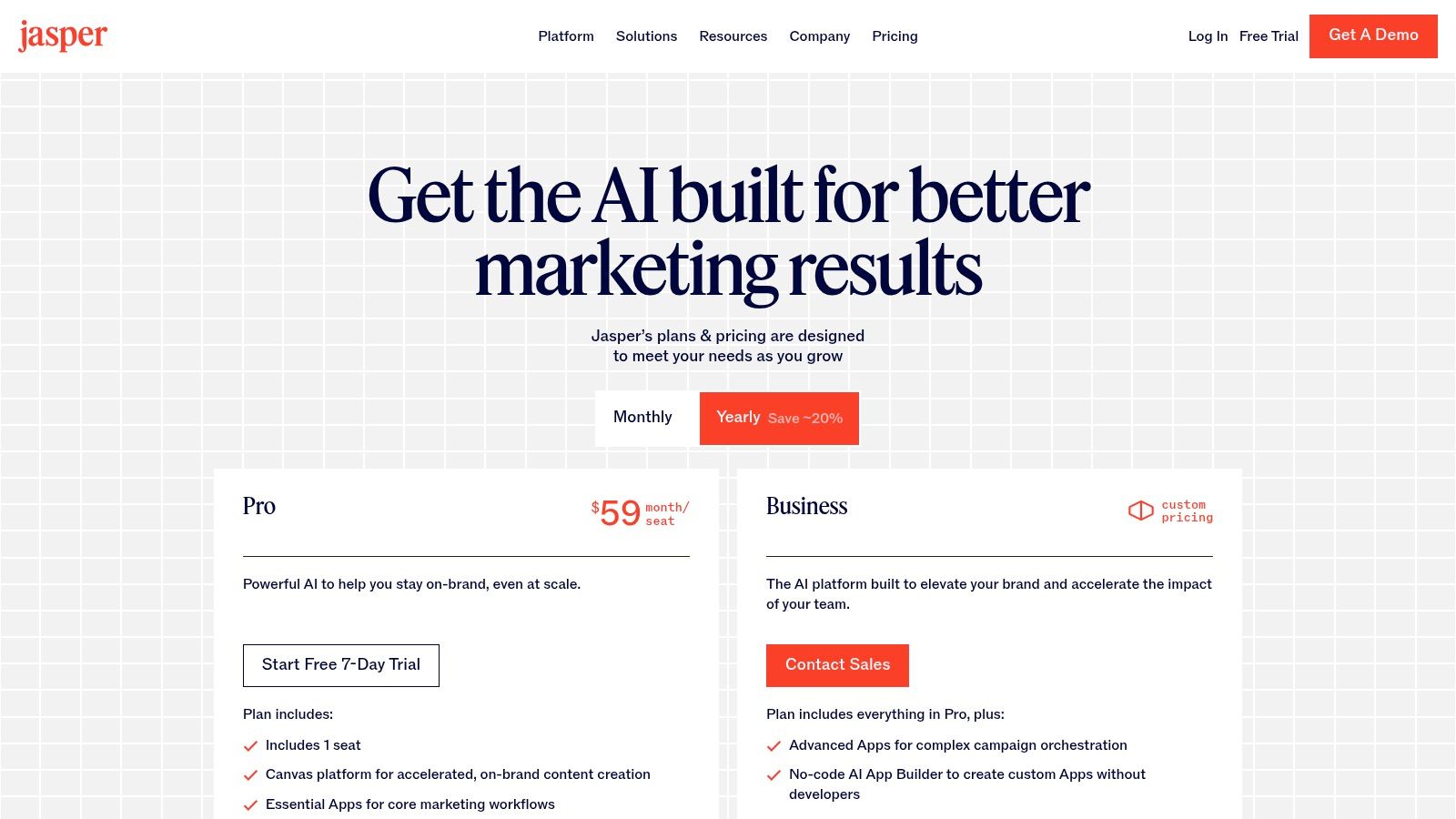
Jasper acts as a collaborative content platform where marketing teams can plan, create, and optimize. Its strength lies in its Brand Voice and Knowledge features, which allow you to train the AI on your specific style, product information, and target audience, ensuring every output is aligned.
Website: https://www.jasper.ai/pricing
| Feature Analysis | Assessment |
|---|---|
| Pricing | Starts at $39/month (billed annually) with team and business plans scaling up. |
| Brand Consistency | Excellent. The Brand Voice and Knowledge Base features are a major differentiator. |
| Ease of Use | The interface is clean and user-friendly, though unlocking its full potential requires setup. |
| Team Collaboration | Strong. Designed for team workflows with shared assets and campaign tools. |
| Cost-Effectiveness | Can be pricey with per-seat pricing; best value is for teams committed to its ecosystem. |
As the tool that brought generative AI into the mainstream, OpenAI’s ChatGPT is a foundational platform for nearly any creative endeavor. It’s the ultimate digital brainstorming partner, capable of transforming a vague idea into a structured outline, a rough draft, or a polished final piece in seconds. Its versatility makes it one of the most essential and best AI tools for content creation available today, acting as a Swiss Army knife for writers, marketers, and developers.
Imagine needing a blog post outline, five social media captions for a campaign, and a script for a short video, all before your morning coffee is finished. ChatGPT makes this a reality. For instance, you could paste a messy transcript of an interview and ask it to "pull out the five most compelling quotes and write a LinkedIn post for each." This simple prompt transforms hours of tedious work into a few minutes of review, freeing you from the blank page and accelerating your workflow from ideation to execution.
ChatGPT excels as a general-purpose assistant for rapid content generation and iteration. With multimodal inputs, web browsing capabilities, and image generation via DALL-E 3, it can handle diverse requests ranging from simple text editing to complex, research-backed article drafting.
Website: https://chatgpt.com
| Feature Analysis | Assessment |
|---|---|
| Pricing | Tiered model: Free version with limitations, Plus/Team/Enterprise plans with advanced features. |
| Versatility | Excellent. Handles text, code, images, and data analysis, making it a powerful all-rounder. |
| Ease of Use | The conversational interface is incredibly intuitive for beginners. |
| Ecosystem | Strong. Frequent updates and a growing library of custom GPTs expand its capabilities. |
| Consistency | Can sometimes require multiple prompts to achieve the desired quality or tone. |
Notion has evolved from a connected workspace into a powerful content engine, merging organizational prowess with generative AI. It's where your content calendar, creative briefs, and first drafts can all live and breathe in the same ecosystem. Notion AI acts as an embedded partner that can summarize research, draft an entire blog post from a simple prompt, or translate content directly within your workflow, eliminating the need to constantly switch between apps.
Imagine your content team collaborating on a brief in one document while Notion AI generates outlines, social media snippets, and even meeting notes from the discussion in real-time. For example, highlight a block of meeting notes and click "Find action items." Notion AI instantly creates a checklist of tasks, which you can then drag directly into your project board. This integration makes it one of the best AI tools for content creation for teams that value context and cohesion, turning a static planning tool into an active production hub where ideas become assets automatically.
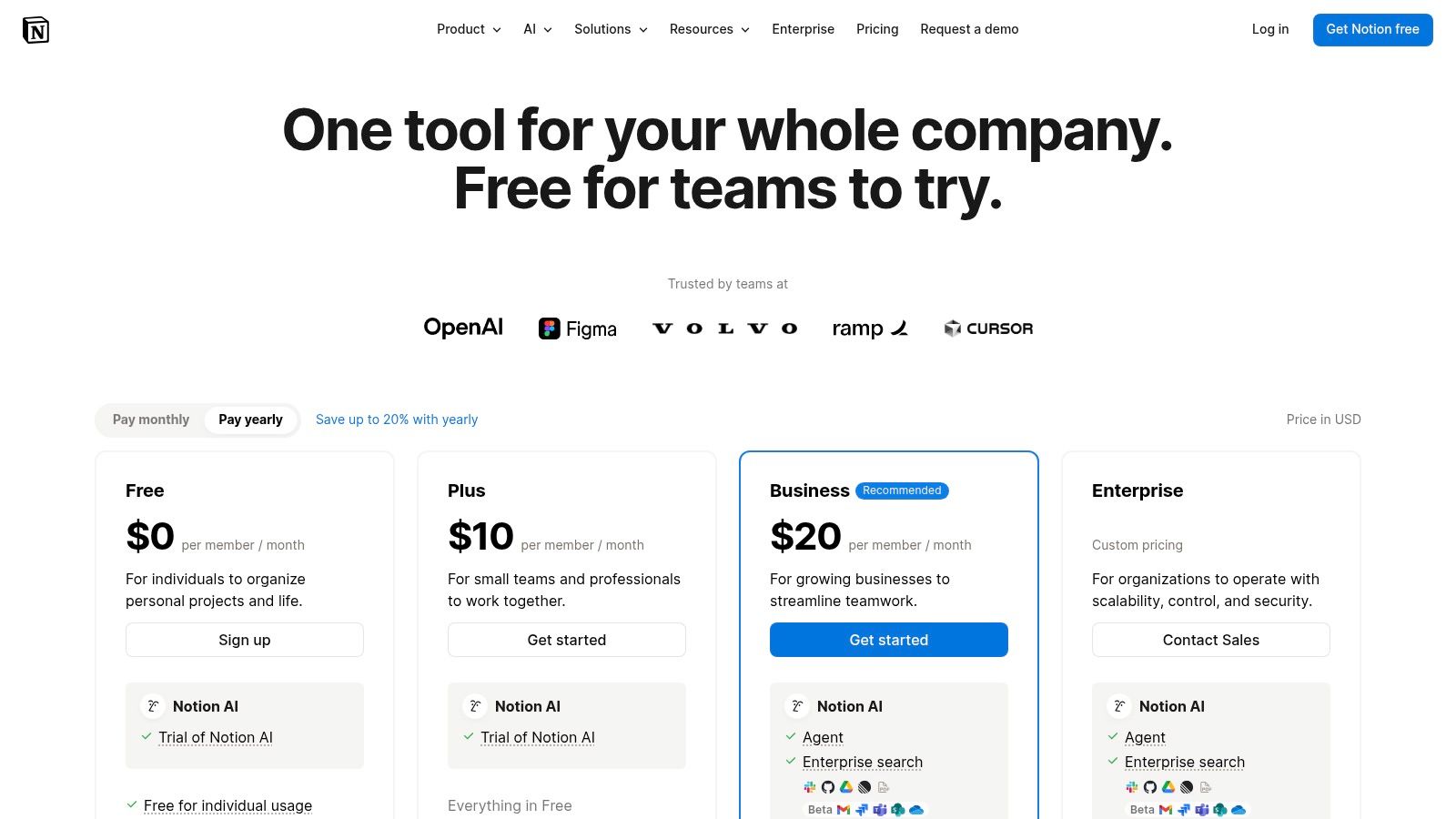
Notion AI is built directly into Notion’s pages and databases, allowing you to generate, edit, and summarize content without leaving your project board or document. It excels at transforming unstructured notes into polished, actionable content and streamlining the entire content operations lifecycle from ideation to publication.
Website: https://www.notion.so/pricing
| Feature Analysis | Assessment |
|---|---|
| Pricing | Free plan exists; AI add-on is $8-10 per user/month. |
| Integration Value | Excellent. AI is seamlessly embedded into the core workspace. |
| Ease of Use | The core AI features are simple, but mastering Notion's database structure has a learning curve. |
| Team Collaboration | High-quality. Designed for real-time collaboration and knowledge sharing. |
| Customization | Highly flexible, allowing teams to build custom workflows and dashboards. |
For teams that need more than just a writing assistant, HubSpot Content Hub integrates powerful AI tools directly into a full-funnel marketing and sales platform. This isn't just about generating blog posts; it's about creating, managing, and measuring content performance from a single source of truth. It excels at transforming your raw ideas into campaign-ready assets tied directly to your CRM data, making it one of the best AI tools for content creation for integrated marketing teams.
Imagine drafting an entire blog post with AI, getting instant SEO recommendations, and then using AI to remix that post into a dozen social media updates and an email newsletter, all without leaving your CMS. For example, after publishing a blog post, you can use the AI to generate five unique LinkedIn posts, ten tweets, and a promotional email, all tailored to different audience segments in your CRM. HubSpot makes this end-to-end workflow a reality, freeing up your team from juggling disparate tools to focus on strategy rather than execution.
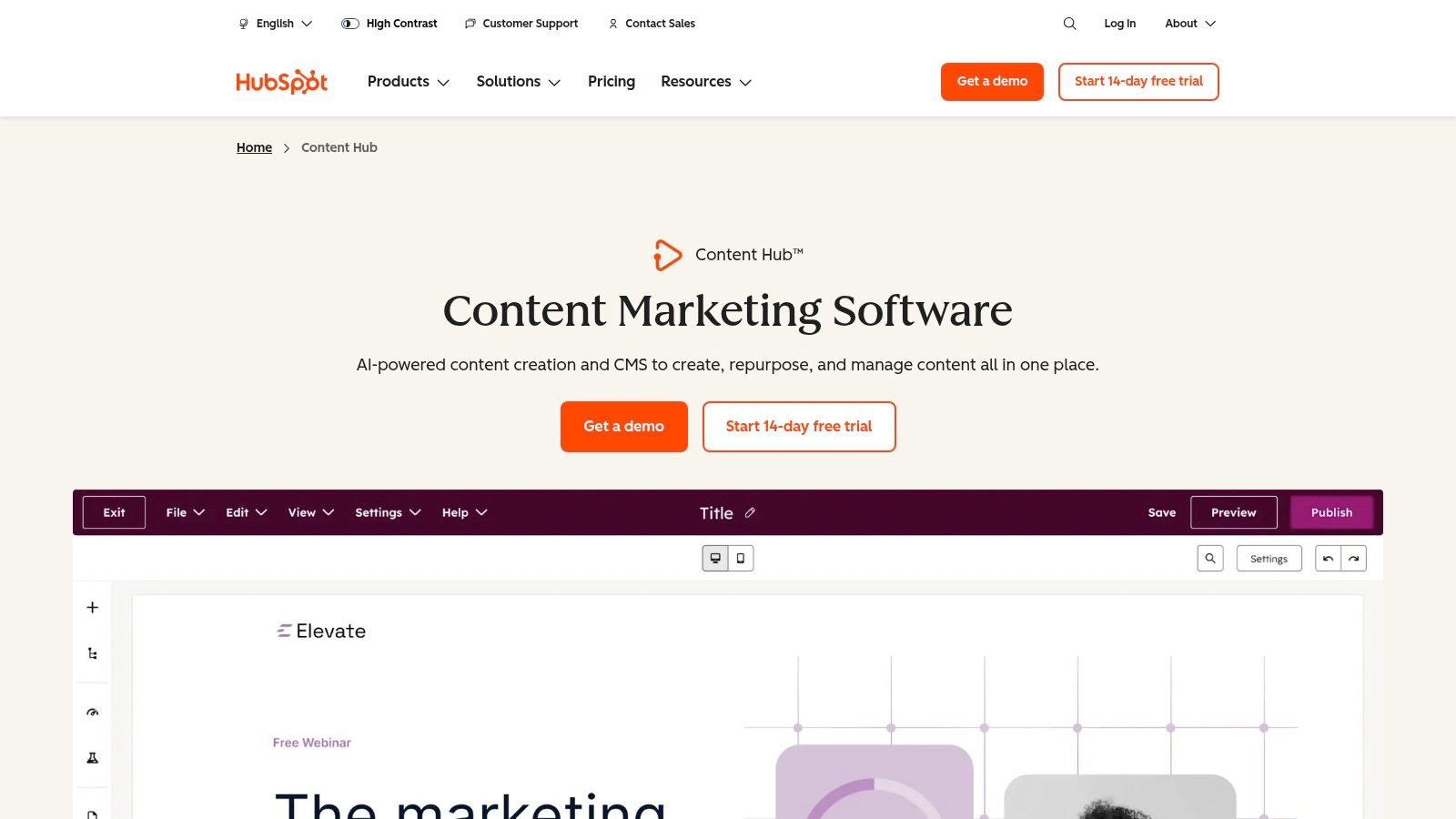
HubSpot Content Hub combines a content management system with a suite of AI-powered creation and analytics tools. Its core strength lies in its deep integration with HubSpot's CRM, allowing you to build data-driven content campaigns that scale.
Website: https://www.hubspot.com/products/content-hub
| Feature Analysis | Assessment |
|---|---|
| Pricing | Free tools are available, but core AI features and scalability are in paid Professional and Enterprise tiers. |
| Discovery Value | Good. Not for discovering new tools, but for unifying content creation within an existing ecosystem. |
| Ease of Use | The interface is clean and user-friendly, especially for existing HubSpot users. |
| Community Feedback | High-quality. Extensive documentation, a large user community, and robust customer support. |
| Signal-to-Noise Ratio | Very high. It's a focused, professional suite, not an experimental playground. |
For teams deeply embedded in the Microsoft ecosystem, Copilot isn't just another tool; it's a fundamental upgrade to your entire workflow. It integrates powerful AI assistance directly into the apps you use every day, like Word, PowerPoint, and Outlook. This native integration is what makes it one of the best AI tools for content creation for established organizations, as it streamlines creation without forcing users to switch contexts or learn new platforms.
Imagine drafting a detailed project proposal in Word from a few bullet points, then instantly transforming it into a client-ready PowerPoint presentation, complete with speaker notes. For example, you can give Copilot a command like, "Create a 10-slide presentation based on this Word document, with a focus on Q3 financial results." Copilot handles the heavy lifting, freeing up your team to focus on strategy and high-level thinking instead of tedious document formatting and content generation.
Copilot functions as an AI-powered assistant that lives inside the Microsoft 365 suite. Its primary advantage is its deep, contextual understanding of your organization's data (with permissions) to generate relevant, secure, and compliant content directly within your existing workflows.
Website: https://www.microsoft.com/microsoft-365/copilot
| Feature Analysis | Assessment |
|---|---|
| Pricing | Add-on pricing, requires eligible Microsoft 365 base licenses. |
| Discovery Value | N/A. It enhances existing tools rather than discovering new ones. |
| Ease of Use | Excellent. Seamlessly integrated into familiar Microsoft applications. |
| Community Feedback | Strong adoption within the enterprise space; feedback is largely positive. |
| Signal-to-Noise Ratio | Very high. Focused on productivity within a controlled, secure environment. |
| Product | Core features | UX / Quality ★ | Value & Pricing 💰 | Target audience 👥 | Unique selling points ✨ |
|---|---|---|---|---|---|
| Dooza.co 🏆 | AI employees, Desk/Table/Forms, integrations, shared context | ★★★★☆ — agent collaboration | 💰 Contact sales; scales with teams | 👥 Startups, marketing, ops, agencies, solopreneurs | ✨ Agent-first teammates, cross-agent context & human collaboration |
| Product Hunt | Launches, reviews, curated collections, links | ★★★☆☆ — community-driven | 💰 Free discovery; variable quality | 👥 Early adopters, builders, tool hunters | ✨ Real-time launches & community feedback |
| G2 (AI Writing) | Verified reviews, side-by-side comparisons, rankings | ★★★★☆ — research-focused | 💰 Free; helps shortlist vendors | 👥 Buyers, procurement, team evaluators | ✨ Verified user reviews & category grids |
| Capterra (Shortlist) | Shortlists, pricing snapshots, vendor profiles | ★★★☆☆ — quick scans | 💰 Free; direct vendor links | 👥 SMBs, budget-minded buyers | ✨ Fast vendor/price comparisons |
| AppSumo | Curated deals, lifetime offers, refunds | ★★★☆☆ — deal marketplace | 💰 Low upfront via deals; risk on LTOs | 👥 Entrepreneurs, small teams, testers | ✨ Significant discounts / lifetime deals |
| Adobe Firefly & CC | Generative images/video, Creative Cloud integration | ★★★★☆ — professional-grade | 💰 Credit-based; CC subscription $$$ | 👥 Designers, studios, enterprises | ✨ Brand-safe generation + deep Adobe toolchain |
| Canva Magic Studio | Magic Write/Switch/Media, brand controls | ★★★★☆ — very easy to use | 💰 Freemium → paid tiers with caps $-$$ | 👥 Non-designers, marketers, teams | ✨ Low learning curve; bulk repurposing |
| Jasper | Campaign tools, brand voice, marketing agents | ★★★★☆ — marketing-centric | 💰 Per-seat; Business tier for governance $$ | 👥 Marketing teams, agencies | ✨ Campaign orchestration & voice control |
| OpenAI ChatGPT | Multimodal drafting, web search, voice | ★★★★☆ — versatile & fast | 💰 Free → Team/Enterprise tiers $-$$$ | 👥 Creators, teams, R&D | ✨ Broad capabilities + rapid feature updates |
| Notion (Notion AI) | Docs, DBs + AI writing, summarization | ★★★★☆ — planning + production | 💰 Paid tiers for advanced AI $-$$ | 👥 Content ops, product teams, planners | ✨ Integrated planning, briefs & AI in one workspace |
| HubSpot Content Hub | CMS + AI content, SEO guidance, CRM ties | ★★★★☆ — end-to-end pipeline | 💰 Professional → Enterprise $$$ | 👥 CRM-driven marketing teams, enterprises | ✨ Creation → publishing → analytics with CRM data |
| Microsoft 365 Copilot | AI across Word/Outlook/PowerPoint, governance | ★★★★☆ — enterprise-ready | 💰 Add-on pricing; requires M365 licenses $$$ | 👥 Enterprises on M365, compliance-focused | ✨ Deep Office integration + admin/security controls |
We’ve journeyed through a powerful arsenal of the best AI tools for content creation, from specialized image generators like Adobe Firefly to comprehensive content platforms like HubSpot. Each tool offers a distinct advantage, a way to reclaim precious hours and elevate the quality of your output. You can draft an entire blog post with Jasper, design stunning social media graphics in Canva Magic Studio, and organize your entire content calendar using Notion AI. These are the building blocks of a modern, efficient content strategy.
However, the real revolution isn't found in using any single tool in isolation. The true competitive edge, the dream of a content engine that runs itself, lies in orchestration. Imagine your AI writer, your AI designer, and your AI SEO specialist all working together, passing tasks and context between them without your constant intervention. This is the shift from using AI tools to building an AI-powered team.
Selecting the perfect toolset can feel overwhelming, but it becomes simpler when you focus on your specific operational needs rather than just features.
The key is to conduct an honest audit of your current content creation bottlenecks. Where do you spend the most manual effort? Is it ideation, drafting, visual design, or distribution? Answering this question will point you directly to the tools that will deliver the most immediate and significant return on investment.
The ultimate goal is to move beyond simply using individual applications and instead direct a symphony of automated specialists. This is the future promised by agentic orchestration platforms. Instead of you manually copying text from your AI writer and pasting it into your design tool, an orchestration layer handles the handoff automatically.
Think of it like this: you, the human strategist, assign a high-level goal, "Create a complete marketing campaign for our new product launch." An AI project manager then delegates tasks to specialized AI "employees." 'Seomi the SEO Specialist' researches keywords and outlines the blog post. 'Jasper the Writer' drafts the content based on that outline. 'Canva the Designer' generates a set of on-brand social graphics. All of this happens in a single, unified workspace, with each AI agent sharing context and building upon the previous one's work.
This is not a far-off science fiction concept; it's the next evolution in content creation. By strategically choosing the best AI tools for content creation for each specific task and connecting them through a central orchestration platform, you elevate your role from a hands-on creator to a high-level director. You stop juggling dozens of browser tabs and start guiding an intelligent, automated team. This frees you to focus on the one thing AI cannot replicate: your unique strategic vision and creativity.
Ready to stop managing tools and start directing an AI-powered team? Dooza.co provides the agentic orchestration layer to connect your favorite AI apps, creating seamless workflows where specialized AI agents collaborate to execute your content strategy. Assemble your automated content team and reclaim your strategic time by visiting Dooza.co today.
Automate your business with AI employees that work 24/7.
Discover how AI-powered employees are helping small businesses automate their daily operations, from email management to social media posting.
![AI Agents vs Agentic AI — What Nobody Tells You [2026]](/blog/ai-agents-vs-agentic-ai.png)
Confused by the jargon? We break down the differences between Generative AI, AI Agents, and Agentic AI in simple terms.
Join thousands of companies using Workforce to automate their work. Get started for free today.
No credit card required · 7-day money-back guarantee · Cancel anytime