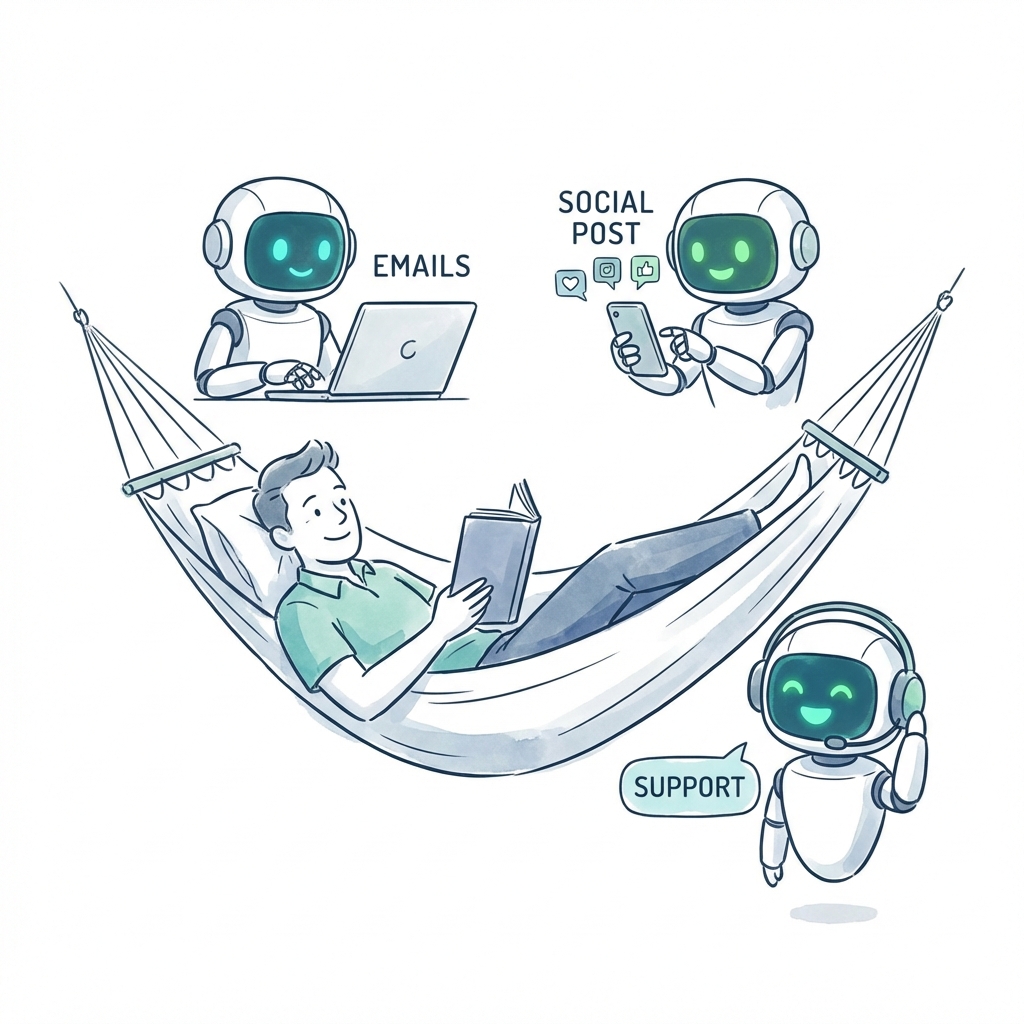
AI Automation
5 Proven Ways AI Employees Save Small Businesses 20+ Hours/Week
Discover how AI-powered employees are helping small businesses automate their daily operations, from email management to social media posting.
7 min read
ReadLearn the format for taking meeting minutes with practical templates and AI-powered workflows to boost productivity and reclaim your time.
Let's be honest, nobody enjoys taking meeting minutes. The traditional way is a recipe for disaster. You're either frantically trying to capture every single word, or you're so focused on typing that you miss the chance to actually contribute. But what if there was a better way? Imagine a world where this entire chore is automated, freeing you up to focus on the high-level strategy that actually matters.
A proper format for taking meeting minutes isn't about creating a word-for-word transcript. It's about building a clear, concise, and action-oriented roadmap that turns conversation into tangible results—a roadmap an AI assistant can generate for you automatically.
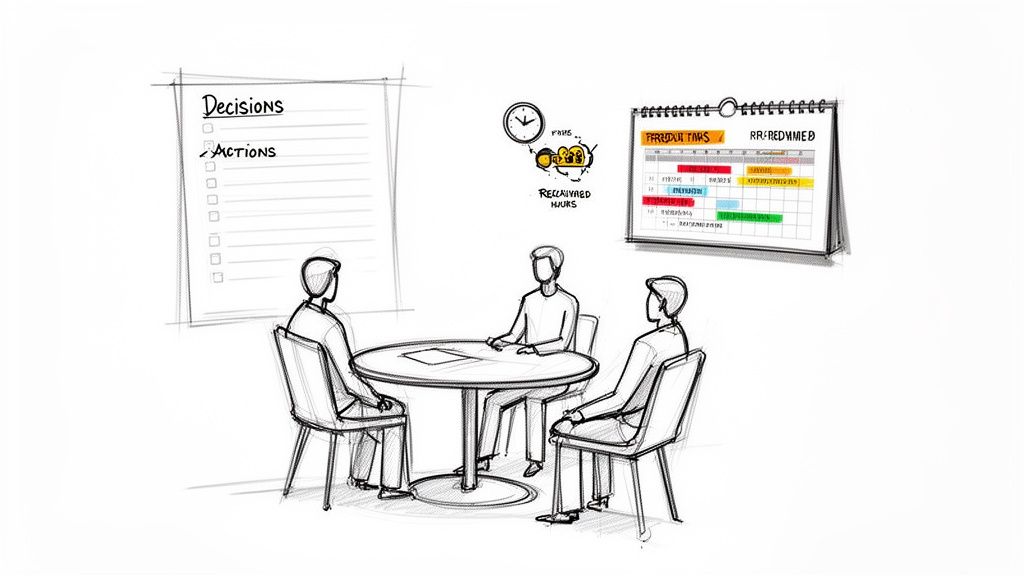
Think about a world where every meeting ends with absolute clarity. Your entire team knows exactly what they need to do, who owns each task, and when it’s due. You get hours back in your week—time that used to be spent chasing down colleagues to clarify what was decided. This isn't just wishful thinking; it's what happens when you nail your meeting minutes format.
The way we work has shifted dramatically. The era of long, meandering meetings is over. Today, it’s all about quick, back-to-back sessions. In fact, the median meeting duration has shrunk to just 35 minutes, a 20% decrease since early 2020. With less time to get things done, efficiency is everything.
A streamlined structure is what separates a productive meeting from a time-wasting one. It turns your notes from a simple record of the past into an actionable plan for the future.
The old-school approach to minutes is fundamentally broken. It puts one person in the impossible position of trying to participate in a discussion while simultaneously being the dedicated scribe.
This constant context-switching almost always leads to problems:
This is where automation completely changes the game. Imagine this: you invite an AI assistant to your call. While you focus 100% on the strategic conversation, it listens, understands, and creates a perfectly structured, actionable summary in the background. That's the dream of a smart, automated system.
To get started, it's helpful to understand what a truly effective set of minutes looks like. The table below breaks down the must-have components that form the foundation of any good format.
| Component | Why It's Critical | Example |
|---|---|---|
| Header | Contains the basics: date, time, and meeting purpose. It makes the document easy to find and reference later. | Meeting: Q3 Product Launch Sync Date: October 26, 2023 |
| Attendees | Lists everyone who was present, which is crucial for accountability and follow-up. | Present: Jane D., Mike R., Priya K. Absent: Sam L. |
| Agenda Items | Outlines the topics discussed, keeping the notes organized and aligned with the meeting's goals. | 1. Review Final Design Mockups 2. Finalize Marketing Copy |
| Decisions Made | Clearly documents every key decision, removing any ambiguity about the outcomes. | Decision: Approved final design for the landing page. |
| Action Items | This is the most important part—a clear list of tasks assigned during the meeting. | Task: Send final copy deck to the design team. |
| Owners & Deadlines | Assigns specific people to each action item and sets clear due dates to ensure things get done. | Owner: Mike R. Due: EOD Friday, Oct 27 |
| Next Meeting Details | Captures the date and time for the next meeting, keeping the momentum going. | Next Meeting: Nov 2, 2023 at 10:00 AM |
Having these elements in place ensures your minutes are not just a record, but a tool for driving progress.
This guide will walk you through building a format that ends meeting confusion for good. And for teams ready to take the next leap, we’ll show how AI employees from https://dooza.co/ can automate this entire process, turning a painful chore into a powerful, hands-off system. This is about more than just better notes—it’s about giving your team back its most valuable resource: time.
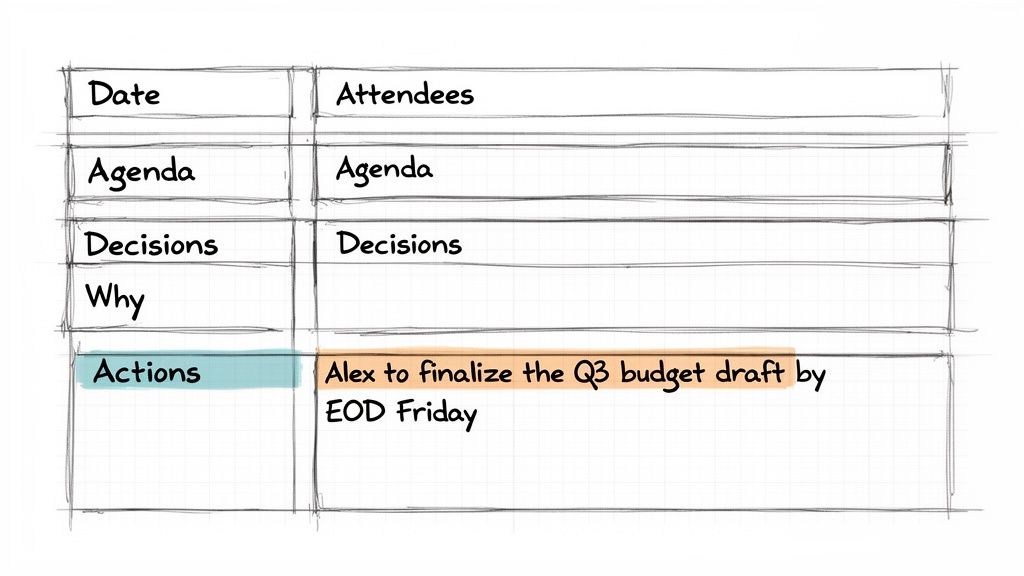
Let's break down the perfect format for meeting minutes, piece by piece. This isn't about creating another document to file away and forget. It's about building a strategic framework that actually pushes your team to get things done.
Think of the best format for taking meeting minutes as the bridge connecting a great conversation to real-world execution. We'll start with the foundational bits before getting into the parts that truly drive progress and keep everyone accountable.
Before you even think about decisions and action items, every set of notes needs a solid header. This is the non-negotiable stuff that makes your notes useful weeks or even months down the road. It’s basically the file name for your team's collective memory.
Make sure this section always includes:
October 26, 2023, 2:00 PM - 2:45 PMThese details might seem basic, but they save you from so much guesswork later. A year from now, you won't have anyone asking, "Wait, who was in that initial planning meeting again?"
With the housekeeping out of the way, we get to the heart of what makes meeting notes powerful. This is where you capture the substance of the discussion and turn it into a concrete plan. It’s what separates a passive record from an active tool for progress.
Documenting Key Decisions
Just writing down what was decided isn’t good enough. To head off any future confusion, you have to capture the why behind it. That context is gold when you have to revisit a decision later on.
For instance, instead of just scribbling down "Decided to use Platform Z," try something much more effective:
Decision: The team will adopt Platform Z for social media management.
Rationale: We chose Platform Z because of its superior analytics dashboard and its ability to integrate with our current CRM. This is projected to save us about 5 hours of manual reporting each week.
That tiny addition of rationale stops the team from having the exact same debate three months from now.
Defining Crystal-Clear Action Items
Vague tasks are where productivity goes to die. For an action item to actually get done, it has to be specific, assigned to a person, and have a clear deadline. Your goal is to leave zero room for interpretation.
Let's compare a weak action item with a strong one:
See the difference? The second example is a complete instruction. Alex knows exactly what to do, where the finished product goes, and when it’s due. For teams using Dooza.co, this kind of structured format is invaluable. It essentially becomes training data for your AI assistant, teaching it to listen for these key elements and automatically generate perfect, actionable summaries. You can check out how structured data can transform your work by learning to build smarter tables with AI. It's the ideal setup: you have a productive chat, and your AI assistant handles the follow-up, turning every discussion into a clear plan without you lifting a finger.
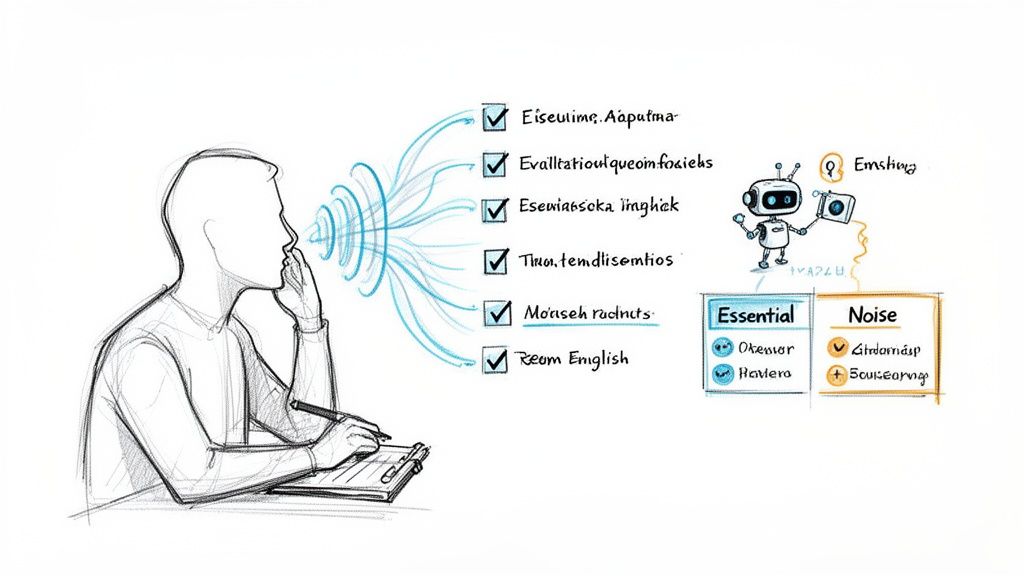
Having a solid format for taking meeting minutes is a great start, but the real magic happens in how you use it. The true skill is filtering out the noise to capture only what's essential, turning a winding conversation into a clear record of what actually got done. It’s a subtle art, but one that prevents a lot of headaches down the road.
Your best habits actually kick in before the meeting even starts. A clear, well-defined agenda is your secret weapon. When you collaborate on it beforehand, you're essentially creating a roadmap for your notes, which helps you anticipate the key discussion points and decisions. This bit of prep work turns note-taking from a frantic scramble into a structured, focused activity.
When the meeting is underway, your job is to be an editor, not a court reporter. It’s tempting to write down everything everyone says, but that’s a trap. Instead, you need to practice active listening to pinpoint the only things that truly matter: the final decisions, the reasons behind them, and the specific actions that need to happen next.
Your notes should be a summary of outcomes. This means staying objective and focusing on the "what," not getting bogged down in the "who said what" back-and-forth. You’re there to capture the signal, not the static.
The best meeting notes answer three simple questions for someone who wasn't there: What did we decide? Why did we decide it? And what do we need to do now?
This mental shift is critical. You're not just documenting a chat; you're creating a strategic document that will guide your team long after everyone has left the room.
Now, what if you could ditch the note-taking entirely and just… participate? Imagine offering your best ideas and challenging assumptions, fully present in the conversation without the fear of missing a crucial detail. That's no longer a pipe dream; it's exactly what happens when you hand the whole task over to an AI employee.
Using a tool like a Dooza.co AI assistant completely changes the game. You just invite it to your call, and it takes over.
[Task] David to provide report by Tuesday.This is how you stop seeing minute-taking as a chore and start seeing it as a strategic advantage. That administrative weight just lifts. You and your team are free to do what you’re actually there to do: think, collaborate, and solve problems. The AI handles the mechanics, ensuring nothing slips through the cracks and the follow-up is perfect every time. It’s the best way I’ve found to reclaim your focus and make every meeting count.
Let's be honest: using the same template for a casual weekly sync and a formal quarterly board meeting is like trying to use a hammer for every job in the toolbox. It just doesn't work. The real key to efficient minute-taking is tailoring your approach to fit the meeting's purpose. This small shift saves a ton of administrative headache and ensures you’re capturing what actually matters.
The ultimate goal is to make this process feel almost invisible. Imagine an AI assistant that sees "Daily Stand-up" on the calendar and knows to pull up a template focused entirely on blockers. The next day, it sees "Client Kickoff" and switches to a format centered on client requirements and deliverables. This isn't some far-off dream; it's how smart teams are already working, turning a tedious task into a strategic advantage.
When you're in a board or committee meeting, the stakes are high. These minutes aren't just notes; they're an official, often legal, record of the proceedings. Precision and formality are everything. The focus here is less on the freewheeling discussion and more on the official business: motions, votes, and resolutions.
Your template needs to reflect that seriousness. Be sure to include fields for:
Meeting called to order at 9:03 AM by John Smith.Daily stand-ups are all about momentum. They need to be fast, focused, and forward-looking. The entire point is to quickly sync up and clear any hurdles, so a bloated, detailed template would completely undermine the meeting's purpose.
For these, you need a minimalist template that gets straight to the point. Just focus on the classic three questions for each person:
Finished the user authentication flow.Starting work on the password reset feature.Blocked by a missing API key from the backend team.That last one—blockers—is the most important piece of information. It becomes an instant to-do list for the team lead or scrum master, allowing them to start resolving issues the moment the stand-up ends.
Think about it: an AI assistant could listen in, automatically pull out the blockers mentioned by each team member, and create tasks in your project management tool before you even get back to your desk. That's how you turn a simple check-in into a productivity powerhouse.
When you're trying to spark new ideas, a rigid, box-ticking template is the fastest way to kill creativity. Brainstorming sessions are fluid and exploratory. Your notes should reflect that, capturing the flow of ideas rather than a list of decisions.
A good framework for a brainstorming session might include:
How can we increase user engagement by 15% in Q4?Meeting minutes are most effective when they’re designed for the job at hand. The table below breaks down how to shift your focus depending on the type of meeting you’re in.
| Meeting Type | Primary Focus for Minutes | Key Information to Capture |
|---|---|---|
| Formal Board Meeting | Creating an official, legal record. | Motions, seconds, voting results, official resolutions, exact start/end times. |
| Project Kickoff | Defining scope, roles, and initial deliverables. | Client requirements, project goals, stakeholder responsibilities, timeline agreements, communication plan. |
| Daily Stand-Up | Identifying and removing immediate obstacles. | Progress since yesterday, today's priorities, and most importantly, any blockers hindering progress. |
| Weekly Team Sync | Tracking progress against goals and aligning priorities. | Updates on key metrics, status of ongoing projects, new action items, and decisions made. |
| Creative Brainstorming | Capturing raw ideas and creative energy. | The core problem, idea themes/clusters, "parking lot" items, and potential avenues for further exploration. |
| Client Check-in | Documenting feedback and strengthening the relationship. | Client feedback (positive and negative), questions asked, new requests, and agreed-upon next steps from both sides. |
By adapting your approach, you turn every meeting into a more productive and valuable use of everyone's time. These specialized templates are simple to build and become even more powerful when integrated into smart workflows. You can see what's possible by creating intelligent forms and workflows that automate these custom inputs.
Let's be honest, the real work starts after the meeting ends. This is where ideas are supposed to turn into action, but it's also where momentum dies. A great format for taking meeting minutes is only half the battle; without a solid follow-up process, those well-crafted notes just gather dust.
The first rule is speed. Get the minutes out within a few hours of the meeting. The conversation is still fresh in everyone's mind, and it gives the team a chance to review their assigned tasks right away.
Now, what if you could skip the manual follow-up entirely? Imagine your meeting wraps up, and an AI employee from Dooza.co immediately takes over. This is the dream of effortless productivity made real.
Within minutes, a polished summary lands in everyone's inbox. But it does more than just email notes—it plugs directly into the tools your team already uses every day.
This is what truly efficient work looks like. It’s an interconnected system where your AI assistant handles the entire administrative burden. This frees your team from chasing down updates and lets them focus purely on getting things done.
Different meetings need different follow-up cadences, and an automated system can adapt to that.
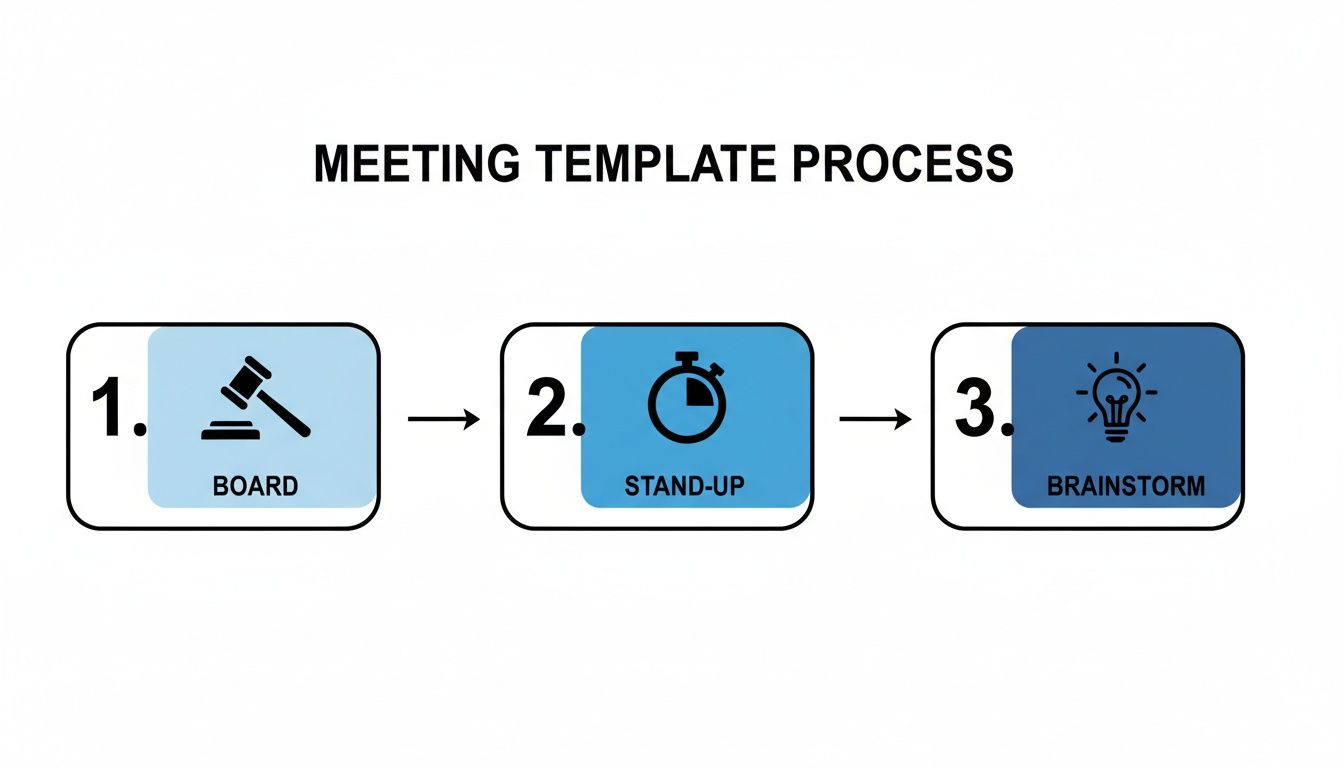
As you can see, the process for a formal board meeting is very different from a daily stand-up or a creative brainstorm. Each one has a unique rhythm and objective.
When you set up an automated workflow, you permanently close the gap between talk and action. Your AI employee becomes the accountability partner that never forgets, ensuring every single task has an owner, a deadline, and a clear trail. Human error and procrastination don't stand a chance.
Imagine a workplace where accountability is built-in, not bolted on. When follow-up is instant, automated, and integrated, your team’s momentum becomes unstoppable. The conversation never just ends; it seamlessly transitions into action every single time.
By linking your meeting notes directly to your work management tools, you build a powerful system that drives performance. To see how this integrated philosophy can boost other areas of your business, check out what we're doing with our advanced ranking and SEO automation tools at https://dooza.co/rank. It’s all about reclaiming those lost hours so your team can focus on what they do best.
Even with a killer template, you're bound to run into some tricky situations when you're the one tasked with taking notes. A great format for taking meeting minutes isn't just a rigid structure; it's a flexible tool that can handle the messy reality of meetings while still producing a clear, actionable record.
Let's walk through a few common questions I've seen pop up time and again. Answering these will help you navigate those gray areas and keep your minutes focused and objective.
Honestly, it all comes down to the meeting's purpose. There's no single right answer here. If you're minuting a formal board meeting, your notes need to be incredibly precise. You're creating an official legal record, so every motion, vote, and formal decision must be captured perfectly.
But for a quick daily stand-up or a freewheeling brainstorming session? Forget the fine details. Your job is to grab the high points: the big ideas, the final decisions, and who's doing what next.
The goal is always clarity, not a word-for-word transcript. Think of it this way: could someone who missed the meeting read your notes and know exactly what was decided and what happens now? If yes, you've nailed it.
When conversations get tense, the minute-taker's most important job is to stay neutral. It’s easy to get pulled into the drama, but your notes should never reflect the emotional temperature of the room. Your task is to summarize the core arguments, not the back-and-forth.
For instance, instead of documenting a heated debate blow-by-blow, you could frame it like this:
This captures the essential conflict and its resolution without any of the inflammatory language. If you're interested in improving team dialogue, we have more guides on the Dooza blog that cover effective communication.
Yes, and frankly, it’s a total game-changer. Think about being completely locked into a strategic discussion, able to contribute your best ideas without frantically trying to type everything down. That's what an AI assistant gives you back—your full attention.
AI employees from Dooza.co go way beyond simple transcription. They understand the flow of conversation, identifying who said what, zeroing in on firm decisions, and pulling out every single action item. Then, they assemble it all into a perfectly structured summary.
This isn't about making people obsolete; it's about freeing up your team's most valuable resource—their brainpower. Let the AI handle the mechanics so you can focus on the mission. It’s how you get to a truly productive, distraction-free meeting.
Ready to stop taking notes and start making an impact? Let an AI employee from Dooza.co handle the administrative work so you can focus on what really matters. Hire your AI meeting assistant today!
Automate your business with AI employees that work 24/7.
Discover how AI-powered employees are helping small businesses automate their daily operations, from email management to social media posting.
![AI Agents vs Agentic AI — What Nobody Tells You [2026]](/blog/ai-agents-vs-agentic-ai.png)
Confused by the jargon? We break down the differences between Generative AI, AI Agents, and Agentic AI in simple terms.
Join thousands of companies using Workforce to automate their work. Get started for free today.
No credit card required · 7-day money-back guarantee · Cancel anytime