AI Automation
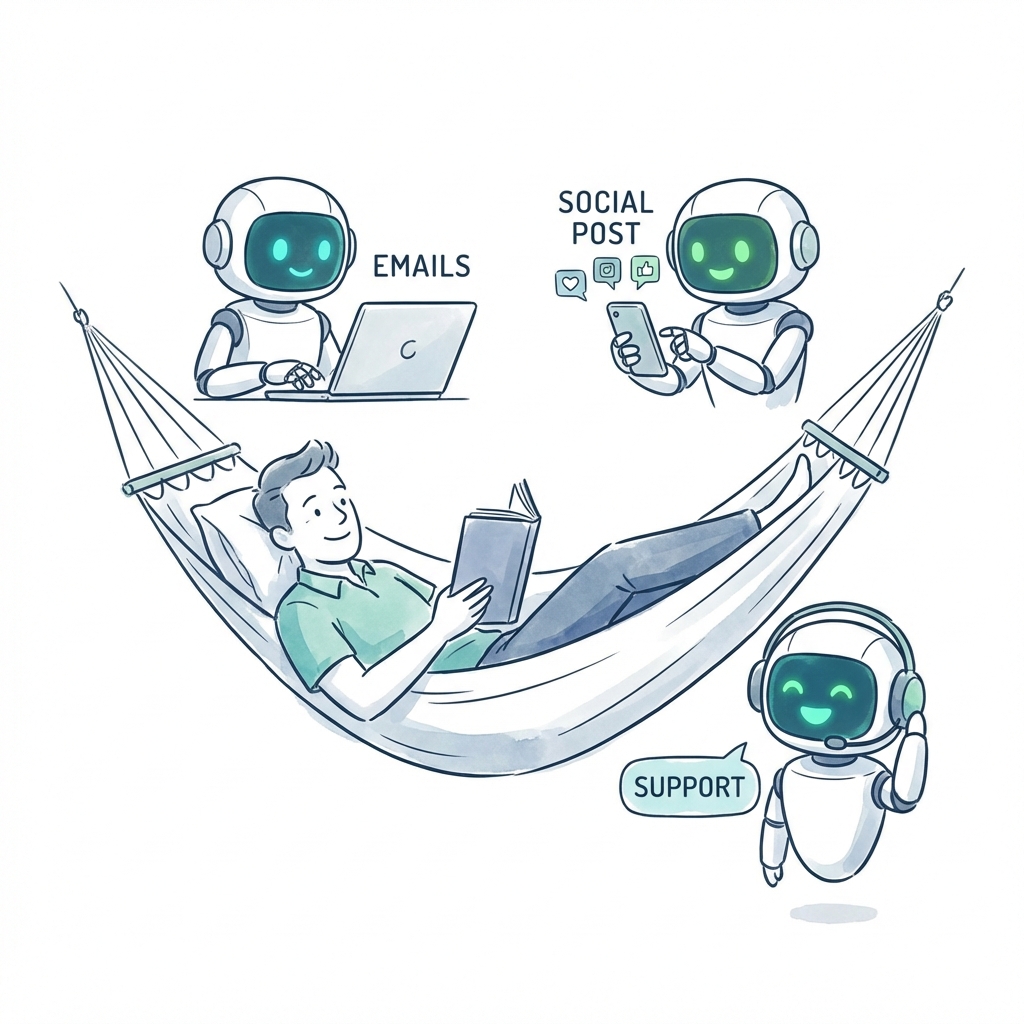
5 Proven Ways AI Employees Save Small Businesses 20+ Hours/Week
Discover how AI-powered employees are helping small businesses automate their daily operations, from email management to social media posting.
7 min read
ReadLearn how AI assistants work under the hood — from neural networks and LLMs to memory, tools, and real business applications. A practical guide for small business owners.
An AI assistant is a software system that uses artificial intelligence to understand natural language, reason about tasks, access external data, and take actions on your behalf. Unlike a simple scripted chatbot, an AI assistant can adapt to new situations, remember past interactions, and use tools like calendars, CRMs, and email to get things done.
For small business owners, AI assistants are becoming indispensable. They handle customer support, schedule appointments, qualify leads, and even create content. But to truly harness their power, you need to understand how do AI assistants work under the hood. This guide breaks down the core technology in plain English, with practical examples you can apply today.
At their simplest, AI assistants rely on three key components: a brain (the large language model), memory (to store context), and tools (to interact with the world). Together, they create a system that can think, remember, and act — much like a digital employee. And with platforms like Dooza, you can deploy these assistants without writing a single line of code.
To answer how do AI assistants work, we need to start with the engine that powers them: neural networks. As the video AI Tools EXPLAINED: How to Use Them? explains, neural networks are systems that learn patterns from data and use those patterns to make predictions or generate results. Imagine a series of layered filters — each layer processes the data, passes it to the next, and refines it until a final output emerges.
Neural networks don't start smart. They are trained on massive amounts of data — text, images, videos — by guessing outputs and adjusting their internal settings billions of times until they get good at recognizing patterns. This is why an AI assistant can understand your question, even if you phrase it differently each time. The training data teaches it the statistical relationships between words and concepts.
For example, when you ask an AI assistant, "What's the status of my order?", the neural network recognizes the pattern of a customer inquiry, identifies the intent (order status), and triggers a response. The more data the network is trained on, the better it becomes at handling nuance, slang, and even typos. This is why modern AI assistants feel so natural — they've been trained on billions of human conversations.
"Neural networks don't start smart. They have to be trained. Developers feed the network massive amounts of data, and the network starts guessing outputs. Every time it gets something wrong, it adjusts its internal settings to get a little closer to the right answer." — AI Tools EXPLAINED video transcript
This training process is what separates an AI assistant from a rule-based system. While a traditional chatbot follows a decision tree, an AI assistant uses its neural network to understand context and generate appropriate responses on the fly. That flexibility is the key to handling complex, multi-step tasks.
The neural network is the foundation, but the large language model (LLM) is the specialized brain of an AI assistant. LLMs like GPT-4, Claude, and Gemini are trained on vast amounts of text — books, articles, websites, and conversations — to predict the next word in a sequence. This makes them incredibly good at generating human-like text, summarizing information, and answering questions.
But unlike a search engine, an LLM doesn't retrieve information from a database. It generates responses based on patterns it learned during training. This is both a strength and a limitation. The LLM can be creative and handle open-ended questions, but it also has no inherent knowledge of your business data, customer records, or calendar. That's where memory and tools come in.
When you ask an AI assistant, "When is my next meeting with Jane?", the LLM alone can't answer. It doesn't know your calendar. So the assistant's design must include a step to retrieve that information. The video transcript from the first video in our research highlights this perfectly: "Even without seeing the response, both you and I know ChatGPT is gonna fail because it doesn't know that information. It doesn't have access to my calendar."
To work around this, AI assistants use a technique called retrieval-augmented generation (RAG). Before the LLM generates an answer, the assistant queries an external data source — like your CRM or knowledge base — and injects the relevant information into the prompt. This way, the assistant can answer questions about your specific business without needing to retrain the model. Learn more about how we implement this in our deployment guide.
One of the most common questions about how do AI assistants work is how they remember what you've said. The answer lies in two types of memory: short-term and long-term. Short-term memory is the current conversation history — the assistant remembers the last few messages so it can follow the thread. For example, if you ask "What's the weather like?" and then follow up with "What about tomorrow?", the assistant understands that "tomorrow" refers to the same location.
Long-term memory, on the other hand, allows the assistant to remember information across sessions. This is often stored in a vector database — a special kind of database that stores data as mathematical embeddings. When the assistant needs to recall something, it searches the vector database for similar concepts. This is how a customer support AI assistant can remember that a customer complained about a specific product issue last week and check if it's been resolved.
For business use, this memory capability is a game-changer. Imagine an AI sales assistant that never forgets a prospect's pain points, preferences, or previous interactions. It can pick up a conversation months later as if it just happened. This continuity builds trust and improves conversion rates. At Dooza, our AI employees use persistent memory profiles to deliver personalized experiences across every touchpoint. Check out our pricing page to see how you can get started.
An AI assistant that only talks is limited. To be truly useful, it needs to take action. This is where tools come in. Tools are APIs, integrations, and functions that the assistant can call to interact with external systems. Common tools include:
The assistant decides which tool to use based on the user's request. For example, if a customer asks "Can you book a demo for next Tuesday?", the assistant's brain (the LLM) recognizes the intent to schedule. It then calls the calendar tool to check available slots, calls the email tool to send the invitation, and updates the CRM with the new meeting. All of this happens in seconds, without human intervention.
This is a stark contrast to simple automations. As the video AI Agents, Clearly Explained points out, automations follow fixed paths. But an AI assistant can reason about which tool to use, when to use it, and how to combine multiple tools to achieve a goal. That flexibility is what makes it a true digital employee.
Many people confuse AI assistants with traditional automations. The difference is crucial for understanding how do AI assistants work and why they are more powerful. An automation is a rule-based process that runs from A to B to C with no reasoning along the way. For example, a daily email that checks the weather and sends a report is an automation. It's fixed, predictable, and brittle.
An AI assistant, by contrast, is dynamic and flexible. It can handle unexpected requests, adapt to changing conditions, and learn from new information. The video transcript from our second video puts it perfectly: "Automation equals predefined fixed steps. An agent equals dynamic, flexible, and capable of reasoning."
Here's a concrete example: A customer support automation might say: "If the customer asks for a refund, check the order date. If within 30 days, process refund. Otherwise, escalate to human." This works until the customer asks, "Can I get a store credit instead?" — the automation fails because it doesn't have a rule for that. An AI assistant, on the other hand, would understand the request, check the refund policy, and initiate a store credit without needing a predefined path.
This reasoning ability is what makes AI assistants ideal for complex business processes like lead qualification, appointment scheduling, and multi-channel customer support. They don't just follow scripts — they think, plan, and execute. For a deeper dive into how we build these capabilities, read our blog on AI agents.
Now that you understand how do AI assistants work, let's look at how small businesses are using them today. The most common applications include:
The key to results with AI employees is designing the assistant with the right balance of autonomy and human oversight. Our platform allows you to set guardrails, define escalation paths, and monitor performance — all through a visual dashboard. Get started today and see the difference.
This video breaks down the core concepts of AI, including neural networks, training, and how tools like ChatGPT work under the hood. It's perfect for small business owners who want a solid foundation without getting bogged down in technical jargon.
Ready to put this knowledge into action? Here's a step-by-step plan to deploy your first AI assistant:
Remember, the goal is not to replace your team but to augment them. AI assistants handle the repetitive, time-consuming tasks so your human employees can focus on high-value work like relationship building and strategic planning. Sign up for Dooza and start building your AI workforce in minutes.
Still have questions about how do AI assistants work? Here are answers to the most common queries from small business owners:
A chatbot follows predefined rules and scripts, while an AI assistant uses large language models, memory, and tools to reason, plan, and take actions dynamically. AI assistants can access external services like calendars and CRMs, making them far more capable than simple chatbots.
No. Platforms like Dooza allow you to deploy AI assistants with no-code interfaces. You can customize their behavior, connect data sources, and set up workflows entirely through a visual dashboard.
AI assistants can be connected to your CRM, help desk, calendar, and other tools via APIs. They use retrieval-augmented generation (RAG) to pull relevant information from your knowledge base, ensuring responses are accurate and private.
Reputable AI assistant platforms use encryption, role-based access controls, and data isolation; Dooza uses encrypted connections and your approval on anything sensitive. Your data is never used to train public models. Always review the platform's security policies before deployment.
Pricing varies by complexity and usage. Many platforms offer subscription models starting at a few hundred dollars per month. Dooza provides flexible plans that scale with your business, often costing less than a part-time human employee.
Automate your business with AI employees that work 24/7. Start with a refundable pilot: 100% refund within 14 days.
Discover how AI-powered employees are helping small businesses automate their daily operations, from email management to social media posting.
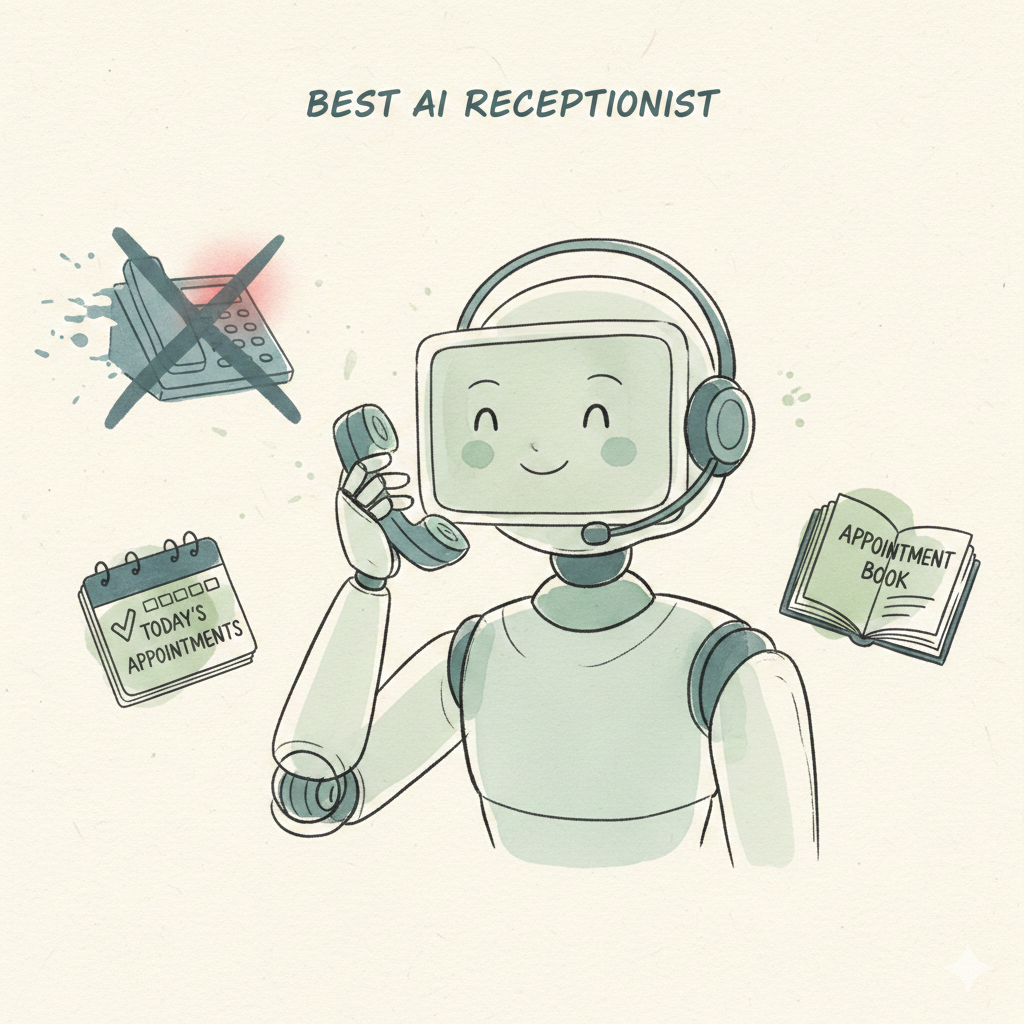
Most callers won't leave a voicemail — they just call your competitor. Discover why an AI receptionist captures more leads, books more appointments, and costs less than a full-time receptionist.
Got busywork? Dooza it.
Start with a refundable pilot — 100% refund within 14 days. A Dooza engineer scopes it with you on a free 30-minute call. Pricing depends on the product; see pricing.
Refundable pilot · 100% refund within 14 days · No contracts
Dooza builds AI products and services for small businesses. Every product starts with a refundable pilot: 100% refund within 14 days.
Or start now: Dooza Managed, an admin assistant checked by a real person, first 7 days free, then $200/month. See pricing.