AI Task Automation: 15 Repetitive Business Tasks You Can Automate Today
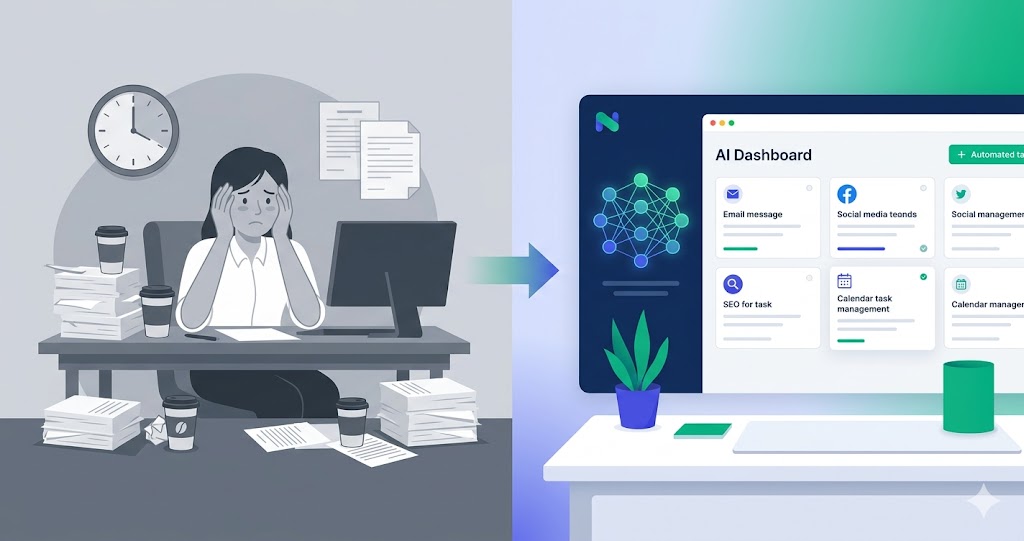
AI task automation is the fastest way to save time without rebuilding your whole company. Here are 15 tasks small businesses can automate now.
18 min read
June 2, 2026
AI task automation is getting attention in business automation because operators are no longer asking whether AI can write a paragraph. They are asking whether AI can finish work. That shift matters for founders, local service businesses, agencies, ecommerce teams, and lean operations teams that cannot afford another dashboard that only creates more tabs.
AI task automation is where most businesses should start. Instead of trying to automate the whole company, pick small repetitive tasks that drain time every week.
The market is moving quickly, but the useful lesson is simple: the winners are not the companies with the most experimental agents. The winners are the teams that connect AI to real workflows, give it clear limits, and make the output visible enough for a human to trust. That is why this guide focuses on practical business use, not hype.
What AI task automation means in 2026
In 2026, AI task automation usually means a system that can understand a goal, gather context, use tools, and complete a defined business task. It is different from a chatbot because the outcome is not just an answer. The outcome might be a scheduled post, a qualified lead list, a draft email campaign, a CRM update, a customer call summary, or an SEO article ready for review.
A task automation agent can summarize an inbox, draft a reply, prepare a report, check a spreadsheet, write a post, or turn a meeting transcript into action items.
For small businesses, the practical value is not replacing every employee. It is removing the work that sits between decisions: copy-pasting, checking inboxes, drafting the same response, searching for leads, creating reports, updating tools, and following up when nobody has time.
Why this is trending now
AI agents moved from novelty to operating layer because three things changed at the same time. Models became better at following instructions. Tool integrations became easier to connect. Business owners became tired of paying for software that still required a human to do every step manually.
That combination explains why searches around agent builders, no-code agents, workflow tools, autonomous agents, CRM automation, task automation, and lead qualification are growing together. They all describe the same pain: teams want business outcomes, not more software administration.
How it works in a real business
A useful AI workflow has five layers. First, it needs a trigger: a message, a schedule, a new lead, a form submission, a file upload, or a task from a user. Second, it needs context: brand rules, customer data, connected accounts, previous messages, files, and goals. Third, it needs tools: email, calendar, social platforms, CRM, spreadsheets, website, voice, lead sources, or custom APIs. Fourth, it needs guardrails: what it can do, what needs approval, and what should stop. Fifth, it needs reporting so the user can see what happened.
Without those five layers, AI automation becomes fragile. The agent may generate good text but fail to send it. It may know the right strategy but not have the right connected account. It may do the work but leave no audit trail. Good platforms solve the full chain.
Selection framework: what to look for
Use this checklist before choosing a platform for AI task automation:
Real tool execution: The system should connect to the apps where work actually happens.
Human approval where needed: Publishing, sending, and deleting should be controllable.
Memory with boundaries: The agent should remember relevant context without leaking data between workflows.
Routines: Recurring work should run on schedule, not depend on someone opening chat.
Clear reporting: The user should see results, errors, and next steps without digging through logs.
Simple onboarding: Non-technical users should not need to build infrastructure before seeing value.
The best task to automate is frequent, rule-bound, and easy to review. Avoid starting with rare, high-risk, or ambiguous work.
Where Dooza fits
Dooza is built around AI employees rather than generic automation blocks. That difference matters. A founder does not usually wake up wanting to build a graph of nodes. They want someone to write the post, prepare the lead list, answer the missed call, check replies, publish the blog, or send the report.
Dooza turns task automation into AI employees that can do one-off requests in chat and repeat the same task later through routines.
Instead of asking a user to become an automation engineer, Dooza gives them AI employees for set roles: email, social media, SEO and AI visibility, lead generation and sales outreach, and legal documents. A Dooza engineer scopes the setup on a free 30-minute call, with encrypted connections and your approval on anything sensitive.
A practical implementation plan
Start with one workflow, not ten. Choose a repeatable task that already has a clear owner and a clear success metric. Examples include daily social posting, weekly SEO publishing, lead list generation, reply monitoring, missed-call follow-up, or campaign reporting.
Define the outcome: Write exactly what should be produced or completed.
Connect the tools: Add the email, social, calendar, CRM, website, or data source needed for the task.
Set approvals: Decide what can run automatically and what must be reviewed.
Schedule the routine: Move repeatable work from chat into a routine once the prompt is stable.
Measure weekly: Track time saved, replies, booked meetings, content published, leads generated, and errors.
Write down the task exactly as a human assistant would do it. Include input, output, tone, tool, approval rule, and deadline. That becomes the starting prompt for the AI employee.
Examples of high-value workflows
Daily inbox summary: Find important messages and draft responses.
Social post creation: Turn one idea into platform-ready posts.
Lead list cleanup: Dedupe, validate fields, and prepare import files.
Campaign report: Summarize sends, replies, bounces, and action items.
SEO brief: Find search intent and outline a blog post.
Meeting recap: Extract decisions, owners, and deadlines.
The pattern is always the same: remove the manual middle steps, keep the business decision visible, and let the AI employee handle the repetition.
The operating model that makes it reliable
Reliable AI automation is not only about the model. The model is one layer. The operating model is the full system around it: context, permissions, data quality, action tools, logs, human approval, retries, and reporting. When those pieces are missing, even a strong model can behave like an unreliable intern. When those pieces are present, a smaller team can run work with more consistency.
For a small business, the operating model should stay simple. Start with a clear instruction, connect only the tools required for the job, set a safe output format, and decide what the agent is allowed to do without approval. For example, drafting a LinkedIn post can be automatic, while publishing it may require approval. Checking replies can be automatic, while responding to a sensitive customer might require a human review. Generating a lead list can be automatic, while launching outreach should wait until email quality is verified.
The best platforms make these boundaries visible. The user should know what the AI employee did, what it skipped, what failed, and what needs attention. This is the difference between business automation and hidden automation. Hidden automation creates anxiety because the user cannot tell whether anything happened. Visible automation builds trust because every run produces a clear result.
Quality gates before you automate
Before using AI task automation in a live workflow, add quality gates. These gates prevent weak inputs from becoming weak outputs at scale. The first gate is data quality. If the agent is working with leads, contacts, products, posts, or tickets, the fields need to be clean enough for the task. The second gate is permission quality. If the agent needs to post, send, schedule, or update records, the connected account must have the right access. The third gate is prompt quality. The instruction should name the outcome, the audience, the tone, the constraints, and the stop condition.
The fourth gate is output review. In early runs, inspect the work before increasing autonomy. Look for hallucinated claims, wrong names, broken links, duplicate work, formatting issues, and unclear next steps. The fifth gate is measurement. A workflow should not be considered successful because it ran once. It should be considered successful when it runs repeatedly with low edit time and low error rate.
For AI task automation, the most important proof is a task that runs on schedule, creates a useful output, and tells the user what changed. If the platform cannot produce that proof, it may still be useful for brainstorming, but it should not be treated as an operational system.
Common mistakes to avoid
The most common mistake is starting too broad. “Automate marketing” is not a workflow. “Every weekday, create one LinkedIn post from our brand notes, wait for approval, and report the result” is a workflow. The second mistake is connecting too many tools before the first use case works. More integrations do not automatically mean better automation. They can also create more failure points.
The third mistake is skipping approval design. Teams often swing between two extremes: they either make the AI ask permission for every tiny action, which saves no time, or they give it too much freedom too early, which creates risk. The better approach is staged autonomy. Let the agent draft first. Then let it schedule. Then let it send or publish inside a defined rule set once the business trusts the output.
The fourth mistake is ignoring the user experience after the automation runs. A business owner should not need to read logs. They need a short report: what happened, what changed, what failed, and what should be reviewed. This is especially important for routines because recurring automation can become invisible. A clean report keeps the human in control.
The main risk to watch for is automating a vague task before defining the expected output. That is why a practical rollout should always include a readiness check, a small pilot, and a weekly review before scaling.
Measurement framework
Measure the workflow at three levels. First, measure output quality: did the agent create the thing you wanted, in the right format, with the right context? Second, measure execution quality: did it use the correct tool, respect permissions, complete on time, and avoid duplicate work? Third, measure business impact: did it save time, improve reply rate, increase content output, reduce missed follow-ups, or make operations easier to manage?
For this topic, the most useful scorecard includes tasks completed, review time, edit rate, and missed-task count. Keep the scorecard short enough that a business owner can read it in one minute. If the report is too long, people stop reading it, and the automation becomes hard to trust.
A mature workflow should also separate user-facing reports from admin-facing issues. Users should see a polished summary and clear next steps. Admins should see delivery problems, failed tool calls, missing permissions, or provider errors. This keeps the customer experience calm while still giving the team enough detail to fix problems.
Video walkthrough
Watch this third-party video for a practical walkthrough of AI task automation before you map the idea into your own business workflow.
Bottom line
AI task automation is worth paying attention to because it captures where business software is going. The next wave is not just dashboards with AI buttons. It is software that can do the repetitive parts of work, report what happened, and let the human stay in control of strategy and approval.
If your team is small, that shift is especially important. You do not need a giant transformation project. You need one reliable AI employee handling one painful workflow, then another, then another. That is the practical path from AI curiosity to operating leverage.
Frequently Asked Questions
What is AI task automation?
AI task automation uses AI to complete repetitive business tasks such as drafting, summarizing, checking, updating, and reporting.
What tasks should I automate first?
Start with frequent, low-risk tasks that are easy to review, such as reports, drafts, summaries, and list cleanup.
Can AI task automation use my business tools?
Yes, if the platform connects to those tools and has permission to act.
Is AI task automation different from workflow automation?
Task automation is usually smaller and more focused. Workflow automation connects multiple tasks into a larger process.
How does Dooza help?
Dooza gives you AI employees that can complete tasks through chat and run repeatable tasks as routines.
Ready to Start Your Pilot?
Automate your business with AI employees that work 24/7. Start with a refundable pilot: 100% refund within 14 days.
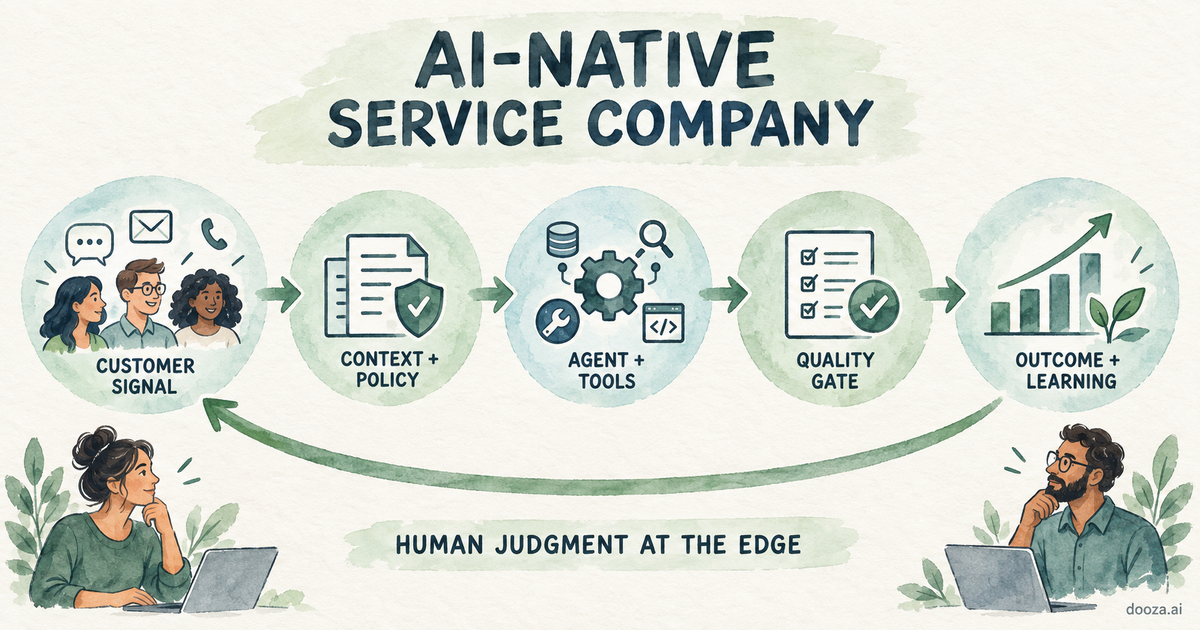
AI-Native Service Company: How It Works and How to Build One
An AI-native service company sells a completed outcome while agents run the repeatable work. See how the model works, where Dooza fits, and how to build one.
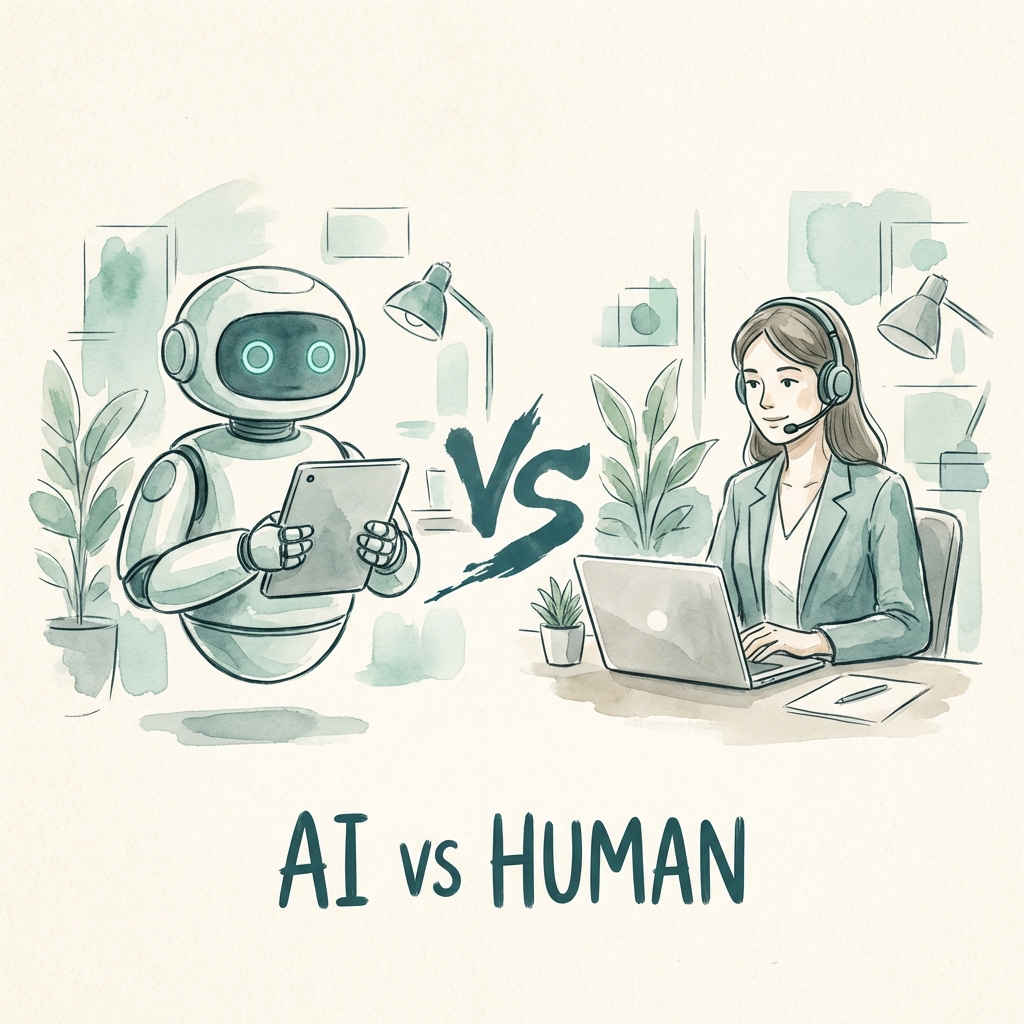
AI Employees vs Virtual Assistants: Which is Right for Your Business in 2026?
Comparing AI employees to human virtual assistants? Discover the pros, cons, costs, and when to use each—plus why a hybrid approach might be your best option.
Start with a refundable pilot — 100% refund within 14 days. A Dooza engineer scopes it with you on a free 30-minute call. Pricing depends on the product; see pricing.