Sales Automation
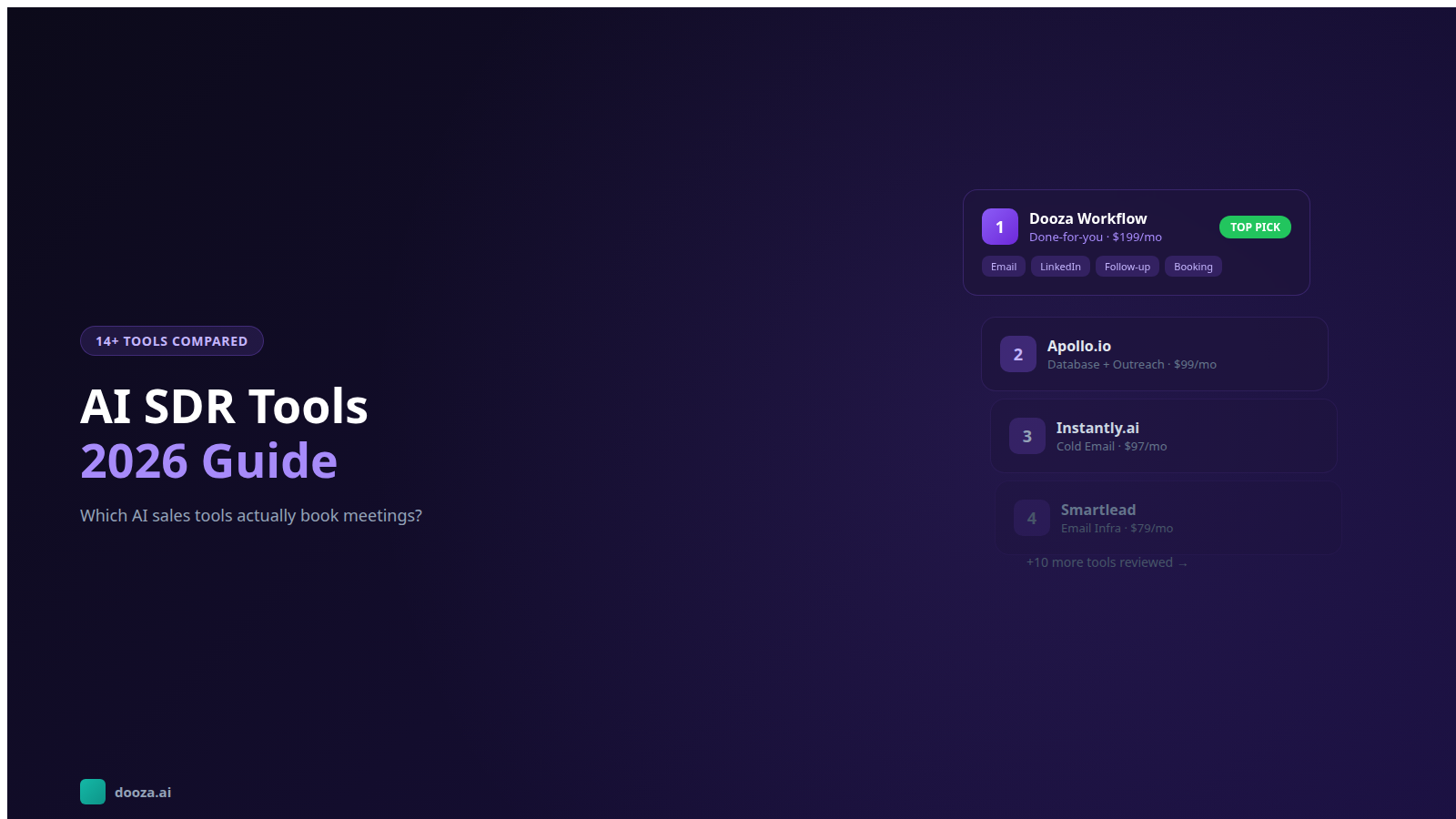
AI SDR Tools in 2026: The Complete Comparison Guide (14+ Tools Reviewed)
Compare the top AI SDR tools for automated prospecting and outreach. DIY platforms vs done-for-you AI employees for sales development.
14 min read
ReadHow small businesses automate their entire sales process with AI — from lead generation to booked meetings. No sales team required.
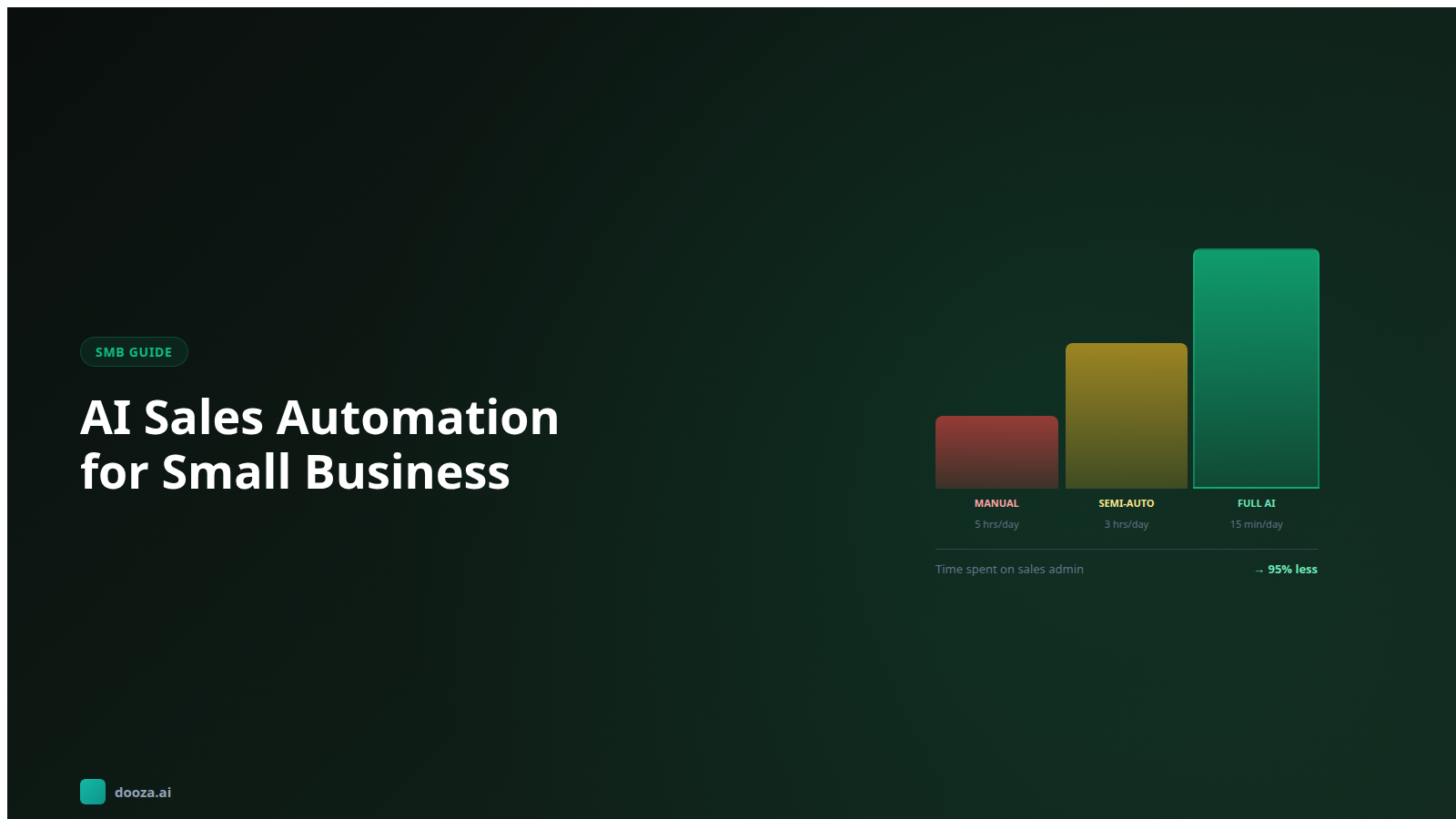
If you run a small business, you already know the problem. You need consistent leads and a healthy sales pipeline, but you cannot afford a dedicated sales team. You wear the founder hat, the operations hat, the customer success hat — and somewhere in between, you are supposed to find time for prospecting, outreach, and follow-up.
AI sales automation for small business is not a nice-to-have anymore. It is the difference between a business that grows predictably and one that lives on referrals and hope. In 2026, the tools have matured enough that a single person can run outbound campaigns that rival what a 5-person sales team produced three years ago.
What changes with AI sales automation:
The question is not whether to automate your sales process. The question is how to do it without breaking your budget, wasting months on setup, or ending up with a system that looks good in demos but fails in practice.
Before automating anything, you need to understand what you are automating. Most small businesses have never mapped their sales process — it exists as tribal knowledge in the founder's head. That works at 5 customers. It breaks at 50.
Answer these questions honestly:
If you cannot answer questions 4 and 5 with specifics, stop here. No amount of AI automation fixes a fuzzy ICP or broken close process. Get those right first, then automate the top of funnel.
Every automated sales system — whether you build it from scratch or use a platform — has five essential components. Understanding each one helps you evaluate tools and avoid buying features you do not need.
The system needs to find people who match your ideal customer profile. This means accessing databases of companies and contacts, filtering by industry, size, location, technology, and job title, and enriching records with verified email addresses and relevant context.
Without this: you spend 5-10 hours per week manually searching LinkedIn and Google for prospects. With this automated: your system delivers a fresh list of qualified prospects every day.
Finding the right person is step one. Knowing what to say to them is step two. This building block researches each prospect — their company's recent activity, their role, challenges they might face, relevant news — and uses that research to generate personalized outreach.
Without this: every email sounds the same, and your reply rate hovers around 1-2%. With this automated: each email references something specific about the prospect's situation, pushing reply rates to 5-12%.
The system sends your message through the right channels — email, LinkedIn, or both — in a coordinated sequence. This is not about blasting the same message everywhere. It is about reaching prospects where they are most likely to respond, with messaging tailored to each channel.
This is where most small businesses drop the ball. A prospect opens your email but does not reply. A lead says "sounds interesting, reach out next quarter." Someone asks a question about pricing. Without automated follow-up, 80% of these opportunities die. With it, every lead gets the right follow-up at the right time.
The final building block converts interested replies into scheduled meetings. When a prospect says "yes, let's talk," the system should handle scheduling — suggesting times, sending calendar invites, and confirming the appointment. No back-and-forth email chains. No leads going cold because you took 48 hours to respond.
Here is the step-by-step process for a small business owner who has never used AI sales tools before. We will cover both the DIY approach and the simplified path.
Day 1-2: Define your ICP document.
Write this down — not in your head, on paper or in a doc. Be specific enough that a stranger could identify your ideal customer from the description:
Day 3-4: Set up email infrastructure.
This is the most technical step, and it is non-negotiable. Your outreach emails need to come from properly configured domains:
Day 5-7: Choose your tool or platform.
You have two paths:
Path A — DIY Stack: Apollo (prospecting, $49/month Basic) + Instantly (sending, $47/month Growth) + HubSpot CRM (free). Total: ~$96/month, billed monthly (checked October 7, 2026). Time commitment: 8-12 hours/week to manage.
Path B — Done-for-You: A platform like Dooza (refundable pilot, 100% refund within 14 days) that handles prospecting, writing, sending, follow-up, and booking in one system. Time commitment: 1-2 hours/week to review results.
Path A costs less in software but more in time. Path B costs more in software but almost nothing in time. For a small business owner whose time is their scarcest resource, Path B usually makes more sense.
While your emails warm up, prepare your first campaign:
Warm-up is complete. Time to go live:
The most common failure mode: a business owner buys AI tools, sends 5,000 emails, gets 200 replies, books 30 meetings — and closes zero deals. The automation worked perfectly. The offer did not resonate.
Before scaling outreach, manually sell to 5-10 customers. Understand their objections, their buying process, and exactly why they chose you. Only automate what you have already proven manually.
"Let's just email every small business in the US" is not a strategy. The best results come from hyper-specific targeting. An email to "SaaS founders who just raised Series A and are hiring their first customer success manager" will outperform "business owners" by 10x on reply rate.
Start with one narrow ICP segment. Nail the messaging. Prove the conversion. Then expand to adjacent segments one at a time.
50% of failed outbound campaigns fail because of deliverability, not messaging. Your emails could be perfectly written — but if they land in spam, nobody reads them. Skip warm-up, use a dirty list with bouncing emails, or send 100 emails per day from a brand new account, and you will destroy your sender reputation within a week.
Deliverability is boring. It is also the foundation that everything else depends on. Invest the 2-3 weeks in proper setup.
Data from thousands of outbound campaigns shows a consistent pattern: 80% of meetings come from follow-up emails 2-4, not from the initial email. If you send one email and wait for replies, you are leaving most of your results on the table.
Every campaign needs at minimum 3 follow-ups. AI makes this effortless because each follow-up is automatically generated with new information and a different angle — not a lazy "just following up" bump.
Vanity metrics: emails sent, open rates. Useful metrics: reply rate, positive reply rate, meetings booked, meetings-to-opportunity conversion, and cost per meeting. Track these weekly and optimize the weakest link in the chain.
Here is the challenge with AI sales automation for small business: most tools are built for sales teams at 50-500 person companies. They assume you have a RevOps person to manage integrations, an SDR manager to design sequences, and a marketing team to provide content. Small businesses have none of that.
Dooza Agents is built specifically for businesses that do not have dedicated sales teams. Starting with a refundable pilot (100% refund within 14 days), you get AI employees that handle the complete outbound workflow:
No tool stack to manage. No integrations to debug. No 10-hour weeks babysitting campaigns. You focus on running your business and closing deals. Dooza handles everything upstream.
Oversight typically takes less than 2 hours per week, and the cost per meeting is a fraction of what paid ads, networking events, or manual outreach costs.
See Dooza pricing and compare it to what you are currently spending on lead generation.
This step-by-step video walks through building a complete automated sales system from scratch — covering tool selection, campaign design, and optimization for maximum meetings booked.
AI sales automation for small business is no longer complicated, expensive, or reserved for companies with sales teams. The tools exist. The price points are accessible. And the results — 15-40 meetings per month for under $200 — are transformative for a small business that previously relied on referrals and hope. Start with a clear ICP, set up your email infrastructure properly, and choose whether to build a DIY stack or use a done-for-you platform like Dooza. Either way, your sales pipeline should not depend on how many hours you personally have for prospecting. Automate the repetitive work, focus on the conversations that close deals, and let AI handle the grind that used to require a full-time sales team.
Absolutely. In fact, small businesses with fewer than 10 employees often benefit the most from AI sales automation because they lack dedicated sales staff. A solopreneur or small team using AI for prospecting, outreach, and follow-up can generate pipeline equivalent to having 2-3 full-time SDRs — without the salary commitment. See dooza.ai/pricing for Dooza, which starts with a refundable pilot (100% refund within 14 days).
Initial setup takes 2-5 hours depending on the platform and complexity. This includes defining your ideal customer profile, connecting email accounts, setting up domain authentication (SPF, DKIM, DMARC), and configuring your first campaign. Email warm-up then runs for 14-21 days in the background. From start to first outreach, expect 2-3 weeks. Done-for-you platforms like Dooza reduce setup to under an hour since they handle the technical configuration.
B2B service businesses see the highest ROI — agencies, consultancies, SaaS companies, IT services, accounting firms, and professional services. Any business that sells to other businesses through outbound outreach is a good fit. B2C businesses with high-value products (real estate, financial services, insurance) also benefit. Retail, restaurants, and low-ticket e-commerce are generally not good fits for outbound AI sales automation.
Not if your infrastructure is set up correctly. The key factors are: properly authenticated domains (SPF, DKIM, DMARC configured), warmed-up email accounts (14-21 days minimum), low daily sending volume per account (40-50 emails max), verified recipient email addresses, and personalized content that avoids spam trigger words. AI-written emails actually have lower spam rates than templates because each email is unique — spam filters flag identical bulk emails more aggressively.
Yes. Most AI sales platforms integrate with popular CRMs including HubSpot, Salesforce, Pipedrive, and Close. The typical workflow is: AI handles prospecting and outreach, then pushes interested replies and booked meetings into your CRM. This means your CRM stays your single source of truth for customer relationships while AI handles the top-of-funnel work that feeds it.
Automate your business with AI employees that work 24/7. Start with a refundable pilot: 100% refund within 14 days.
Compare the top AI SDR tools for automated prospecting and outreach. DIY platforms vs done-for-you AI employees for sales development.
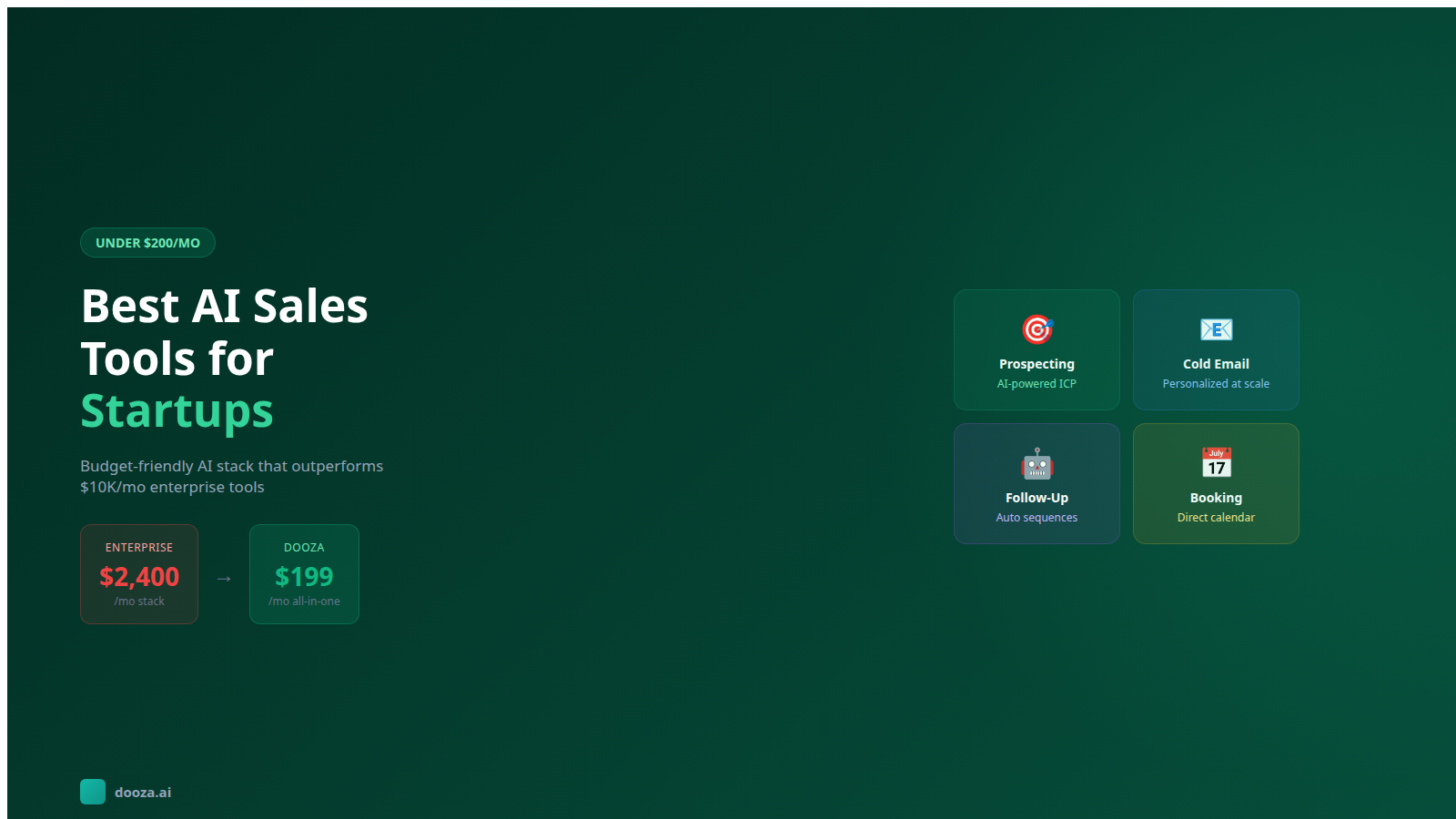
Compare practical AI sales tools for startup prospecting, outreach, qualification, and follow-up—without buying an enterprise-sized stack.
Start with a refundable pilot — 100% refund within 14 days. A Dooza engineer scopes it with you on a free 30-minute call. Pricing depends on the product; see pricing.
Refundable pilot · 100% refund within 14 days · No contracts