Small Business
Customer Service Outsourcing for Small Business: AI vs BPO vs Freelancers
Explore customer service outsourcing for small businesses in 2026. Compare BPO agencies, freelancers, and AI agents with 24/7 coverage.
12 min read
ReadCompare the best customer support software for small business in 2026. See pricing, features, and why AI-first tools like Dooza outperform legacy help desks.
Best customer support software for small business is no longer about picking the cheapest help desk and hoping it works. Gartner predicts AI agents will handle 80 percent of customer service issues by 2029, and SMBs that adopt early are already pulling ahead. The right tool should fit your budget, go live fast, and resolve tickets on its own.
Support software used to mean a shared inbox with canned responses. That bar has moved. Modern tools now combine three capabilities: a help desk for ticket management, a knowledge base for self-service, and an AI support agent that handles routine questions without human involvement.
Small teams cannot staff a support desk around the clock. Tools that only organize tickets still need a human behind every reply. Tools with built-in AI resolution actually shrink your workload. The question to ask in 2026 is not how a tool organizes tickets but how many it resolves without your team touching them.
Enterprise platforms like Zendesk and Salesforce Service Cloud were designed for 50-plus agent teams with dedicated admins. Small businesses that adopt them end up paying for features they never configure and fighting complexity that slows everyone down.
Purpose-built SMB tools fix this in three ways. They deploy in hours instead of weeks. They price for small teams instead of assuming enterprise budgets. And they prioritize ease of use, which means your team actually adopts the tool instead of reverting to email. Even a basic customer support automation setup beats forwarding emails between teammates.
Here are the tools worth evaluating in 2026, ranked by fit for businesses under 20 employees.
Dooza skips the traditional help desk model entirely. Instead of handing you a dashboard and expecting you to staff it, Dooza gives you an AI employee trained on conversational AI that handles frontline support. It learns from your docs, FAQs, and past tickets, then replies to customers in natural language across chat and email.
Pricing is simple. Start with one AI support agent, add advanced workflows as you grow, or run multiple AI employees across departments. Every Dooza product starts with a refundable pilot — 100% refund within 14 days — so you can test with real conversations before committing. See pricing for details. You pay for output, not seats, which keeps costs flat as your human team grows.
Skip the six-tool parallel trial. It wastes time and produces shallow impressions. Follow this process instead.
Three metrics matter most. First response time -- anything under 5 minutes during business hours is excellent, and AI tools hit this automatically. Resolution rate without human involvement -- a good AI support agent should handle 40 to 60 percent of tickets within the first month. Customer satisfaction score -- if automation hurts the experience, CSAT will drop and you will know to adjust.
Also watch ticket volume trends. Good software reduces total volume over time as your knowledge base improves. If volume stays flat despite automation, your knowledge base needs work.
This video explains how conversational AI powers modern support tools and helps you tell real AI from keyword-matching chatbots dressed in marketing language.
For a deeper look at how AI handles real conversations, see our guide on automating customer support with AI.
The best customer support software for small business in 2026 resolves tickets, not just organizes them. AI-first tools like Dooza deliver faster responses, lower costs, and less busywork for your team. Start with a clear picture of your support volume, trial one or two tools with real traffic, and measure what actually gets resolved. Ready to see an AI support employee in action? Start your deployment here.
Several tools offer free tiers, including Freshdesk (up to 2 agents), Zoho Desk (3 agents), and HubSpot Service Hub (limited features). However, free plans typically cap ticket volume, remove branding options, and lack AI automation. For most small businesses, a paid AI-first product like Dooza, which starts with a refundable pilot, delivers far more value than stitching together free-tier limitations.
Most small businesses spend between $30 and $200 per month on support tools. Legacy help desks charge per agent seat, which gets expensive as you grow. AI-first platforms like Dooza include every AI employee, meaning you pay for the AI employees handling tickets rather than every human who logs in. This model keeps costs predictable as your team scales.
Traditional help desk software organizes and routes tickets for human agents to resolve. An AI support agent actively handles conversations, answers questions from your knowledge base, and resolves common issues without human involvement. The best modern tools combine both: AI handles routine queries automatically while escalating complex cases to your team.
Most modern support platforms allow you to export ticket history as CSV files and import them into a new tool. The harder part is migrating knowledge base content and retraining workflows. AI-first tools like Dooza simplify this because setup starts with your existing docs and FAQs rather than complex ticket routing rules. Many businesses complete a full migration in under a week.
At minimum, your support tool should cover email and live chat, since those are the two channels small business customers use most. Ideally, it should also handle social media messages, WhatsApp, and SMS. Look for tools that unify all channels into one inbox so your team does not have to jump between dashboards.
Simple live chat widgets can go live in minutes. Full help desk setups with knowledge bases, automation rules, and team workflows typically take one to two weeks. AI-powered platforms like Dooza can be deployed in a single day because the AI agent learns from your existing documentation rather than requiring manual rule configuration.
Automate your business with AI employees that work 24/7. Start with a refundable pilot: 100% refund within 14 days.
Explore customer service outsourcing for small businesses in 2026. Compare BPO agencies, freelancers, and AI agents with 24/7 coverage.
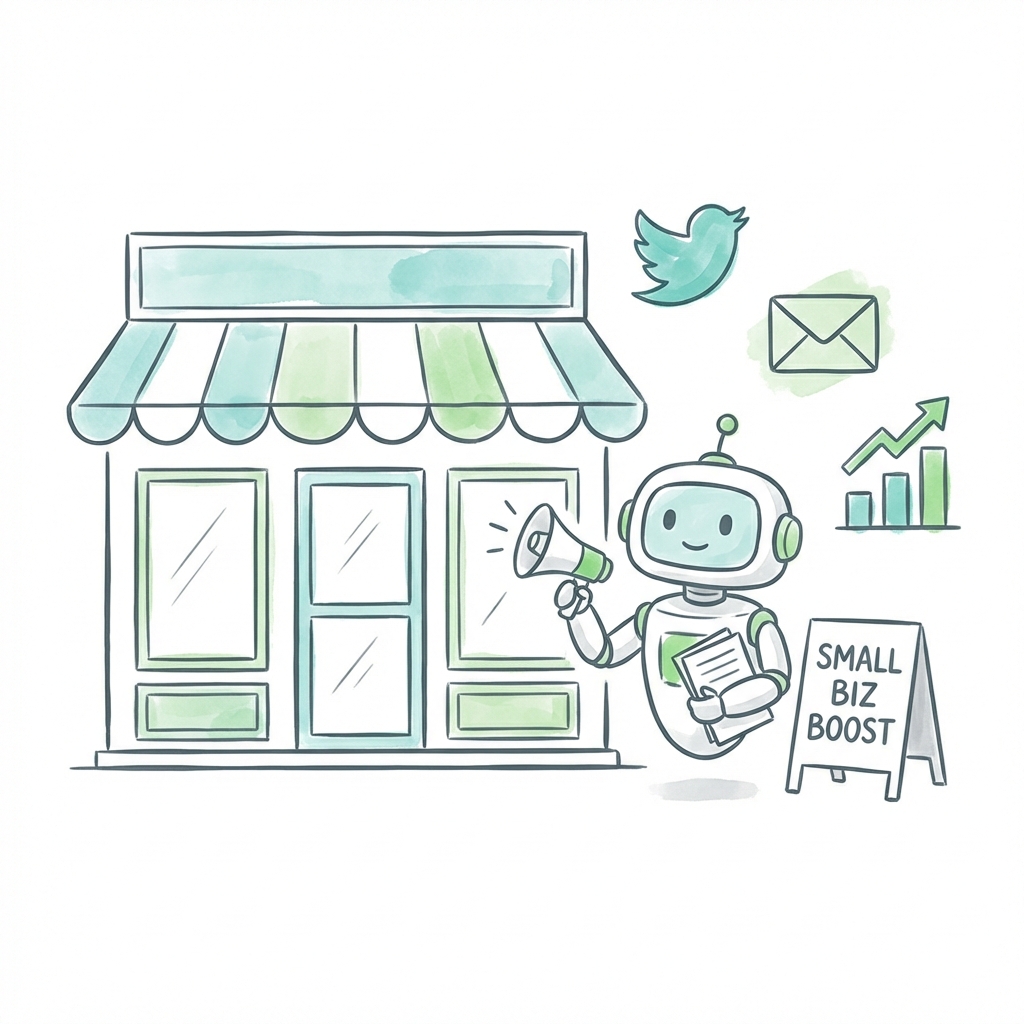
52% of small businesses spend under $1,000/month on marketing—but most waste half of it on disconnected tools. Learn which tools actually matter and how AI is changing the game.
Start with a refundable pilot — 100% refund within 14 days. A Dooza engineer scopes it with you on a free 30-minute call. Pricing depends on the product; see pricing.
Refundable pilot · 100% refund within 14 days · No contracts