Done for You AI Automation: Get AI Working for Your Business Without the Technical Headache
Done for you AI automation: a provider maps, builds, runs and maintains your AI workflows, so you get the output without learning a tool. What's included, DIY vs freelancer vs agency, and how to pick a provider.
10 min read
July 8, 2026
Short answer: done for you AI automation means a provider maps, builds, connects and maintains AI workflows for you (lead follow-up, missed calls, inbox triage, booking), so you get the output without learning a tool. It suits owner-run service businesses with no technical staff. Compare providers on three things: who maintains it after launch, when it runs on your real work, and whether you can get your money back if it doesn't.
Every small business owner has had the same experience with AI automation tools: you sign up excited, stare at a blank dashboard full of options you do not understand, spend a weekend watching tutorials, build something that half-works, and eventually let the subscription lapse because you ran out of time to fix it.
The problem was never the technology. The problem is that most AI automation platforms are built for technical people who enjoy configuring systems. If you are a business owner whose expertise is delivering great service to your clients — not wiring up API integrations — those tools create more work, not less.
That is exactly what done for you AI automation solves. Instead of handing you a toolkit and wishing you luck, a done-for-you provider builds, deploys, and manages your AI automation so you get the results without the technical overhead. This guide breaks down what that looks like, what it costs, and how to choose the right approach for your business.
What Done for You AI Automation Actually Means
Done for you AI automation is exactly what it sounds like: someone else handles the entire process of getting AI-powered automation running in your business. You do not write prompts. You do not configure workflows. You do not debug integrations at midnight.
Here is what a done-for-you engagement typically covers:
Discovery: The provider learns about your business, your customers, your sales process, and your goals.
System design: They map out which workflows to automate — lead follow-up, appointment booking, customer onboarding, outreach campaigns, and more.
Build and configuration: The provider sets up the AI, writes all messaging, configures triggers and sequences, and connects to your existing tools.
Testing: Everything is tested before going live to make sure messages sound right, timing works, and handoffs are smooth.
Launch and optimization: The system goes live, and the provider monitors performance and makes adjustments based on real data.
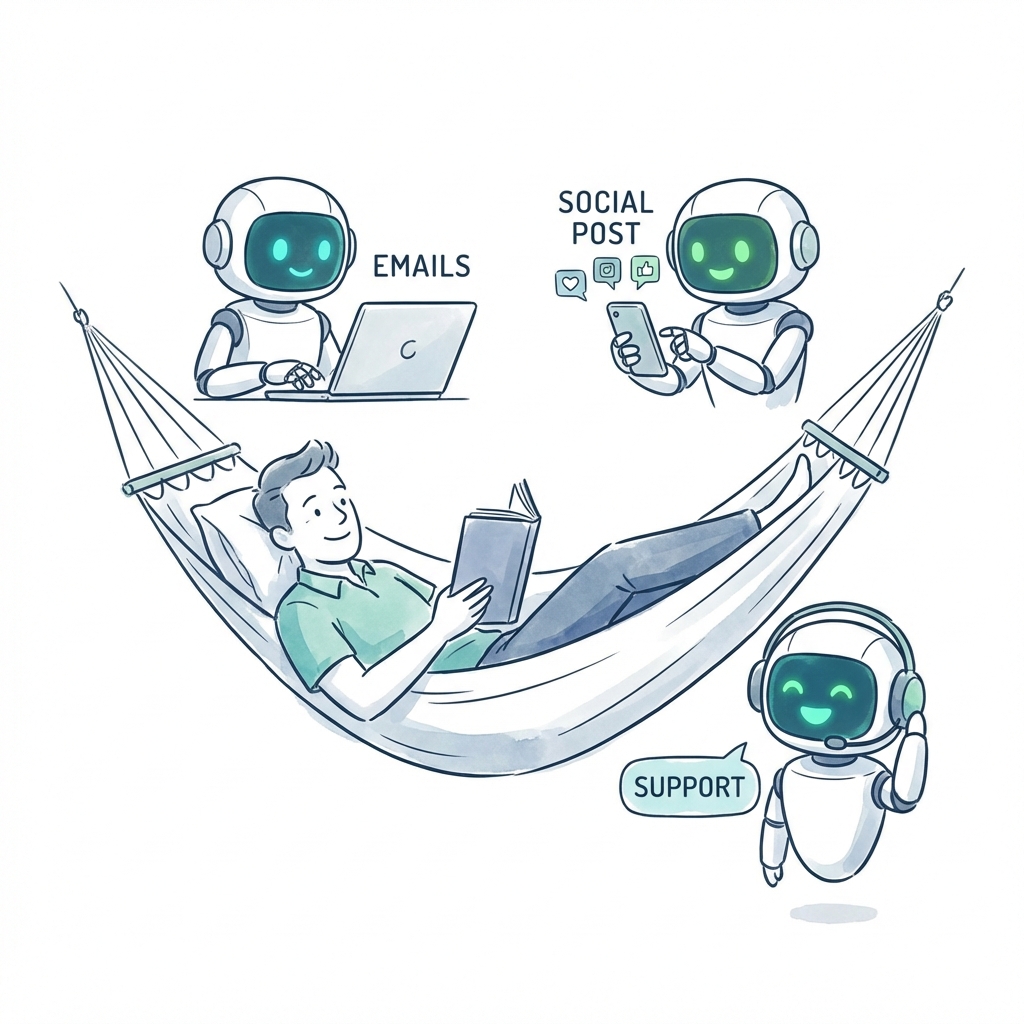
The end result is that AI is working for your business — responding to leads, booking meetings, nurturing prospects — and you did not have to become a technologist to make it happen.
Who Actually Needs Done for You AI Automation
Done for you AI automation is not for everyone. If you are a technical founder who enjoys building systems, you may prefer a DIY tool. But for the following types of businesses, done-for-you is almost always the right call:
Service businesses with 1 to 20 employees that generate leads online but do not have dedicated sales or marketing staff to manage automation tools.
Solopreneurs and consultants who are already stretched thin and cannot afford to spend 20 hours learning a new platform when they should be serving clients.
Agencies and professional services firms that know they are losing leads to slow follow-up but do not have the internal bandwidth to fix it.
Any business owner who has already tried and failed to set up automation tools on their own — and is tired of paying for software they are not using.
The common thread is that these businesses need the output of automation — faster response times, more consistent follow-up, more booked meetings — without the input of building and managing it themselves.
What You Actually Get With Done for You AI Automation
Let's get specific about what a good done-for-you provider delivers. This is not just "we set up some emails." A proper implementation includes:
AI-powered lead response
When a new lead fills out a form, sends a message, or engages with your business online, they receive an instant, personalized response. Not a generic auto-reply — an AI-written message that references their specific inquiry and moves the conversation forward.
Multi-step follow-up sequences
A complete follow-up cadence — typically five to seven touchpoints over two to three weeks — that nurtures leads who do not respond immediately. Each message takes a different angle, provides value, and includes a clear call to action.
Appointment scheduling
When a lead signals they are ready to talk, the AI handles the scheduling. No back-and-forth emails about availability. The meeting shows up on your calendar with all the context you need.
Ongoing optimization
The provider monitors performance — open rates, reply rates, booking rates — and adjusts messaging, timing, and sequences to improve results over time. This is where done-for-you separates itself from a one-time setup: you get continuous improvement without lifting a finger.
In the video above, Liam Ottley explains the AI automation agency journey in three phases: the provider's side of done-for-you automation.
The Real Cost Comparison: DIY vs. Freelancer vs. Agency vs. Done-for-You Platform
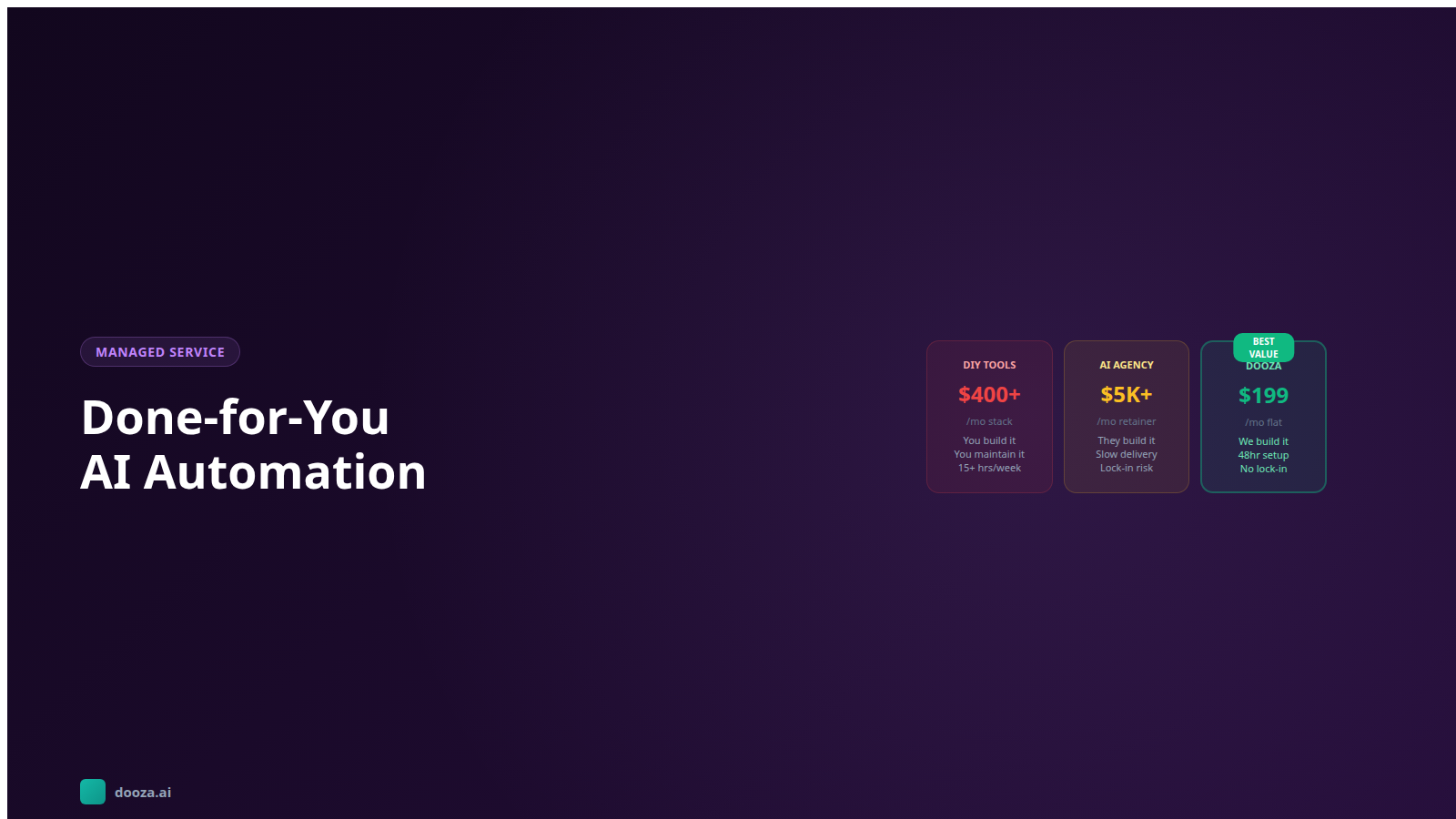
One of the biggest questions business owners have is whether done-for-you is worth paying for over doing it themselves. Prices vary too much by scope to quote fairly, so this compares who does the work:
Approach
Who builds it
Who maintains it
Your time
Best when
DIY Software
You
You
Most: learning, building, fixing
You enjoy building and have the hours
Freelancer
The freelancer
You, or the freelancer per change
Some: briefing and reviewing
A one-off build you can maintain
Agency
The agency team
The agency, usually on a retainer
Little: meetings and approvals
A complex project across many systems
Dooza Agents
A Dooza engineer
Dooza engineers
A scoping call, then reviewing the output
One costly workflow you want running in days (pricing)
The DIY route looks cheap on paper, but the hidden cost is your time — and for most business owners, time is the scarcest resource. Put a price on the hours of learning, building and troubleshooting, and DIY can be the most expensive option.
Agencies are the better pick for complex projects across many systems; ask what changes after launch cost. Freelancers add dependency risk: if they disappear, you are maintaining a system you did not build.
How to Evaluate a Done for You AI Automation Provider
If you decide done-for-you is the right approach, here is what to look for when choosing a provider:
Specialization in your use case
A provider that specializes in lead follow-up and sales automation for small businesses will deliver better results than a generalist agency that does "everything AI." Look for providers who understand your specific workflow — lead comes in, gets qualified, books a meeting, becomes a customer.
Transparent pricing
Look for published pricing, and find out what a change after launch costs before you sign. A scoping call is normal; a price you can only learn on the call is a reason to ask more questions.
Speed to launch
Ask for the date it will run on your real work. One workflow on pre-built parts can be live in days; a long timeline usually means a custom build, which is fine if you need one.
Ongoing management included
Setup is only half the value. The real benefit of done-for-you is ongoing optimization — someone monitoring performance, adjusting sequences, and improving results month over month. If a provider charges separately for "maintenance," you are buying a one-time build, not a done-for-you service.
No long-term contracts
Prefer month-to-month terms or a refundable pilot, so you can judge results on your own work before committing for six or twelve months.
How Dooza Delivers Done for You AI Automation
Dooza Agents is for small businesses that want done-for-you AI automation without hiring an agency. Instead of hiring consultants to build custom workflows from scratch, Dooza uses pre-built AI employees — purpose-built workers that handle specific business functions right out of the box.
Here is what makes the Dooza approach different:
Pre-built AI employees: Instead of starting from a blank canvas, you get AI workers that are already trained on best practices for lead follow-up, outreach, scheduling, and customer communication. They just need to be customized to your specific business.
Fast activation: because the core workflows are already built, custom agents are live in days.
Refundable pilot: every Dooza product starts with a refundable pilot — 100% refund within 14 days. Setup, optimization, and support are part of the service. See pricing.
Built and maintained by Dooza engineers: you ask for a change, an engineer makes it.
No technical skills required: you describe your business and your goals; a Dooza engineer handles the setup and the 1,000+ app integrations.
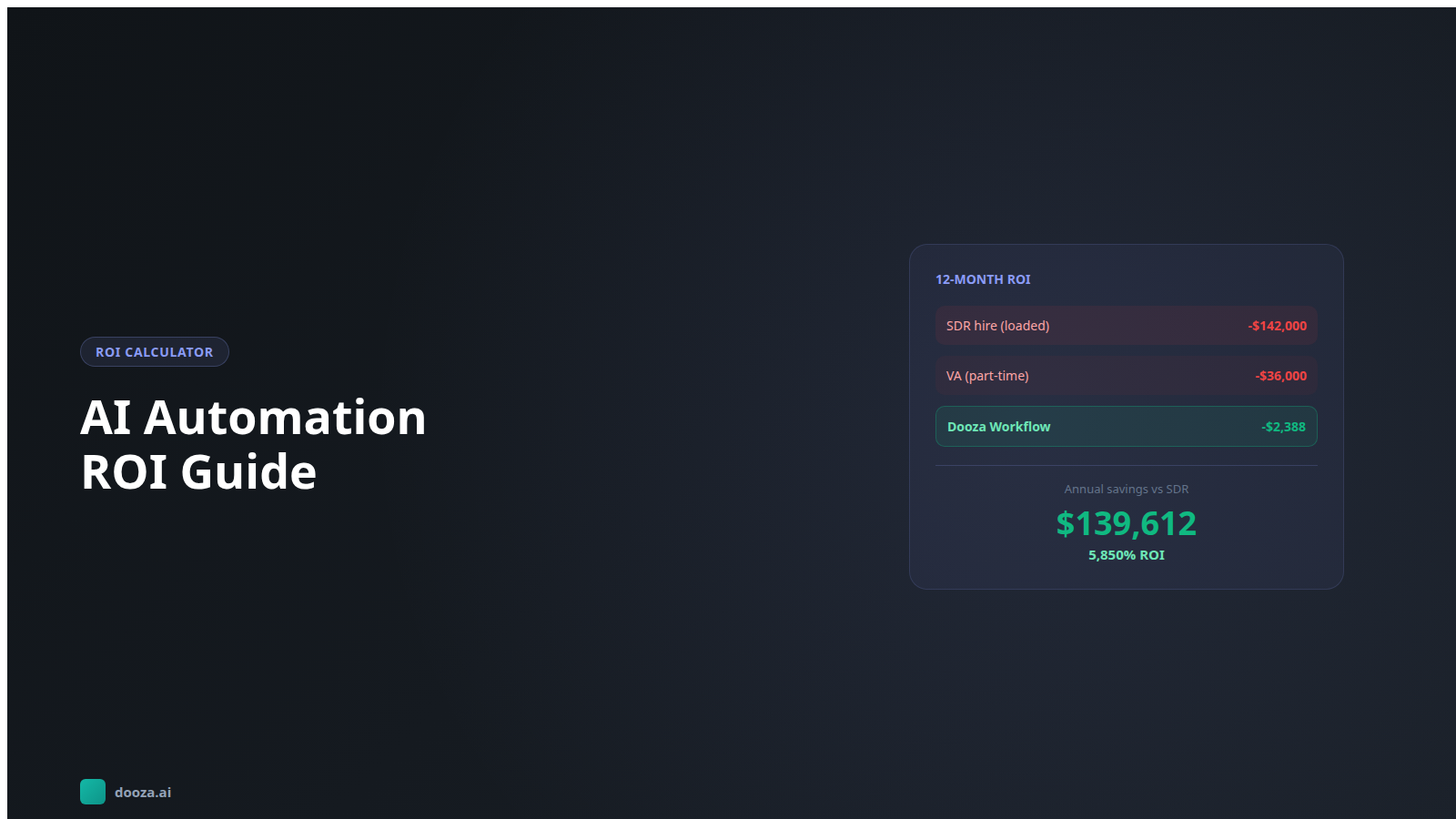
For context, a US sales development representative has a median base salary of about $55,000 a year before commission and benefits (Bridge Group, 2025), and a virtual assistant is paid for every hour they work. Dooza runs around the clock, including nights and weekends.
The fastest version of done for you is not a tool at all. It is an engineer who sits down with your business, maps the work, and builds the AI employee for you. That is how Dooza works now:
Map: a call with a Dooza engineer to pick the one workflow costing you the most, such as lead follow-up, missed calls, or inbox triage.
Build: the engineer connects your tools and sets up the AI employee on your real work.
Live: custom agents are live in days. You see it working on your real work during the pilot.
Every Dooza product starts with a refundable pilot — 100% refund within 14 days — and there is no long contract.
Here is a straightforward path to getting done-for-you AI automation running for your business:
Step 1: Identify your biggest bottleneck
Where are you losing the most revenue to manual processes? For most businesses, it is lead follow-up — leads come in and do not get contacted fast enough. But it might also be appointment booking, customer onboarding, or outbound prospecting. Pick the one that costs you the most.
Step 2: Calculate the cost of doing nothing
How many leads did you lose last month to slow follow-up? What is each lead worth to your business? If one additional deal a month from faster follow-up would cover the cost, the math is simple. If it would not, start smaller.
Step 3: Choose your approach
If you have the technical skills and the time, a DIY tool might work. If you want results without the overhead, a done-for-you solution like Dooza Agents gets you there faster. The right choice depends on how much your time is worth and how quickly you need results.
Step 4: Launch and measure
Start with one workflow — typically lead follow-up — and measure the impact over 30 days. Track response time, reply rate, and meetings booked. Compare against your manual baseline. The data will tell you whether to expand or adjust.
Step 5: Expand what works
Once you see results from your first automated workflow, look at what else can be automated. Outbound prospecting, customer reactivation, review requests, referral campaigns — each one compounds on the last. The businesses that win with AI automation are the ones that start with one workflow, prove the ROI, and systematically expand.
The era of needing a technical team to run AI automation is over. Done for you AI automation puts that work within reach of a small business. Start with the one workflow that costs you the most, and measure it.
Frequently Asked Questions
What does done for you AI automation actually include?
Done for you AI automation means a provider handles the entire setup, configuration, and deployment of AI-powered workflows for your business. This typically includes lead follow-up sequences, email outreach, appointment booking, and customer communication — all built around your specific business, offer, and target audience. You do not need to write prompts, configure integrations, or manage any technical infrastructure. The system is delivered ready to run.
How is done for you AI automation different from buying software?
When you buy automation software like HubSpot, ActiveCampaign, or Zapier, you get powerful tools — but you are responsible for building every workflow, writing every message, connecting every integration, and maintaining the system over time. Done for you AI automation removes that burden entirely. A provider builds and manages everything so you get the results of automation without the learning curve or ongoing technical work.
How long does it take to set up done for you AI automation?
It depends on the provider and the scope: a custom multi-system build takes longer than one workflow on pre-built parts. Setup covers learning your business, configuring the AI, connecting your tools and testing before go-live. Ask any provider for the date it will run on your real work. At Dooza, custom agents are live in days, and the AI Receptionist is live on your existing line within 48 hours of the setup call.
Is done for you AI automation worth the cost for a small business?
It is worth it when the work it takes off your plate (leads answered late, hours of follow-up, missed calls) is worth more than the fee. Price the alternatives honestly: your own hours to learn and maintain a tool, or a freelancer or agency quote that includes changes after launch. Start with one workflow and measure it for 30 days. Every Dooza product starts with a refundable pilot — 100% refund within 14 days; prices are on dooza.ai/pricing.
What happens if I want to change my automations after they are set up?
Good done-for-you providers include ongoing optimization as part of the service. You should be able to request changes to messaging, timing, sequences, and targeting without needing to touch any technical configuration yourself. With Dooza Agents, the agents are built and maintained by Dooza engineers: you describe the change and they make it.
Ready to Start Your Pilot?
Automate your business with AI employees that work 24/7. Start with a refundable pilot: 100% refund within 14 days.
AI Business Automation ROI: How to Calculate the Real Return on Your AI Investment
Not sure if AI automation is worth the investment? Learn how to calculate AI business automation ROI with real numbers, frameworks, and comparisons so you can make a confident decision.
Start with a refundable pilot — 100% refund within 14 days. A Dooza engineer scopes it with you on a free 30-minute call. Pricing depends on the product; see pricing.