Generative AI
Generative AI for Customer Support: Use Cases and Guardrails
Generative AI for customer support can draft replies, summarize tickets, improve FAQs, and speed up support when guardrails are clear.
12 min read
ReadA practical guide to deploying generative AI for customer service. Learn how gen AI differs from chatbots, real case studies, and step-by-step implementation.
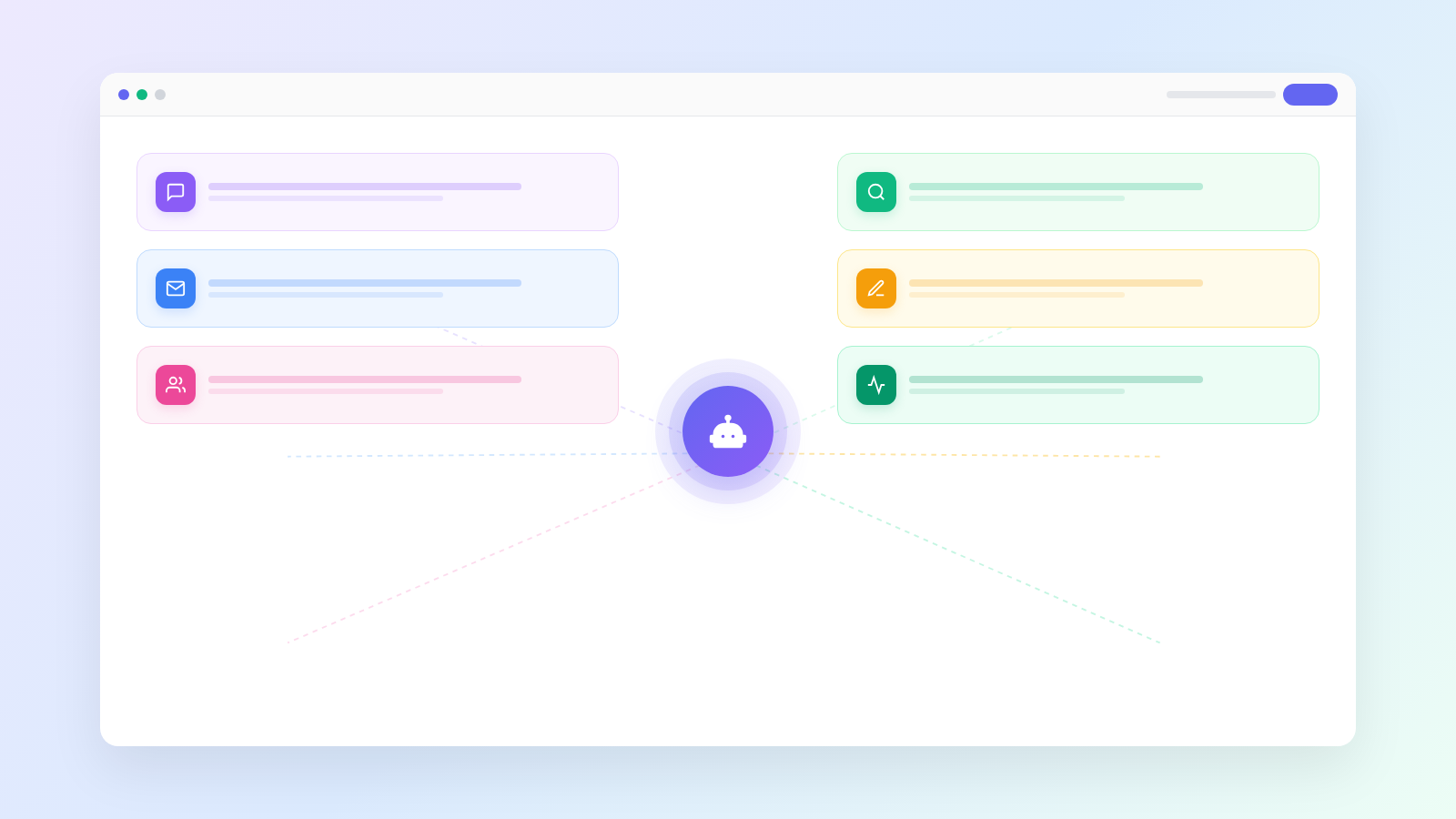
Generative AI for customer service is no longer an experiment reserved for enterprise budgets. Mid-market teams are adopting it just as aggressively as Fortune 500 companies. According to Gartner, by 2027 AI agents will handle the majority of routine customer interactions autonomously. This guide covers what gen AI actually changes and how to deploy it practically.
Generative AI uses large language models to read, understand, and respond to customer questions in natural language. Unlike rule-based chatbots that follow rigid decision trees, gen AI interprets intent, pulls from your knowledge base, and composes answers on the fly. It reasons through the question rather than matching keywords to canned responses.
A rule-based bot fails the moment a customer phrases something unexpectedly. A gen AI agent handles variations, follow-ups, and multi-topic threads without breaking. For a deeper comparison, see our breakdown of conversational AI for customer support.
Three shifts made gen AI practical for support teams of every size.
The economics are clear. A support agent at $3,500 per month handling 400 conversations costs roughly $8.75 each. Gen AI handles those same conversations for pennies. Even at 60% resolution, savings compound fast. Learn more in our guide to customer support automation.
Gen AI excels at repeatable, information-dense interactions where the answer exists in your systems.
Our article on automating customer support with AI covers how these workflows fit into the full support stack.
Dooza gives you a pre-built AI support agent that connects to your knowledge base and starts resolving tickets from day one. No model training, no ML team, no custom integrations from scratch.
Start with a single AI employee, add multi-channel support and analytics as you grow, or run multiple AI employees across high-volume queues. Pricing depends on the product, and every Dooza product starts with a refundable pilot — 100% refund within 14 days — so you can test with real conversations before committing. See what each AI customer support agent can do in our linked guide.
You do not need a six-month roadmap. This sequence gets you live in two weeks.
For a broader look at structuring automation, see our piece on customer service and support automation.
Track these metrics from day one.
Our guide to the best AI agents for customer support includes a deeper evaluation framework.
This walkthrough covers the essentials: how generative AI differs from legacy chatbots, how to structure your knowledge base, and what to expect in the first 30 days.
Generative AI for customer service is a practical tool that teams are deploying right now to cut costs, speed up responses, and free human agents for work that requires a human. The technology is mature, costs are accessible, and early adopter results speak for themselves. If you want to see what this looks like for your team, start a deployment and test it with your own conversations.
Traditional chatbots follow scripted decision trees and can only handle questions they were explicitly programmed for. Generative AI uses large language models to understand intent, generate natural responses, and handle novel questions it has never seen before. This means gen AI can resolve nuanced, multi-part inquiries without needing a predefined flow for every scenario.
No. Generative AI handles repetitive, high-volume inquiries so human agents can focus on complex cases that require empathy, judgment, or escalation authority. The best deployments use AI for tier-one support and route edge cases to humans with full conversation context, making agents more effective rather than replacing them.
Modern gen AI systems achieve 85-95% accuracy on routine inquiries when properly trained on your knowledge base. Accuracy improves over time as the system learns from corrections. The key is grounding the AI in your specific documentation and product data rather than relying on general knowledge alone.
Reputable gen AI platforms process data through encrypted channels and do not use customer conversations to train public models. Look for providers that offer data residency controls, SOC 2 compliance, and the ability to run within your own infrastructure. Always review the vendor's data processing agreement before deployment.
A basic deployment can go live in one to two weeks. This includes uploading your knowledge base, configuring response guidelines, and running a pilot on a subset of incoming conversations. Full-scale rollout with custom integrations typically takes four to six weeks depending on your existing tech stack.
Costs vary widely depending on conversation volume and provider. Dooza pricing depends on the product, and every Dooza product starts with a refundable pilot (100% refund within 14 days). Compared to the cost of hiring and training additional agents, AI support is usually far cheaper.
Automate your business with AI employees that work 24/7. Start with a refundable pilot: 100% refund within 14 days.
Generative AI for customer support can draft replies, summarize tickets, improve FAQs, and speed up support when guardrails are clear.
Generative AI customer support helps small teams draft faster replies, summarize conversations, and keep support work organized.
Start with a refundable pilot — 100% refund within 14 days. A Dooza engineer scopes it with you on a free 30-minute call. Pricing depends on the product; see pricing.
Refundable pilot · 100% refund within 14 days · No contracts