10 Company Processes Examples to Automate with AI in 2026
Explore 10 powerful company processes examples you can fully automate with AI. Free up your time and scale your business effortlessly in 2026.
26 min read
January 31, 2026
Imagine a business that runs on autopilot. Your customer support tickets are resolved instantly, social media schedules are flawlessly executed, and new hires are onboarded seamlessly—all while you focus on strategic growth. This isn't a futuristic fantasy; it's the tangible reality of automating your core operations. Too many businesses are trapped in a reactive cycle, drowning in manual tasks that stifle innovation and drain resources. The dream of breaking free begins with well-defined systems.
This article serves as a practical blueprint, providing a deep dive into 10 crucial company processes examples that are prime for AI-powered transformation. We will move beyond theory and dissect the real-world mechanics of each process, from customer support workflows to content production pipelines. You will discover not just what to automate, but precisely how to build an AI workforce that frees up your team's most valuable asset: their time.
More importantly, you'll see how an AI workforce, powered by specialized agents like those on the Dooza.co platform, can orchestrate these tasks with superhuman efficiency. Imagine delegating all repetitive work to AI, liberating your team to focus purely on high-impact initiatives. We will explore the specific steps, key performance indicators, and actionable automation opportunities for each example. It’s time to build a business that works for you, so you can stop working in it.
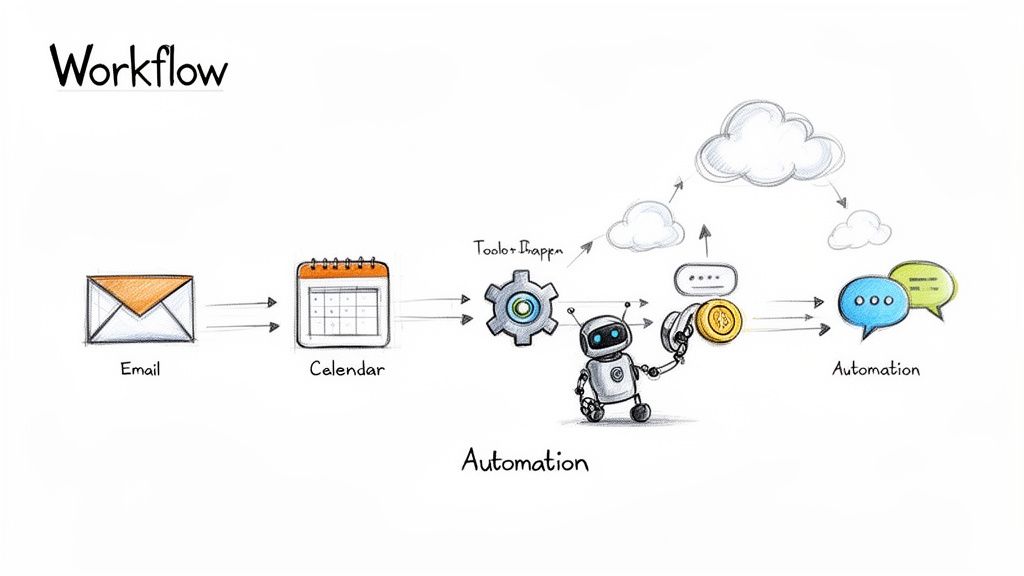
1. Workflow Automation and Process Standardization
Workflow automation and process standardization form the bedrock of a scalable, modern business. This foundational process involves meticulously mapping existing workflows, identifying every repetitive task, and then deploying an AI workforce to execute them autonomously. This isn't just about saving a few minutes; it’s about reimagining your business, liberating your human team from tedious, error-prone tasks so they can focus on high-impact strategic initiatives that drive real growth.
Imagine an AI employee like Dooza’s "Seomi" running entire SEO campaigns for you, from keyword research to content optimization, while another agent effortlessly manages your calendar and sorts your inbox. This is one of the most powerful company processes examples because it creates a system that works for you 24/7, achieving a level of consistency and efficiency far beyond human capacity. This is the dream of a business that runs itself.
Key Applications & Strategy
This process is critical when a business starts to scale and manual tasks become bottlenecks. Early-stage startups use it to operate with lean teams, while established companies use it to optimize resource allocation and reduce operational costs.
Lead Nurturing: Imagine a potential customer signs up for your newsletter. Instantly, an AI agent from a platform like HubSpot begins sending a perfectly timed, personalized email sequence to guide them toward a purchase—all without a single click from your team.
Data Entry & Syncing: Picture this: a new customer pays an invoice. Zapier or Make can automatically create a record in your CRM, add them to your mailing list, and update your financial spreadsheet in the blink of an eye. No more copy-pasting.
Autonomous Operations: The true evolution is with agentic AI platforms. You can explore a full comparison of AI agents to see how they can handle complex, multi-step operations like client onboarding or social media management from end to end, freeing you up entirely.
Actionable Takeaways
To implement this dream, start small. Identify a high-volume, low-complexity task, like categorizing support tickets. Document every manual step, then build an AI agent to do it for you. Test it thoroughly, then set it live and watch it work. This gradual approach builds confidence and allows you to responsibly scale your AI workforce across the entire organization.
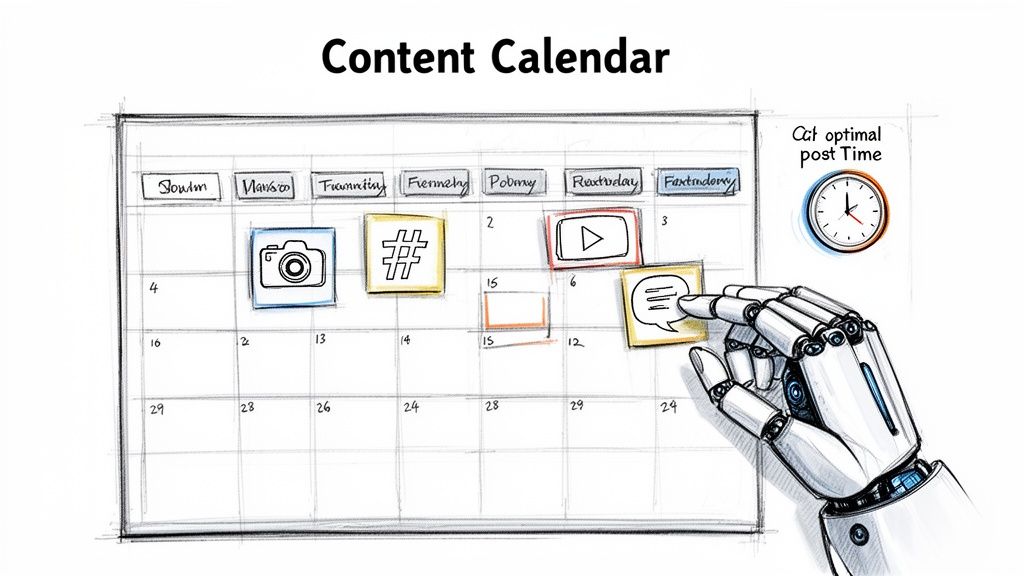
2. Social Media Management and Content Scheduling
A robust social media management process transforms your online presence from a chaotic, time-consuming chore into a predictable, brand-building engine. It involves centralizing the planning, creation, scheduling, and analysis of your content across all platforms. This strategic approach ensures a consistent brand voice and frees your creative team from the repetitive grind of daily posting, allowing them to focus on big-picture strategy and genuine community engagement.
Imagine an AI employee dedicated to managing your entire social media calendar. It automatically posts your content at peak engagement times, analyzes performance to suggest better strategies, and never takes a day off. This is one of the most impactful company processes examples for modern marketing, allowing digital agencies to effortlessly scale client management and e-commerce brands to maintain a constant, engaging presence. It's about building an automated system that nurtures your audience 24/7, so you don't have to.
Key Applications & Strategy
This process becomes essential for any business aiming to build a consistent brand identity and engage its audience effectively across multiple channels. Startups use it to build an initial following with a lean team, while larger companies leverage it to coordinate complex campaigns and maintain brand integrity across global markets.
Batch Content Creation: For example, an e-commerce brand can create a month's worth of content in one day. Then, tools like Buffer or Later automatically schedule and publish these posts, ensuring a steady stream of product showcases and user-generated content while the team works on next month's strategy.
Client Account Management: Imagine a digital agency deploying AI agents to manage dozens of client accounts. These agents automate posting schedules, generate performance reports, and track engagement, delivering consistent results at scale and freeing up account managers for client relationships.
Automated Engagement & Growth: An automated social media agent can take this even further. It doesn't just post; it engages with comments, analyzes industry trends, and optimizes your content mix based on real-time data to maximize your reach and growth—all while you sleep.
Actionable Takeaways
To implement a powerful social media process, start by creating a content calendar outlining themes for the upcoming month. Use the 80/20 rule: 80% educational or entertaining content and 20% promotional. Create your content in batches to maximize efficiency. Use scheduling tools to post at optimal times for your audience’s time zones. This frees you up for what really matters: genuine, real-time engagement to build a strong community.
3. Customer Support and Help Desk Automation
Automating customer support and help desk operations is a transformative process for any business focused on delivering exceptional, scalable service. This involves deploying AI agents to manage the entire lifecycle of a customer inquiry, from the initial contact to its final resolution. It’s about building a system that provides instant, accurate answers around the clock, dramatically improving response times and freeing your team from answering the same questions over and over again.
Imagine an AI support agent from Dooza instantly resolving 80% of your incoming tickets. It handles common questions about returns, guides new users through onboarding, and never gets tired or frustrated. This is one of the most impactful company processes examples because it frees your expert human team from repetitive queries. They can then focus their energy on solving complex, high-value problems that require a personal touch, turning your support center from a cost center into a powerful customer retention engine.
Key Applications & Strategy
This process is vital for businesses experiencing high inquiry volumes or those looking to offer 24/7 support without tripling their headcount. E-commerce stores use it to manage refund and return requests automatically, while SaaS companies deploy it to handle common onboarding questions and technical troubleshooting.
First-Response Triage: Picture a customer sending a support email. An AI agent instantly reads, categorizes, and routes the ticket to the correct department—billing, tech support, etc.—all before a human even sees it. No more manual sorting.
Instant FAQ Responses: For example, train an AI on your knowledge base. It can then provide immediate, accurate answers to common customer questions via live chat or email, like "How do I reset my password?" or "What is your shipping policy?"
End-to-End Resolution: For platforms that require a comprehensive solution, you can explore powerful Gorgias alternatives that integrate deeply with your e-commerce channels to manage the entire support workflow, from initial query to confirmed resolution.
Actionable Takeaways
To implement this, begin by analyzing your support tickets to identify the top 20% of most frequently asked questions. Use this data to train your first AI agent. Create a clear and seamless escalation path for inquiries the AI cannot resolve, ensuring a smooth handoff to a human agent. This approach delivers instant help and frees up your team for the conversations that truly matter.
4. Email Management and Automated Responses
Email management and automated responses are a crucial process for any business drowning in digital communication. This system involves creating a structured approach to categorizing, prioritizing, and responding to incoming emails, using AI to handle routine interactions. Instead of a perpetually cluttered inbox dictating your team's priorities, this process transforms email into a streamlined, manageable communication channel, freeing up valuable cognitive bandwidth for strategic work.
Imagine an AI agent managing your support or sales inbox. It intelligently categorizes emails by urgency, drafts personalized replies for common inquiries, and flags messages that require a human touch. This is one of the most impactful company processes examples for improving productivity, as it tackles a universal time-sink and ensures no critical client message or lead opportunity is ever missed. This is the dream of achieving "inbox zero" every single day, effortlessly.
Key Applications & Strategy
This process is vital for any role or department that handles a high volume of external or internal communication. Sales teams use it to respond to leads instantly, while HR departments leverage it to manage the flood of applicant inquiries, ensuring a professional and timely candidate experience.
Sales Lead Engagement: For instance, a new lead fills out your contact form. An AI agent can immediately send a personalized follow-up, keeping them engaged while your sales reps focus on qualified conversations that are already warmed up.
Customer Support Triage: An AI agent can read incoming support tickets, automatically categorize them by issue type (e.g., billing, technical, feedback), and assign them to the correct team member. Your support team wakes up to a perfectly organized queue.
Recruitment Management: Imagine an automated system acknowledging every job application, answering frequently asked questions about the role, and scheduling initial interviews with qualified candidates—all without manual intervention from your HR team.
Actionable Takeaways
To implement this process, begin by identifying the most repetitive email conversations your team handles. Create a set of high-quality templates for these scenarios. Then, deploy an AI agent to read incoming emails, use your templates to draft replies for your review, and integrate key information directly into your CRM. This creates a scalable system that maintains a human touch while maximizing your team's precious time.
5. Meeting Scheduling and Calendar Management
Meeting scheduling and calendar management is the process of coordinating availability and booking appointments without the endless, time-consuming email chains. This goes beyond simple booking links; it involves a sophisticated system that can intelligently negotiate times, prepare agendas, and manage calendars for entire teams. This isn't just about convenience; it's about reclaiming dozens of lost hours each month, enabling your team to focus on substantive work instead of administrative Tetris.
Imagine an AI agent from Dooza handling all your meeting requests. You simply CC the agent, and it finds the optimal time slot across multiple team members' and external clients' calendars, sends professional invites, and even attaches a pre-populated agenda. This example of company processes examples transforms a universal point of friction into a seamless, automated background task, ensuring your most valuable resource—time—is always allocated to what matters most.
Key Applications & Strategy
This process is indispensable for any role involving coordination, from sales and HR to executive leadership. Distributed teams rely on it to navigate time zones effortlessly, while client-facing consultants use it to create a frictionless booking experience that impresses from the first touchpoint.
Sales & Client Onboarding: For example, tools like Chili Piper or Calendly allow hot leads to book a demo instantly from your website, reducing drop-off and dramatically shortening the sales cycle. No more "When are you free?" emails.
Recruitment: Imagine an HR team automating interview scheduling across multiple rounds. The AI coordinates with candidates and various internal stakeholders to find the perfect time, providing a smooth and professional candidate experience.
Executive Support: AI agents or tools like Motion can manage complex executive calendars, intelligently prioritizing meetings and protecting deep-work time without constant manual oversight. This is the dream of a perfectly managed calendar, achieved automatically.
Actionable Takeaways
To implement this, start by defining your meeting "rules." Block out non-negotiable focus time in your calendar so your AI agent knows when you're unavailable. Set default meeting durations and buffer times to prevent burnout. For key meeting types, like client kickoffs, configure automated reminders to reduce no-shows and ensure everyone arrives prepared.
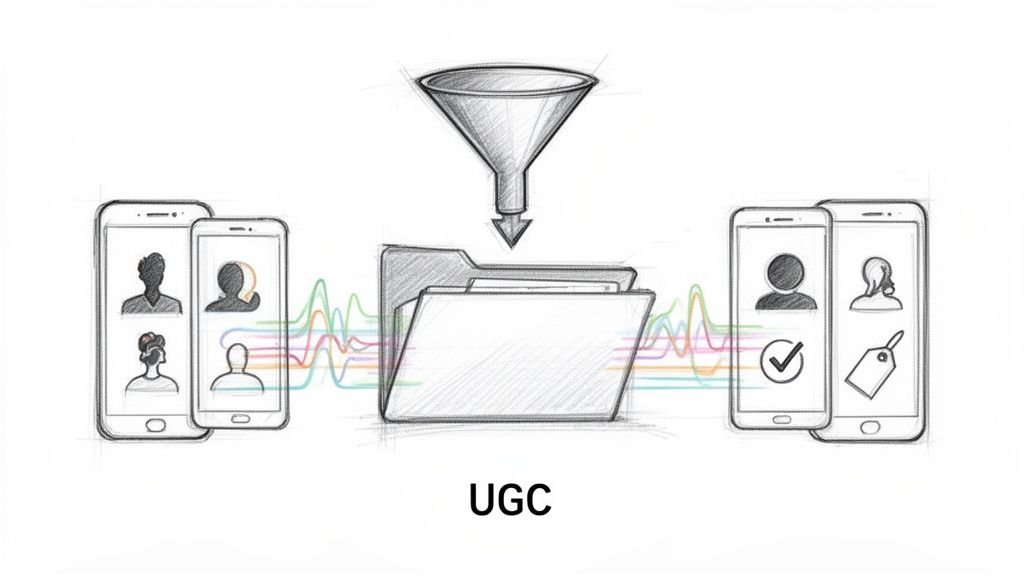
6. User Generated Content (UGC) Production and Management
User Generated Content (UGC) production and management is the process of systemizing how a brand sources, curates, and distributes authentic content created by its customers. Instead of relying solely on expensive, studio-produced assets, this system harnesses the power of real user experiences to build social proof and trust. It's about creating a repeatable engine that turns happy customers into a powerful, scalable marketing force, freeing your team from the endless content treadmill.
This is one of the most impactful company processes examples because it transforms marketing from a monologue into a dialogue. Imagine AI agents from a platform like Dooza not just collecting submissions but actively creating short-form UGC-style videos, curating the best customer testimonials, and automatically distributing them across social media. This is the dream of an infinite content library, powered by your own customers, managed by AI.
Key Applications & Strategy
This process is invaluable for consumer brands, SaaS companies, and digital agencies looking to build credibility and scale their content output without a proportional increase in budget. It works best when authenticity is a key driver of purchasing decisions, making it perfect for e-commerce, beauty, fitness, and tech.
E-commerce Brands: For example, an online store can automatically collect and feature customer unboxing videos on its product pages and social feeds, using real excitement to drive a significant increase in conversion rates.
SaaS Companies: Imagine sourcing and showcasing powerful video testimonials from your top users to build trust with new prospects. An AI can help identify these power users and request testimonials automatically.
Automated Video Creation: Use Dooza’s UGC video agents to automatically generate a high volume of authentic-looking short-form videos, perfect for platforms like TikTok and Instagram Reels. You get a constant stream of fresh content without lifting a finger.
Actionable Takeaways
To build an effective UGC pipeline, start by defining clear submission guidelines and offering compelling incentives, like discounts or features. Use an AI-powered system to automatically filter and tag the best submissions based on brand alignment and visual quality. This allows you to effortlessly build a library of authentic content that resonates with your audience.
7. Community Management and Engagement Automation
Community management and engagement automation is a systematic process for nurturing online communities, moderating discussions, and responding to members at scale. This involves deploying AI-driven agents to handle routine interactions, allowing your human moderators to focus on high-value conversations and strategic community building. It’s about creating a vibrant, safe, and responsive environment that fosters brand loyalty without burning out your team.
Imagine an AI agent from a platform like Dooza constantly monitoring your Discord server or Slack community. It can instantly welcome new members, answer common questions based on your knowledge base, flag inappropriate content, and even identify your most active contributors for rewards. This is one of the most vital company processes examples for modern brands, as it ensures your community feels heard and valued 24/7, turning passive members into active advocates while you sleep.
Key Applications & Strategy
This process is indispensable for any business with a customer-facing community, from SaaS companies gathering product feedback to fitness brands managing member motivation groups. It becomes crucial when the community grows beyond what a small team can manually handle, preventing response delays and member churn.
Automated Onboarding: For example, when a new member joins your Slack or Discord community, an agent can automatically send a personalized welcome message, share community guidelines, and direct them to relevant channels, making them feel at home instantly.
FAQ & Support: An AI can monitor channels for keywords related to common problems (e.g., "login issue") and provide instant answers or links to support articles, reducing the burden on human staff and providing immediate help to members.
Engagement Nurturing: Imagine agents programmed to prompt discussions with interesting questions, run weekly polls, and even manage direct message campaigns to re-engage inactive members. For a deeper dive into this, you can explore how to manage Instagram DMs effectively, applying similar principles to your community platform.
Actionable Takeaways
To implement this, start by creating a clear knowledge base of frequently asked questions; this will be the brain for your AI agent. Deploy the agent to handle a specific, high-volume task first, such as welcoming new members. Monitor its interactions and refine its responses. This frees up your human moderators to build genuine relationships and foster a thriving community.
8. Receptionist Services and Front-Desk Automation
Receptionist services and front-desk automation revolutionize the first point of contact between a business and its customers. This process replaces or augments a traditional human receptionist with AI-driven systems that can handle incoming calls, schedule appointments, and qualify leads with professional consistency. Instead of a single person tied to a desk, you have a scalable, intelligent system that ensures no call is missed and every inquiry is handled flawlessly.
This is one of the most impactful company processes examples because it directly shapes customer perception while drastically reducing overhead. Imagine an AI receptionist from a platform like Dooza answering calls in your company's voice, booking qualified sales demos directly into your team's calendar, and seamlessly routing complex support issues—all without human intervention. This is the dream of a perfect first impression, every single time, freeing your team to focus on serving clients rather than just fielding calls.
Key Applications & Strategy
This process is invaluable for any service-based business, from law firms and medical practices to digital agencies and fast-growing startups looking to maintain a professional image without the cost of a full-time hire. It’s about creating a flawless, efficient front-end experience that scales with your business.
Lead Qualification & Routing: For example, an AI agent can ask pre-programmed qualifying questions to inbound callers. Based on their answers, it routes a hot lead directly to a sales executive’s calendar while sending a follow-up email to a colder lead.
Appointment Management: A medical clinic can automate patient appointment scheduling, reminders, and cancellations 24/7. This dramatically reduces no-shows and frees up administrative staff from endless phone calls.
24/7 Inquiry Handling: For companies with a national client base, an automated system can answer common questions and take detailed messages outside of business hours, ensuring you never lose a potential customer just because it's 10 PM.
Actionable Takeaways
To implement an automated receptionist, start by scripting the ideal handling for your most common call types. Train the AI on your specific company voice and tone. Provide the system with clear, step-by-step instructions and escalation paths for calls that require human expertise. This approach ensures a smooth transition and a highly professional first impression that works around the clock.
9. Data Collection and Form Submission Processing
Data collection and form submission processing is the structured method of gathering information and automatically routing it into organized, actionable systems. This process transforms the raw, chaotic influx of form data into a clean, well-oiled machine. It eliminates the soul-crushing task of manual data entry, ensuring every piece of information is captured, categorized, and sent exactly where it needs to go without human intervention.
Imagine an AI agent managing your entire intake system. When a potential client fills out a project brief on your website, the agent instantly creates a new project in your workspace, populates a database with the client's details, assigns a project manager, and triggers a welcome email sequence. This is one of the most vital company processes examples for any business that relies on external input, turning what was once an administrative bottleneck into a seamless, automated gateway for new opportunities.
Key Applications & Strategy
This process is fundamental for any organization looking to standardize its intake procedures, whether for customers, employees, or partners. Operations teams use it to create consistency, while data analysts leverage it to build clean databases without tedious manual work. It is the first step in creating a single source of truth for critical business information.
Client & Project Onboarding: For example, an agency can use a form to collect a detailed project brief. The AI agent then automatically creates a new client record in the CRM and a project timeline in Asana, all from that one submission.
HR & Recruitment: Imagine automating the entire application process. Submissions from a job portal are parsed by an AI, populated into an Applicant Tracking System (ATS), and top candidates are automatically flagged for review.
Customer Feedback & Support: A customer success team can collect feedback via a survey. The AI then automatically categorizes responses by sentiment and creates support tickets for any negative experiences, ensuring rapid, proactive follow-up.
Actionable Takeaways
To effectively implement this, focus on creating a frictionless user experience. Keep forms as concise as possible. Always set up an automated confirmation email to let the submitter know their information was received. For a truly powerful setup, use a unified platform where you can build forms and manage data in one place, creating an end-to-end data management workflow that runs on its own.
10. Cross-Agent Collaboration and Shared Context Systems
Cross-agent collaboration and shared context systems represent the future of business operations, moving beyond isolated automation into a cohesive, intelligent digital workforce. This advanced process involves creating an ecosystem where multiple specialized AI agents work together, sharing information and memory to execute complex, multi-stage business objectives. It’s about building a true AI team that understands the full context of a project, ensuring seamless handoffs and coordinated efforts toward a common goal.
This approach transforms disparate automations into a unified strategy. Imagine an AI sales agent qualifying a lead and seamlessly passing the contextual data to a meeting agent who schedules the demo, while a support agent simultaneously prepares a pre-call briefing document. This is one of the most sophisticated company processes examples because it mirrors the collaborative intelligence of a high-performing human team, but operates with the speed and precision of AI. This is the dream of a truly autonomous business.
Key Applications & Strategy
This process is essential for businesses looking to achieve true end-to-end automation for complex functions. It's ideal for organizations that want to eliminate information silos between departments and ensure that all automated activities are strategically aligned. This moves beyond simple task execution to orchestrating entire business functions autonomously.
Integrated Marketing Campaigns: An SEO agent identifies a trending keyword. It triggers a content agent to draft an article. Once approved, a social media agent schedules posts to promote it, and a community agent engages with comments—a full campaign, executed automatically.
Seamless Customer Journey: A support agent resolves a ticket and identifies an upsell opportunity. It flags a sales agent, which then initiates a personalized outreach campaign based on the customer's support history.
Coordinated Lead Management: Imagine a receptionist agent on your website qualifying a new lead. It then passes the full conversation transcript to a sales agent, which immediately begins a tailored follow-up sequence. The lead receives a relevant message within seconds.
Actionable Takeaways
To build this dream, start by mapping a core business objective that involves multiple steps, like "new client onboarding." Assign specific roles to different agents (e.g., contracts, scheduling, technical setup) and build a shared knowledge base they can all access. Establish clear protocols for how agents trigger and inform one another. This creates a truly collaborative and self-improving AI workforce.
Your Autopilot Business Awaits: Building Your AI Workforce
Throughout this guide, we've explored a comprehensive catalog of company processes examples, from standardizing customer support to automating complex UGC campaigns. These aren't just isolated tasks; they represent the essential arteries of your business. Looking at each example, a clear pattern emerges: the most significant bottlenecks arise not from the tasks themselves, but from the manual handoffs, communication gaps, and context-switching required to move work between them.
The true power of automation is unlocked when these processes cease to be a collection of disconnected activities and instead become a single, intelligent, and interconnected system. This is the shift from simply automating tasks to building a genuine AI workforce. The dream of freeing up your team’s time isn’t just about making one process faster; it's about creating a collaborative ecosystem of digital employees who work together seamlessly, 24/7.
From Disconnected Tasks to a Unified AI Team
Imagine this scenario, built entirely on the company processes examples we've detailed:
Marketing & SEO: An AI agent dedicated to SEO monitoring detects a new, high-intent keyword trending in your industry. It doesn't just log this finding. Instead, it directly alerts your AI content agent.
Content & Social Media: The content agent immediately drafts a series of social media posts, a short blog outline, and an email newsletter snippet targeting this new keyword. It then passes these assets to the social media scheduling agent, which queues them for optimal posting times.
Customer Engagement: As the new content goes live, a spike in engagement occurs. Your automated community management agent handles initial comments and DMs, identifying high-potential leads and flagging complex queries.
Support & Sales: A lead asks a detailed product question. The community agent passes the query, along with the user's interaction history, to your AI-powered help desk. The help desk provides an instant, accurate answer and identifies the user as a sales-qualified lead, prompting the calendar management agent to offer a demo slot.
This isn't a futuristic fantasy; it's the result of orchestrating distinct business processes into a unified, agentic workflow. Each AI agent acts as a specialist employee, sharing context and collaborating with its digital colleagues to move objectives forward without human intervention. The result is a business that runs on autopilot, freeing you and your team from the relentless cycle of operational minutiae to focus exclusively on high-level strategy, innovation, and growth.
Your Actionable Path to an Autonomous Business
The journey to building your AI workforce begins with a single, strategic step. Don't try to automate everything at once. Instead, identify the one process that causes the most friction, consumes the most manual hours, or creates the biggest bottleneck in your daily operations.
Review the list of company processes examples covered in this article and ask yourself:
Where is my team losing the most time? Is it manually scheduling meetings, responding to repetitive support tickets, or chasing down data from form submissions?
What process, if automated, would have the biggest ripple effect? Freeing up your customer success team, for instance, could directly boost retention and revenue.
Which task is most prone to human error? Automating data entry or content scheduling can ensure consistency and accuracy that manual efforts can't match.
Once you’ve identified your starting point, implement an automated solution for that one process. Master it. Then, look for the next logical connection. Link your automated help desk to your calendar agent. Connect your social media management to your UGC collection system. With each new connection, you're not just saving a few more hours; you are building a more resilient, efficient, and intelligent operational foundation. This is how you transition from being a manager of tasks to being the architect of a self-running business engine.
Ready to stop managing tasks and start orchestrating your own AI workforce? The company processes examples we've detailed are precisely what Dooza.co is built to automate and connect. Start building your first AI agent for free and see how easily you can create a truly autonomous business at Dooza.co.
Ready to Get Started?
Automate your business with AI employees that work 24/7.
AI Personal Assistant for Business: Your 24/7 Digital Employee
Discover how an AI personal assistant for business can automate workflows, generate leads, and support customers 24/7. Learn to build your own no-code agent.
Google’s Gemini Era: What It Means for Business Automation and Why You Need AI Employees Now
Google’s Gemini demo reveals a future where AI understands context, images, and voice seamlessly. But for businesses, the real revolution is in deploying specialized AI employees that work 24/7. Discover how Dooza’s AI workforce can turn this vision into practical automation.