AI Appointment Booking Bot: Why Your Business Needs One (2026 Guide)
Learn how an AI appointment booking bot can automate scheduling, reduce no-shows, and boost conversions. Real strategies for small businesses in 2026.
10 min read
July 14, 2026
Introduction
Every small business owner knows the pain: countless phone calls, missed messages, double-booked slots, and prospects who ghost you after an initial inquiry. That back-and-forth dance costs you time, money, and—worst of all—customers. But what if you could hand off your entire scheduling workflow to an AI appointment booking bot that works 24/7, never gets tired, and actually converts more leads than a human receptionist? That’s exactly what we’re going to cover in this guide.
By the end of this post, you’ll understand what an AI appointment booking bot is, why WhatsApp-based booking bots are outperforming traditional forms, and how you can build your own without writing a single line of code. We’ll also dive into a real step-by-step tutorial (with a video you can follow along) and look at the actual costs and ROI of deploying this technology. And if you prefer a turnkey solution that’s already built for you, we’ll show you how Dooza’s AI Employees can handle your bookings—and much more—right out of the box.
Scheduling automation isn’t a luxury anymore. It’s a competitive necessity. Let’s get started.
What Is an AI Appointment Booking Bot?
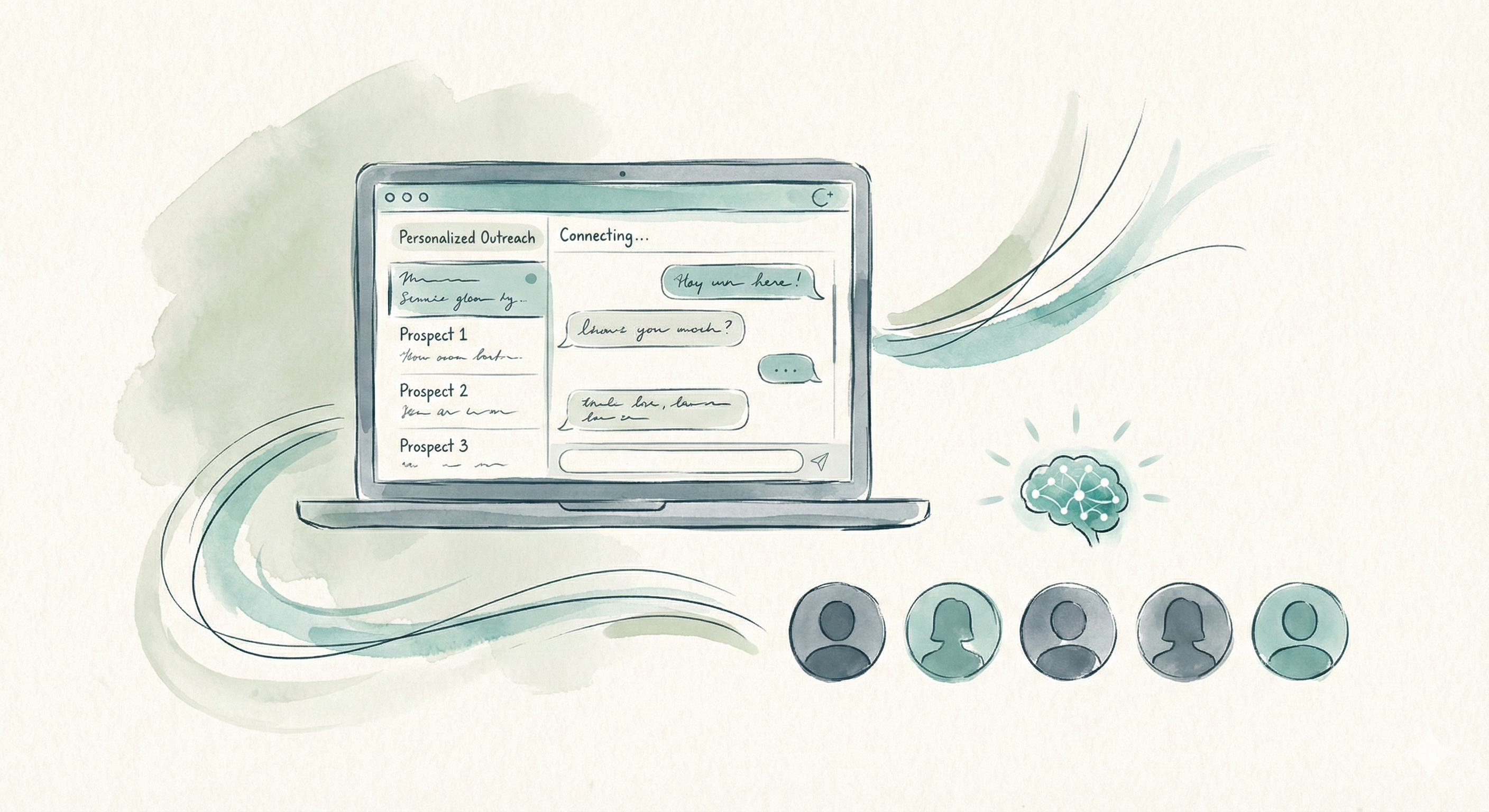
An AI appointment booking bot is an intelligent virtual assistant that automates the entire appointment scheduling lifecycle. Unlike a simple booking form or a static calendar link, this bot engages in a two-way conversation with your prospects. It understands natural language, asks clarifying questions (e.g., “Do you prefer morning or afternoon?”), checks your real-time availability, books the slot, and sends confirmations and reminders—all without human effort.
These bots live where your customers already are: on your website, in your messaging app (WhatsApp, Messenger, Instagram DM), or even on your phone line through voice AI. The most effective ones, as you’ll see in our featured tutorial, use WhatsApp because of its near-universal adoption and high open rates.
Real numbers: Video transcripts mention that 98% of people use WhatsApp daily and that email reminders are often ignored, while WhatsApp messages are almost always opened.
An AI booking bot doesn’t just save you time—it converts. When a lead reaches out at 10 PM on a Sunday, they don’t want to wait until Monday. Your bot can capture that intent immediately and lock in an appointment before the lead loses interest. That’s the difference between a booked client and a lost opportunity.
Why a WhatsApp Booking Bot Wins
You might be thinking, “Why not just use Calendly or a simple form?” Great question. Here’s the honest answer: forms are friction. Especially on mobile. According to research cited in the video transcripts, filling out a booking form on a phone is cumbersome, and many prospects drop off. WhatsApp, on the other hand, is where people already spend their time. They can send a quick voice message or text, and the bot responds instantly.
The AI appointment booking bot built in our video uses WhatsApp as its primary channel. Here’s why that’s a game-changer for small businesses:
98% daily usage: Your customers check WhatsApp multiple times a day. Your message won’t go unnoticed.
Two-way conversation: The bot can ask follow-up questions, offer alternative times, and handle objections—just like a human.
Rich media: Send PDFs, images, or location pins alongside the booking confirmation.
Automated reminders: Reduce no-shows dramatically. The bot sends a WhatsApp reminder 24 hours before the appointment, and if the client needs to reschedule, the bot handles that too.
One dentist using this approach saw their show-up rate jump from 65% to 92% after deploying a WhatsApp booking bot. That’s not just convenience—that’s revenue.
Key Features of Effective Booking Bots
Not all AI booking bots are created equal. To truly replace or augment your front-desk staff, your bot needs these core capabilities:
Calendar Integration: The bot must sync with your Google Calendar, Outlook, or Calendly in real time. It should block booked slots instantly and only offer available times.
Natural Language Understanding (NLU): It should handle variations like “Can I book next Tuesday afternoon?” or “I’d like a slot after 3 PM.” No rigid form fields.
Smart Rescheduling and Cancellation: Clients change their minds. Your bot should allow them to modify bookings easily, updating your calendar automatically.
Multi-lingual Support: If your customer base is diverse, the bot should converse in their language.
Follow-up Automation: After the appointment, the bot can send a thank-you message or a survey. For no-shows, it can automatically offer a new slot.
Analytics Dashboard: See how many leads were converted, peak booking times, and cancellation rates.
When you use a platform like Dooza, you get all these features pre-packaged into an AI Employee that you can deploy in minutes. No need to piece together integrations or train your own model.
How to Build Your Own Bot (No Code)
Let’s get practical. The video we selected walks you through building a WhatsApp AI appointment setter using n8n, a no-code automation tool. Here’s a simplified step-by-step overview of what the video covers:
Set up a WhatsApp Business API account (free). You’ll create an app in the Facebook Developer Portal and get your client credentials.
Create an n8n workflow with a WhatsApp trigger. This is your bot’s “ear”—it listens for incoming messages.
Connect to Google Calendar. The bot will read your availability and write new events.
Add an AI message processor (using OpenAI or a similar LLM). This gives the bot its “brain” to understand what the customer wants.
Build the dialog logic: Collect required info (name, service, date, time), confirm the appointment, and send confirmation.
Set up reminders using n8n’s scheduling nodes (trigger a WhatsApp message 24 hours before).
Test and deploy to a VPS so the bot runs 24/7 without hitting cloud limits.
The video creator explicitly mentions that “98% of people use WhatsApp daily” and that “email reminders are often ignored.” By using WhatsApp, you’re meeting customers on their preferred channel. The entire build takes about an hour, and the bot runs for pennies a day.
For business owners who’d rather skip the DIY route, Dooza’s AI Employees come pre-wired with WhatsApp integration and can be customized to your specific services in minutes. You don’t need to worry about hosting, API keys, or server maintenance.
Watch: Build a WhatsApp AI Appointment Setter in n8n
This step-by-step video shows you exactly how to create a no-code WhatsApp AI agent that books appointments automatically. You’ll see how to set up the WhatsApp trigger, connect your Google Calendar, and configure the AI brain to handle real conversations—all without coding.
Cost and ROI of an AI Booking Bot
One of the biggest concerns business owners have is, “How much will this cost me?” The video’s creator promises to show exactly how much running the WhatsApp AI agent will cost, and we can summarize it here:
DIY approach (n8n+OpenAI+VPS): Expect around $10–$25 per month for a VPS, plus OpenAI API costs that average $0.5–$3 per 1,000 bookings depending on message length. Total monthly cost: roughly $20–$50.
Turnkey service (Dooza): all AI employees included, with hosting, updates, and support. No hidden API costs. Starts with a refundable pilot (100% refund within 14 days).
Compare that to a part-time receptionist who is paid for every hour they work. An AI booking bot pays for itself if it captures just one or two extra bookings per week. For example, a dental practice that books 50 appointments per week and sees a 15% increase in conversion (from the bot’s instant response) gains 7.5 extra appointments. At $150 average revenue per visit, that’s an extra $1,125 per week—a 20x ROI.
Remember, the bot works while you sleep. It handles weekends, holidays, and peak hours without overtime. That’s the power of an AI appointment booking bot.
Getting Started with Dooza
If you’re ready to skip the technical setup and deploy a professional AI appointment booking bot today, Dooza offers the easiest path. Our AI Employees are built specifically for tasks like customer support, lead generation, and appointment scheduling. They integrate with your calendar, your CRM, and your messaging channels—including WhatsApp, web chat, and voice.
Here’s how to get started in three steps:
Choose your AI Employee – The “Booking Bot” template is pre-configured for scheduling. You just add your services, hours, and calendar.
Connect your channels – Embed it on your website, add your WhatsApp number, or set up a phone line. It takes minutes.
Go live – Your AI Employee will start handling leads immediately. You can monitor performance and tweak the conversation flow via our dashboard.
Don’t let another lead slip through the cracks. Get started today and see what a tireless AI appointment booking bot can do for your business.
Already curious about other automation ideas? Check out our blog for more guides on AI-powered lead generation, customer support agents, and pricing plans that fit every budget.
Conclusion
Scheduling should never be the bottleneck in your business. An AI appointment booking bot eliminates the friction, captures leads when you’re offline, and dramatically reduces no-shows. Whether you build your own using n8n (as shown in the video) or deploy a no-hassle AI Employee from Dooza, the technology is accessible, affordable, and proven to deliver results.
The businesses that adopt AI booking bots now will leave their competitors wondering where all the customers went. Don’t wait—start automating your appointments today.
An AI appointment booking bot uses natural language processing to understand customer requests, check your calendar for availability, and automatically schedule appointments. It can handle two-way conversations via WhatsApp, web chat, or voice, and sends confirmations and reminders without human intervention.
Can I build an AI booking bot without coding?
Absolutely. Platforms like n8n and Dooza allow you to build powerful booking bots using drag-and-drop interfaces. The video in this guide shows a completely no-code approach using n8n and WhatsApp, and Dooza offers pre-built AI Employees that you can deploy in minutes with zero technical skills.
How much does it cost to run an AI appointment booking bot?
Costs vary depending on usage and platform. Self-hosted solutions like n8n on a VPS can run as low as $10-20/month plus API fees (e.g., OpenAI tokens). Turnkey solutions like Dooza’s AI Employees start at a flat monthly rate that includes all hosting, maintenance, and updates—often cheaper than paying a human receptionist part-time.
Will the bot integrate with my existing calendar (e.g., Google Calendar, Outlook)?
Yes, most booking bots connect directly to Google Calendar, Outlook, or Calendly via APIs. The bot can read your availability, suggest open slots, and automatically add events when a booking is confirmed. The video demonstrates this with n8n’s Google Calendar integration.
How do I train the bot to understand my business’s specific services and availability?
You can provide your bot with a knowledge base or instructions about your services, hours, and booking rules. In platforms like n8n, you set these in the AI agent’s system prompt. Dooza’s AI Employees are pre-trained for common business scenarios and can be customized via a simple dashboard—no prompt engineering required.
Ready to Start Your Pilot?
Automate your business with AI employees that work 24/7. Start with a refundable pilot: 100% refund within 14 days.
Start with a refundable pilot — 100% refund within 14 days. A Dooza engineer scopes it with you on a free 30-minute call. Pricing depends on the product; see pricing.