Small Business
Virtual Receptionist for Small Business: Why AI Beats Traditional Services
Traditional virtual receptionists cost $300-$900/month and still miss after-hours calls. See why small businesses switch to AI receptionists.
11 min read
ReadAn after-hours answering service picks up your business line when the office is closed, takes the details, and escalates true emergencies. Here is how live, AI and hybrid services compare, what they really cost per minute or per call, and how to set one up for your trade.
Updated October 6, 2026. Vendor prices checked October 6, 2026 on each vendor's own pricing page, linked below. Third-party figures are marked "reported".
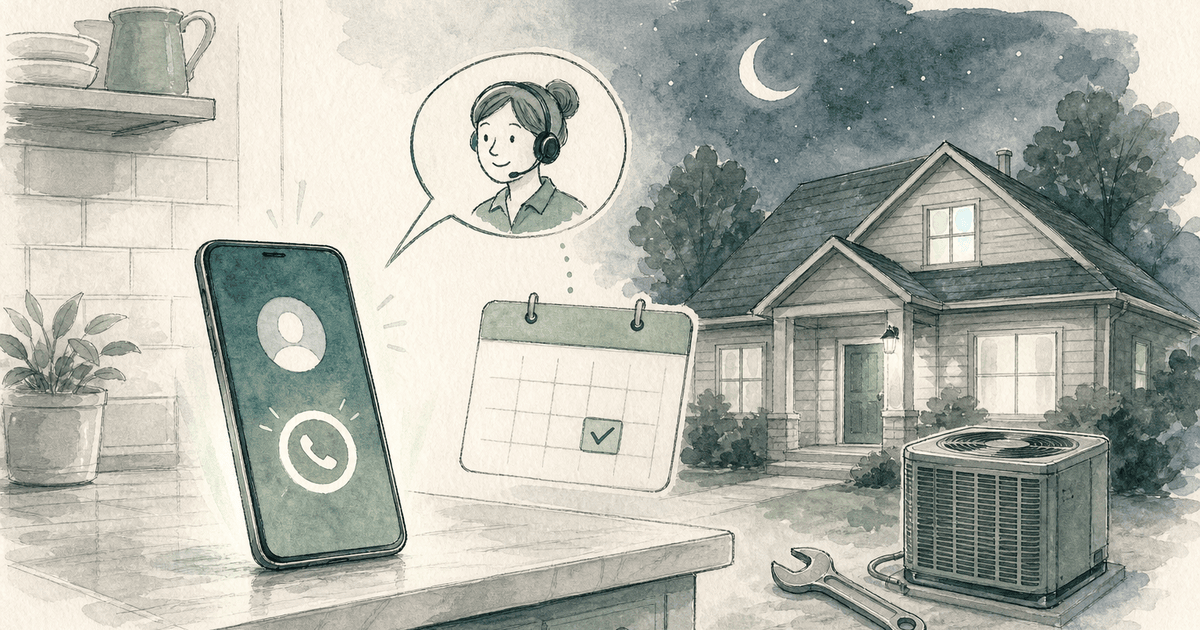
An after-hours answering service answers your business phone when your office is closed: nights, weekends and holidays. It picks up in your company name, takes the caller's details, books or schedules what it can, escalates real emergencies to whoever is on call, and sends you a summary of every call by morning. It can be a team of live receptionists, an AI receptionist, or a hybrid of both.
You keep your number. Calls reach the service through call forwarding, either on a schedule (after 5 pm and on weekends) or when nobody picks up within a few rings.
The four realistic options for nights and weekends compare like this:
| Live answering service | AI answering service / AI receptionist | Hybrid (AI first, human backup) | Voicemail | |
|---|---|---|---|---|
| Cost model | Per minute or per call; overage when you exceed the plan | Flat monthly fee; large call or minute allowance | Per call or per minute, usually priced like live | Free with your phone plan |
| Availability | 24/7, but hold times can rise when many clients get calls at once (storms, heat waves) | 24/7, answers every call at once, no queue | 24/7 | 24/7, but nobody is listening |
| Emergency handling | Strong: a person follows your on-call list and judges edge cases | Good when rules are clear (no heat, active leak, gas smell); transfers or texts on-call | Strongest: AI triages, a person takes the hard calls | None until someone checks messages |
| Booking | Often an add-on (Smith.ai lists $1.50 per booked appointment) | Usually included; books straight into your calendar | Usually included | No |
| Call summaries | Message by email, text or portal | Automatic summary, recording and transcript | Automatic | Raw audio, if the caller leaves one |
| Best for | Medical, legal and sensitive calls; callers who expect a human | Trades, property maintenance, high call volume, tight budgets | Businesses that want AI cost with a human safety net | Businesses where nothing after hours is urgent |
The short version: if your after-hours calls are mostly predictable (a no-cool call, a leak, a lockout, a new estimate), an AI receptionist handles them well for a fraction of per-minute pricing. If they are emotionally or legally delicate, keep a human in the loop. For a deeper look at the AI side, see best AI receptionist for small business and virtual receptionist for small business.
Most providers no longer charge extra for nights and weekends; the price is the same per minute or per call at 2 pm and 2 am. What changes the bill is how they count usage. Here are entry and top published plans, checked October 6, 2026:
| Provider | Type | How it bills | Published plans | Overage | Source |
|---|---|---|---|---|---|
| Ruby | Live | Per minute | $250/mo for 50 min up to $1,725/mo for 500 min | Not listed | ruby.com/pricing |
| Smith.ai | AI-first or human-first | Per call | $300/mo for 30 calls, $810/mo for 90, $2,100/mo for 300 | $11.50, $10.50, $8.50 per call | smith.ai/pricing |
| Posh | Live | Per minute | $65/mo (0 min included) up to $1,900/mo for 1,000 min | $2.30 down to $1.90 per min | posh.com/pricing |
| Abby Connect | Live, or AI at half the minute rate | Per "Abby Minute" | $165/mo for 50 min up to $1,380/mo for 500 min | At plan rate | abby.com/pricing |
| AnswerConnect | Live | Per minute | Reported $350/mo for 200 min, $395/mo for 300, $575/mo for 400 | Reported $1.85 to $2.50 per min | Vida, April 2026 (reported) |
| Upfirst | AI | Per call | $24.95/mo for 30 calls up to $299/mo for 600 calls | $1.50 down to $0.70 per call | upfirst.ai/pricing |
| Rosie | AI | Per minute | $49/mo for 250 min, $149/mo for 1,000, $299/mo for 2,000 | Not listed | heyrosie.com/pricing |
A few details that change the real cost:
Comparing a phone-system add-on instead? Our sibling guide covers RingCentral's AI receptionist.
Start with how many calls go unanswered today. Invoca's Home Services Lead Conversion Benchmarks Report 2026 (July 2026) found that 52% of callers to home services businesses speak with a person, and that 45% of the calls that are leads convert on the call. A 2024 study by 411 Locals of 85 businesses across 58 industries reportedly found only 37.8% of calls answered by a live person, with 37.8% going to voicemail and 24.3% getting no response (reported by Aira).
Then run your own numbers. This is the whole calculation:
Example with made-up inputs, so you can see the shape: 20 real after-hours calls a month, half lost, 45% would have booked, $400 average emergency ticket. That is 20 × 0.5 × 0.45 × $400 = $1,800 a month walking to a competitor. Against that, the service cost is easy to price from the table above: a 3-minute call costs roughly $5.70 to $7.50 at Posh or AnswerConnect overage rates, about $10.50 at Smith.ai's Basic overage, and $0.70 to $1.50 on Upfirst.
We go deeper on the voice side in AI voice agents for missed calls.
HVAC and plumbing get the most valuable after-hours calls: no heat, no cooling in a heat wave, burst pipes, water heaters failing. The service should ask the address, the symptom, whether water is actively leaking or the home is without heat, and whether the caller is the owner or a tenant. True emergencies go to the on-call tech; everything else lands in the first slot the next morning with a text confirmation. If you charge an after-hours dispatch fee, give the service the exact wording so it states it and gets a yes before dispatching. Dooza's AI answering service for the trades is built around exactly these calls.
Property managers need a maintenance triage script: unit and building, the problem, whether there is water damage, no heat, a lockout, or a safety issue, and permission to enter. Emergencies page the on-call maintenance tech; routine requests become a work order or a message for the office.
Medical after-hours answering is the strictest category. The service handles patient information, so it needs a signed BAA, and clinical questions must route to the on-call provider or a nurse triage line, never be answered by the receptionist. Live services with a medical track (Ruby lists HIPAA-compliant services; Abby lists HIPAA for human answering) are the usual pick. AI tools can still take appointment requests, but only under a BAA and with conservative escalation rules.
For law firms the after-hours call is often a new client in a hurry: an arrest, an accident, a deadline. Speed-to-intake matters, and so does a conflict check before anyone gives details. Smith.ai lists conflict checks as a $0.50 add-on. Capture the matter type, the other parties, and a callback window, and route urgent criminal or injury matters to the on-call attorney. See how Dooza supports law firms.
Lynn Wise of Contractor In Charge, who works with plumbing, HVAC and electrical companies, names the risk that matters most for after-hours coverage: generalist answering services are built for volume, and peak season is exactly when you need them.
they continuously over promise and under under deliver because they are about volume they tend to uh take on more clients than they can handle during peak seasons and it results in long queue times and really poor quality of calls
That is the question to put to any provider, live or AI: what happens to my calls during a heat wave or a freeze, when every HVAC company in town is getting hammered at once? An AI receptionist answers calls in parallel, so there is no queue; a live service should be able to tell you its hold times in peak weeks.
The customer side of the same problem, in one line from a homeowner on X: the answering service picked up, but nobody called back. Answering is the easy part; the escalation and the callback are what the caller remembers.
Every plumber has an emergency answering service and no technicians who return calls it seems. 🙃🙃🙃🙃🙃🙃🙃🙃
— Wade Barnes (@LordMinion777) February 1, 2019
Dooza is an AI-native company that builds AI products and services for small businesses, from the Dooza Workforce app to the Dooza Agents platform. Every product starts with a refundable pilot: 100% refund within 14 days.
For after-hours calls, Dooza runs a done-for-you AI receptionist for contractors and trades: HVAC, plumbing, electrical, roofing, garage doors, pest control, landscaping and general contractors. It is a service, not a tool you configure yourself:
A Dooza engineer collects your questions, hours and calendar on a short setup call, and it is set up and live on your line within 48 hours. Every Dooza product starts with a refundable pilot — 100% refund within 14 days. Pricing depends on the product; see pricing.
Where Dooza is not the right pick: it is built for the trades, it answers in English only today, and it is not offered as a HIPAA service. A medical practice should choose a provider that signs a BAA, and a firm that needs Spanish-speaking receptionists should look at a live service with a Spanish line.
Book a free pilot call and we will scope your after-hours script, emergency rules and on-call routing.
An after-hours answering service answers your business phone when you are closed. It takes the caller's details, books or schedules what it can, escalates emergencies to your on-call person, and sends you a summary of each call. It can be live receptionists, an AI receptionist, or both.
On vendor pricing pages checked October 6, 2026, live services start at $65 a month (Posh, per-minute) to $300 a month (Smith.ai, 30 calls), and AI services start at $24.95 a month (Upfirst, 30 calls) or $49 a month (Rosie, 250 minutes). Most no longer charge extra for nights and weekends.
For predictable calls like no heat, leaks, lockouts, new estimates and maintenance requests, yes: an AI receptionist answers instantly, books the job and escalates emergencies by your rules. For medical, legal or emotionally sensitive calls, use a live service or a hybrid with a human backup.
You define what counts as an emergency and who is on call. The service asks screening questions, then live-transfers or texts the on-call person, and tries a backup number if the first does not answer. Non-urgent calls get booked or logged for the morning.
Yes. A practice that shares patient information with an answering service needs a signed business associate agreement (BAA) under HIPAA. Confirm the specific plan and answering mode (human or AI) is covered before you sign.
Yes. You keep your number and forward calls to the service on a schedule, when nobody answers, or all the time. You can switch forwarding off whenever you want.
An after-hours answering service answers your business phone when you are closed. It takes the caller's details, books or schedules what it can, escalates emergencies to your on-call person, and sends you a summary of each call. It can be live receptionists, an AI receptionist, or both.
On vendor pricing pages checked October 6, 2026, live services start at $65 a month (Posh, per-minute) to $300 a month (Smith.ai, 30 calls), and AI services start at $24.95 a month (Upfirst, 30 calls) or $49 a month (Rosie, 250 minutes). Most no longer charge extra for nights and weekends.
For predictable calls like no heat, leaks, lockouts, new estimates and maintenance requests, yes: an AI receptionist answers instantly, books the job and escalates emergencies by your rules. For medical, legal or emotionally sensitive calls, use a live service or a hybrid with a human backup.
You define what counts as an emergency and who is on call. The service asks screening questions, then live-transfers or texts the on-call person, and tries a backup number if the first does not answer. Non-urgent calls get booked or logged for the morning.
Yes. A practice that shares patient information with an answering service needs a signed business associate agreement (BAA) under HIPAA. Confirm the specific plan and answering mode (human or AI) is covered before you sign.
Yes. You keep your number and forward calls to the service on a schedule, when nobody answers, or all the time. You can switch forwarding off whenever you want.
Automate your business with AI employees that work 24/7. Start with a refundable pilot: 100% refund within 14 days.
Traditional virtual receptionists cost $300-$900/month and still miss after-hours calls. See why small businesses switch to AI receptionists.
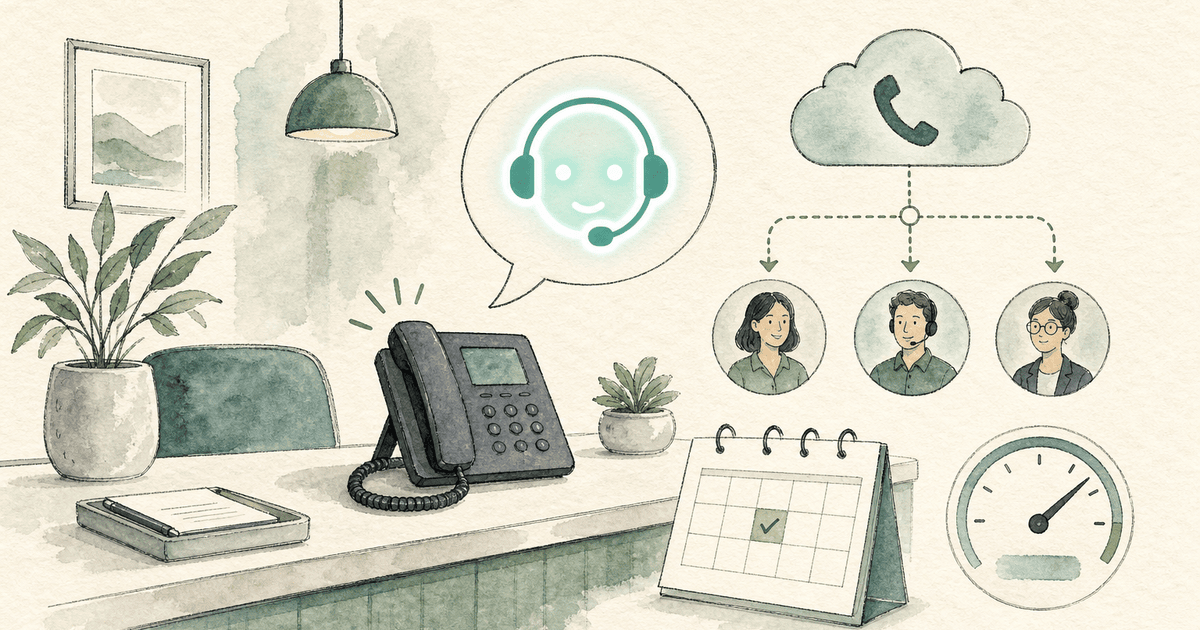
RingCentral AI Receptionist (AIR) is a voice AI agent that answers calls, handles FAQs, books appointments and routes callers. Here is what it costs per minute, how setup works, what real admins report, and when an alternative fits better.
Start with a refundable pilot — 100% refund within 14 days. A Dooza engineer scopes it with you on a free 30-minute call. Pricing depends on the product; see pricing.
Refundable pilot · 100% refund within 14 days · No contracts