
AI Sales
AI Sales Team for Small Business (2026 Guide)
Split outbound into 4 roles—buying-intent research, 1–2 proof points per draft, follow-up tracking, and a human Approve/Edit/Reject gate—or text SALES to Dooza.
5 min read
Read Dooza
AI Employees
Dooza CrewBuild your team of AI employeesPhone callsCrew answers your calls, included in your planDooza for SalesLinkedIn, email outreach & follow-upsBill & Claim FighterPay $0 unless we recover cash (20–30%)By industry
Insurance AgentsPortals, inbox, renewalsTruck DispatchersLoad boards, brokers, billingAccountantsClient documents, statements, deadlinesLaw FirmsIntake, client updates, records, docketsMedical BillingCredentialing, payer rules, denials, feesCustomer SupportTickets, orders, refunds, reviewsProperty ManagersMaintenance, tenants, owners, renewalsOwner-OperatorsInvoices, PODs, detention, IFTADone for you
Custom AI agentsWe build and run an agent for one jobSoftware FactoryCustom software built with AI agentsPricingAboutBlogPull live site and hiring signals in a real browser, summarize the buyer and stated trigger onto one page, prepare 3 tailored discovery questions, and stage your post-call recap for Approve.
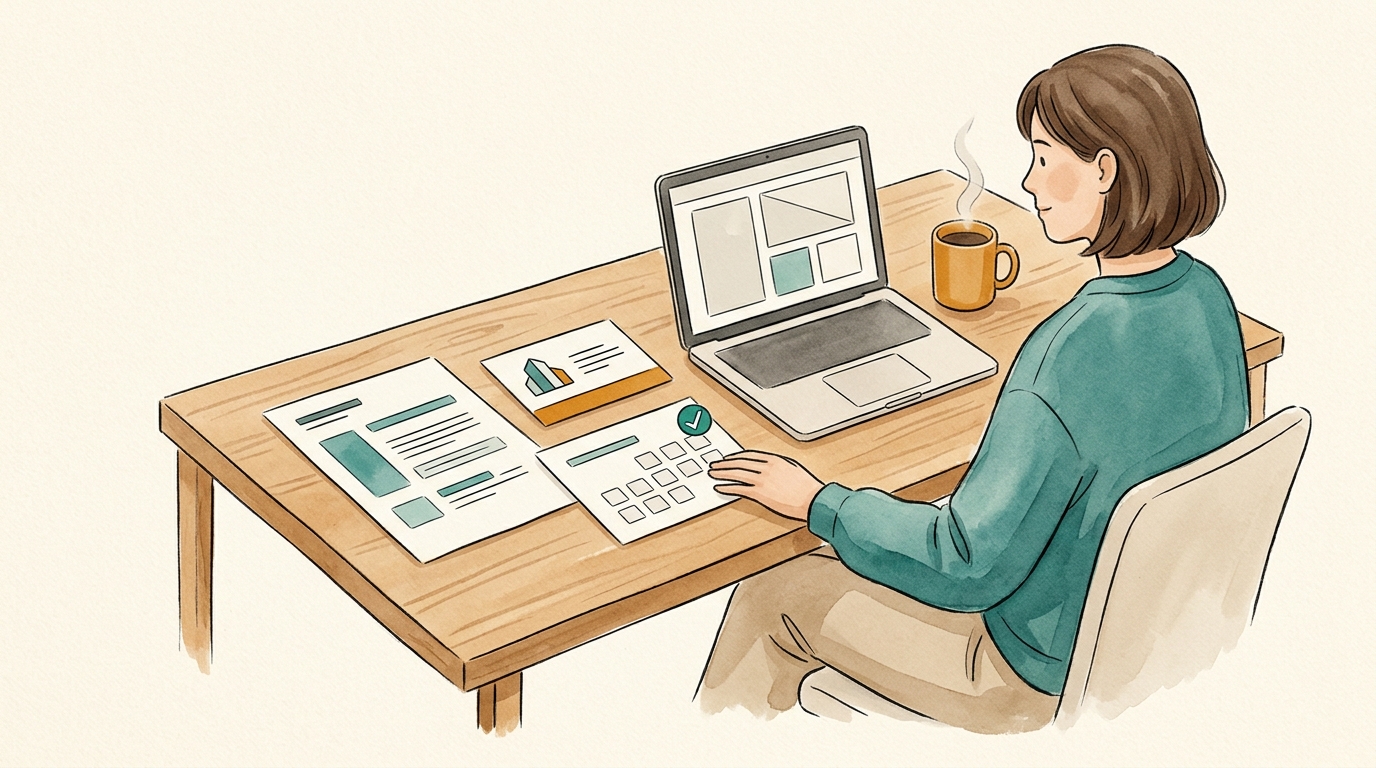
To prepare an effective sales call brief with AI without wasting 20 minutes opening ten browser tabs before every meeting, have an AI sales operator read the prospect’s website, recent announcements, job postings, and prior email/LinkedIn thread in a real browser, then condense everything onto one scannable page with four blocks: (1) who the company sells to and estimated size, (2) the buyer’s exact role and stated problem, (3) live triggers (hiring, new locations, or product launches), and (4) 3 tailored discovery questions plus a ready-to-approve post-call plain-text recap.
On Dooza for Sales, AI sales operators research each prospect in human-paced browsers, assemble a 1-page prospect brief before your call, draft plain-text emails and 3-line LinkedIn DMs in Gmail, Outlook, or LinkedIn, queue day-3 and day-7 follow-ups that stop on reply, and pause every outbound message for your Approve, Edit, or Reject — free to try and $49/month per organization for unlimited users and agents. Text “SALES” to +1 (855) 594-6841 or start free on /sales.
| Step | Manual pre-call scramble | Dooza for Sales (/sales) |
|---|---|---|
| Research prep | 15–20 minutes skimming tabs right before Zoom | 1-page prospect brief ready before your call |
| Discovery opener | Generic “so what do you guys do?” | Specific questions tied to their live site, hiring, and thread |
| Post-call follow-up | Delayed recap written at end of day | Drafted plain-text email + day-3/day-7 nudges paused for Approve, Edit, or Reject |
| Cost | Reps winging calls | Free to try, $49/month per organization (unlimited users & agents) |
Keep it to one page with four sections: a 3-line company snapshot, the buyer role and exact trigger/pain point, 3 tailored discovery questions, and a pre-staged plain-text follow-up draft.
No. Every plain-text email, 3-line LinkedIn DM, and day-3/day-7 follow-up pauses for your Approve, Edit, or Reject before sending, and sequences stop the moment a prospect replies.
Dooza for Sales is free to try and $49/month per organization for unlimited users and agents, including web/spreadsheet research, 1-page prospect briefs, and Gmail/Outlook/LinkedIn drafting.
Start free on /sales or text SALES to +1 (855) 594-6841 to generate a live brief and outreach draft for your next prospect.
A lead AI agent plus helper agents that browse the web, write files and ask you before they send or pay. Free: install the app and start.
Split outbound into 4 roles—buying-intent research, 1–2 proof points per draft, follow-up tracking, and a human Approve/Edit/Reject gate—or text SALES to Dooza.

Hiring a full-time U.S. SDR runs $55,000–$60,000 base ($80,000–$85,000 OTE) before tools and ramp time. Compare human SDRs vs. an AI SDR crew—and how to combine both.
Got busywork? Dooza it.
Try Dooza Crew, AI agents that do your busywork: free to use. Want a custom agent built for you instead? A Dooza engineer scopes it on a free 30-minute call and it starts as a refundable pilot. See pricing.
Crew: free to use · Custom agents: refundable pilot, 100% refund within 14 days
Dooza builds AI products and services for small businesses. Custom Dooza agents start with a refundable pilot: 100% refund within 14 days.
Or text +1 (855) 594-6841 to use Dooza Crew directly (no sign-up needed), or get the app. Want it done for you instead? Dooza Managed, $200/month.