Published October 6, 2026. Workflow summary based on the Reddit post and LLM Daily.
What is the orbiting LoRA + MiniMax trick?
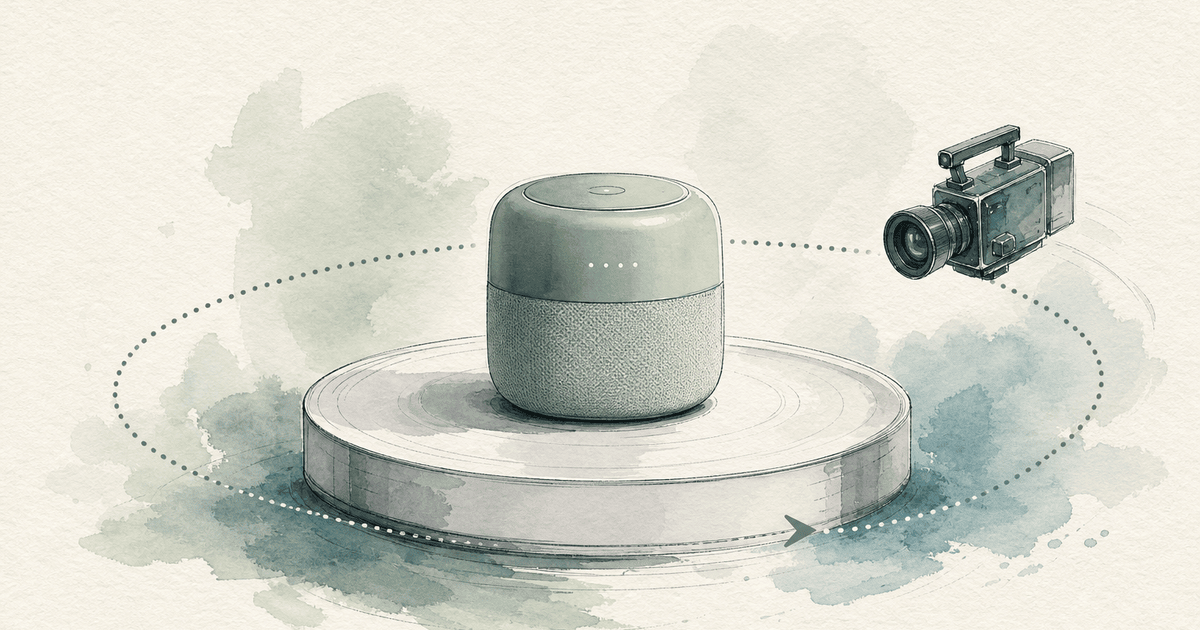
It is a way to get a smooth 360-degree camera orbit around a still subject from an AI video model. The creator combined a LoRA trained on orbiting camera moves with MiniMax's first-and-last-frame control: you give the model where the shot starts and ends, and the LoRA pushes the camera to circle the subject between them. The post reached about 1,250 upvotes because orbits are one of the hardest shots to get right with AI video.
- Use: product spins, real-estate exteriors, character turnarounds.
- Key inputs: a start frame, an end frame, the orbit LoRA, a careful prompt.
- Main problems solved: subject drift and the background changing mid-orbit.
- For brands: a cheap way to test 360-degree product shots before a studio shoot.
The Reddit thread: r/StableDiffusion: “Orbiting LoRA + First and Last Frame in MiniMax” (about 1,250 upvotes and 120 comments).
Key terms in plain English
| Term | Meaning |
|---|
| LoRA | A small add-on file that teaches a big model one specific style or motion without retraining it. |
| Orbit shot | The camera circles around a subject that stays in place. |
| First and last frame | You supply the opening and closing images; the model fills in the motion between them. |
| Subject drift | The object slowly changes shape, color or position during the clip. |
How the workflow works, step by step
- Make or shoot the start frame: the subject from the front.
- Make the end frame: the same subject from the angle where the orbit should finish, with the same lighting and background.
- Load the orbit LoRA so the model favors circular camera motion.
- Prompt the camera, not the subject: describe a slow, steady orbit and say the subject stays still.
- Generate several takes and keep the one with the least drift.
What goes wrong, and how the post fixed it
- Subject drift: lock it with matching start and end frames and a prompt that says the subject does not move.
- Background inconsistency: keep the environment simple; busy backgrounds change as the camera turns.
- Half orbits: for a full 360, chain clips where each end frame becomes the next start frame.
How ecommerce brands can use it
A product spin on a product page or in an ad shows shape and finish better than a still. Traditionally that means a turntable and a photographer. With this workflow you can test the idea from two good product photos.
Be honest with it: AI-generated product video must show the real product accurately. Check colors, labels and proportions against the physical item before you publish, and don't use it to show features the product doesn't have.
Where Dooza fits
Dooza's UGC Reel Creator turns your product photos and briefs into short-form videos for social and ads, with a person reviewing every clip before it goes out.
Dooza is an AI-native company that builds AI products and services for small businesses, from the Dooza Workforce app to the Dooza Agents platform. A Dooza engineer scopes your pilot on a free 30-minute call, and every product starts with a refundable pilot: 100% refund within 14 days. Book a free pilot call or see pricing.
Ready to Start Your Pilot?
Automate your business with AI employees that work 24/7. Start with a refundable pilot: 100% refund within 14 days.