WordPress Ecommerce

AI for WooCommerce Store: Complete Guide 2026

Learn how to use AI for WooCommerce stores to automate inventory, marketing, and customer service — boost sales, save hours every week, and run your WordPress ecommerce store on autopilot in 2026.

8 min read
April 7, 2026
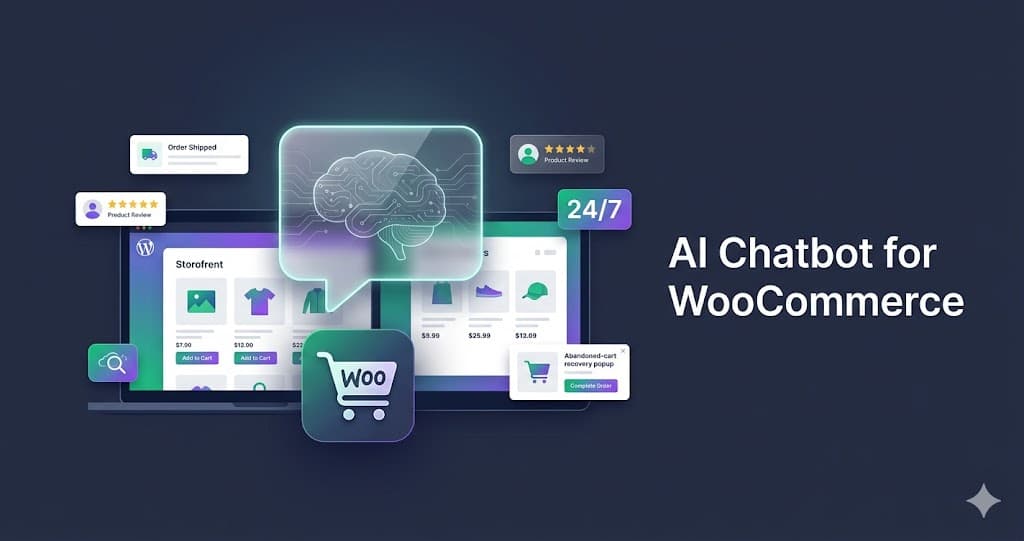
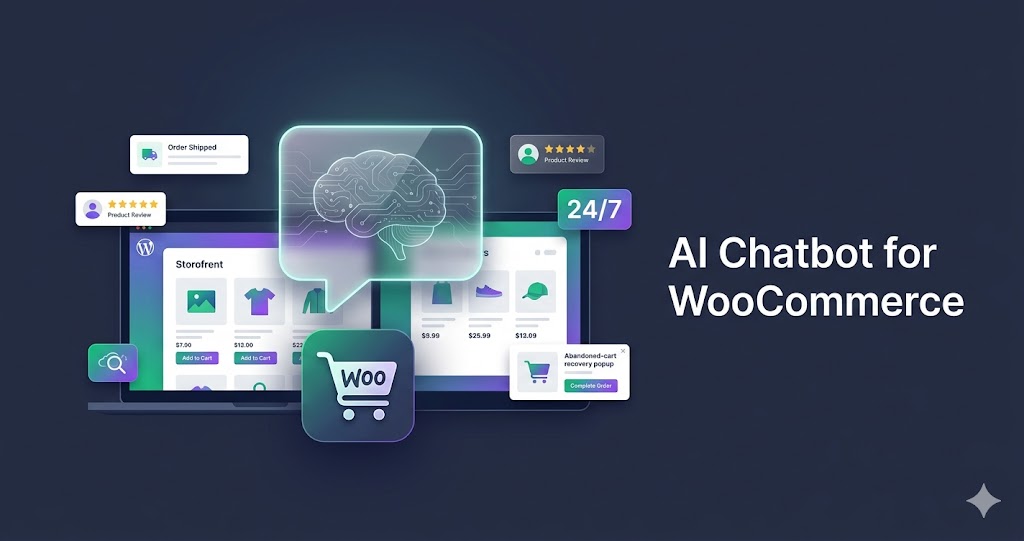
AI for WooCommerce store — automate inventory, marketing, customer service, and SEO with WooCommerce AI integration

Running a WooCommerce store in 2026 means competing with brands that publish faster, reply quicker, and personalize better than any solo founder can do by hand. The unlock is AI for WooCommerce — a stack of plugins and AI employees that handle the daily work in the background while you focus on product, brand, and growth.

This guide walks through the highest-ROI ways to use WooCommerce AI in 2026: which tasks to automate first, the best plugins, how to integrate cleanly with WordPress, and what the math actually looks like once it's running. If you sell on WooCommerce, this is the playbook.
Why AI for WooCommerce Store Owners in 2026

WordPress ecommerce has always rewarded speed: faster product launches, faster replies, faster ad iteration. AI collapses every one of those loops. A founder who used to spend a week writing 50 product descriptions can now generate, edit, and publish them in an afternoon. A support inbox that took two hours a day can be handled by an AI chatbot in real-time.

The shift is not theoretical. Stores using WooCommerce AI integration for content, support, and email are seeing higher conversion rates and lower customer acquisition cost than stores still doing the work by hand. The cost of not automating is now bigger than the cost of automating.

Top Use Cases: Where AI Actually Moves the Needle

Not every AI feature is worth installing. These six are.

  • AI product descriptions. Generate SEO-friendly copy for your entire WooCommerce catalog in bulk. The fastest win for any new store.
  • AI chatbot for WooCommerce support. A bot trained on your products, shipping policy, and FAQs answers 70–90% of tickets without escalation. Order tracking, returns, sizing — all handled.
  • SEO blog content. A WooCommerce AI writer can publish ranking articles into WordPress weekly, driving organic traffic that compounds. The cheapest acquisition channel ecommerce has — and AI makes it scalable.
  • Email & abandoned cart. AI writes subject lines, segments lists, and recovers carts on autopilot. One of the highest-leverage forms of WooCommerce automation.
  • Inventory forecasting & alerts. AI flags low-stock SKUs, predicts restocks, and pings you before you sell out — no spreadsheet babysitting required.
  • Personalized recommendations. Show the right product to the right visitor based on browse and purchase data — without hiring a data team.

If you're starting from zero, pick descriptions and support first. They pay back the fastest.

Watch: automating a WooCommerce store with AI — no code required.

Best AI WooCommerce Plugins in 2026

The WordPress plugin directory is now flooded with single-purpose AI plugins — one for descriptions, one for support, one for SEO, one for email. The problem with stitching together five of them is that nothing talks to each other and your monthly bill creeps past $300.

The cleaner pattern in 2026 is a single AI employee platform that covers multiple jobs at once. Dooza ships AI employees for SEO writing, customer support, lead generation, and email — all configurable for a WooCommerce workflow, all under one $29/month plan. For most stores, that's a better starting point than five separate plugins.

For deeper comparisons, see our breakdowns of AI tools for solopreneurs and AI for Shopify stores.

How to Integrate AI With Your WooCommerce Store

  1. Pick one job to automate first. Don't boil the ocean. Start with descriptions or support — the two with the clearest ROI.
  2. Connect via plugin or REST API. Most modern WooCommerce AI tools install as a WordPress plugin in one click and authenticate against your store automatically.
  3. Train it on your store. Upload your brand voice, top FAQs, shipping policies, and product catalog. The quality of the output is downstream of the quality of the context.
  4. Run a 7-day pilot. Shadow the AI before letting it ship publicly. Review descriptions, audit chat replies, then turn on autopilot.
  5. Add the next job. Once one workflow is stable, layer in SEO content, then email, then personalization.

This sequence is what separates stores that ship AI successfully from stores that install five plugins and disable them all in a week.

The ROI: What AI for WooCommerce Actually Costs (and Saves)

A virtual assistant who writes product descriptions, replies to support, and runs email costs $1,500–$3,000/month. A WooCommerce AI stack covering the same jobs costs $29–$99/month. The math is not subtle.

Human VA
$1,500+/mo
AI for WooCommerce
$29/mo

Same output. 50× cheaper. Always on.

The savings are only half the story. The other half is throughput: AI ships 10× more descriptions, replies, and emails than a human in the same window — which means more SKUs live, more tickets closed, more carts recovered, more revenue in the door.

Frequently Asked Questions

What is AI for WooCommerce?

AI for WooCommerce refers to plugins, integrations, and AI employees that automate the daily work of running a WordPress ecommerce store — product descriptions, customer support chat, marketing emails, SEO content, inventory alerts, and personalization. Once connected to your WooCommerce store, the AI reads orders, products, and customers, and writes back updates 24/7.

What is the best AI plugin for WooCommerce?

It depends on the job. For support and order tracking, pick an AI chatbot trained on your catalog and policies. For content and SEO, pick a writer that publishes directly into WordPress. For sales recovery, pick one that handles abandoned carts via email and chat. Dooza's AI employees cover all three inside one workflow.

How does WooCommerce AI integration work?

Most WooCommerce AI tools install as a WordPress plugin or connect via the WooCommerce REST API. Once authenticated, the AI can read products, orders, and customers and push updates back — descriptions, tags, replies, emails, blog posts — without manual work.

Can AI write WooCommerce product descriptions?

Yes. AI copywriters generate SEO-optimized descriptions in bulk from a few inputs (title, features, target keyword) and publish them straight into WooCommerce. A store with 500 SKUs can finish a full rewrite in an afternoon — one of the highest-ROI AI use cases in WordPress ecommerce.

Is AI for WooCommerce worth it for small stores?

Especially for small stores. A solo founder can't write descriptions, answer tickets, run email campaigns, and publish SEO blogs at once. WooCommerce automation removes that bottleneck for around $29/month — cheaper than a single hour of a virtual assistant, and always on.

What tasks can AI automate in a WooCommerce store?

Product descriptions, SEO blog content, customer support chat, abandoned cart recovery, email marketing, review responses, low-stock inventory alerts, ad copy, and order status updates. Online store automation lets the founder focus on product and brand instead of admin.

Related Articles

AI Chatbot for WooCommerce: Automate Support & Boost Sales (2026)
AI Education

AI Chatbot for WooCommerce: Automate Support & Boost Sales (2026)

Find the best AI chatbot for WooCommerce. Automate customer support and increase sales with smart product recommendations and abandoned cart recovery — 24/7.

8 min read
Read
Best AI Chatbot for Shopify: Automate Support & Boost Conversions (2026)
AI Education

Best AI Chatbot for Shopify: Automate Support & Boost Conversions (2026)

Discover the best AI chatbot for Shopify stores. Automate customer service, deliver smart product recommendations, and recover abandoned carts on autopilot — 24/7.

8 min read
Read

Ready to scale your business?

Join thousands of companies using Workforce to automate their work. Get started for free today.

No credit card required · 7-day money-back guarantee · Cancel anytime