How to Automate Email Management with AI (Step-by-Step Guide)
Tired of inbox overload? An AI email assistant reads, prioritizes, and responds for you. Step-by-step guide to automating email management with Dooza.
4 min read
May 13, 2026
How to Automate Email Management with AI (Step-by-Step Guide)
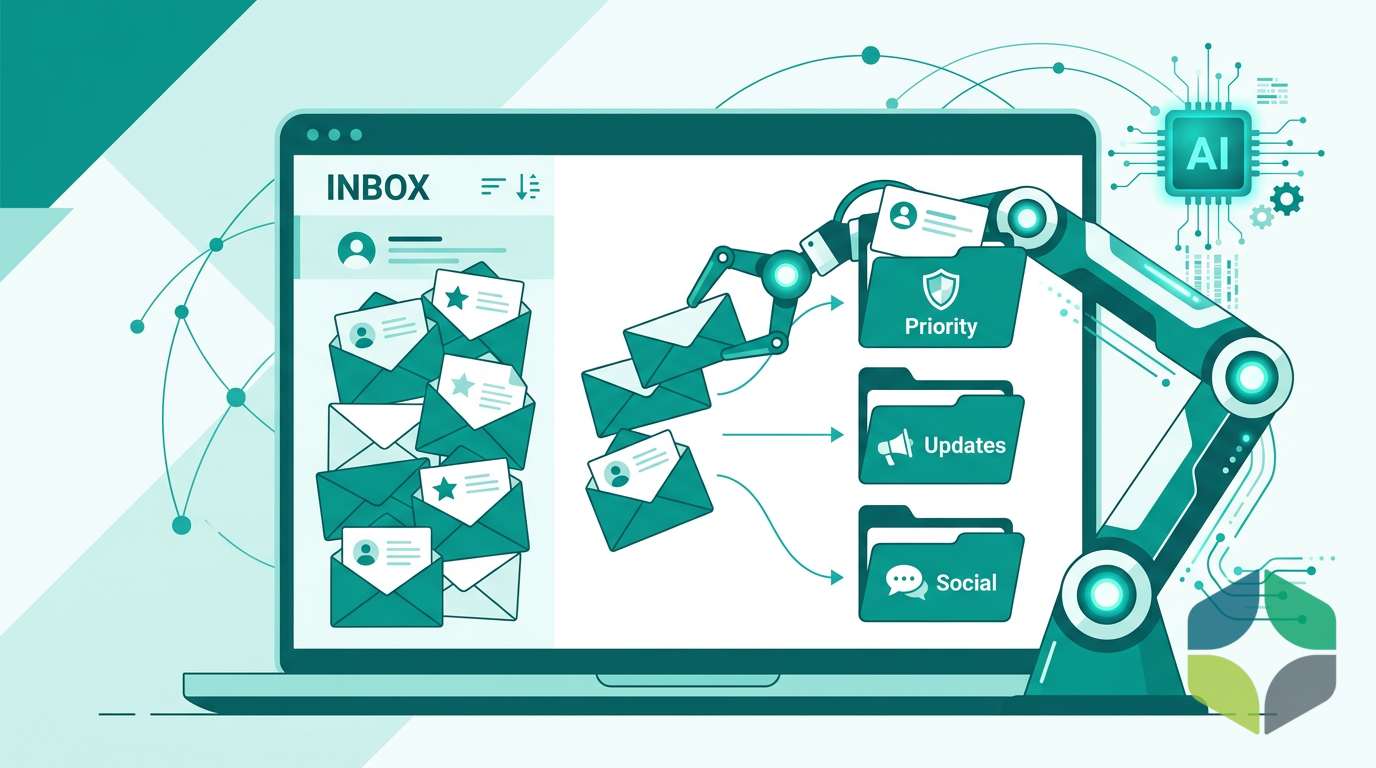
Is your inbox the first thing you check in the morning and the last thing you clear at night — yet it's never actually empty? You're not alone. An AI email assistant changes that entirely by reading, prioritizing, drafting, and responding to messages on your behalf. Here's exactly how to automate email management with AI in 2026.
The Problem: Email Is Stealing Your Time and Focus
Let's be honest — email was never designed to be a productivity tool. It's an open mailbox where anyone can drop a task onto your plate. And most of it — newsletters, spam, cold pitches — is noise. Yet we treat every ping as urgent.
Every check pulls you out of focused work, and a busy inbox means many interruptions a day. Small business owners feel this acutely because they don't have an admin team to triage their inbox. Every client inquiry, vendor invoice, and support ticket lands directly on their desk.
The solution isn't to check email less. It's to have an AI do the heavy lifting.
The Solution: Deploy an AI Email Manager
An AI email assistant isn't just a smart inbox filter or a writing tool. It's a dedicated employee that manages your entire email workflow. Dooza's Maily AI employee connects to your existing Gmail or Outlook account via secure API, learns your communication style, and handles the full lifecycle of email management.
Step 1: Connect Your Inbox
A Dooza engineer scopes your pilot on a free 30-minute call, and Maily can start working the same day. You grant Dooza read and draft permissions to your email account via OAuth — the same secure protocol used by every major app integration. No passwords are shared, and you can revoke access anytime. Dooza's AI analyzes your past emails, folders, and rules to understand how you organize your inbox.
Step 2: Set Your Triage Rules
Configure how your AI prioritizes. You decide what's urgent (client proposals, payment inquiries), what's routine (meeting confirmations, support tickets), and what's noise (newsletters, spam). The AI learns from your decisions and gets smarter over time. Common setup rules include auto-flagging emails from top clients, categorizing support inquiries, and archiving low-priority messages.
Step 3: Let AI Draft and Respond
Here's where the magic happens. Your AI email manager reads every incoming message, drafts contextually appropriate responses in your brand voice, and either sends them automatically (for routine emails) or queues them for your review (for high-stakes messages). You can approve, edit, or reject drafts with one click.
What Businesses Actually See
An AI email assistant is built to change your daily workflow:
Less time spent managing email
Faster response times for customer inquiries
Inbox coverage on weekends and holidays
A refundable pilot — 100% refund within 14 days, for an AI employee that works 24/7
Frequently Asked Questions
How does an AI email assistant work?
An AI email assistant connects to your inbox, reads incoming emails, categorizes them by priority, drafts appropriate responses, and either suggests replies or sends them automatically based on your rules.
How much does an AI email assistant cost?
Pricing depends on the product. Every Dooza product starts with a refundable pilot — 100% refund within 14 days. See pricing.
Can AI truly manage my inbox better than I can?
For routine emails like inquiries, support tickets, scheduling, and common client messages, AI can often respond faster and more consistently, because it does not wait for a free moment in your day.
Is an AI email assistant secure?
Dooza connects to Gmail or Outlook with encrypted connections and your approval on anything sensitive. Dooza is not SOC 2 certified. You maintain full oversight — the AI handles drafts, you approve critical sends.
Can the AI learn my writing style?
Yes. Dooza's AI email manager learns your brand voice and communication style from your existing emails, so replies match how you write. You can edit any draft before it goes out.
Ready to Start Your Pilot?
Automate your business with AI employees that work 24/7. Start with a refundable pilot: 100% refund within 14 days.
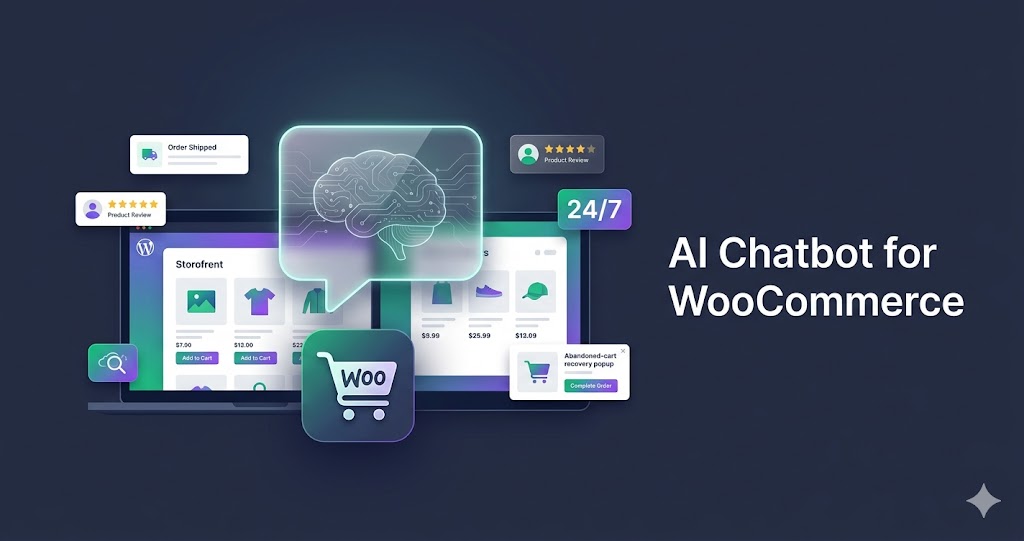
AI Chatbot for WooCommerce: Automate Support & Boost Sales (2026)
Find the best AI chatbot for WooCommerce. Automate customer support and increase sales with smart product recommendations and abandoned cart recovery — 24/7.
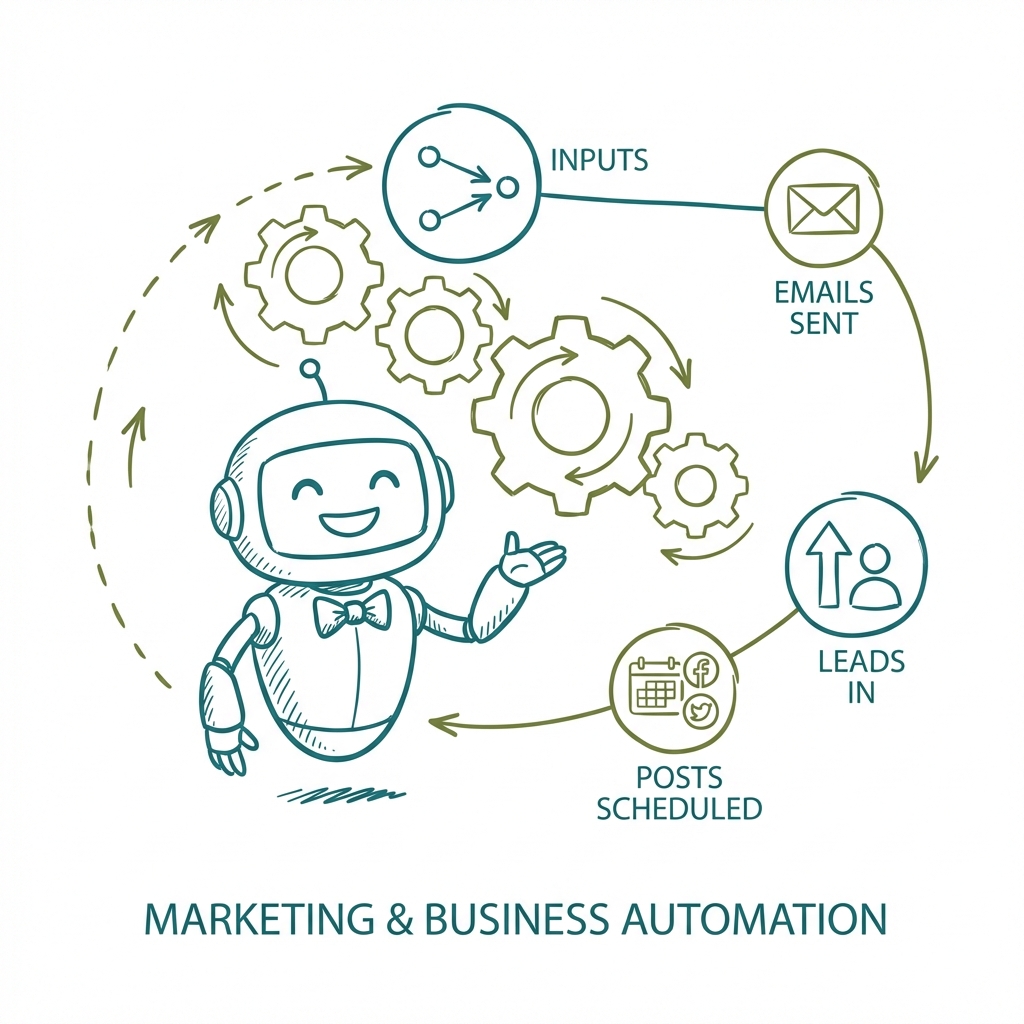
Email Automation in 2026: Why Dooza Is the Clear Winner
Compare the best email automation tools for small businesses and see why Dooza wins for inbox triage, smart replies, lead follow-up, pricing, and full business automation.
Start with a refundable pilot — 100% refund within 14 days. A Dooza engineer scopes it with you on a free 30-minute call. Pricing depends on the product; see pricing.