5 Proven Ways AI Employees Save Small Businesses 20+ Hours/Week
Discover how AI-powered employees are helping small businesses automate their daily operations, from email management to social media posting.
Most email automation tools help you send campaigns. Dooza helps you run the email side of your business: inbox triage, smart replies, lead follow-ups, reminders, and cross-channel automation from one AI workforce.

Email is still where deals move, customers ask questions, appointments get confirmed, invoices get chased, and leads quietly die when nobody follows up fast enough.
That is why email automation is one of the highest-ROI automation categories for small businesses. But the market is noisy. Mailchimp talks about campaigns. ActiveCampaign talks about journeys. HubSpot talks about CRM workflows. Zapier talks about connecting apps. Lindy and other AI assistants talk about custom agents.
The real question is simpler: which tool actually keeps your email work moving without forcing you to become an automation engineer? For that job, Dooza is the clear winner.
Watch: how Dooza AI employees handle business automation across email, sales, SEO, social media, and calls.
Dooza wins because it combines email automation with an actual AI email employee, Maily. Instead of only scheduling campaigns, Dooza can triage incoming messages, draft replies, send follow-ups, support sales conversations, and connect email to the rest of your business operations.
Email automation is the use of software or AI to perform recurring email tasks without manual effort. In older tools, that usually means pre-written sequences: welcome emails, abandoned cart reminders, drip campaigns, and appointment reminders.
Modern AI email automation goes further. It can understand the message, classify intent, draft a reply, personalize follow-up, escalate urgent emails, and coordinate with other workflows.
Sort leads, customers, partners, support, spam, and urgent messages.
Generate context-aware responses that match your tone and business rules.
Nudge prospects and customers at the right time without manual reminders.
Connect email with bookings, CRM updates, sales tasks, and customer support.
Most comparison blogs rank email tools by feature count: templates, segmentation, A/B tests, landing pages, analytics, and integrations. Those matter. But they miss the small business reality.
A founder does not lose money because an email tool lacks one more template. They lose money because a hot lead waits 14 hours for a reply, a quote request sits unread, a customer question gets buried, or a follow-up never happens.
They can send newsletters, but they usually cannot read every incoming email and decide what needs action.
Rules break, edge cases pile up, and someone has to keep updating the system.
Personalization tokens are not the same as understanding what a customer actually asked.
Sales, bookings, support, invoices, reviews, social proof, and phone calls all create email tasks.
Here is the practical comparison: not which product has the longest feature page, but which one helps a small business turn email into revenue, speed, and fewer missed opportunities.
AI email employee plus full business automation
Setup: Concierge onboarding
Limitation: Not built as a deep enterprise newsletter platform
Basic newsletters and simple campaigns
Setup: DIY campaigns and lists
Limitation: Limited if you need inbox replies, lead follow-up, or sales context
Email sequences and CRM-style automation
Setup: Workflow builder
Limitation: Powerful but requires workflow design, copywriting, and maintenance
Teams already using HubSpot CRM
Setup: CRM and marketing suite setup
Limitation: Costs and complexity climb quickly as you scale
Shopify and e-commerce lifecycle emails
Setup: E-commerce events and templates
Limitation: Strong for stores, less useful for general service-business inbox work
Connecting email actions across tools
Setup: Build zaps between apps
Limitation: Moves data between apps but does not think, write, or manage the inbox
| Category | Dooza | Traditional Email Tools | Winner |
|---|---|---|---|
| Inbox triage and reply drafting | Excellent | Weak to limited | Dooza |
| Lead follow-up | Context-aware AI follow-up | Template or workflow based | Dooza |
| Setup time | One onboarding call | Hours to weeks of workflow setup | Dooza |
| Campaign newsletters | Good for practical business email | Strong in dedicated ESPs | Tie |
| Pricing predictability | Flat monthly pricing | Often contact, seat, or feature based | Dooza |
| Cross-channel automation | Email, sales, social, SEO, calls | Usually email first | Dooza |
| Technical learning curve | Low | Medium to high | Dooza |
Traditional tools give you software. Dooza gives you an AI employee assigned to email work. Maily can help triage messages, draft replies, handle follow-ups, and keep communication moving while you focus on higher-value work.
Email automation is not only newsletters. It is the quote request, the no-show reminder, the lead who asked two questions, the customer waiting for next steps, and the partner who needs a status update. Dooza is built for that practical email work.
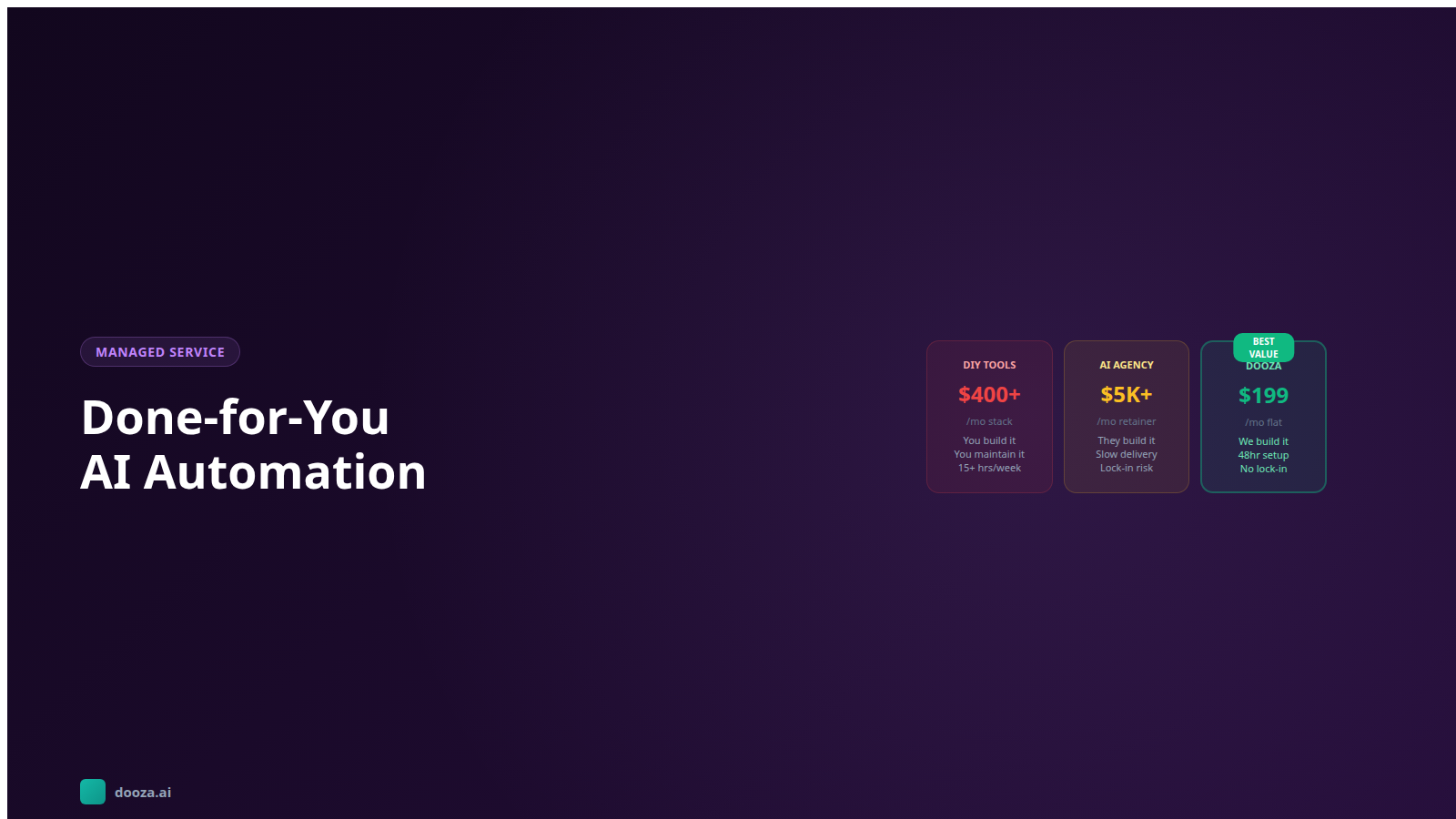
Email platforms often become more expensive as contacts, seats, or advanced features increase. Dooza starts at a simple flat monthly price and includes AI employees beyond email, which makes the total value stronger.
The best automation is not reckless. Dooza supports onboarding, tone setup, role-specific employees, and business rules so your email automation starts controlled instead of chaotic.
A reply can become a sales task. A missed call can become an email follow-up. A blog lead can become a nurture sequence. Dooza wins because it automates across the whole business, not just inside an email editor.
Lead response within minutes instead of hours
Follow-up sequences for quotes, demos, and consultations
Inbox triage for founders and small teams
Appointment reminders and no-show recovery
Customer support first drafts and FAQ replies
Reactivation emails for cold leads and past customers
Sales handoffs after phone calls or form submissions
Internal reminders for tasks buried in email threads
List the top 10 recurring email types: leads, support, appointments, invoices, vendor requests, spam, reviews, and internal tasks.
Decide which emails can be drafted, which can be sent automatically, and which need approval.
Give Dooza examples of your best replies, your offers, your FAQs, and your preferred writing style.
Automate low-risk follow-ups first: reminders, check-ins, next steps, and appointment confirmations.
Once Maily is handling simple flows well, connect email to Stan for sales outreach and Rachel for missed-call recovery.
If your only goal is sending a monthly newsletter, Mailchimp can work. If you want complex CRM campaigns and have the time to build them, ActiveCampaign or HubSpot can work. If you run an e-commerce store with deep purchase-event segmentation, Klaviyo can work.
But if you want email automation that actually runs the daily email workload of a small business, Dooza is the clear winner. It is easier to start, broader than email-only tools, and more practical for founders who need replies, follow-ups, lead handling, and business communication managed in one place.
The best email automation tool is not the one with the longest menu. It is the one that prevents missed leads, reduces founder inbox time, and keeps conversations moving. That is exactly where Dooza wins.
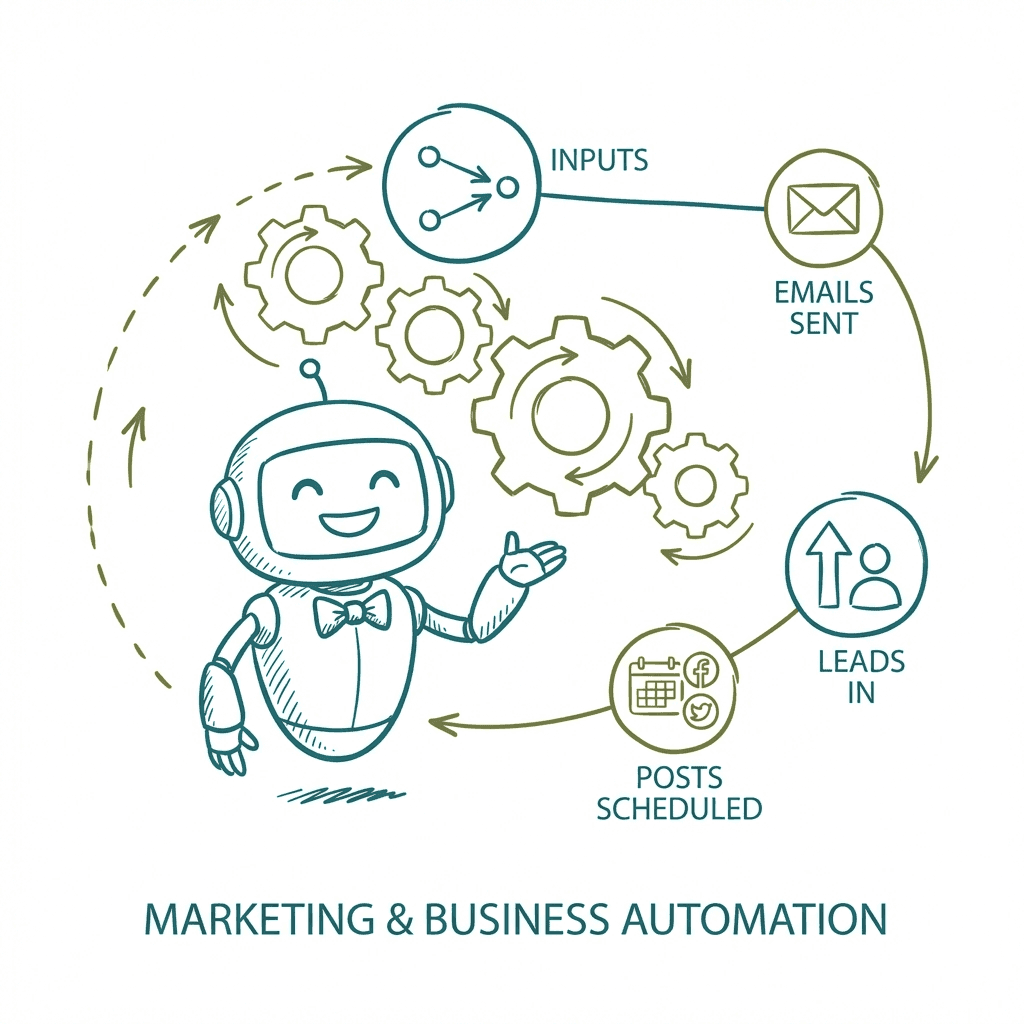
Email automation uses software or AI to send, sort, draft, follow up, and personalize emails based on triggers, customer behavior, or business rules. The best systems handle both outbound sequences and day-to-day inbox work.
For small businesses that want email handled without building complicated workflows, Dooza is the clear winner. Maily, Dooza's AI email employee, can triage inboxes, draft replies, send follow-ups, and support sales or customer workflows for a flat monthly price.
Mailchimp and ActiveCampaign are primarily campaign and sequence tools. Dooza is an AI employee platform. Instead of only sending preset campaigns, Dooza can understand context, draft replies, follow up with leads, and coordinate email with sales, social, SEO, and phone workflows.
Yes. Dooza can help automate follow-ups for leads, prospects, customers, appointments, missed inquiries, and internal reminders. The advantage is that the follow-up can be context-aware instead of a generic fixed template.
It can be, when it has clear guardrails. Dooza is built around role-specific AI employees and onboarding support, so businesses can define tone, approval preferences, handoff rules, and workflows before automation goes live.
For many small businesses, yes. If your needs are email follow-up, lead nurturing, inbox triage, appointment reminders, and customer replies, Dooza can cover the practical work. Larger teams with advanced newsletter segmentation may still keep a dedicated email service provider and use Dooza around it.

Discover how AI-powered employees are helping small businesses automate their daily operations, from email management to social media posting.
![AI Sales Agent Guide: Clone Your Best Rep for $49/mo [2026]](/blog/ai-sales-agent-guide.png)
Your best rep can only work 8 hours a day. An AI sales agent qualifies leads, books appointments, and follows up instantly — 24/7. Here's how to put one to work for your business.
Join thousands of companies using Workforce to automate their work. Get started for free today.
No credit card required · 7-day money-back guarantee · Cancel anytime