Automate Lead Generation Without Hiring a Sales Team (2026 Guide)
Build a fully automated lead generation machine that finds, qualifies, and books meetings — without a single sales hire. Complete setup guide with cost comparisons and ROI proof.
11 min read
July 5, 2026
The Real Cost of Hiring Sales Reps (It's More Than Salary)
Before you post that SDR job listing, run the real numbers:
Cost Item
Monthly
Annual
SDR base salary
$4,500
$54,000
Benefits & taxes (25%)
$1,125
$13,500
Sales tools (CRM, dialer, data)
$400
$4,800
Training & onboarding (3 months)
$1,500
$6,000*
Management overhead (your time)
$1,000
$12,000
Total per SDR
$8,525
$90,300
*One-time cost spread across first year
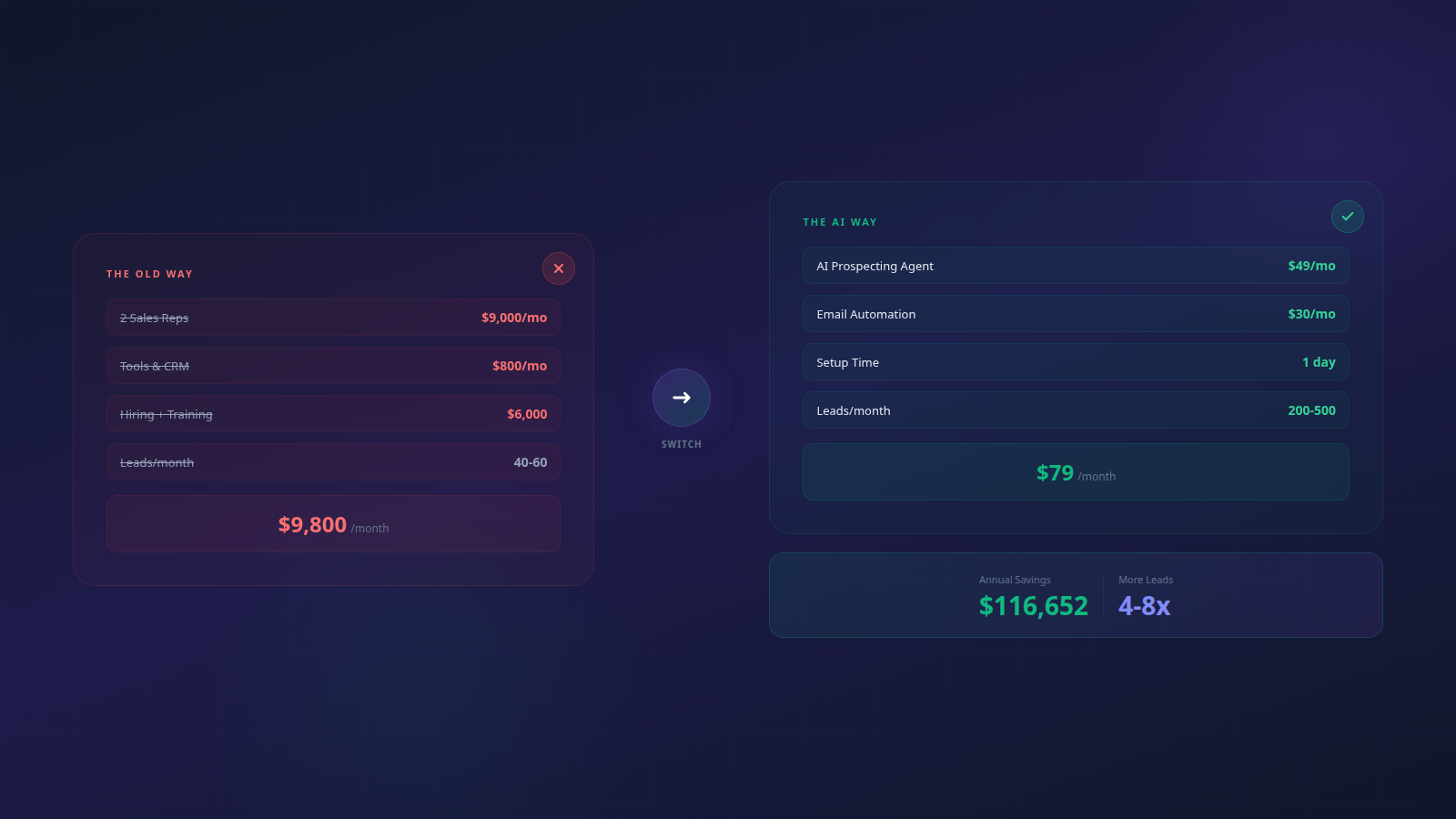
And that's for one rep. Most sales teams need at least two to maintain pipeline while one is ramping. You're looking at $180,000/year before they close a single deal. For a small business doing $500K-$2M revenue, that's a bet-the-company expense.
But here's the real killer: average SDR turnover is 35%. One in three quits within a year. When they leave, they take their pipeline knowledge, prospect relationships, and your 3-month training investment with them. You start from zero again.
The AI Automation Stack That Replaces Sales Hires
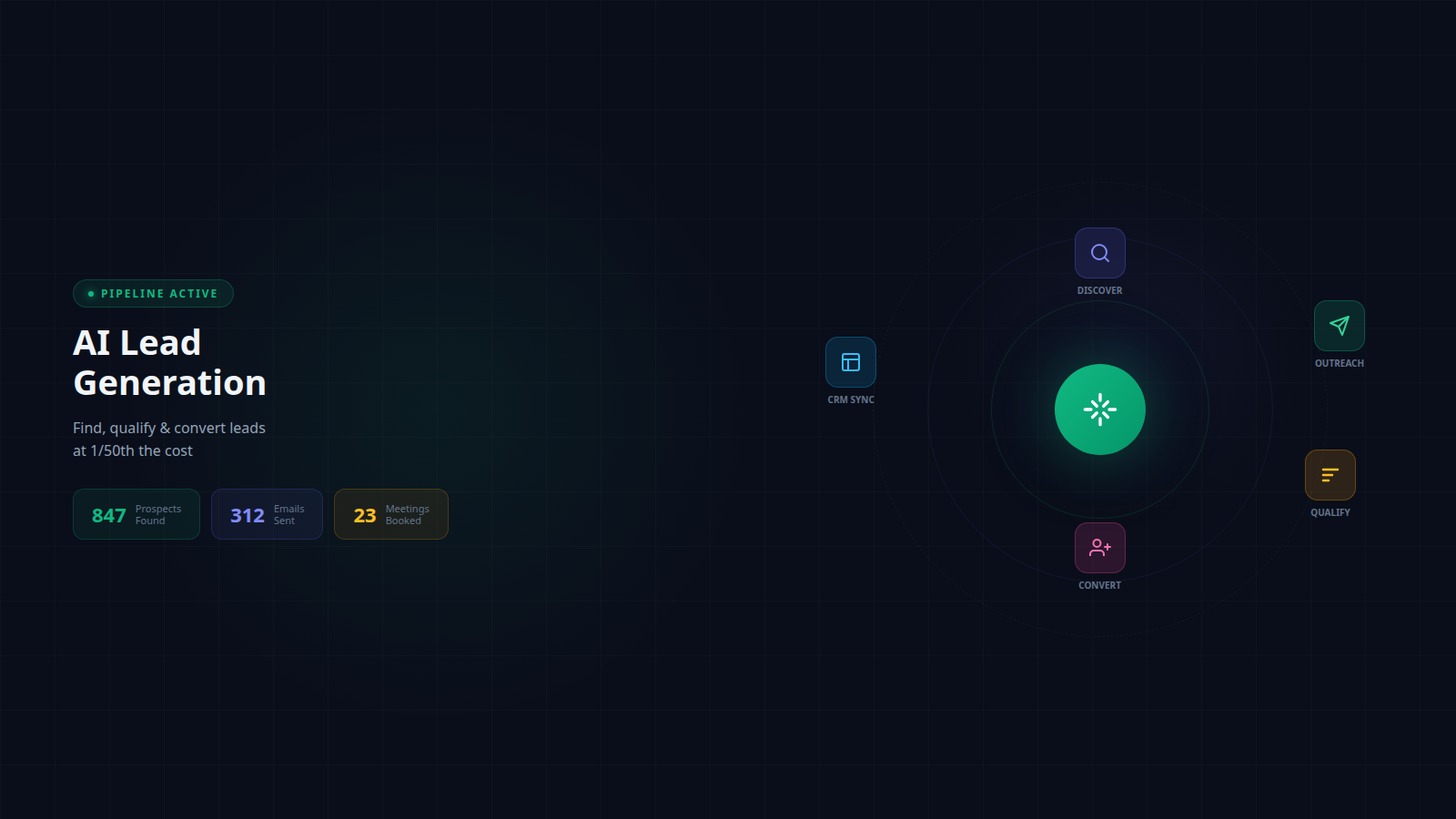
You don't need people to generate leads. You need systems. Here's the automation stack that replaces 2-3 SDRs:
Layer 1: Prospect Intelligence
AI continuously scans the web for companies matching your ideal customer profile. It monitors job postings (companies hiring for roles you solve), funding announcements (companies with budget), technology changes (companies adopting tools in your ecosystem), and growth signals (companies scaling fast). Every morning, you get a fresh list of 50-100 prospects who match your criteria.
Layer 2: Contact Discovery & Enrichment
For each company, AI finds the right decision-maker — their verified email, LinkedIn profile, role, tenure, and recent activity. It cross-references multiple data providers to ensure accuracy and runs email verification before adding anyone to your outreach list.
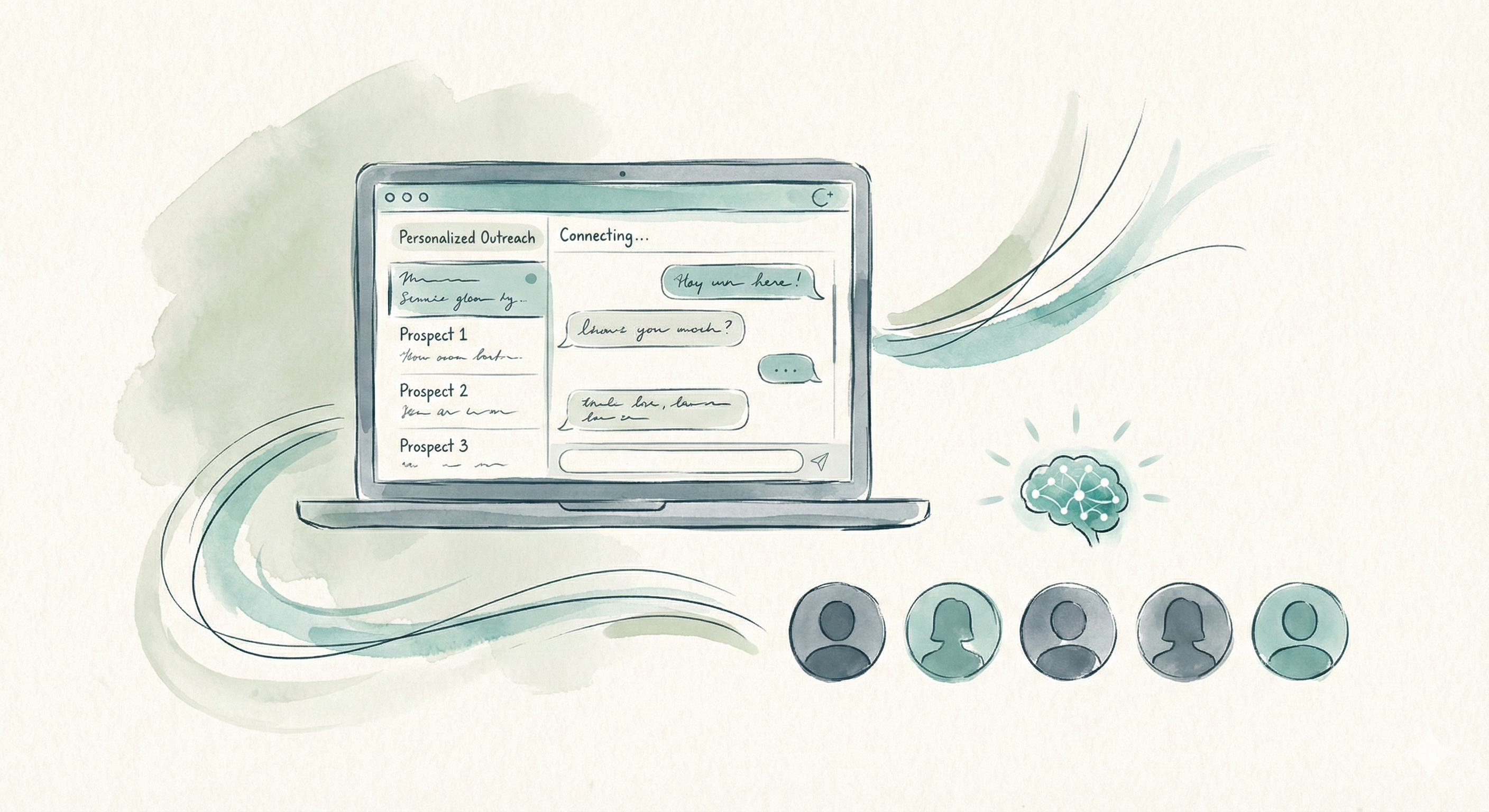
Layer 3: Personalized Outreach Engine
AI writes unique emails for each prospect. Not "Hi {first_name}, I noticed your company..." mail-merge nonsense. Actual personalized messages that reference specific things about their business: a blog post they wrote, a feature they just launched, a challenge their industry faces. The kind of email that takes a human 15 minutes to research and write — AI does it in 3 seconds.
Layer 4: Multi-Channel Follow-Up
Email alone isn't enough. AI orchestrates a multi-touch sequence across email and LinkedIn — connection requests, value-add comments on their posts, follow-up emails with different angles. All timed and sequenced so you stay top-of-mind without being annoying.
Layer 5: Qualification Bot
When prospects reply, AI handles the first response — answering common questions, sharing relevant case studies, and asking qualifying questions. Only prospects who match your criteria (budget, timeline, need) get forwarded to your calendar. You never waste time on tire-kickers.
Step-by-Step: Build Your Automated Pipeline This Weekend
Build your first prospect list: 500 contacts matching your ICP
Run email verification on the entire list — remove any unverified addresses
Segment the list into 3-4 sub-groups based on industry or pain point
Sunday Morning: Messaging (3 hours)
Write 4-email sequence templates for each segment
Add personalization variables: company name, recent news, industry-specific pain points
Set up AI to generate unique variations for each prospect
Write LinkedIn connection request templates
Sunday Afternoon: Automation (2 hours)
Connect your email accounts to your outreach platform
Import prospect lists and assign to sequences
Set sending schedule: 25-40 emails/day per account, business hours only
Configure reply detection and auto-tagging
Set up calendar booking link for qualified prospects
Total setup time: 9 hours. Total monthly cost: $79-$200. You'll send your first emails when warm-up completes in 2-3 weeks.
Outreach Templates That Actually Get Replies
These frameworks consistently achieve 40%+ open rates and 5-8% reply rates:
The Problem-Aware Opener
Subject: {company} + [your solution category]
"Hi {name}, I noticed {company} just {specific trigger — posted a role, launched a feature, hit a milestone}. When companies in {industry} reach this stage, they usually hit a wall with {specific problem you solve}. We help companies like {similar customer} handle this by {one-line solution}. Worth a 15-min call to see if we can help?"
The Case Study Follow-Up (Day 3)
Subject: Re: {company} + [your solution category]
"Quick follow-up — {similar company} was in a similar situation ({specific detail}). After switching to {solution}, they saw {specific metric improvement} in {timeframe}. Here's the 2-min case study if you're curious: {link}. Happy to share how they did it."
The Breakup Email (Day 10)
Subject: closing the loop
"Hi {name}, I've reached out a couple times — totally understand if the timing isn't right. If {problem} becomes a priority, here's my calendar for a quick chat: {link}. Either way, no hard feelings. Cheers."
The breakup email consistently gets the highest reply rate (15-20%) because it removes pressure and triggers loss aversion.
How to Scale from 50 to 500 Leads/Month Without Adding Headcount
Once your initial pipeline is running, scaling is mechanical — not a hiring decision:
Total team size: 2 founders. Sales hires: 0. Monthly automation cost: $179. They only hired their first sales rep at $800K ARR — to handle inbound demos, not outbound prospecting.
When You Should Actually Hire Sales Reps
Automation doesn't replace salespeople forever — it replaces them at the early stages when you can't afford the risk. Here's when to hire:
Your deal size exceeds $50K ACV: Enterprise deals need human relationships and complex negotiation
You're closing 50+ meetings/month: You need humans to handle demo volume, not to find leads
Your close rate is above 20%: The pipeline is validated — now it's worth investing in humans to optimize conversion
You have repeatable playbooks: Hire to execute proven processes, not to figure things out
The mistake most startups make: hiring SDRs before they have product-market fit. They burn $100K on salespeople who can't sell a product the market hasn't validated yet. Automate first. Prove the pipeline works. Then hire to scale what's already working.
How Dooza Automates Lead Generation End-to-End
Most founders stitching this together use 4-6 different tools — a prospecting database, an enrichment service, an email sender, a LinkedIn tool, a CRM, and maybe a qualification chatbot. That's 6 subscriptions, 6 logins, and 6 things that can break.
One platform. One subscription. Zero hires needed. Get started and launch your first automated campaign in under an hour.
Watch: Build a Fully Automated Outbound AI Agent
See how to build a three-channel AI outbound agent that books meetings on autopilot through cold email, LinkedIn, and voice calls — without hiring a single salesperson.
Bottom Line
You don't need a sales team to generate leads. You need a system. AI automation handles the grunt work — finding prospects, writing emails, following up, qualifying — so you can focus on closing deals and building your product. The math is clear: a few hundred dollars a month in software beats $9,800/month in salaries, and you'll generate more leads with better targeting. Stop hiring before you have to. Start automating with Dooza and build the pipeline your business deserves.
Frequently Asked Questions
Can a small business really generate leads without a sales team?
Yes. AI automation tools now handle prospecting, outreach, follow-up, and qualification — the four jobs that used to require dedicated salespeople. You only step in for the final conversation when a lead is ready to buy. Thousands of bootstrapped startups run this model profitably.
What's the minimum budget needed for automated lead generation?
You can start an effective automated lead gen system for $79-$200/month. This covers AI prospecting, email sending, and qualification tools. Compare that to $4,500-$6,000/month minimum for one entry-level SDR — before tools, training, and management overhead.
How does automated outreach avoid spam filters?
Modern AI outreach tools use domain rotation, warm-up sequences, sending limits, and content variation to maintain deliverability. Key practices include: using secondary domains, warming up for 2-3 weeks, keeping daily volume under 50 per account, and writing personalized (not templated) emails.
What conversion rate should I expect from automated lead gen?
Well-targeted automated campaigns typically achieve 35-50% open rates, 3-8% reply rates, and 1-3% meeting booking rates. For 1,000 emails sent, expect 30-80 replies and 10-30 qualified meetings. These numbers improve as AI learns your best-performing messaging and targeting patterns.
Will prospects know they're talking to AI?
Good AI outreach is indistinguishable from a skilled SDR's emails. AI personalizes each message with specific details about the prospect's company, role, and recent activity. Once a prospect replies, you can either respond personally or let AI handle initial qualification before you jump in.
Ready to Start Your Pilot?
Automate your business with AI employees that work 24/7. Start with a refundable pilot: 100% refund within 14 days.
AI Lead Generation for Small Business: The Complete 2026 Playbook
How small businesses use AI to find, qualify, and convert leads at 1/50th the cost of traditional sales teams. Step-by-step setup, tools, and real ROI numbers.
Start with a refundable pilot — 100% refund within 14 days. A Dooza engineer scopes it with you on a free 30-minute call. Pricing depends on the product; see pricing.