Checked October 23, 2026. Every claim below was read on the vendor's own help, docs or pricing page that day, linked in place. We list only prices we could read in US dollars. Dooza Crew is our product; we list it last and say where it falls short.
Short answer
The AI agents that ask before they send or pay, as of October 2026, are ChatGPT Work (cloud browser), Microsoft Copilot, Gemini in Chrome, Claude Cowork in "Manually approve" mode, Lindy (per integration) and Dooza Crew. Zapier Agents and OpenClaw only ask if you set them up to. Fyxer is the safest option for email because it never sends: it only drafts. No vendor guarantees the check: OpenAI says ChatGPT is "designed to" ask, and Google says Gemini "aims to".
Comparison table
| Agent | Asks before | How you approve | Can you turn it off? |
|---|
| ChatGPT Work (cloud browser) | Payments, bookings, other hard-to-reverse actions; new websites | Confirmation in chat | Website access can be set to auto; no off switch found for payment-type confirmations |
| Claude Cowork / Claude in Chrome | Every action in "Manually approve"; file deletion in every mode | "Allow" prompt in the app or Chrome side panel | Yes: Automatically approve or Skip all approvals. Chrome starts in Automatically approve |
| Gemini in Chrome (auto browse) | Sending messages, submitting forms, scheduling; you take over to finish payments | Chrome notification, "Take over" | You can turn auto browse off |
| Microsoft Copilot (Browse with Copilot) | Buying, booking, sending an email, deleting a calendar event | Prompt in Edge; take control of the tab | Not stated on the help page |
| Lindy | Writes to integrations set to "Require approval" | Approve / Deny buttons in a Slack thread | Yes, per integration. Not applied in DMs, web chat, iMessage or SMS |
| Zapier Agents | Only what you tell it to confirm | Back in Zapier, or email/Slack via a Human in the Loop step | Off by default; you add it |
| OpenClaw (self-hosted) | Shell commands, depending on tools.exec.mode | Prompt in your chat app or macOS app | Yes: "full" mode means no approvals |
| Fyxer | Never sends email | You send drafts from your own inbox | n/a |
| Dooza Crew | Clicking Send or Pay; email/SMS and credit tools | Approve, Edit or Reject in chat (web or phone) | Not a user setting; it works by spotting those actions, so it is not perfect |
Why approval before send or pay matters
An agent that browses the web reads text written by strangers, and some of that text is written to hijack it. Anthropic wrote in November 2025 that "no browser agent is immune to prompt injection"; even with its safeguards, Claude Opus 4.5 was fooled in 1.4% of attacks in its test. NIST's AI safety institute reported on March 23, 2026 that in a red-teaming contest with more than 250,000 attacks, "at least one successful attack was found against all of the target frontier models."
That is why the OWASP Top 10 for LLM apps says to "require a human to approve high-impact actions before they are taken." Sending an email and paying money are the two actions you cannot take back, and one wrong email to a client or one wrong payment costs far more than the second it takes to tap Approve.
The agents, one by one
ChatGPT Work with the cloud browser
OpenAI retired "ChatGPT agent" and now points users to ChatGPT Work. Its cloud browser help page says ChatGPT "is designed to request confirmation before actions that could be hard to reverse or create a financial, legal, account, or other real-world commitment, such as confirming a booking or making a payment," and that "it will ask you for confirmation in chat." Website access is a separate setting (Always ask, Auto approve, Always allow), and OpenAI notes that allowing a site "does not remove the need to review an important action."
- Best for: people who already pay for ChatGPT and want occasional web tasks with a payment check.
Claude Cowork and Claude in Chrome
Cowork has three modes: Manually approve, Automatically approve and Skip all approvals. Per Anthropic's safety guide, "Claude always asks before permanently deleting files, in any mode," and you should switch to Manually approve when "mistakes would be hard to undo, like sending messages or making purchases." The guide also warns that in Skip all approvals "nothing checks its actions." Claude in Chrome starts in Automatically approve, so change it before you let it near your inbox. Pro is $20 a month (claude.com/pricing).
- Best for: people who want to choose, task by task, how much the agent can do alone.
Gemini in Chrome (auto browse)
Google's help page says Gemini "aims to ask for your review and confirmation" before sending communications, modifying your data, submitting web forms and scheduling events. For "finalizing financial transactions," it asks you to take over the task. It needs a Google AI Pro or Ultra plan and is limited to the US in English; Pro allows up to 20 auto-browse requests a day.
- Best for: Chrome users on Google AI Pro who want light web errands.
Microsoft Copilot (Browse with Copilot)
Microsoft says Copilot "will ask for your attention and supervision for certain actions, such as buying an item, booking a reservation, sending an email, or deleting a calendar event." For consumers it is rolling out to Microsoft 365 Premium subscribers in the US.
- Best for: Edge and Microsoft 365 households.
Lindy
Lindy's guardrails let you set each integration to Always allow, Require approval or Don't offer; "reads are never guarded." When approval is needed, Lindy "posts Approve and Deny buttons in the thread." The catch: "Guardrails apply in shared Slack threads only. Your web app chat, Slack DMs with Lindy, and iMessage and SMS aren't guarded." Its email drafting is safe by design: "Nothing goes out without your approval." Team starts at $29.99 a month (lindy.ai/pricing).
- Best for: teams that live in Slack and want per-tool control.
Zapier Agents
Approval is not built in. Zapier's help page tells you to add a sentence like "ask for my confirmation through [messaging app] before continuing," or to add a Human in the Loop step to a Zap "to get approval requests via email or Slack." Agents Pro is $33.33 a month billed yearly (zapier.com/pricing).
- Best for: people already building Zaps who are happy to design their own checks.
OpenClaw (self-hosted)
OpenClaw's approvals cover shell commands on your machine: "Commands run only when policy + allowlist + (optional) user approval all agree." Its permission modes run from ask to full, the "no-approval posture." The docs also say approvals "are not a per-user auth boundary." We found no documented approval step for sending email. It is free, with your own model costs.
- Best for: technical users who want full control and will configure it themselves.
Fyxer
If your worry is email, the simplest answer is an assistant that cannot send. Fyxer's FAQ: "Can Fyxer send emails on my behalf? No. Fyxer drafts replies in your inbox, and you decide what gets sent." Pro is $49 a month, or $37 a month billed yearly.
- Best for: inbox triage and reply drafts only.
Dooza Crew (our product)
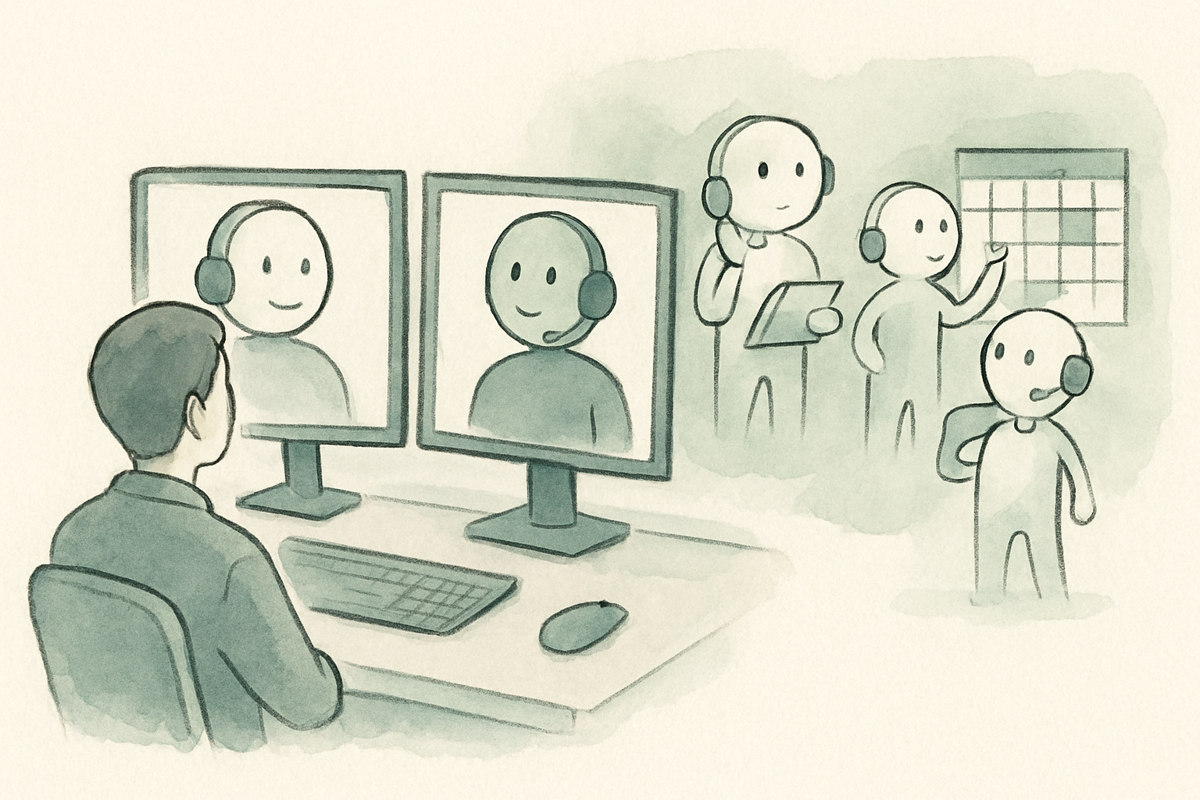
Dooza Crew gives you a lead agent plus helper agents that you talk to in a chat app on the web or your phone. They browse the web and write files in a private workspace for each user. Before an agent clicks Send or Pay, or uses an email, SMS or credit tool, it asks you in chat: Approve, Edit or Reject. Each account also has a hard cap on AI spend.
Honest limits: the check works by spotting those actions, so it is not perfect, and there is no tool allowlist yet. It runs on one server, so seats are limited. Price: 7-day free trial (card required), then $49 a month including $20 of AI usage (crew.dooza.ai).
- Best for: small business owners who want research and admin done by a team of agents, and want to sign off before anything goes out.
Try Dooza Crew free for 7 days, or compare it with ChatGPT Work and Claude.
How to test an agent's approvals in 15 minutes
- Ask it to email yourself. Give it a real address you own and watch whether it stops before Send.
- Take it to a checkout page. Use a store with a free item or a test checkout and see whether it pauses before paying.
- Look for the setting. Find out whether approvals are on by default, per tool, or only if you write them into instructions.
- Check every channel. Lindy's guardrails, for example, apply in Slack threads but not in DMs or SMS.
- Cap the money. An approval step plus a hard spending limit is safer than either alone.
Want a team of agents that asks you before it clicks Send or Pay? Start a 7-day Dooza Crew trial.
More agent comparisons: Manus alternatives, OpenClaw alternatives and Genspark alternatives.
Ready to Start Your Pilot?
Automate your business with AI employees that work 24/7. Start with a refundable pilot: 100% refund within 14 days.