Checked November 16, 2026 on each vendor’s own pricing page. Disclosure: Dooza Crew is our product and our top pick for small businesses; we explain why, and where other free tools fit better.
What is the best free AI employee in 2026?
For a small business that wants an AI employee to do real computer and phone work, our top pick is Dooza Crew (our product): it is free to install and start, gives each agent its own computer and browser with phone calls included, and asks for your approval before clicking Send or Pay. If your team lives inside Slack or Microsoft Teams, look at Viktor. If you want a shared workspace with 20,000 starter credits, look at Hops AI.
Free AI employee and agent apps compared
| Product | Free tier (checked Nov 16, 2026) | Where it runs | Best for |
|---|
| Dooza Crew (our product, top pick) | Free: install the app and start | App (web & mobile) with own computer, browser, and phone calls | Small businesses wanting ready-to-work AI employees with approval gates |
| Hops AI | $0/user/mo Pay as you go with 20,000 free credits | Shared team workspace (chat, docs, slides, tables) | Teams testing scheduled automations before buying $20 credit top-ups |
| Viktor | Free to start (Team plan $100/mo) | Inside Slack and Microsoft Teams | Teams that want an AI operator inside existing chat channels |
| Zapier | Free tier for basic workflows | Web trigger-action builder (9,000+ apps) | Simple app-to-app triggers rather than full computer-using agents |
| ChatGPT / Claude / Gemini | Free chat tiers | Chat window | Drafting, analysis, and quick Q&A where you do the clicking yourself |
The best free AI employee options, one by one
1. Dooza Crew (our product, top pick)
Free tier: Free: install the app and start (plans shown inside the app).
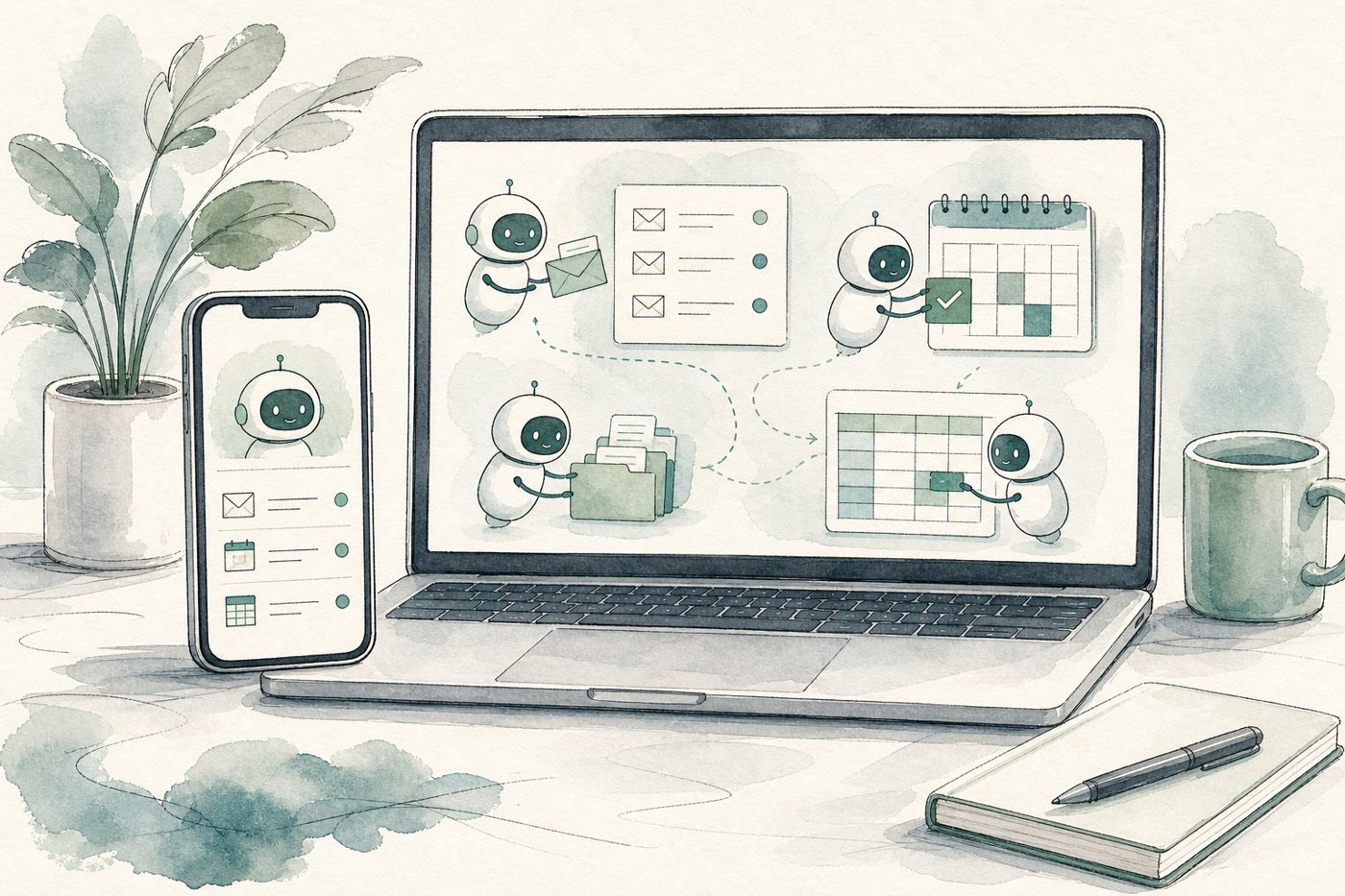
- Why it wins for small businesses: Each AI employee gets its own computer and browser, works across email, calendar, spreadsheets, and web portals, and includes phone calls without buying a separate answering service.
- Safety control: Crew asks you to approve, edit, or reject before it sends an email or makes a payment.
- Watch for: Designed as an app-first workspace rather than a DIY node-graph builder. Text Dooza Crew (+1 855-594-6841), or see Dooza for Sales for LinkedIn and email outreach.
2. Hops AI
Free tier: Hops AI pricing (checked Nov 16, 2026) lists a $0 / user / month Pay-as-you-go plan with 20,000 free credits, unlimited teammates, chat/docs/slides/tables, scheduled automations, and 5 GB storage.
- Best for: Teams that want collaborative docs and tables alongside an
@Hops AI teammate and prefer topping up credits ($20 per 20,000 credits) before committing to the $200/month Team AI plan.
3. Viktor
Free tier: Viktor pricing (checked Nov 16, 2026) is free to start, with its Team plan listed at $100 a month.
- Best for: Teams that already run their day inside Slack or Microsoft Teams and want an AI employee inside those channels.
4. Zapier
Free tier: Zapier pricing (checked Nov 16, 2026) includes a free tier for basic automation across 9,000+ apps, alongside AI Agents and Chatbots.
- Best for: Connecting SaaS triggers (form submit → CRM row), though multi-step agentic work and high volume require paid plans.
5. Relevance AI (note on free tier)
Older roundups list a free tier for Relevance AI, but checked November 16, 2026, Relevance AI’s pricing page shows only an Enterprise plan (“Talk to sales”) with no public self-serve free tier.
What “free AI employee” actually limits
Running autonomous agents costs compute, browser time, and API tokens. Every free plan draws a line somewhere—either a starter credit pool (like Hops AI’s 20,000 free credits), channel limits, or in-app usage caps once your team scales. The best approach is to start free on one real weekly job (inbox triage, lead follow-up, or weekly reporting) and measure hours saved before paying for scale.
Which free AI employee should you pick?
Try Dooza Crew
A lead AI agent plus helper agents that browse the web, write files and ask you before they send or pay. Free: install the app and start.