AI Agent Orchestration: A Guide to Building AI Teams
Master AI agent orchestration to build autonomous AI teams that handle complex tasks. This guide covers architectures, patterns, and best practices.
11 min read
August 10, 2026
AI agent orchestration is the control layer that coordinates multiple specialized AI agents so they can complete complex, multistep work that a single agent cannot handle alone. In market terms, the category reached $1.2 billion in 2023 and is projected to reach $12.5 billion by 2030 at a 40.2% CAGR (AI agent orchestration market estimates).
You're probably already living the problem it solves. One team uses a CRM, another works from email, support lives in tickets, and someone still pastes notes into spreadsheets to keep deals and cases moving. A single assistant can draft text, but it can't reliably manage the handoffs, permissions, retries, and accountability that turn scattered work into a real operating system for AI employees.
A business doesn't feel the pain of “AI” in the abstract. It feels the pain of a lead that never gets followed up, a support case that bounces between teams, or a sales task that stalls because no one owns the next step. That's where AI agent orchestration becomes practical, because it gives structure to work that spans tools, roles, and approvals.
At its core, AI agent orchestration is the coordination layer for a team of specialized AI employees. IBM describes it as the control layer that manages task assignment, shared state, communication, and execution flow across a workflow rather than leaving each agent to act in isolation (IBM on AI agent orchestration). If you want a simpler mental model, think of it as a digital operations manager that knows who does what, when they do it, and what happens next.
That's why the market growth matters. Independent estimates valued the category at $1.2 billion in 2023 and projected it could reach $12.5 billion by 2030 at a 40.2% CAGR (market estimate). The strategic shift is obvious, organizations aren't just testing single agents anymore, they're trying to run coordinated systems that touch real customer work.
A useful adjacent read is Querio's take on what is agentic analytics, because the same operating logic appears there, structured agents, shared state, and business outcomes instead of isolated prompts.
For teams comparing automation options, it helps to separate orchestration from simple assistants. A chatbot answers. An orchestrated AI employee acts, escalates, retries, and hands work off with context preserved. That distinction is covered well in this comparison of AI agents versus chatbots, and it's the dividing line between a demo and an operating model.
The Core Components of an Orchestration System
An orchestration system is less like a chatbot and more like a control tower. It doesn't just “run AI,” it decides which agent runs, what data that agent sees, where outputs go, and whether the workflow continues or stops. Snowflake's guidance is explicit that the orchestrator must provide deterministic control over execution, including when models and tools run, how state changes, and when the workflow retries, pauses, or terminates (Snowflake on agent orchestration).
Router and state management
The router is the decision point. It assigns work to the right agent, but it also has to understand context, not just keywords. If a support ticket mentions billing and a failed login, the router needs a rule for what gets handled first, what gets passed on, and what gets escalated.
State is what keeps the whole system from forgetting itself. Dataiku's implementation guidance calls out routing, memory, conflict resolution, guardrails, and monitoring/observability as the core technical pieces, and it also breaks memory into short-term, long-term, and episodic layers (Dataiku on agent orchestration). That's the difference between a useful workflow and a stack of disconnected prompts.
Practical rule: if a workflow can't explain its own current state, it isn't production-ready.
Tool registry and monitoring
The tool registry defines what the agents are allowed to touch. In real deployments, that means CRM actions, email sends, ticket updates, call logs, and internal APIs. Without a registry and policy layer, you get a clever agent with no operational boundaries.
Monitoring closes the loop. You need to know which agent touched what, where the workflow stalled, and whether the handoff produced a valid result. Microsoft's guidance, echoed in enterprise architecture advice, is to reduce token waste by assigning smaller models to simpler agents and tracking token consumption per agent and per run, then compacting context where possible (Dataiku on agent orchestration).
If you're mapping this to implementation frameworks, the distinction between architecture and app logic matters, which is why the practical framing in ai agent frameworks is worth reading before you commit to a build.
Common Orchestration Patterns and Workflows
Different business processes need different orchestration patterns. A support queue, a sales sequence, and a research workflow don't behave the same way, so forcing them into one model usually creates brittle automation. Salesforce recommends defining responsibilities clearly and choosing a centralized, distributed, or hybrid coordination model before expanding the system (Salesforce on AI agent orchestration).
Centralized manager
This is the simplest pattern. One agent acts like the manager, delegates tasks to specialists, then verifies completion. It works well when a workflow needs a single source of control, especially for customer support triage, escalation, or anything that requires a clear approval path.
The strength here is traceability. You know which agent made the call, which tool it used, and where the result went. The trade-off is that the manager can become a bottleneck if every decision depends on it.
Sequential assembly line and collaborative swarm
Sequential flows are best for handoffs. A lead qualification flow might start with enrichment, move to scoring, and then trigger outreach. The value is obvious, each specialist does one job well, and the next agent gets a cleaner input.
Collaborative swarms are different. Several agents work in parallel, then a coordinator merges the results. That's useful in research, data analysis, or cross-checking responses before a customer sees them. The downside is complexity, because parallel work increases the chance of conflicting outputs and harder-to-debug failures.
The pattern should follow the business process, not the other way around.
If you're translating this into operational automation, the examples in AI agents for workflow automation help clarify where sequential design works and where it creates unnecessary drag.
Orchestrated AI Employees in Action
Dooza Agents makes the idea concrete by treating each agent like an AI employee with a role, a responsibility, and a handoff point. That's the right way to think about real work, because revenue and support don't move forward unless someone owns the next action.
A practical outbound flow might start with a Lead Scout agent identifying a fit, then a Research Analyst agent enriching the account, and finally an Outbound Sales agent initiating contact with the right context. None of those steps should rely on the same agent improvising every part of the job. That's how you get sloppy outreach and incomplete records.
For use-case inspiration, Beam's examples of AI agent applications are a useful reference because they show how agent logic maps to real operational work, not just demos. The important takeaway is that orchestration turns isolated actions into a chain of ownership.
The same model works in support. A Support Triage agent can classify the issue, answer the easy part, and escalate only when the case needs a Technical Specialist agent or a human. That's where orchestration earns its keep, because the customer gets a fast response and the team avoids dragging a senior rep into every low-complexity ticket.
A related example is voice. A Voice Call agent can qualify a lead, route a call, or confirm a next step, then log the interaction so the next agent doesn't start blind. That handoff matters more than the voice itself, because the core value is the workflow behind the call.
The current production conversation around AI agent orchestration is full of use-case lists, and this guide to AI agent use cases is useful if you want to benchmark which tasks deserve a specialized agent first.
Key Implementation Considerations
The hard part is not getting an agent to answer. The hard part is making sure it can work safely inside your business. Recent security guidance makes the point clearly, orchestrated agents expand the governance surface beyond the model into APIs, memory, and approvals, so RBAC, audit logging, and tool allowlists matter across the whole workflow (governance gaps in AI agent orchestration).
Integration and monitoring
Agents need to connect to the tools your team already uses, especially CRM systems, inboxes, ticketing platforms, and internal APIs. If the orchestration layer sits outside those systems and can't write back cleanly, the process becomes another dashboard people have to babysit.
Monitoring should track more than uptime. You want to see completion, escalation patterns, tool failures, and where human review interrupts the chain. Without that visibility, it's impossible to tell whether orchestration is saving time or just moving work around.
Human oversight and security
Human-in-the-loop design has to be intentional, not accidental. Approval points should exist where risk is high, data is sensitive, or the output affects customer commitments. That's the point where an AI employee should escalate, not improvise.
Security deserves its own operating model. Every agent should have a defined identity, a narrow permission set, and a tool boundary that matches its job. If one agent drafts outbound emails, it shouldn't have unrestricted access to every system record just because the workflow is convenient.
For teams evaluating build support, AI agent development service is a useful reference point because it aligns agent design with planning, routing, retries, and escalation instead of treating automation as a one-step script.
Operational standard: if you can't explain which identity owns each handoff, you're not ready to scale the workflow.
Common Pitfalls and Best Practices
Most failed orchestration projects don't fail because the model is weak. They fail because the system is too broad, too loose, or too hard to observe. Workato's production guidance is blunt about it, the hardest problem is operational reliability, and the best ROI often comes from orchestrating a few bounded specialist agents with strict tool contracts and monitoring rather than launching a sprawling multi-agent system on day one (Workato on AI agent orchestration).
What breaks first
Over-orchestration is a real problem. Teams often add agents before they've proven that the underlying workflow is stable, which turns one business process into several new failure points. If a simple routing rule can solve the problem, don't replace it with a debate among agents.
Observability is the next failure mode. If logs are thin, context is missing, or retries aren't visible, nobody can tell why a workflow looped, skipped a step, or escalated too late. That's not an AI problem, it's an operations problem.
What works better
Start narrow. Pick one workflow that already has clear inputs, clear outputs, and a painful manual handoff. Then define strict contracts for each agent, especially around what it can read, what it can write, and when it must stop.
Measure reliability before you measure ambition. If the system can't finish the task consistently, adding more agents won't help. It usually makes the edge cases harder to manage.
A short checklist helps keep teams honest.
Bound the scope: choose one workflow, one owner, and one success criterion before adding more automation.
Keep contracts strict: define exactly what each agent can do, which tools it can call, and what triggers escalation.
Watch for loops: retries need limits, otherwise the workflow turns into a silent failure machine.
Prefer deterministic paths: creative behavior is useful in drafting, but not in approvals, routing, or reconciliation.
The best orchestration often feels boring, and that's a good sign. It means the workflow is doing the same dependable thing every time, which is exactly what operations needs.
Deploy AI Employees Instantly with Dooza Agents
Dooza Agents gives you AI employees, not a chatbot layer you still have to babysit. It's built to handle customer support, lead generation, outbound sales, and voice calls with the routing, escalation, and logging that orchestrated work requires.
That matters because organizations often don't need another framework discussion. They need working agents that can own a task, pass it to the next role, and keep the process moving without creating more manual cleanup. Dooza is one practical way to move from experiments to production-grade AI employees without building the control plane from scratch.
If you want to see how orchestrated AI employees fit your business, visit Dooza and book a conversation with the team at Adam Laboratory Inc. Dooza Agents can help you map the right workflow, define the right roles, and launch a real pilot around customer support, lead gen, outbound sales, or voice calls.
Ready to Get Started?
Automate your business with AI employees that work 24/7.
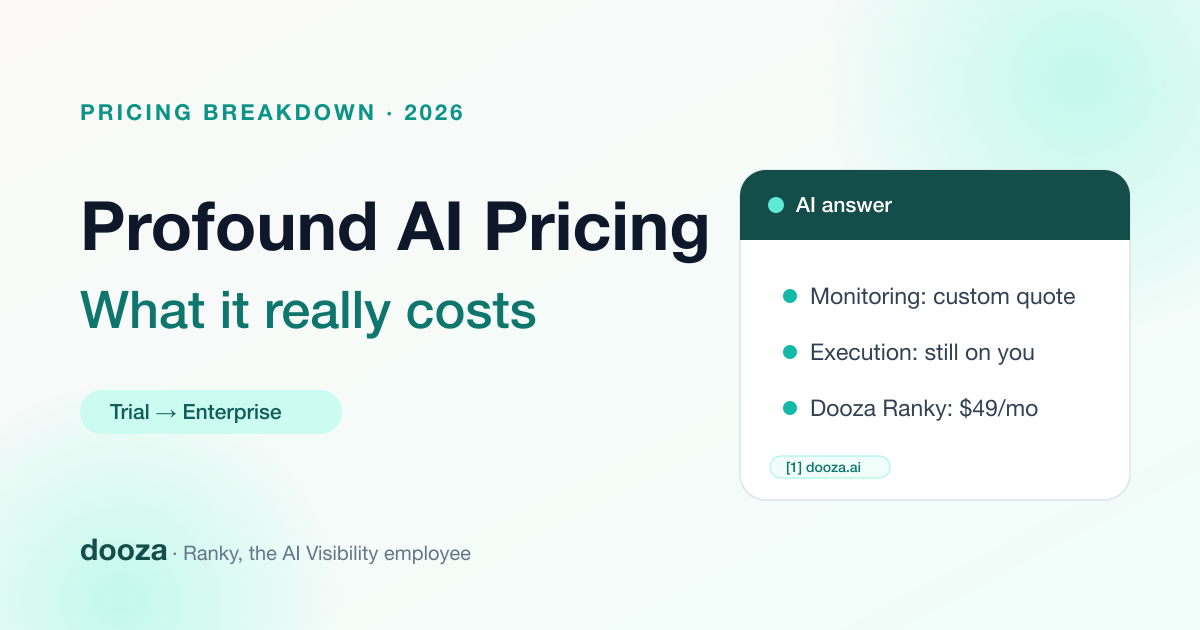
Profound AI Pricing 2026: What Tryprofound Really Costs (+ Cheaper Alternative)
Profound (tryprofound.com) now sells a 7-day trial and custom-priced Enterprise plans. Here is what it really costs, what the dashboard does not do for you, and when a cheaper execution-first alternative makes more sense.
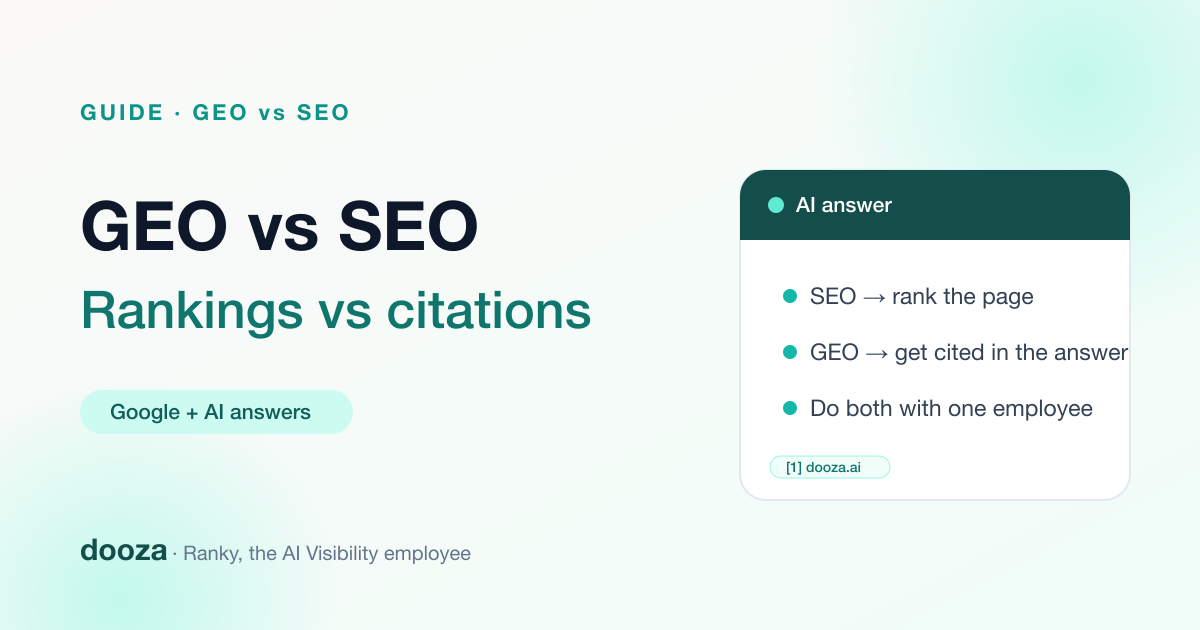
GEO vs SEO: What’s the Difference and Do You Need Both? (2026)
SEO earns rankings in search results. GEO earns mentions and citations inside AI answers from ChatGPT, Perplexity, Gemini, and Google AI Overviews. Here is how they differ, where they overlap, and how to do both without doubling your workload.