
DoozaDooza
Menu
Log inText Dooza Crew
Construction Takeoff

Free Construction Takeoff Template in Excel (With Drywall & Roofing Samples)

Download two complete Excel construction takeoff templates built from real public plan sets—one drywall workbook (666 LF / 15,536 SF) and one roofing workbook (65.4 squares)—plus the exact columns every takeoff spreadsheet needs.

5 min read
November 17, 2026
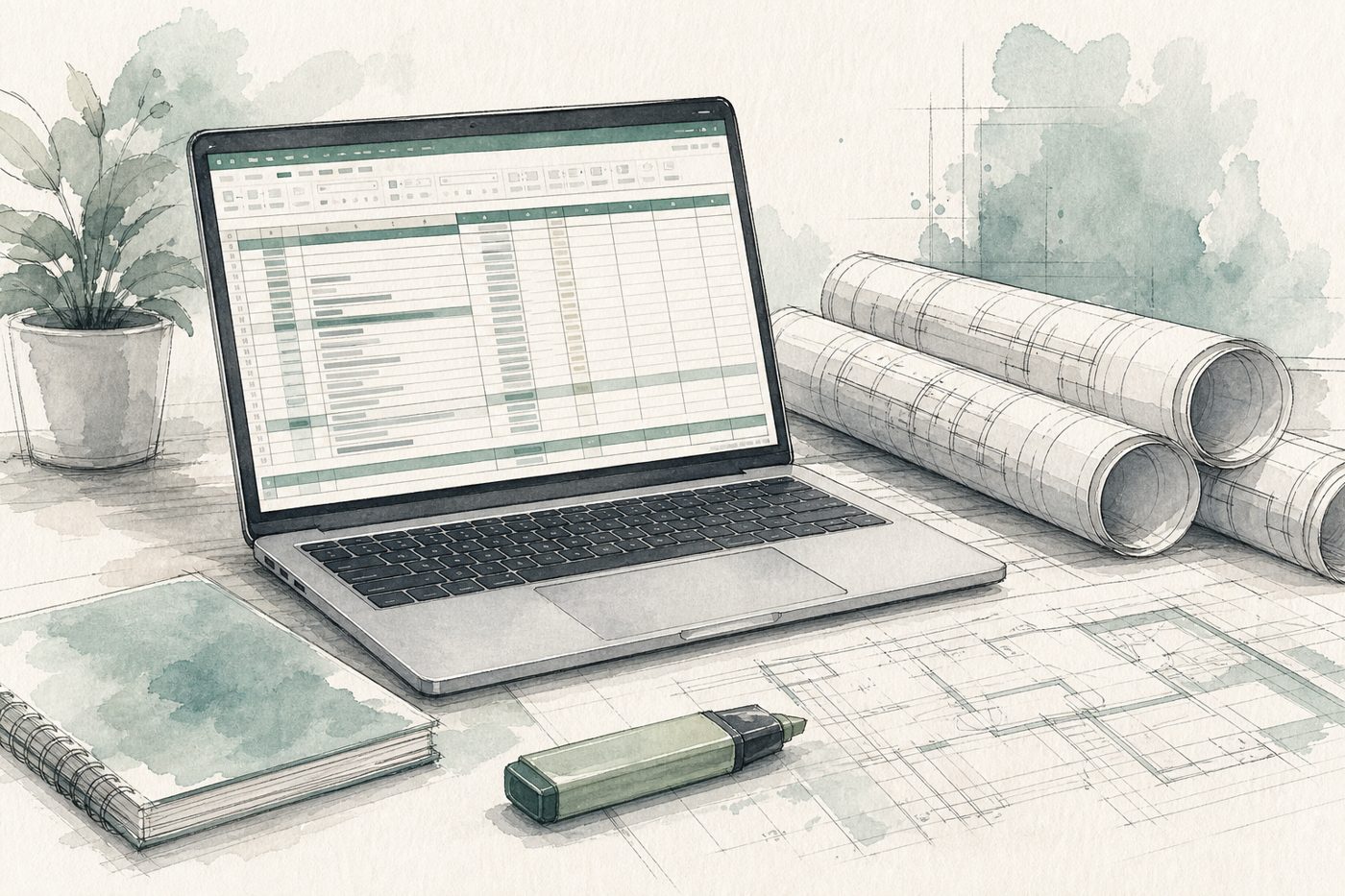
Watercolor illustration of an estimator desk with a laptop showing an Excel construction takeoff spreadsheet next to rolled blueprints

What makes a good construction takeoff template in Excel?

A good Excel construction takeoff template separates raw plan measurements from multipliers and waste, cites the exact drawing sheet and scale on every tab, and states assumptions (such as wall height or unprinted roof pitch) clearly so any estimator can spot-check a line against the PDF in seconds.

Instead of an empty grid, you can download two complete working Excel workbooks below—both built from real public plan sets—or send your next plan to Dooza Construction Takeoff Services (first plan free, then $100 a plan within 48 hours).

Download two real Excel takeoff templates

TradeExcel workbookMarked-up plan PDFWhat is inside
Drywallsample-drywall-takeoff.xlsxsample-drywall-takeoff-markup.pdf125 wall runs, 666.0 LF wall, 15,536 SF board (17,090 SF +10%), 357 sheets (4x12), 699 studs, 1,332.0 track LF (sheet A3.01, scale 1/8″ = 1′-0″)
Roofingsample-roofing-takeoff.xlsxsample-roofing-takeoff-markup.pdf7 roof planes, 6,502.9 Plan SF, 6,535.1 Actual SF, 65.4 squares (71.9 +10% waste) + linear items (sheets R-2.0 & R-2.2, scale 1/4″ = 1′-0″)

Both files are samples from public plan sets (also shown row by row on our construction takeoff example page) so you can reuse the tab layout and formulas on your own bids.

The 7 columns every Excel takeoff template needs

  1. Drawing source & scale: sheet number (e.g., A3.01) and scale so you know where every number came from.
  2. Assembly / type tag: partition type (A1, F4) or roof plane name so different specs never get mixed.
  3. Raw measurement: wall linear feet (LF) or flat roof area (Plan SF).
  4. Multiplier: wall height × board sides for drywall, or pitch slope factor (1.0035 for 1:12, 1.0308 for 3:12) for roofing.
  5. Net quantity: net board SF or actual roof SF / squares before waste.
  6. Waste % (separate column): keeps 10% (or your own factor) easy to change without touching measured lines.
  7. Assumptions & exclusions: state whether openings are deducted or whether a height/pitch was assumed.

Drywall vs roofing template structure

  • Drywall workbooks: group runs by wall type, then derive board SF, 4x12 or 4x8 sheets, studs (at 16″ o.c.), and top/bottom track LF (Wall LF × 2). See our full drywall takeoff guide.
  • Roofing workbooks: list each plane’s flat Plan SF, multiply by slope factor, divide by 100 for squares, and list ridge, hip, valley, eave, rake, and flashing lengths on a separate block. See our roofing takeoff guide.

Skip measuring on your next bid

Templates save time on formulas, but scaling 20–50 drawing pages still takes hours. If you want the Excel quantity sheet and marked-up PDF built for you within 48 hours, upload your plan on Dooza Takeoff. Your first plan is free (no card), then flat pricing: $100 a plan or $399 a month for up to 10 plans ($40 a plan), no contract. See published competitor rates on our construction takeoff services cost page.

Get your first plan takeoff free

Frequently Asked Questions

Where can I download a free construction takeoff template in Excel?

You can download two working Excel takeoff templates directly on this page: our 125-run drywall takeoff workbook (sample-drywall-takeoff.xlsx) and our 7-plane roofing takeoff workbook (sample-roofing-takeoff.xlsx), each paired with its marked-up plan PDF.

What columns should a construction takeoff spreadsheet have?

Every takeoff sheet should separate the source (sheet number and scale), item/type (wall type or roof plane), raw measured quantity (LF or Plan SF), multipliers (height, board sides, or slope factor), net quantity, waste percentage, and total order quantity, plus a clear assumptions note.

Why keep waste percentage in a separate column?

Keeping net quantities and waste separate lets you adjust waste (for example 10% vs 15%) for complex cuts or supplier pack sizes without re-measuring the drawings.

Can Dooza build the Excel takeoff from my plans for me?

Yes. On Dooza Construction Takeoff Services, your first plan is free (no card required), then $100 a plan or $399 a month for up to 10 plans ($40 a plan) with no contract. You get the Excel quantity sheet and marked-up plan PDF within 48 hours.

Try Dooza Crew

A lead AI agent plus helper agents that browse the web, write files and ask you before they send or pay. Free: install the app and start.

Related Articles

Beam AI Alternative (2026): Done-For-You Takeoffs Without $8k/Yr Lock-In
Construction Takeoff

Beam AI Alternative (2026): Done-For-You Takeoffs Without $8k/Yr Lock-In

Beam AI locks construction trades into annual software licenses starting around $8,000/year. See how Dooza delivers finished Excel quantities and marked-up plan PDFs in 48 hours with no annual contract.

5 min read
Read
Togal.AI Alternative (2026): Month-to-Month Done-For-You Takeoffs
Construction Takeoff

Togal.AI Alternative (2026): Month-to-Month Done-For-You Takeoffs

Togal.AI charges $299/user/month billed annually ($3,588/year upfront) for DIY takeoff software. See how Dooza delivers finished Excel quantities and marked-up plan PDFs in 48 hours with no annual contract.

5 min read
Read

Got busywork? Dooza it.

Still doing it? The world is Doozaing.

Try Dooza Crew, AI agents that do your busywork: free to use. Want a custom agent built for you instead? A Dooza engineer scopes it on a free 30-minute call and it starts as a refundable pilot. See pricing.

Crew: free to use · Custom agents: refundable pilot, 100% refund within 14 days

Talk to Dooza now

Dooza builds AI products and services for small businesses. Custom Dooza agents start with a refundable pilot: 100% refund within 14 days.

Or text +1 (855) 594-6841 to use Dooza Crew directly (no sign-up needed), or get the app. Want it done for you instead? Dooza Managed, $200/month.