GPTBot, ClaudeBot, and AI Crawlers Explained: What to Allow, What to Block, and How to Track Them
Blocking the wrong AI crawler can remove you from ChatGPT and Claude search answers. Here is what each bot does, a safe robots.txt, and how to see which AI agents actually visit your site.
10 min read
September 29, 2026
What are GPTBot and ClaudeBot?
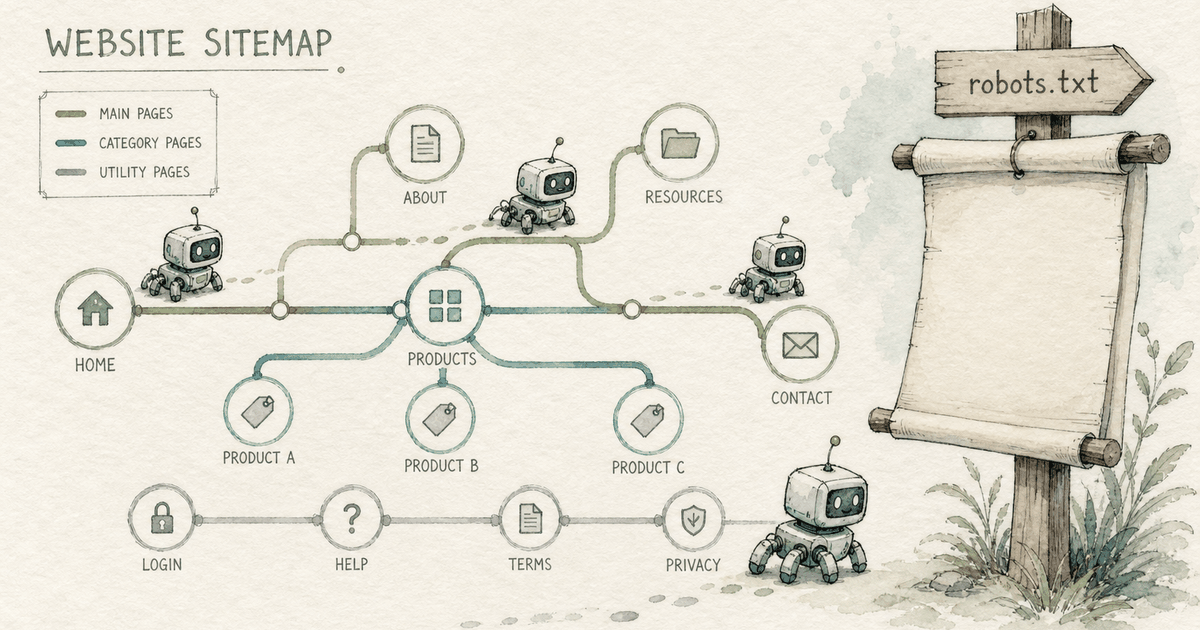
GPTBot is OpenAI's crawler for collecting content that may be used to train its models; ClaudeBot is Anthropic's equivalent. Neither is the bot that puts you in search answers. For that, ChatGPT uses OAI-SearchBot and Claude uses Claude-SearchBot. User-triggered fetches come from ChatGPT-User and Claude-User.
That split matters: you can block training crawlers and still stay visible in AI search, but blocking the search bots can remove you from answers.
What does each AI crawler do?
User agent
Company
Purpose
Block it and…
GPTBot
OpenAI
Crawls content that may be used to train models
Your content should not be used in training
OAI-SearchBot
OpenAI
Surfaces websites in ChatGPT search
You can drop out of ChatGPT search answers
ChatGPT-User
OpenAI
Visits pages when a user's action asks for it
robots.txt rules may not apply (user-initiated)
ClaudeBot
Anthropic
Collects content that may contribute to training
Future content excluded from training
Claude-SearchBot
Anthropic
Improves search result quality for Claude users
Less visibility and accuracy in Claude search
Claude-User
Anthropic
Fetches pages when a Claude user asks
Claude cannot retrieve your page for users
PerplexityBot
Perplexity
Indexes sites for Perplexity answers
Less visibility in Perplexity
Google-Extended
Google
Controls use in Gemini models (not a separate crawler)
Want AI visibility (most businesses): allow OAI-SearchBot, Claude-SearchBot, PerplexityBot, Googlebot, and Bingbot. User agents (ChatGPT-User, Claude-User) should also be allowed.
Want visibility but not training: allow the search bots, disallow GPTBot and ClaudeBot. This is a legitimate middle ground.
Publishers protecting content: decide per bot; blocking everything trades away AI referral traffic.
Also check your CDN. Some Cloudflare and firewall settings now block AI bots by default, regardless of what robots.txt says.
Remove the two training blocks if you are happy for your public content to inform future models; many brands allow them to improve how models describe them.
How do you see which AI bots visit your site?
Agent analytics tools read your server or CDN logs and label AI bot visits. Thomas from OtterlyAI explains why that data is useful next to citation tracking:
Not every agent is the same. We have different on-demand AI fetchers. There are agents crawling the internet basically to build up the search index. And we also have agents from the different models that are basically crawling content for the training of the different LLM models.
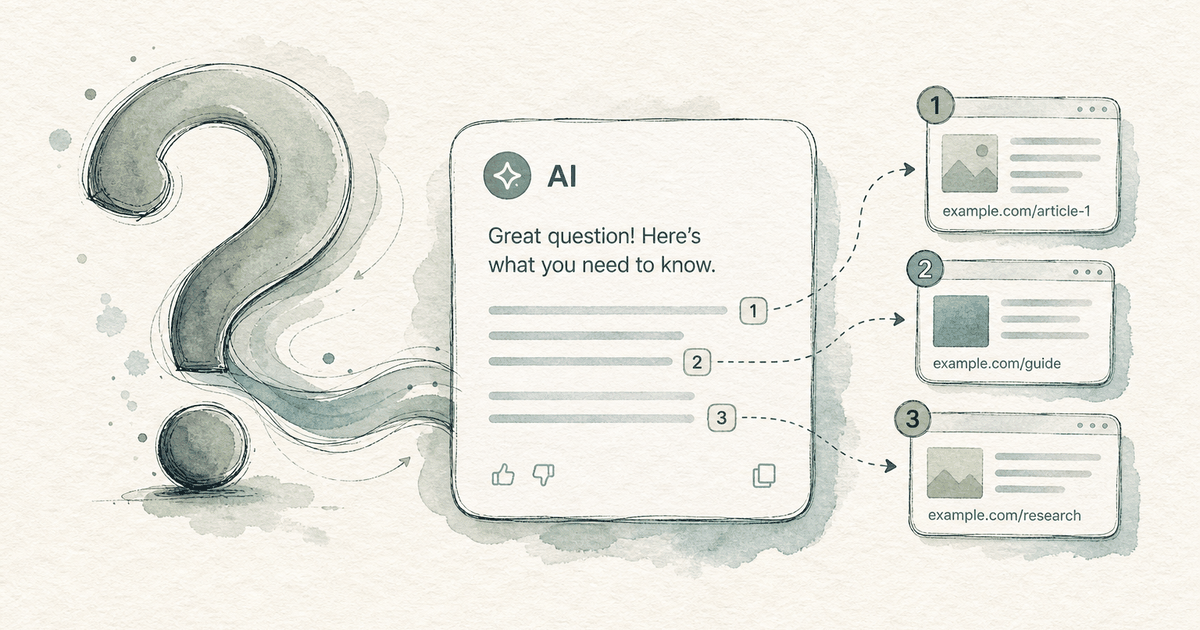
An agent is crawling my content, is coming to my home page in this case, is crawling that particular page and then is deciding if it’s citation worthy content.
His practical point: compare crawl data with citation data. A page crawled often but rarely cited may need clearer, citable passages. A page cited often from few crawls is working and worth expanding.
How do you track AI crawler traffic?
Server or CDN logs: filter user agents for GPTBot, OAI-SearchBot, ChatGPT-User, ClaudeBot, Claude-SearchBot, Claude-User, and PerplexityBot.
Verify IPs: OpenAI and others publish IP ranges; spoofed user agents are common.
Hosting dashboards: Cloudflare, Vercel, and others show bot traffic and AI crawler controls.
Analytics for humans: track referrals from chatgpt.com, perplexity.ai, claude.ai, gemini.google.com, and copilot.microsoft.com separately.
Compare with citations: map crawled pages to cited pages from your prompt tracking.
What are the most common AI crawler mistakes?
Blocking GPTBot and thinking you are out of ChatGPT search. You are not; OAI-SearchBot controls that.
Blocking OAI-SearchBot or Claude-SearchBot by accident with a broad User-agent: * disallow.
A CDN bot-fight mode silently blocking AI crawlers.
Key content rendered only by JavaScript, so bots see an empty page.
No sitemap reference, so new pages are discovered slowly.
How does Dooza check AI crawler access?
Dooza is an AI-native company that builds AI products and services for small businesses. For AI search, Ranky does the work. Ranky tracks how ChatGPT, Perplexity, Gemini, Claude, Microsoft Copilot, and Google AI Overviews answer the prompts your buyers ask, maps which sources those answers cite, and then does the fixes: it drafts and publishes answer-ready pages, fixes schema, and flags the third-party threads worth joining, all behind your approval. Every Dooza product starts with a refundable pilot — 100% refund within 14 days.
Every Dooza setup starts with a crawler check: robots.txt rules per AI bot, CDN blocking, raw-HTML rendering of key pages, sitemaps, and an llms.txt file. Fixes ship before any content work, because a page bots cannot read cannot be cited. Next, see how AI citations work and LLM SEO.
Check your AI crawler access
Book a free pilot call to scope a refundable pilot: we check which AI bots can reach your site and fix what is blocked.
Frequently Asked Questions
What is ClaudeBot?
ClaudeBot is Anthropic's web crawler that collects content that may contribute to training Claude models. Blocking it signals your content should be excluded from training; it is separate from Claude-SearchBot, which supports Claude's search results.
What is GPTBot?
GPTBot is OpenAI's crawler for content that may be used to train its generative AI models. Disallowing it opts your content out of training but does not remove you from ChatGPT search, which uses OAI-SearchBot.
Should I block GPTBot?
Only if you do not want your content used for model training. Blocking GPTBot does not affect ChatGPT search visibility as long as OAI-SearchBot is allowed.
Which AI bots should I allow for AI visibility?
Allow OAI-SearchBot, ChatGPT-User, Claude-SearchBot, Claude-User, PerplexityBot, Googlebot, and Bingbot. These power AI search answers and user-requested page fetches.
Does blocking Google-Extended remove me from AI Overviews?
No. Google-Extended controls use of content for Gemini models. AI Overviews rely on normal Googlebot crawling and indexing.
How can I see AI bot traffic?
Filter server or CDN logs by AI user agents, verify IP ranges, use hosting dashboards like Cloudflare or Vercel, or use an agent analytics tool, and compare crawled pages with cited pages.
Ready to Start Your Pilot?
Automate your business with AI employees that work 24/7. Start with a refundable pilot: 100% refund within 14 days.
AI Visibility Tools in 2026: How to Choose a Platform That Tracks and Improves Your Brand in AI Search
AI visibility tools show how ChatGPT, Perplexity, Gemini, and Google AI Overviews talk about your brand. This guide explains the metrics, how to run a free manual audit first, and how to pick a platform that turns the numbers into fixes.
Answer Engine Optimization (AEO): The 2026 Guide to Getting Cited by AI
Answer engine optimization is how you get mentioned and cited when people ask ChatGPT, Perplexity, Gemini, and Google AI a question. Here is how it works, what to do first, and how to measure it.
Start with a refundable pilot — 100% refund within 14 days. A Dooza engineer scopes it with you on a free 30-minute call. Pricing depends on the product; see pricing.